.pse, .pml, .py and .pdb in PyMOL: what each file is and how to open it without PyMOL
Sessions, scripts and structures, and what survives the trip to another program

Matic Broz, PhD12 min
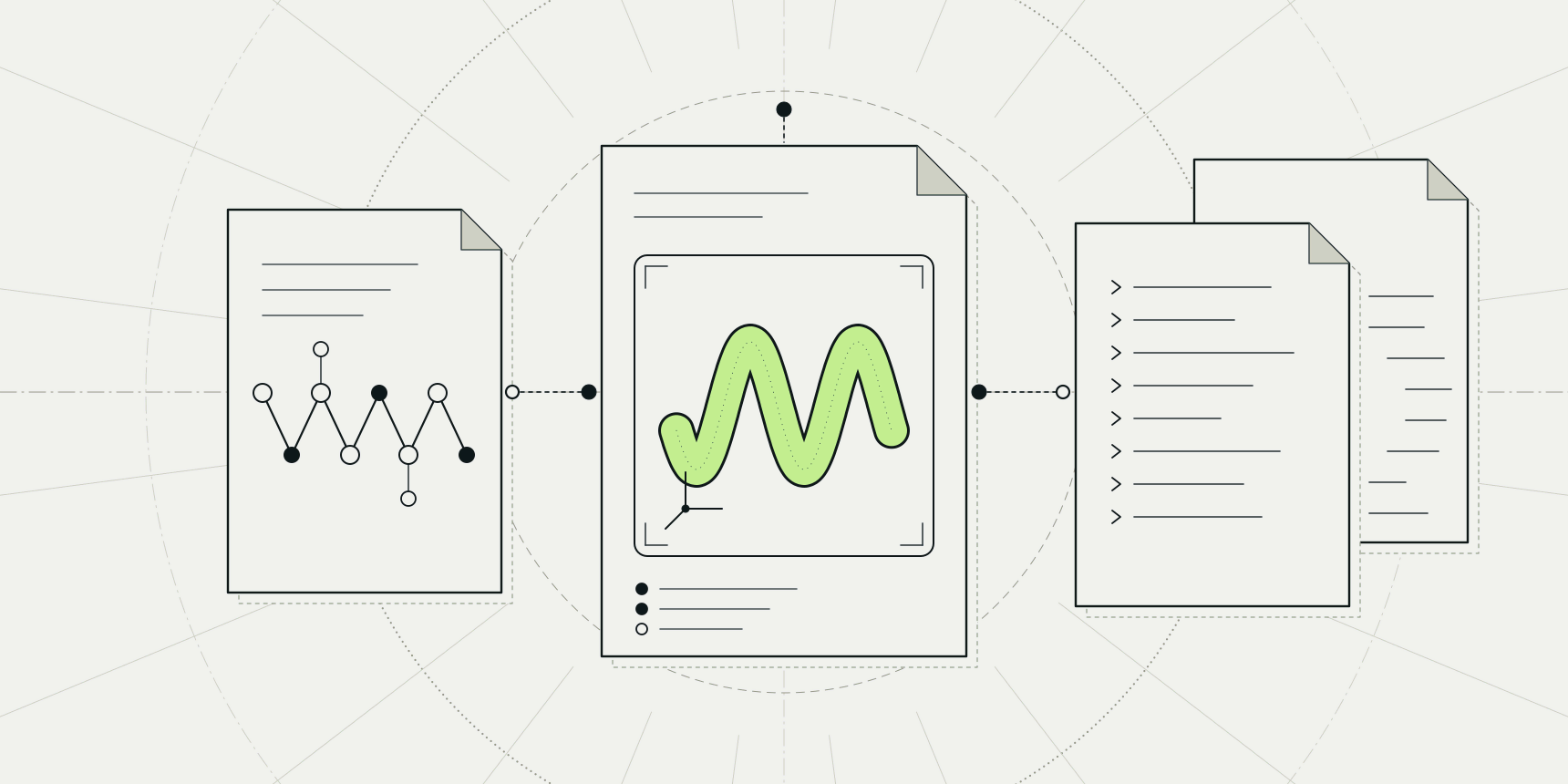
A .pse file is a saved PyMOL session: everything on the screen when someone chose to save, in one file. A .pml file is a short text file of PyMOL commands, a .py file is a Python script, and a .pdb file is just the atoms. You open a .pse with load in PyMOL, and without PyMOL you can drop it onto the PDB viewer, which also runs .pml and .py files.

The confusion is understandable. A collaborator sends figure3.pse and a setup.pml, a supplement lists a .py script, and all three are described as "PyMOL files". They are three different kinds of thing: a snapshot of a finished scene, a recipe that builds one, and a program that can compute while it builds. Only the snapshot is a binary file. The other two you can read in Notepad before you run them.
What each file type is
| Extension | What it is | Readable as text | How PyMOL opens it |
|---|---|---|---|
.pse | A PyMOL session: the complete PyMOL state | No, it is binary | load figure.pse |
.pml | A script of PyMOL commands, one per line | Yes | @setup.pml or File, then Run script... |
.py | A Python script that calls PyMOL's cmd module | Yes | run script.py |
.pdb | Atom coordinates of a structure | Yes | load 1ubq.pdb |
The .pdb row stands for a whole family. load picks the reader from the extension; the Load page names .pdb, .mol, .mmod, .xplor, .ccp4, .r3d, .pse and .pkl.[2] PyMOL's fetch downloads mmCIF by default, so a .cif file turns up in many PyMOL folders too.[8] The open a PDB file guide covers the structure formats line by line, and PDBQT is the docking variant that docking programs write.
PyMOL sessions in .pse files
A session is PyMOL's own save format. The Save page puts it plainly: if the file extension is .pse, the complete PyMOL state is always saved to the file.[1] That includes the structures themselves, which is why a .pse file is self-contained. Nobody needs the original PDB entry to open it, and that is also why a session of a large complex runs to many megabytes.
To save one, type save thisSession.pse at the PyMOL> prompt. The selection and state arguments do nothing for sessions.[1]
To open one, type load thisSession.pse; the Load page says session files must end in .pse. By default load discards the current session, and its partial argument changes that: partial=1 merges the file into what is open but does not bring over global settings, selections, the movie or the camera, and partial=2 also loads the camera view.[2]
The pse_binary_dump setting
PyMOL has a setting that changes how the session is written. With pse_binary_dump on, session export is significantly faster and the files are smaller; the PyMOL wiki shows a fetch 1ubq session of 215,482 bytes with the setting off and 118,557 bytes with it on.[6] The setting arrived in PyMOL 1.8.[6]
It matters when you share a session with anything other than PyMOL. A file written with the setting on uses a different layout, and the PDB viewer cannot read it. If you are sending a .pse to a collaborator who might use a browser, type set pse_binary_dump, 0 and save again.
What a session can and cannot carry to another program
A session is a complete save for PyMOL, but another program only needs the molecules and how they look. Reading it elsewhere means rebuilding the scene from what the file contains, and the parts that are specific to PyMOL do not translate. The PDB viewer documents which parts it brings over and which it leaves behind.
| Carried over | Not carried over |
|---|---|
| Each molecular object, with its enabled or disabled state | Maps and meshes |
| Representations such as cartoon, sticks and surface | CGO objects |
| Per-atom colours | Measurements and distance objects |
| Labels (the first 300) | Selections |
| The 64 most common colours of a molecule | The saved camera view and object matrices |
| The first state of a multi-state object | Later states of multi-state objects |
When a session holds something the viewer skips, it lists it by name, for example Not opened: density_map (map). A molecule with more than 64 distinct colours keeps the 64 most common ones, so a figure coloured by a continuous property can come out slightly banded. The viewer reads the session as data and cannot run code from it.
The practical consequence for a figure is the camera. A .pse remembers the exact angle you spent an hour choosing, and a browser opening it will not. If you need the same view elsewhere, run get_view in PyMOL and paste the 18 numbers it prints into the viewer's command line as set_view.
PyMOL scripts in .pml and .py files
A .pml file is plain text. The PyMOL wiki defines it as a file of PyMOL commands, one per line, and the command reference adds that any line PyMOL does not understand as a command is passed to Python.[3][7] That makes a script the better way to share a figure when you can: it is small, readable, and a reviewer can see which colour you gave which chain. This one builds a small scene on ubiquitin:
fetch 1ubq
hide everything
show cartoon
util.cbss
select hydrophobic_core, resn ILE+LEU+VAL+PHE+MET and chain A
show sticks, hydrophobic_core
color orange, hydrophobic_core and elem C
label n. CA and resi 1+48+76, resn + resi
zoom
To run it in PyMOL, click File, then Run script..., or type @setup.pml at the prompt. A relative path is enough if PyMOL was started in the same directory.[3][4] Scripts also run in order, so a line that depends on an earlier one, such as show sticks, hydrophobic_core after select, fails if you paste it out of sequence.
A .py file is a Python program. It can loop, count and decide, which a .pml cannot, by calling cmd functions. This one finds the acidic residues of ubiquitin, colours them red and reports how many it found:
stored.res = []
cmd.iterate("chain A and name CA", "stored.res.append((resi, resn))")
acidic = 0
for resi, resn in stored.res:
    if resn in ("ASP", "GLU"):
        cmd.color("red", f"chain A and resi {resi}")
        cmd.show("sticks", f"chain A and resi {resi}")
        acidic += 1
print(acidic, "acidic residues of", len(stored.res))
In PyMOL you run it with run acidic.py. Run executes the script in the global namespace by default.[5] Only run .py files from people you trust, because a Python script can do anything Python can do on your computer. A .pml file is safer to read first, but a .pml can also contain Python lines, so read it either way.
How to open these files without PyMOL
The PDB viewer by ProteinIQ runs in a browser tab and reads files on your own computer, so nothing needs installing and the file is not uploaded. It accepts all four kinds.
- Open the PDB viewer.
- Drop a
.pdbor.ciffile onto the canvas, or type a PDB ID into the search box and press Enter. - Drop a
.pmlor.pyfile onto the canvas. A.pmlruns line by line, and the viewer lists any lines that failed. - Drop a
.pseor.pzefile onto the canvas, or choose it with the upload button at the top.
You can also paste several lines into the Command line at the bottom of the canvas; they run as one script and one undo step. The viewer runs common PyMOL commands such as select, show, color, align, distance and png, and a command it does not know answers not supported yet.
The steps above follow the viewer's documentation, and the figures that belong here are still to be captured. If a scene comes out plain, the list of failed lines is the first place to look.
Python scripts run in the viewer's own interpreter, not in CPython. It covers loops, conditions, functions, comprehensions, f-strings, math and random, and the cmd calls PyMOL scripts use most. Classes, with blocks, yield and libraries such as NumPy are not available, and a run stops after 15 seconds. A script that needs those still has to run in PyMOL. The PyMOL commands guide lists the commands the viewer runs.
Saving your work in the viewer
The viewer does not write .pse files. To keep a scene, click Export, choose the Session tab and click Download. The result is a .molx file, the viewer's own session format, and dropping it onto the viewer brings the scene back with its structures, styles, colours, labels, measurements, camera and PyMOL selections. It is a Mol* session, so the Mol* viewer at molstar.org opens it too, minus the parts only this viewer knows about.
Two limits apply. A .molx file is not a .pse, so PyMOL cannot open it. For PyMOL, Download for PyMOL on the same tab saves a zip with each structure as mmCIF and a scene.pml that loads them and sets the view. The colours and representations are not part of it, so PyMOL shows its default style. In practice you keep two files if you move between programs: the .molx for the browser and the .pml for the recipe.
Common mistakes
| Problem | Symptom | Fix |
|---|---|---|
Session saved with pse_binary_dump on | The PDB viewer reports it cannot read the file | In PyMOL, run set pse_binary_dump, 0 and save the session again |
Colours or labels differ after opening a .pse elsewhere | Some atoms lose their colour, or only part of the labels appear | A molecule keeps its 64 most common colours and the first 300 labels; recolour in the new program |
| The camera angle is wrong | The scene opens from the default view | Run get_view in PyMOL and paste the result as set_view in the viewer |
| A density map is missing | The viewer lists a skipped map | Maps are not carried over; load the map again in the viewer or open the session in PyMOL |
A .pml loads a file that is not there | A line fails on load | Put the structure in the same folder as the script, or start the script with fetch and a PDB ID |
A .py script fails in the browser | A traceback, or a library is not found | The viewer has no NumPy, classes or with blocks; run it in PyMOL |
| Saved with Export and sent to a PyMOL user | PyMOL cannot open the .molx file | Send the zip from Download for PyMOL, or send the .pml script |
After opening it
With the structure on screen, the next step is usually a check or a comparison. PDB to CIF converts a legacy .pdb file when a program asks for mmCIF, and PDBFixer rebuilds missing atoms before docking. To pull one chain's sequence from any of these files, PDB to FASTA reads it, and PDB download fetches a file by ID. If you are deciding whether to buy or install PyMOL at all, the PyMOL licence guide sets out what each build costs.
FAQ
What is a .pse file?
A PyMOL session: a binary file that stores the complete PyMOL state, including the structures and how they are displayed. Open it with load name.pse in PyMOL, or drop it onto the PDB viewer.
What is a .pml file?
A plain-text script of PyMOL commands, one per line. Run it with @name.pml or File, then Run script..., or drop it onto the PDB viewer.
How do I open a .pse file without PyMOL?
Drop it onto the PDB viewer. It brings over the molecules with their representations, colours and labels, and lists what it skips. Maps, measurements, selections and the camera view do not come along, and a session saved with pse_binary_dump on has to be saved again first.
Can I convert a .pse file to a .pdb file?
Open the session in PyMOL and use save with a .pdb file name. A PDB file holds only atoms, so none of the colours, representations or labels go into it.
Can the PDB viewer save a .pse file?
No. It saves .molx session files with Export, then Session, and a zip with mmCIF files and a .pml script for PyMOL.
Is it safe to open a .pse or .py file someone sent me?
A .py script can do anything Python can do, so read it first and run it only from people you trust. In the PDB viewer, a session is read as data and cannot run code, and Python scripts can only act through cmd.