How to make a protein animation or GIF
From a quick spin to a keyframed movie, and the MP4 to GIF step

Matic Broz, PhD16 min
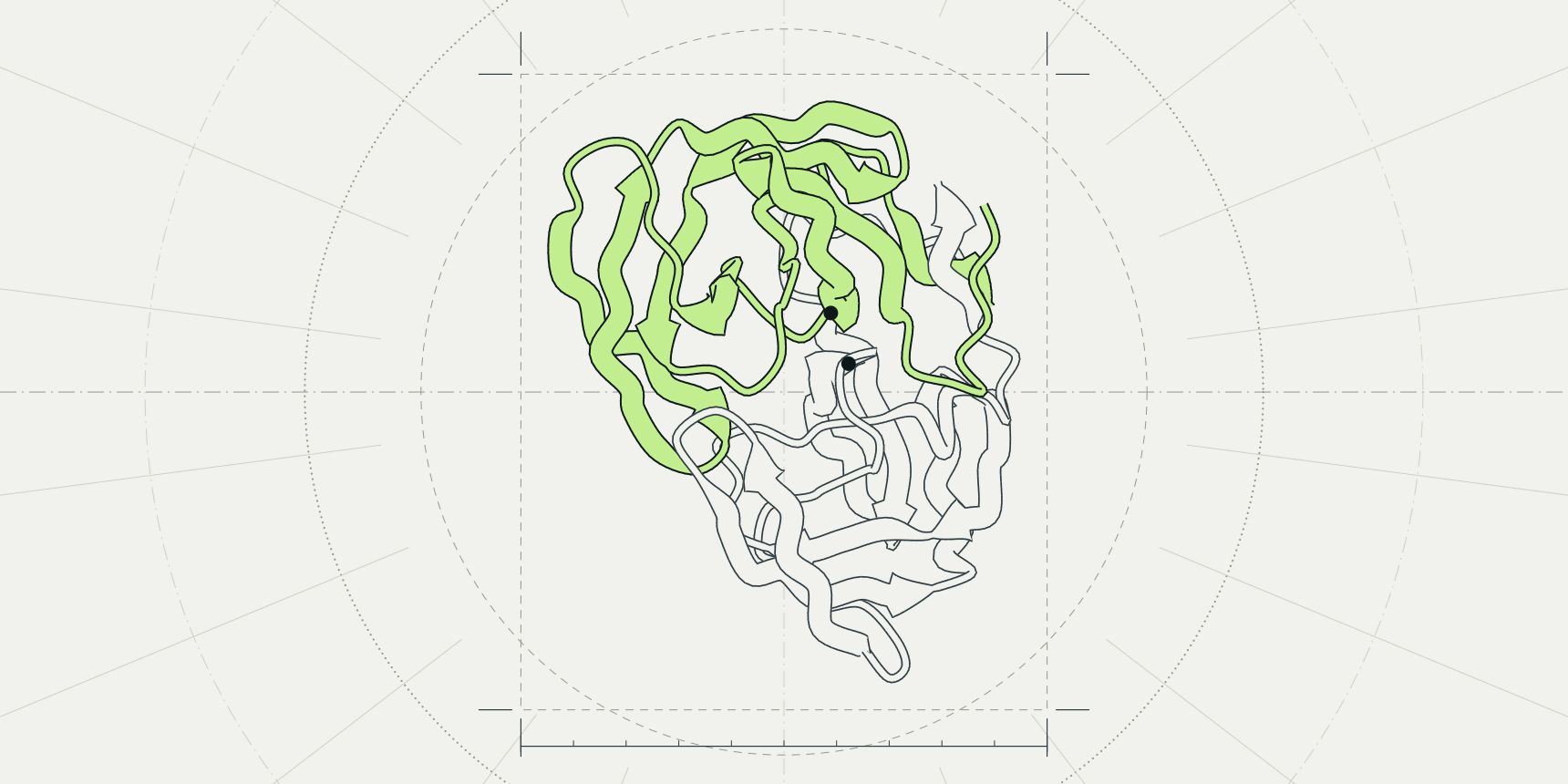
Adenylate kinase closes like a clam. In the crystal structure 4AKE its lid and nucleotide-binding domains stand apart, and in 1AKE, where it holds the inhibitor Ap5A, they have snapped shut over it.[9][10] A pair of still images shows that something moved. An animation shows where the hinge is and how far each domain travels.
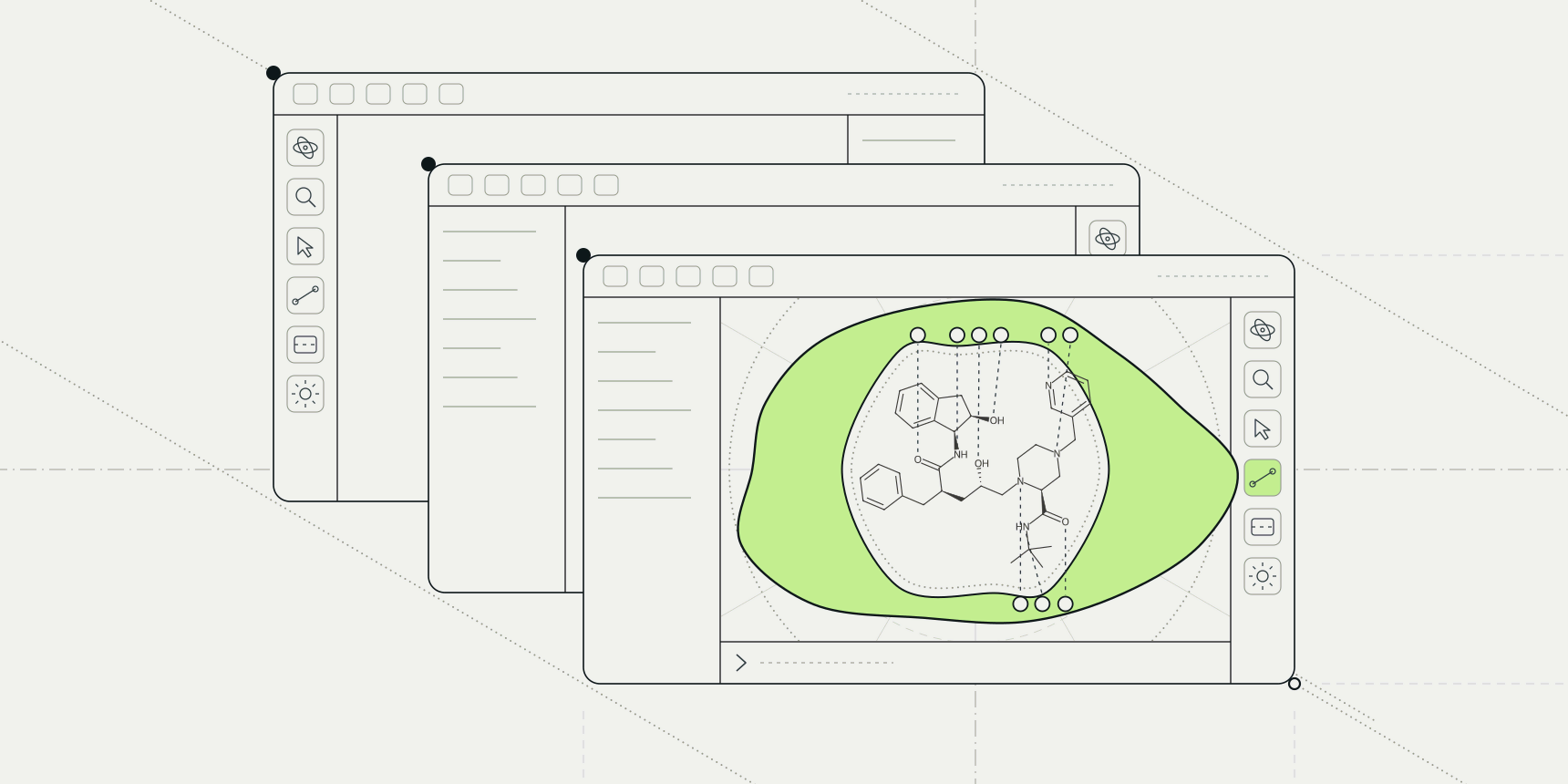
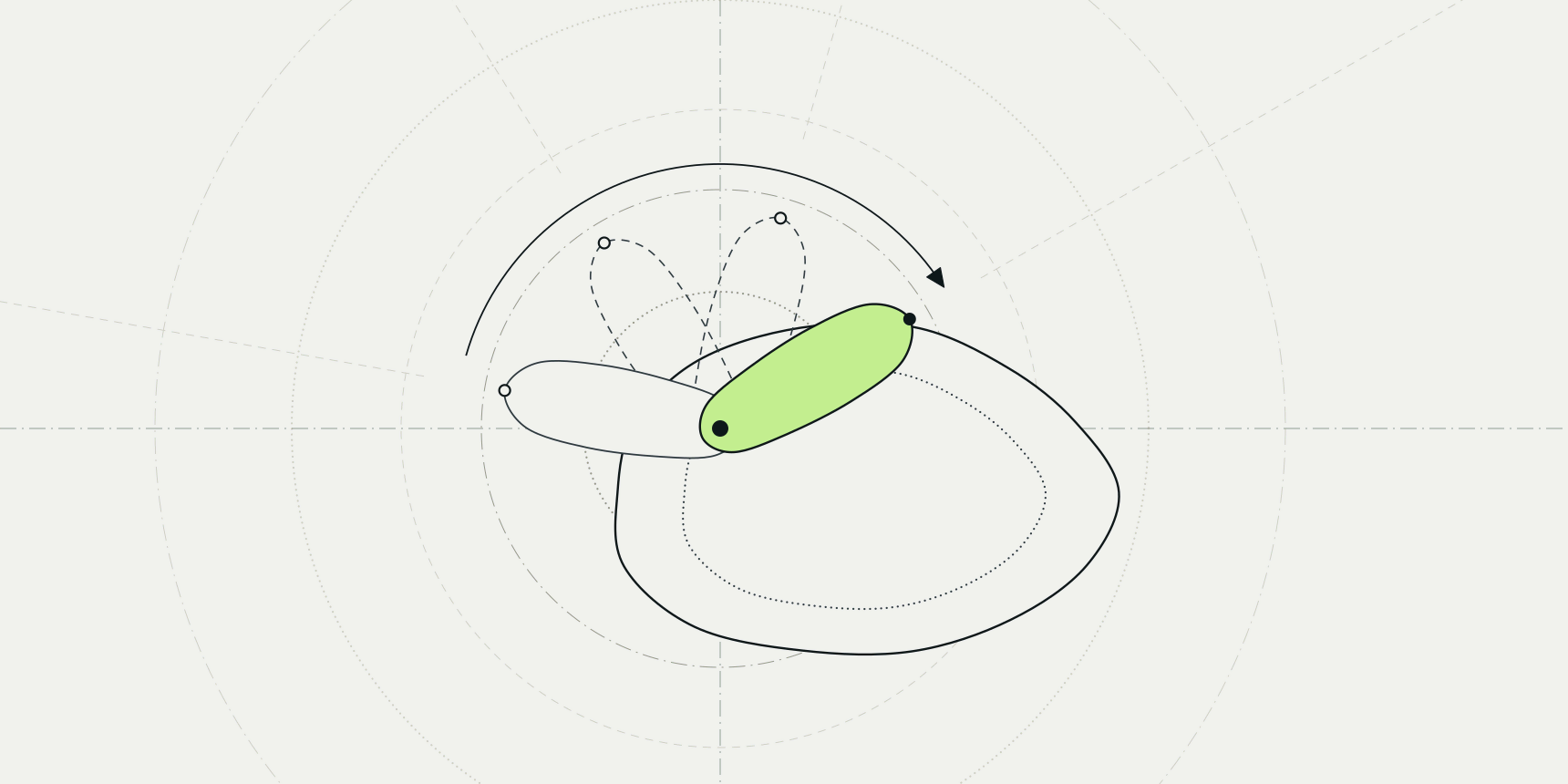
You have four ways to make one. A rock or spin turns the camera around a static structure, a morph moves the atoms from one conformation to another, a trajectory plays a simulation, and a storyboard stitches saved views into a short film with camera moves, cuts and fades.
The PDB viewer by ProteinIQ makes all four in the browser and saves an MP4; PyMOL and ChimeraX do the same from commands. A GIF is one ffmpeg command away from that MP4.

Choose the kind of animation
Pick by what the viewer has to understand, not by what is easiest to make. A spin shows shape, so it suits a structure the audience has never seen. A morph or a trajectory shows motion, and a storyboard shows an argument, such as the whole protein, then the pocket, then the ligand with its contacts.
| Kind | Use it when | PDB viewer | PyMOL | ChimeraX |
|---|---|---|---|---|
| Rock or spin | One structure, no story | Export > Movie > Rock, Spin or Rotate | mset 1 x120, mview store, turn | movie record, turn y 2 180 |
| Morph | Two conformations of one protein | morph command, then Frames | morph | morph |
| Trajectory | You have a simulation | MD trajectory, then Frames | mset 1 -N | coordset |
| Storyboard | You have a point to make in sequence | Scenes > Movie tab | scene, mview store, N, scene= | movie crossfade |
The example below is adenylate kinase throughout: 4AKE for the open form and 1AKE for the closed one, which PyMOL's own morph documentation also uses.[3]
Make a rock or spin in the PDB viewer
This is the two-minute route, and the right one for a structure on a title slide.
- Open the PDB viewer, type
1AKEinto the search box and pressEnter. - Set the look first: movies are rendered from what is on screen, so hide the waters, pick a style and choose the lighting you want.
- Click
Export, open theMovietab and choose aMotion. - Set
Duration,ResolutionandBackground, then clickRender MP4.
Rock sways the camera 20° each way every 4 seconds, Spin turns it around the vertical axis, and Rotate turns it top over bottom. Duration runs from 2 to 20 seconds, the frame rate is 30 per second, and the sizes are 1280 × 720, 1920 × 1080 and 1080 × 1080 on a white or black background. A render takes about as long as the movie or longer, and Cancel stops it.
Ray traced lighting looks best in a movie but costs the most, since every frame is path-traced. Try Flat or Soft shadows first and switch to ray tracing for the final render.
Morph between two conformations
A morph is not a simulation. It builds 30 frames that move every atom from the first structure's positions to the second's, which is enough to see a hinge close. Put both structures in one scene, then run a single command.
- Open
4AKE, then type1AKEinto the search box and pressShift+Enterto add it to the scene. - Open the command line at the bottom right of the canvas and type
morph closing, 4AKE and chain A, 1AKE. - Type
hide everything, 4AKEandhide everything, 1AKEso only the newclosingobject shows. - Press play on the player at the bottom of the canvas, or step through with
frame 1toframe 30.
The viewer reports 30 frames (corkscrew) over 1,656 atoms in 214 residues, with the end fitted onto the start at an RMSD of 1.67 Å over 140 Cα/P, and 72 start and 310 end atoms left out for lack of a partner.
The 1.67 Å is an RMSD, the root-mean-square distance between matching Cα atoms after the closed form is fitted onto the open one. The left-out atoms are the Ap5A inhibitor, the waters and anything else without a partner in the other structure.
The default interpolation finds the parts that move as rigid bodies and turns each along its own screw motion, so a hinged domain keeps its shape on the way. linear moves each atom in a straight line instead, as PyMOL's morph does with method=linear.[3]
No energy minimisation runs between frames, so bonds near the hinge can stretch in the middle of the morph. That is fine for an overview and wrong for anything you would call a mechanism.
To record it, open Export > Movie and choose Frames, which plays the morph to its last frame and back. The trajectory panel can also save every frame as a multi-model mmCIF or PDB file. Morphs are built in your browser, so a share link from Export > Link leaves them out; save a .molx session file to keep one.
The same morph in PyMOL and ChimeraX
PyMOL: morph mout, 4akeA, 1akeA builds 30 states by default, with steps to change that and method=linear for straight-line interpolation. match=in pairs atoms by identifiers, which you want when a ligand should travel too, and refinement=0 skips the sculpting step that can make unconnected molecules bounce.[3]
ChimeraX: morph #1,2 frames 30 creates a trajectory between the two models, and the coordset command or the slider plays it.[7]
Play a trajectory
A molecular dynamics run is already an animation. In the PDB viewer, open the topology (a PDB or GRO file) first, then click Open coordinates for the XTC, DCD or TRR file, or drop both on the canvas together. The limits are 150 MB and 25 million atom-frames, the number of atoms times the number of frames.
A player appears along the bottom of the canvas with play, step, a frame slider, speed and loop. Export > Movie > Frames records it as an MP4 like a morph. The coordinates stay in your browser's memory, not in the tab's autosave, so after a reload you open the same coordinate file again. The GROMACS tutorial shows how to produce a trajectory to play.
In PyMOL, mset 1 -N maps an N-state trajectory onto N movie frames, one state per frame.[1]
Build a keyframe storyboard from scenes
A storyboard is the right tool when the film has an order: the whole protein, then a turn toward the binding site, then the ligand with a surface behind it. It is built from scenes, which are saved views.
A scene keeps the camera together with the styles, colours and visibility of everything on screen, so recalling it restores the canvas exactly. The Scenes button sits in the view group of the left toolbar, and its panel has three tabs: Scenes, Movie and MP4.
Store the scenes
For 1AKE, store three scenes, adjusting the canvas before each one and clicking Store scene:
- The whole protein as a cartoon with the waters hidden (
hide everything, solvent). This becomes scene001. - The camera close on the inhibitor with its sticks shown (
show sticks, organic, thenzoom organic). Scene002. - A surface over the protein with the inhibitor still in sticks (
show surface). Scene003.
Update saves the canvas over the scene you recalled last, and Previous and Next step through them. In the side panel you can click a scene to recall it, or use the buttons on its row to move, update, rename or delete it.
Order them on the Movie tab
On the Movie tab, Add > All adds every scene in list order, or Add > Scene adds one. Rock and Roll add a camera sway or a full turn between them. New steps go after the selected step, and clicking a step shows that moment of the movie on the canvas.
Each keyframe after the first has a Transition that sets how the movie reaches it:
| Transition | What it does | Use it for |
|---|---|---|
Move | Flies the camera to the scene over the Move time, blending opacity and single colours, fading in what is new and out what is gone | Zooming from the protein to the pocket |
Cut | Jumps to the scene | A hard change of subject |
Fade | Shows the scene from its own viewpoint and dissolves the previous last frame over it | A change too large to fly through, such as cartoon to surface |
Hold is how long a keyframe stays on screen before the next step begins. For 1AKE, a Move of about 3 seconds into scene 002 and a Fade into scene 003 fit the story: the camera dives into the pocket, then the view dissolves to the surface.
Preview and render
Preview plays the movie on the canvas with a player to pause it and drag through it. The MP4 tab renders the file: choose the Resolution, a Frame rate of 24, 30 or 60 and a Background, then click Render MP4. A movie can run up to 3 minutes, a render can be cancelled, and the canvas returns to how it was when the render ends. Scenes and the storyboard stay with the tab's autosave and share links.
The same storyboard from the command line
The viewer reads PyMOL's scene and movie commands. scene new, store saves a numbered scene, scene 002 recalls one, movie.add_scenes adds every scene as a keyframe, movie.rock and movie.roll add motions, mplay starts the preview and movie mp4, talk.mp4, 1920, 1080 renders the file. The PyMOL commands cheat sheet covers the rest of the command set.
PyMOL's own way puts keyframes on frames. mset 1 x120 makes an empty movie of 120 frames, mview store, 1, scene=001 and mview store, 60, scene=002 place keyframes on frames 1 and 60, and PyMOL interpolates the camera between them.[1][2] Without scene=, mview store, 60 stores the current view instead.
Make a movie in PyMOL or ChimeraX
PyMOL keeps a timeline of frames. A minimal spin looks like this:
mset 1 x120
mview store, 1
turn y, 180
mview store, 120
mplay
mset sets up 120 frames of state 1, mview store pins the camera at frames 1 and 120, and PyMOL interpolates between them.[1][2] To save frames, mpng frame_ writes numbered PNG files, and ray tracing them with ray_trace_frames can take hours for a long movie.[4] PyMOL does not stitch them into a video itself; use ffmpeg or an editor.
ChimeraX records while commands run, so the camera move and the recording are written together:
movie record
turn y 2 180
wait 180
movie encode spin.mp4
turn y 2 180 turns 2° about the y axis for each of 180 frames, a full turn, and wait 180 holds the script until it finishes.[5][6] movie encode writes the file, and movie crossfade adds a dissolve between two views. ChimeraX describes the command as meant for scripted recording; for a live session it suggests a screen-capture program instead.[5]
Turn the MP4 into a GIF
Every route above ends in an MP4, and a GIF is a lower-quality copy of it that plays anywhere an image does, such as email, a slide or a forum post. The tool is ffmpeg, which is free. This command makes a 15 frames-per-second GIF, 640 pixels wide, with a palette built for the clip:
ffmpeg -i movie.mp4 -vf "fps=15,scale=640:-1:flags=lanczos,split[s0][s1];[s0]palettegen[p];[s1][p]paletteuse" movie.gifThe palettegen filter builds one 256-colour palette from the whole clip and paletteuse applies it, which keeps a ribbon diagram's smooth shading from turning to noise.[8] We ran this exact command on a 4-second 1280 × 720 test clip and got a 640 × 360 GIF with 60 frames and a size of 1.5 MB.
GIFs grow quickly. Keep clips to about 10 seconds, drop the width to 480 for a lighter file, and loop a spin or rock so the end meets the start. For a web page, an MP4 in a <video autoplay loop muted playsinline> tag is a fraction of the size and sharper, so use the GIF only where video does not play.
To pull still frames out of a movie, for a figure or a thumbnail, use ffmpeg -i movie.mp4 -vf fps=1 frame_%02d.png for one frame per second, or add tile=4x1 after fps=1 for a contact sheet.
View a structure in VR or AR
An animation is a fixed film. VR lets the viewer move around the structure instead. In the PDB viewer, the VR and AR button in the output group of the left toolbar opens the scene in a headset as it is styled on screen. It works in the Meta Quest browser, in Safari on Apple Vision Pro, and in desktop Chrome or Edge with a PC headset connected; elsewhere the button is greyed out.
On a headset with passthrough the structure floats in your room, otherwise it opens in VR. It starts about half a metre across. Hold both triggers and move the controllers apart or together to scale it, press A to switch passthrough on or off and B to leave. The command vr on does the same as the button. Ray traced lighting is turned off in the headset to keep the frame rate up.
For a 3D model you can drop into Blender or a web page, Export > 3D model > glTF saves the scene as one .glb file. The 3D printing guide covers the STL and OBJ options.
Common problems
| Problem | Why it happens | Fix |
|---|---|---|
| The morph looks like the protein melts at the hinge | No energy minimisation runs between frames, so bonds can stretch midway | Use the default corkscrew interpolation, or morph to fewer frames and treat it as an overview |
| The ligand is missing from the morph | Only paired protein and nucleic acid residues are morphed | Show the ligand from the end structure in a storyboard scene instead |
| The morph is missing from a share link | Morphs are built in your browser, so links leave them out | Save a .molx session with Export > Session |
The trajectory says Not in this tab | The frames are kept in memory, not in the autosave | Open the coordinate file again with Open other coordinates |
| The render is slow | Ray traced lighting renders every frame by path tracing | Render a draft with Flat lighting, then the final with ray tracing |
| The GIF is huge | GIF stores every frame in full | Lower fps, width and duration in the ffmpeg command |
Next steps
For a single image instead of a film, how to make a publication-quality protein figure takes one structure to a 300 dpi PNG. To line up two structures before morphing them, how to superimpose and align protein structures compares PyMOL, ChimeraX and the viewer. If your structure came as a file you cannot open, how to open a PDB file covers the formats.
FAQ
How do I make a protein GIF?
Make an MP4 of the structure, in the PDB viewer, PyMOL or ChimeraX, then convert it with ffmpeg using the palettegen command above.
Can I make a protein animation without installing anything?
Yes. The PDB viewer renders a rock, spin, morph, trajectory or storyboard to an MP4 in the browser, with no account or licence.
How do I make a movie in PyMOL?
Set up a timeline with mset 1 x120, pin the camera with mview store at the first and last frame, preview it with mplay, and write frames with mpng. PyMOL does not encode a video, so join the PNG files with ffmpeg.
What is the difference between a morph and a simulation?
A morph interpolates between two known structures and invents the path, so it shows the endpoints but not the real mechanism. A simulation computes the motion under a force field and gives a physically sampled path.
What is the best molecular animation software?
For a quick film, the PDB viewer or ChimeraX. For frame-by-frame control of cameras and objects, PyMOL's mview. For large trajectories and heavy analysis, VMD.