Free
$0
The perfect starting place for your first project.
- All tools
- 200 credits, then 100/mo
- 3 jobs per day
- Up to 1,000 residues per job
- Academic license
Generate backbones and binders, design their sequences, and fold them with independent models before you order genes.
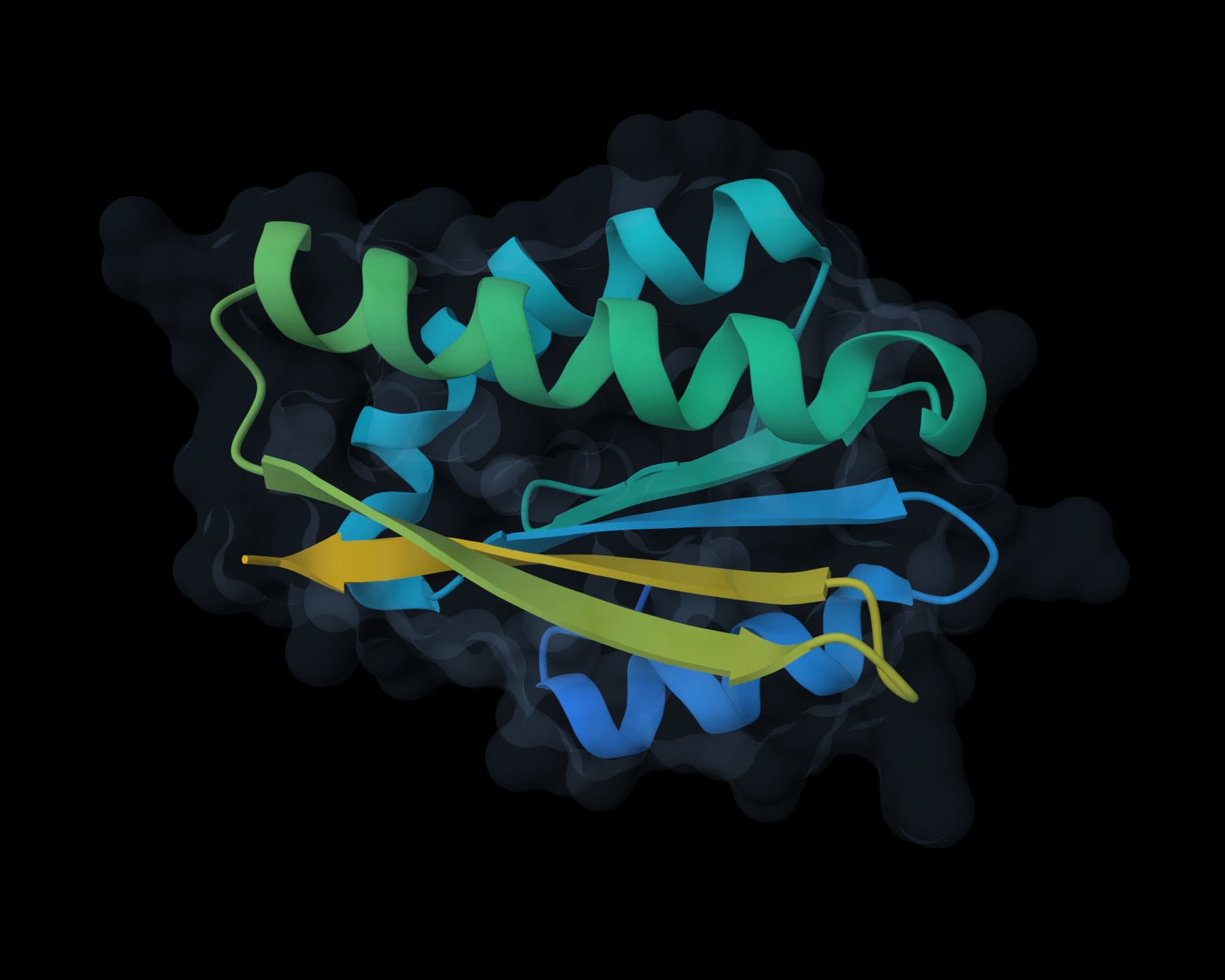
Generate candidate backbones or target-conditioned binders from the structural constraints that define the design problem.
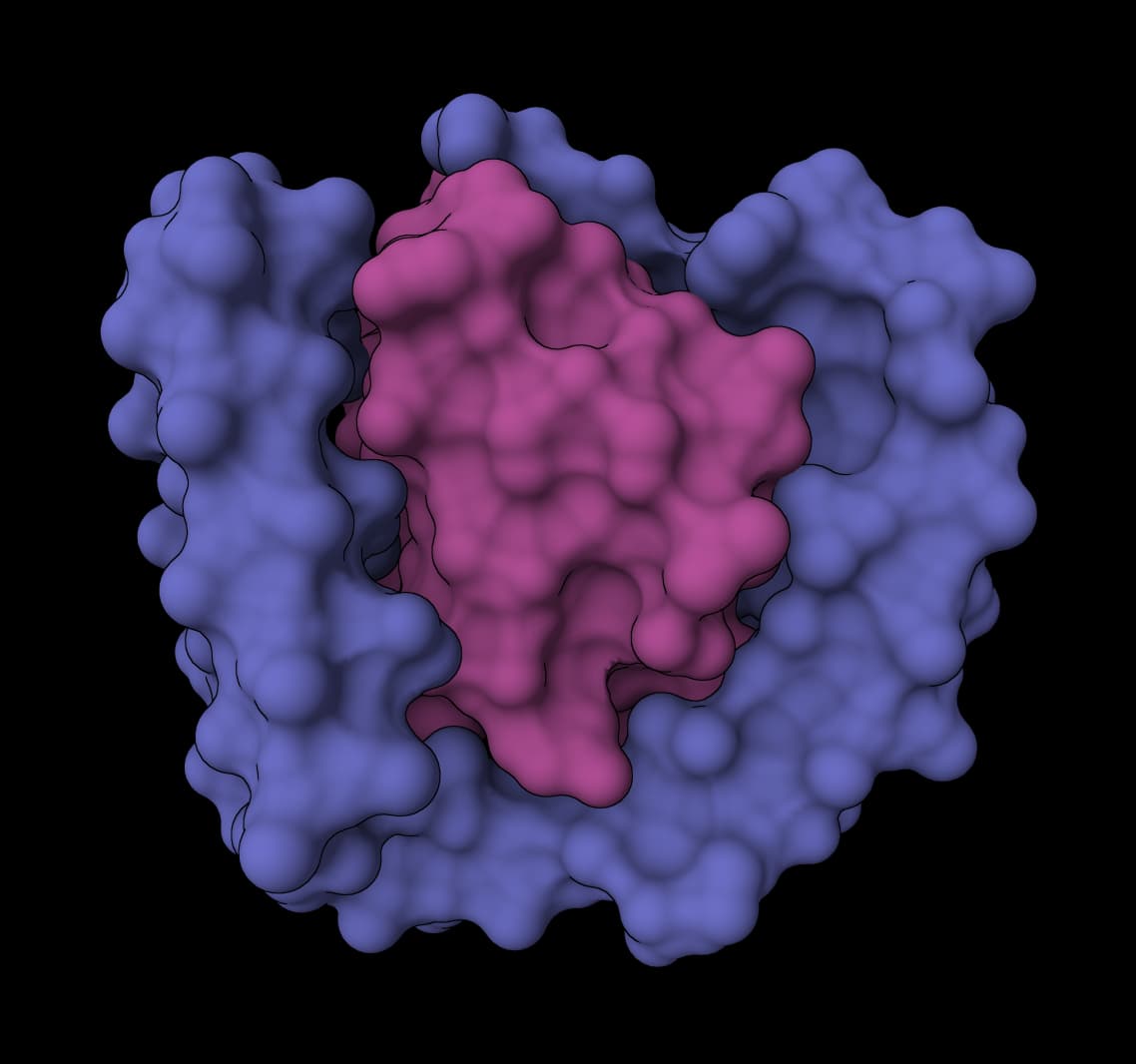
All-atom generative diffusion for designing binders, enzymes, and symmetric protein assemblies
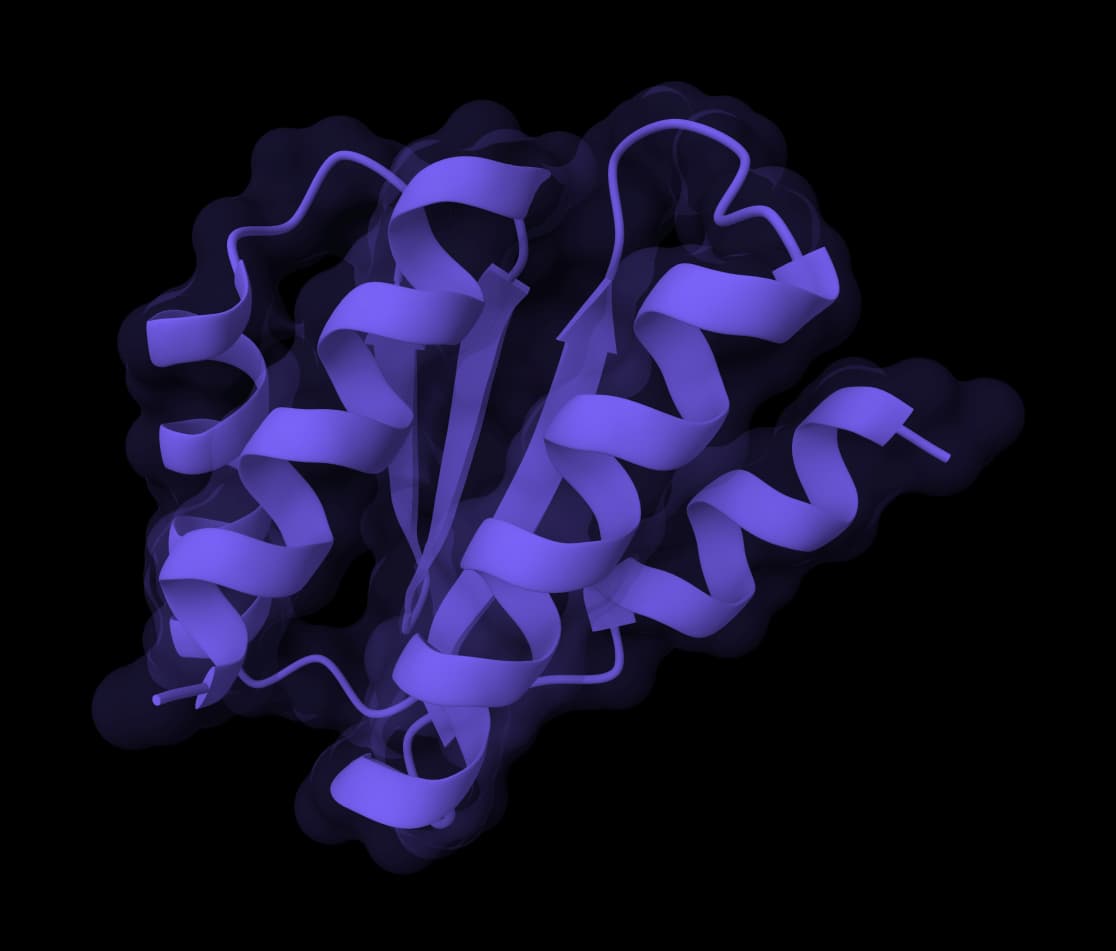
Design protein structures for de novo scaffolds, binders, motifs, and symmetric oligomers.
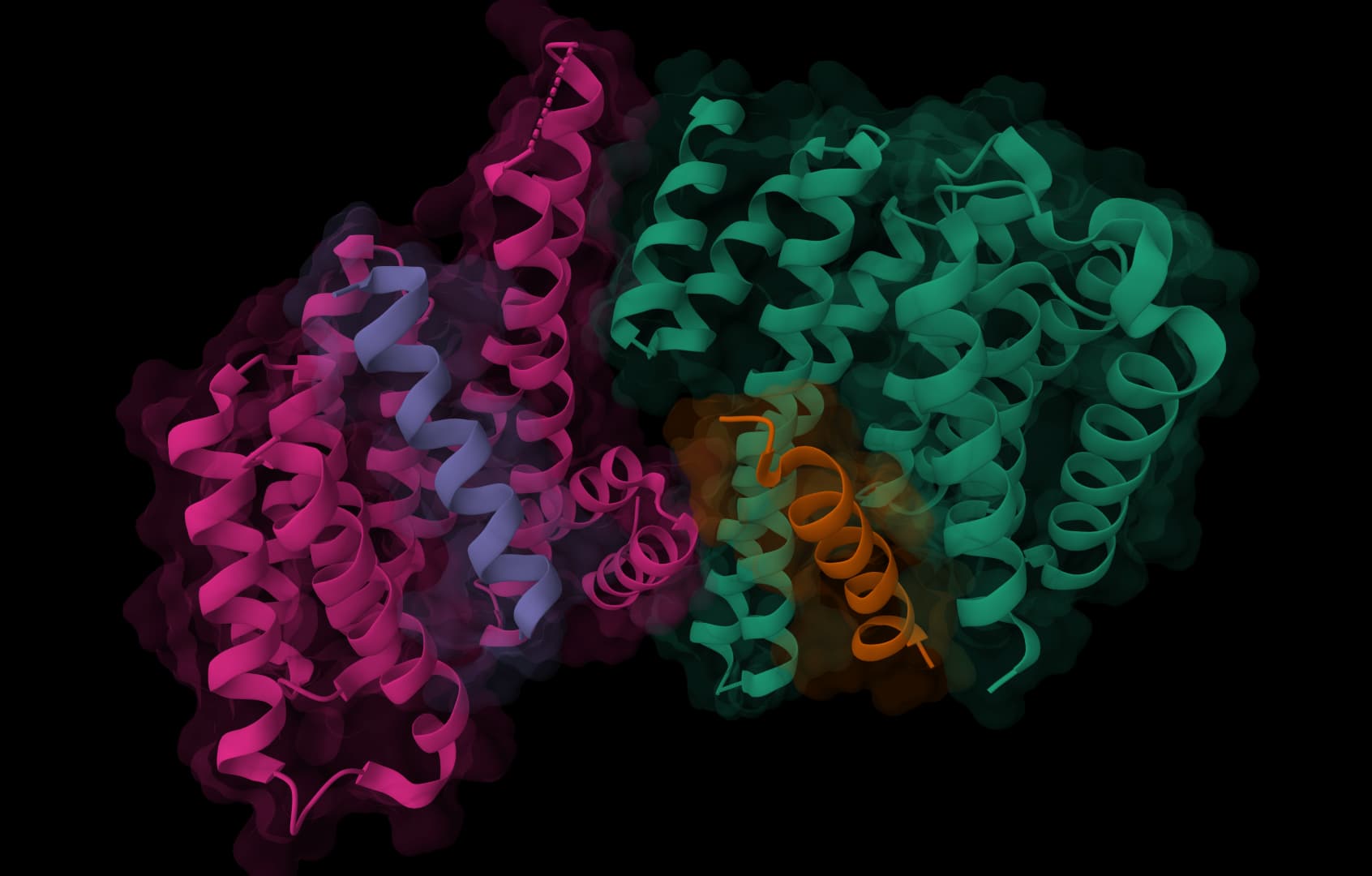
Design de novo protein binders for target surfaces using structure-guided sequence generation.
Design de novo protein binders for target surfaces using structure-guided sequence generation.
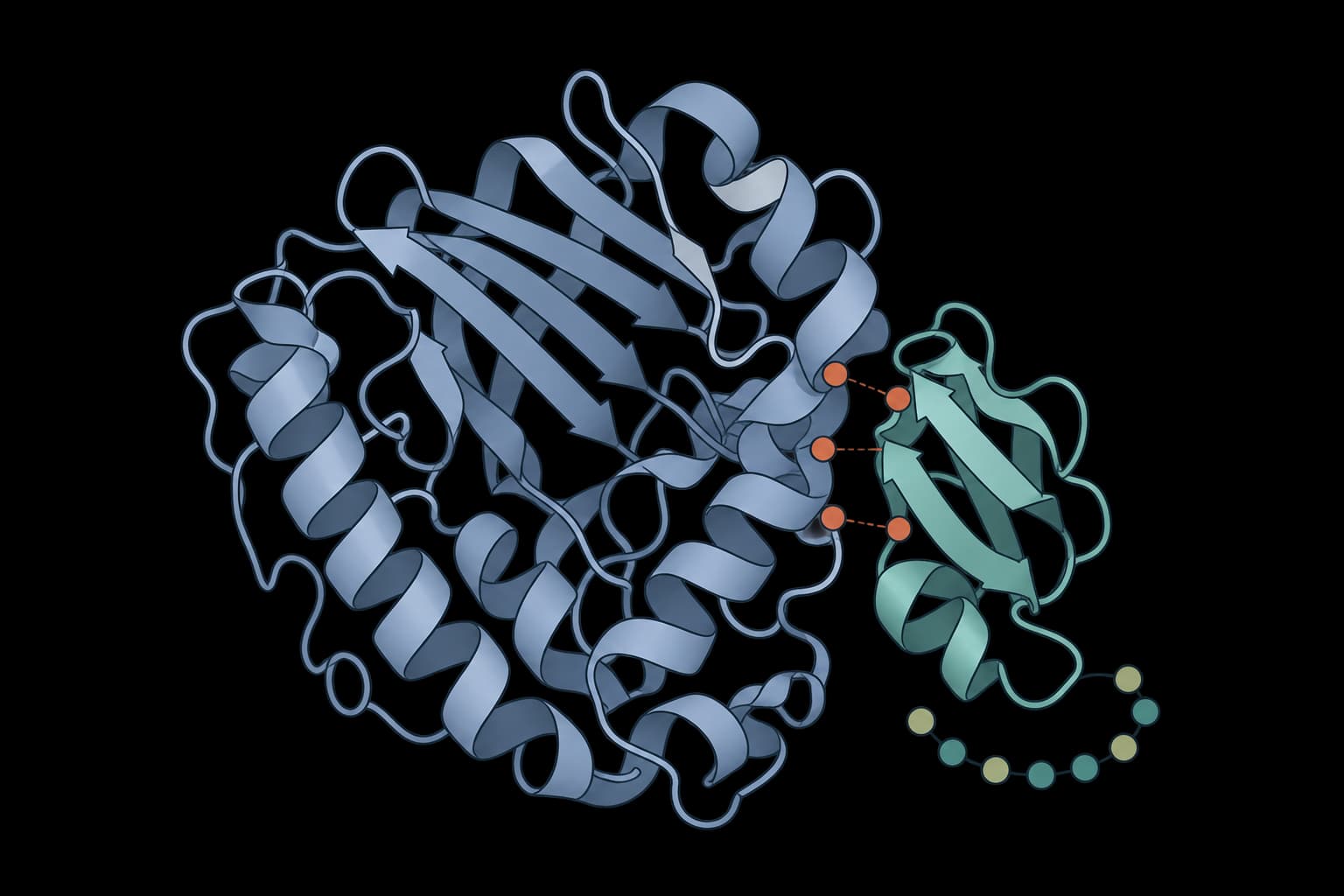
Protein, peptide, nanobody and antibody binder design.
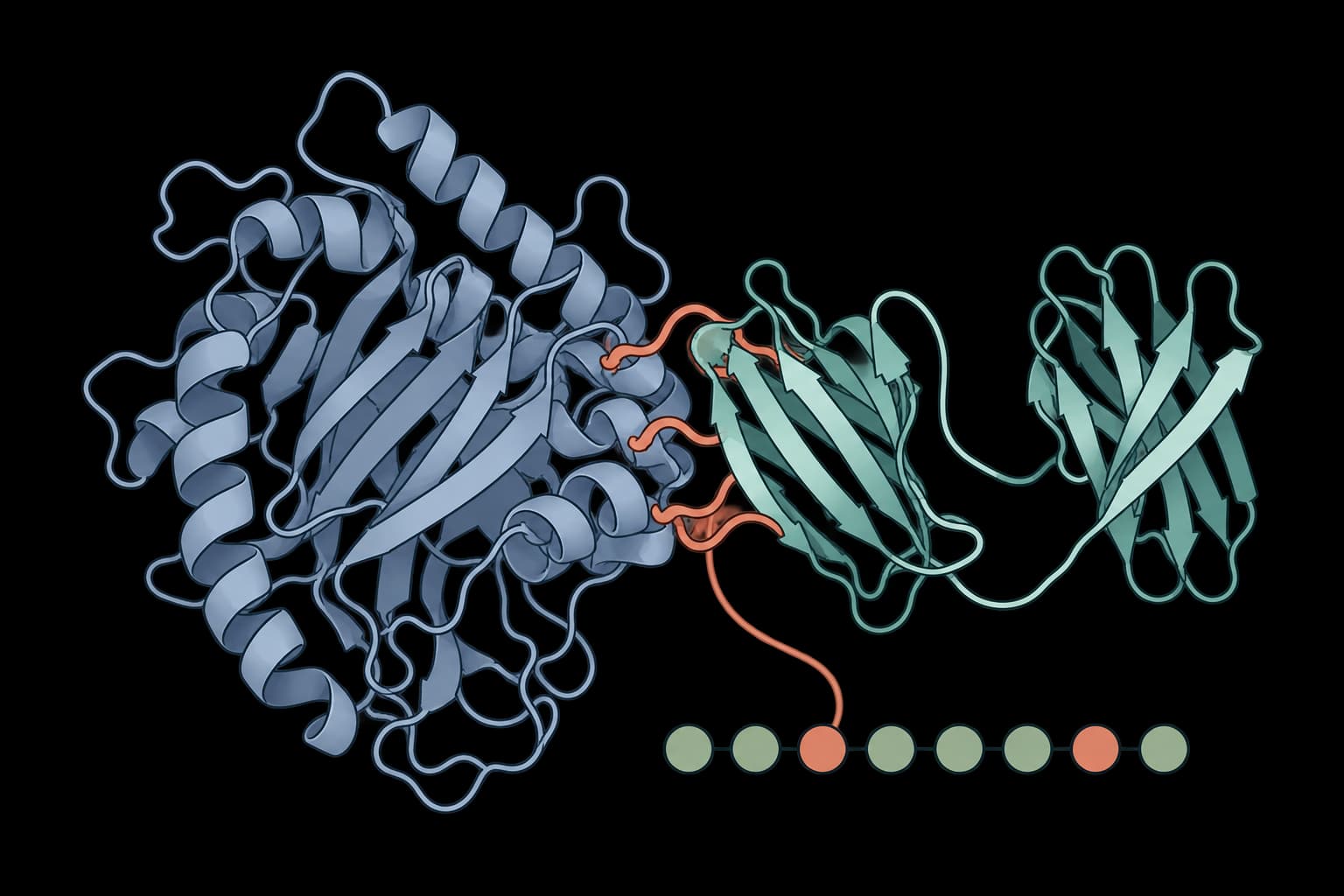
Design minibinders and antibody scFvs against a protein target.
Assign sequences to designed structures or conformational ensembles, or redesign chosen residues around ligand and solubility constraints.
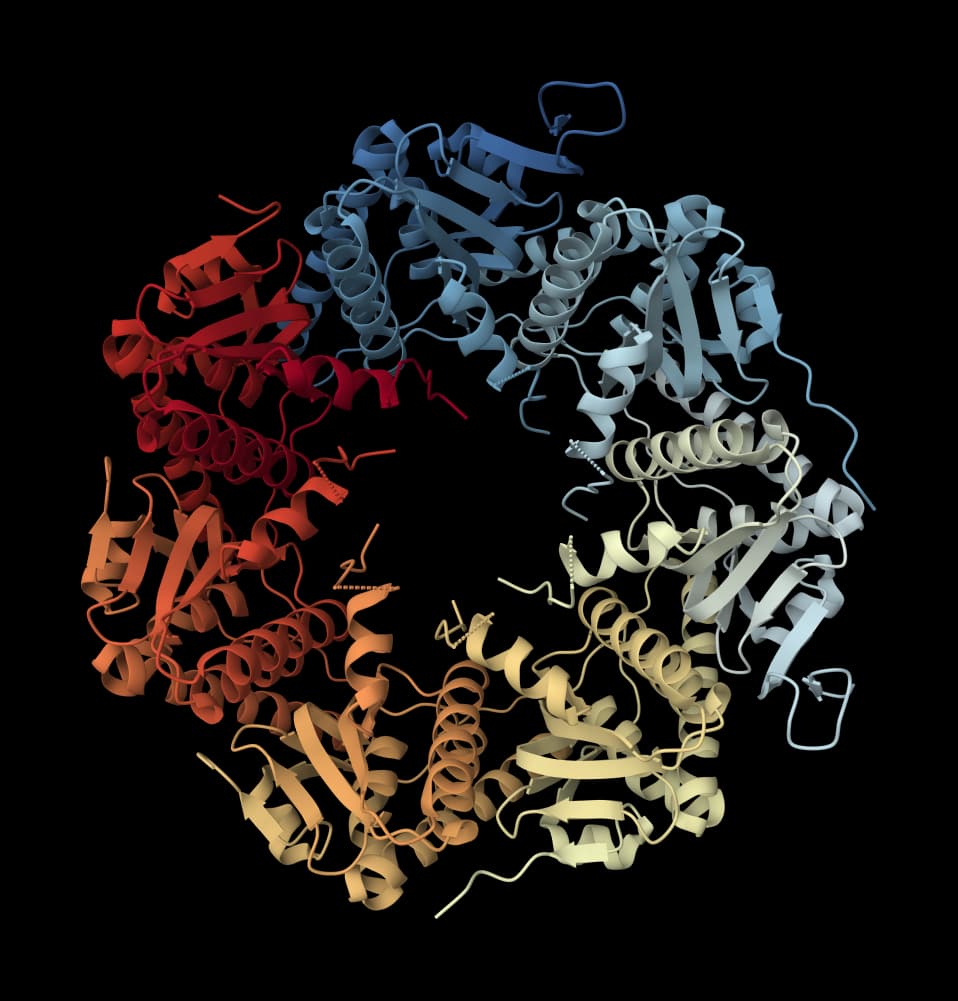
Design amino acid sequences for protein backbones with fixed positions, amino acid biases, and sequence diversity controls.
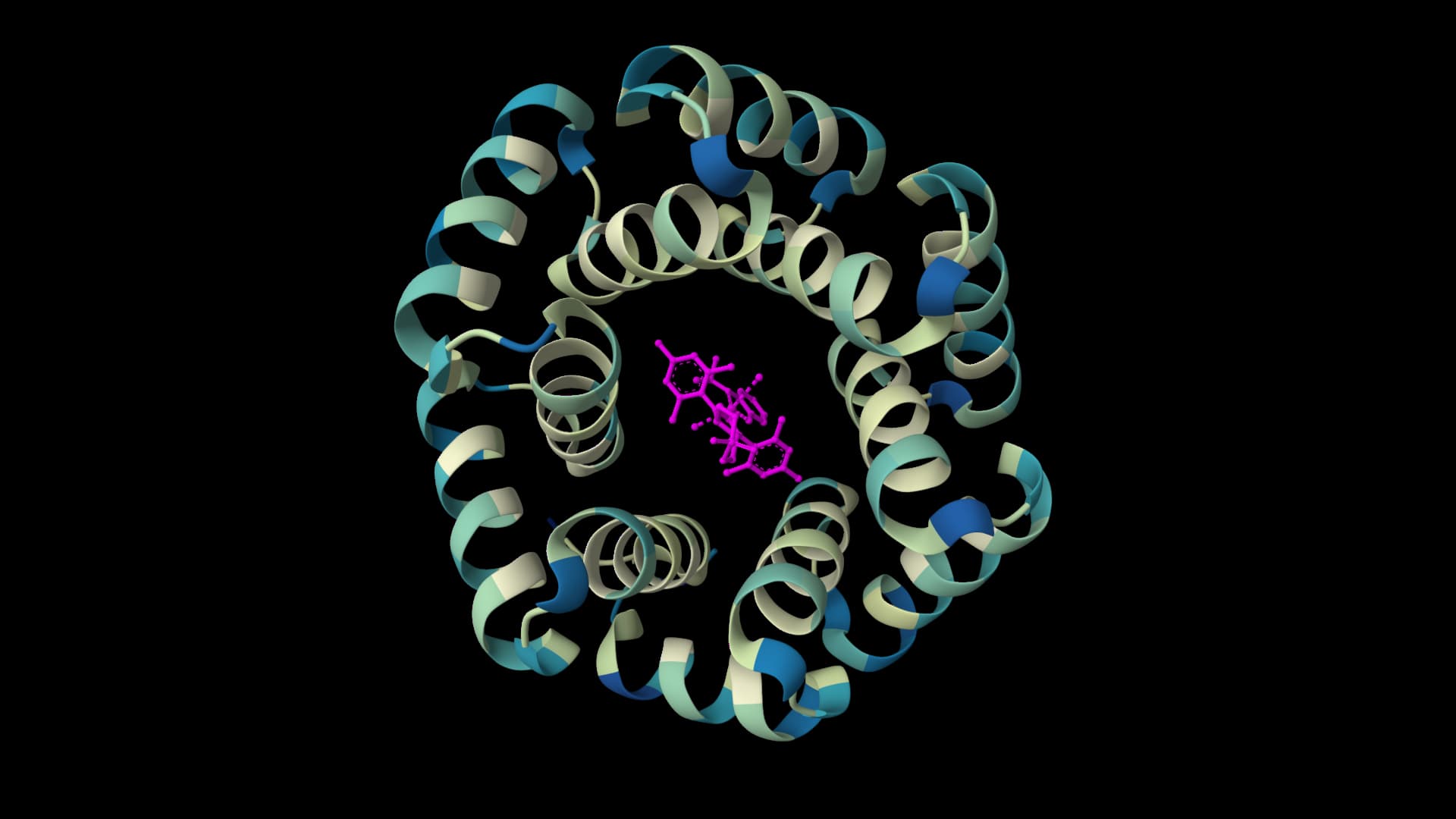
Design protein sequences around ligands, metals, and nucleotides for enzyme engineering and binding-site optimization.
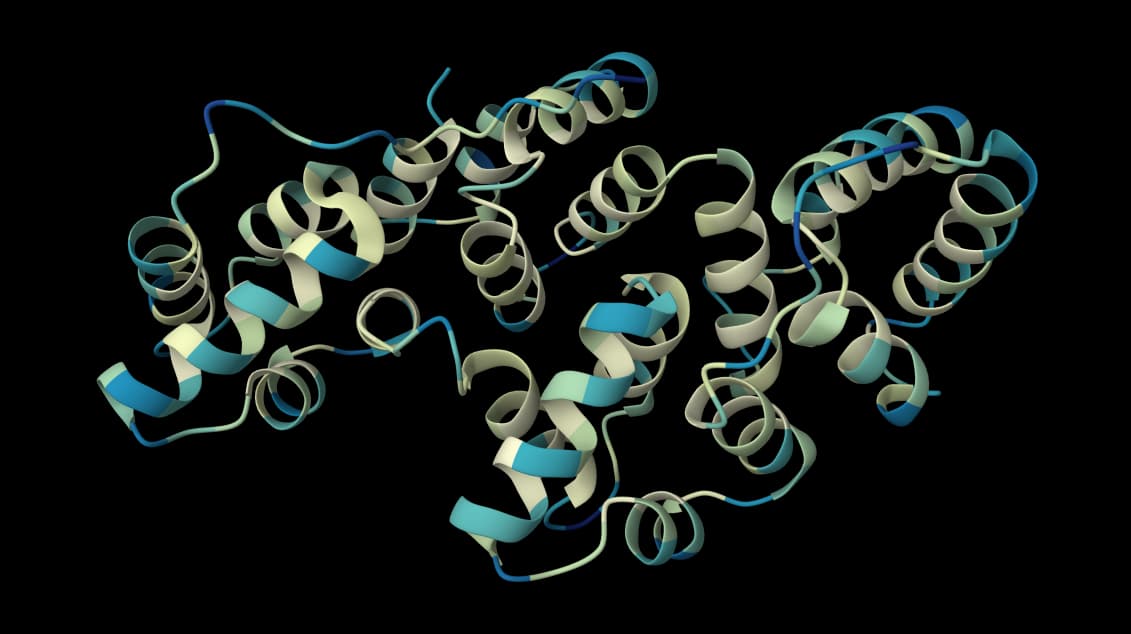
Design sequences with the ProteinMPNN-family model trained on structures from soluble-protein PDB IDs.
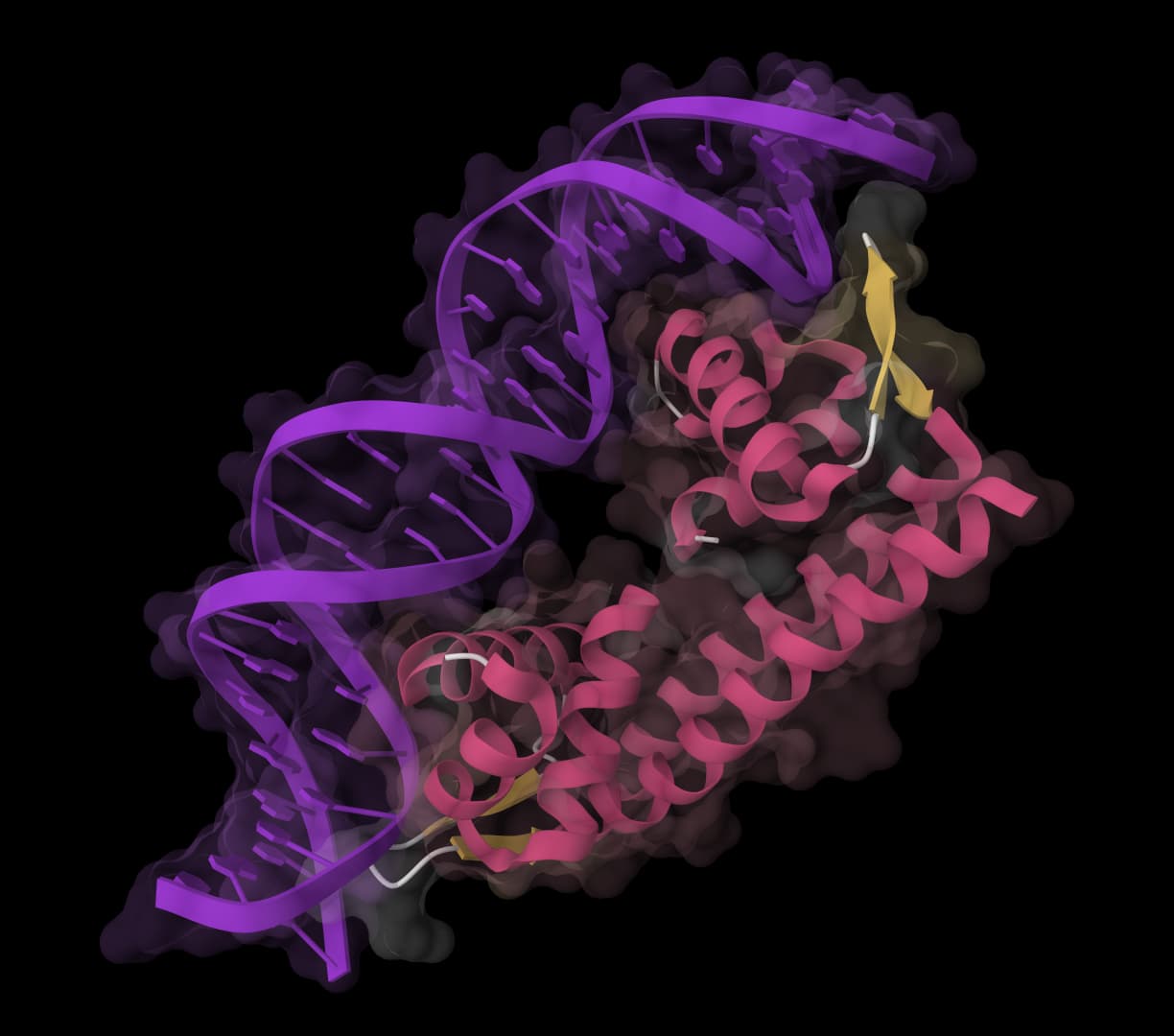
Design protein sequences from 3D backbone structures with controllable sampling diversity.
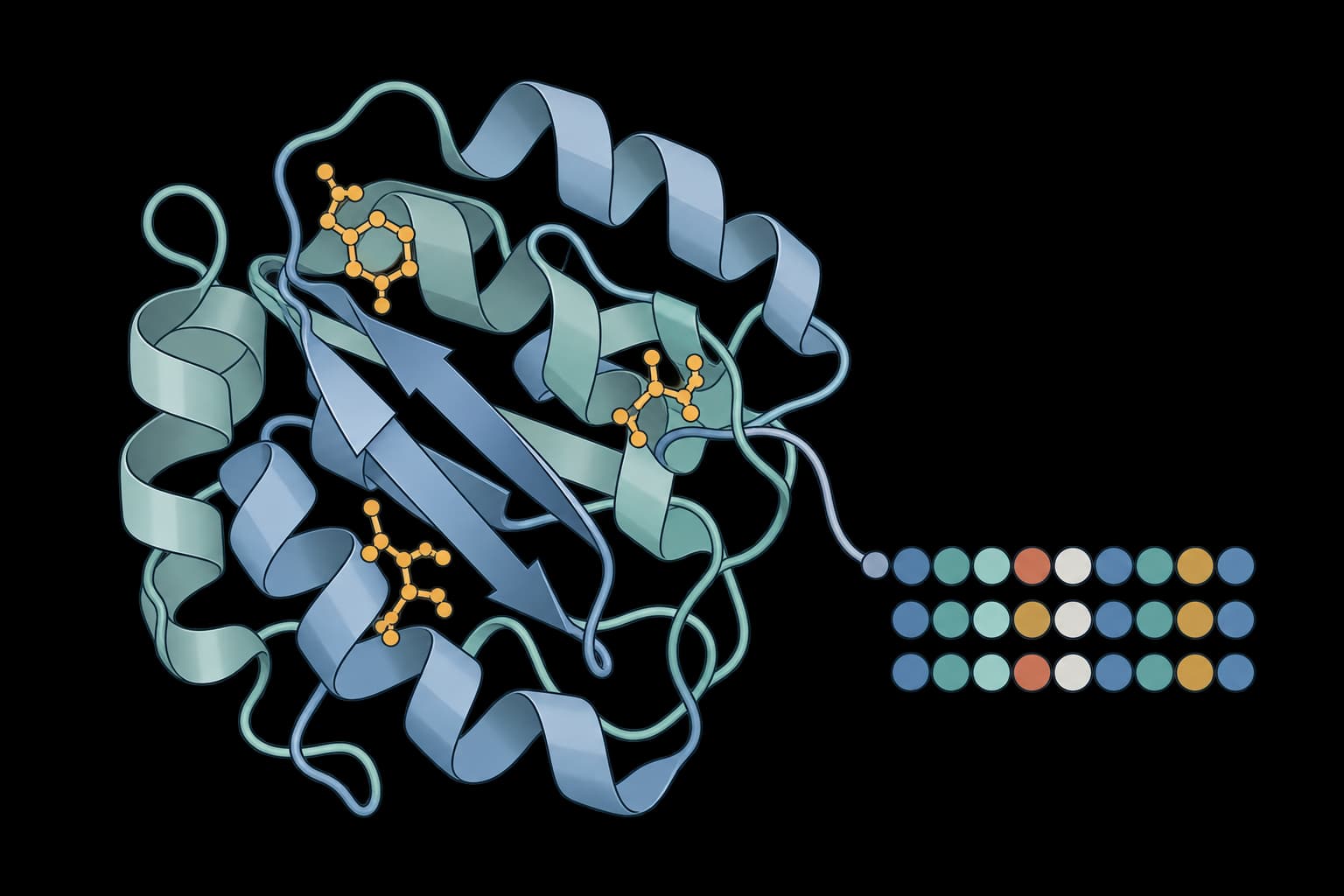
Design sequences for a structure or an aligned ensemble
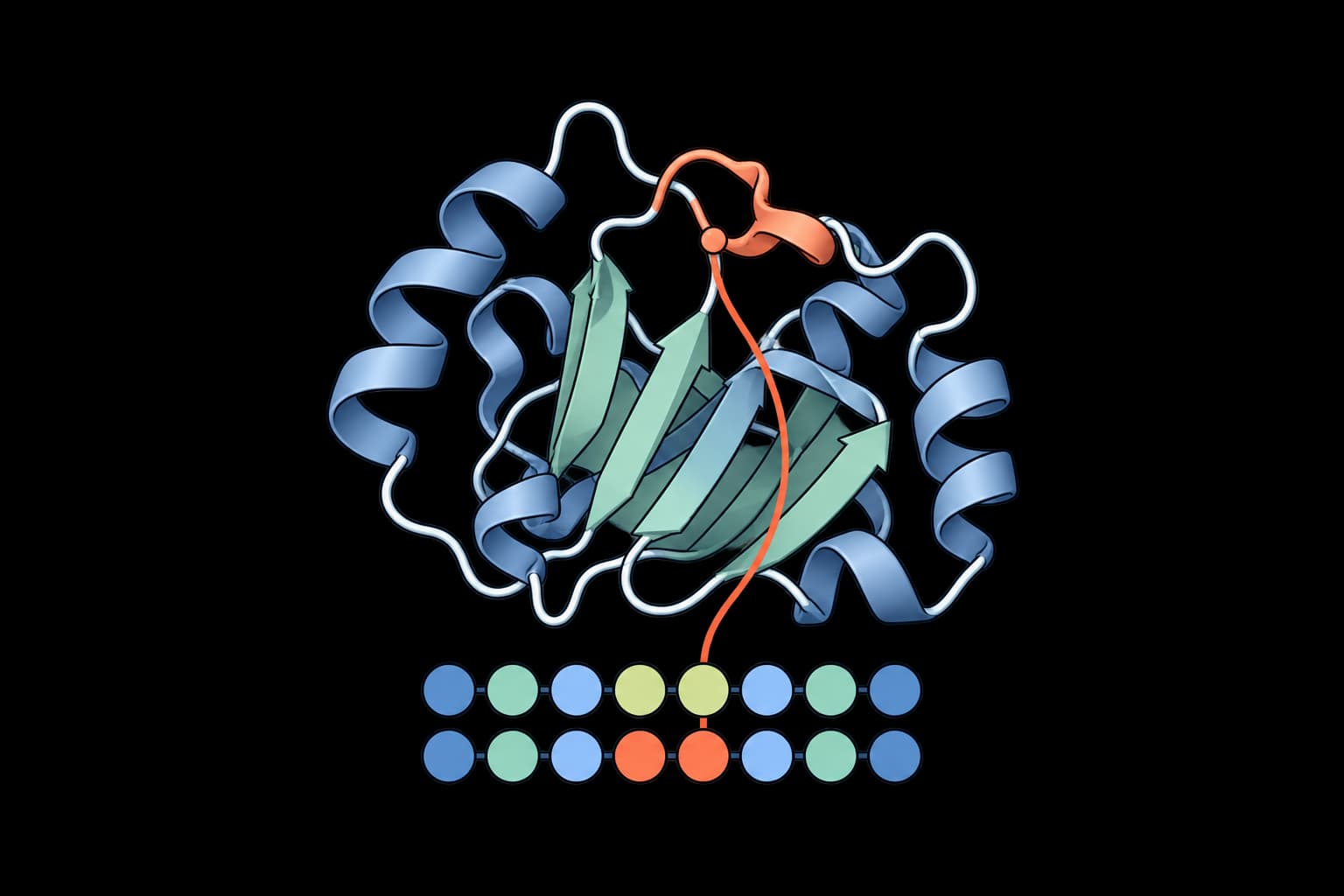
Redesign chosen residues on a fixed protein structure.
Fold candidate sequences with independent models and compare confidence instead of relying on the design model alone.
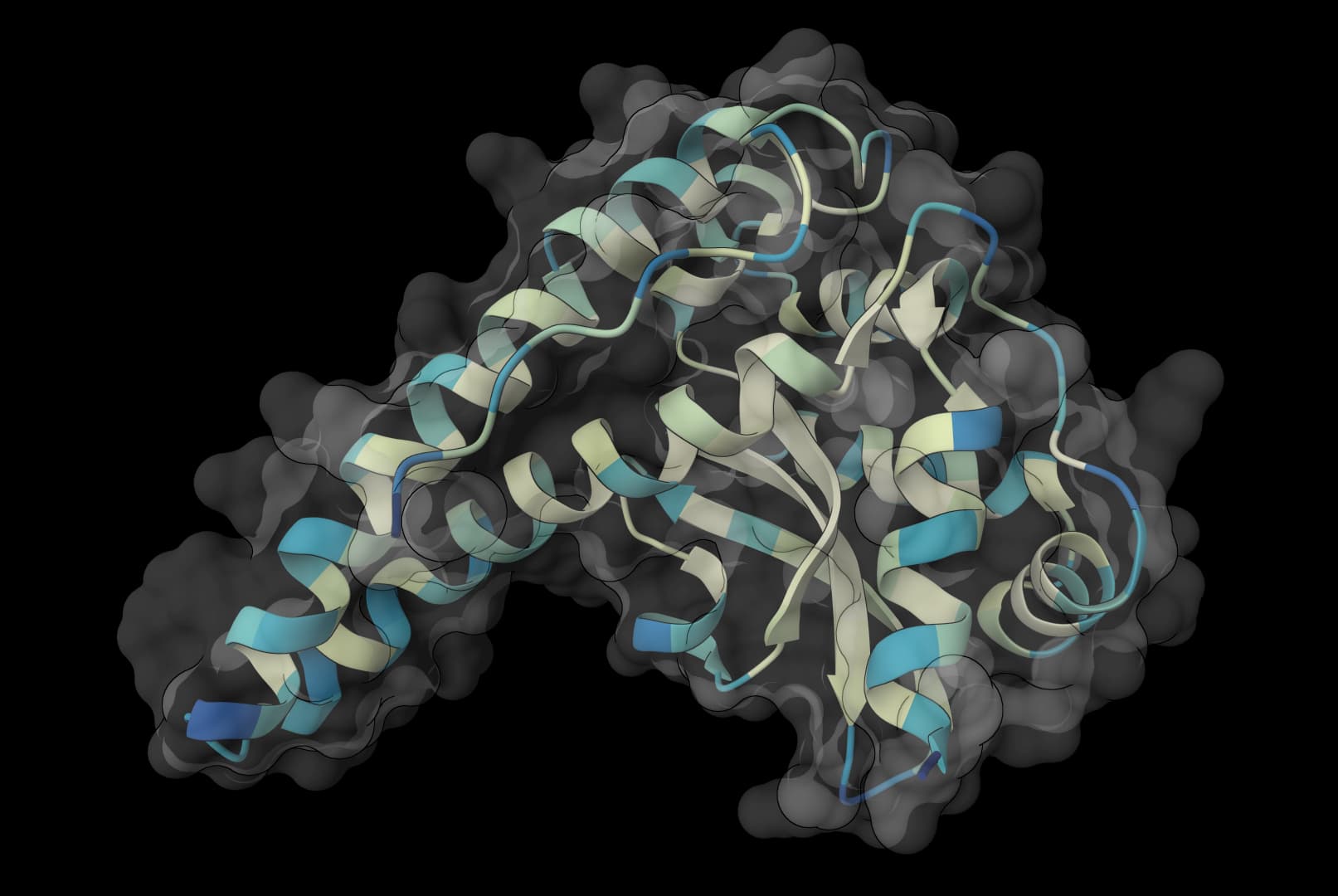
Predict protein structures and complexes with single-sequence or MSA-assisted folding.
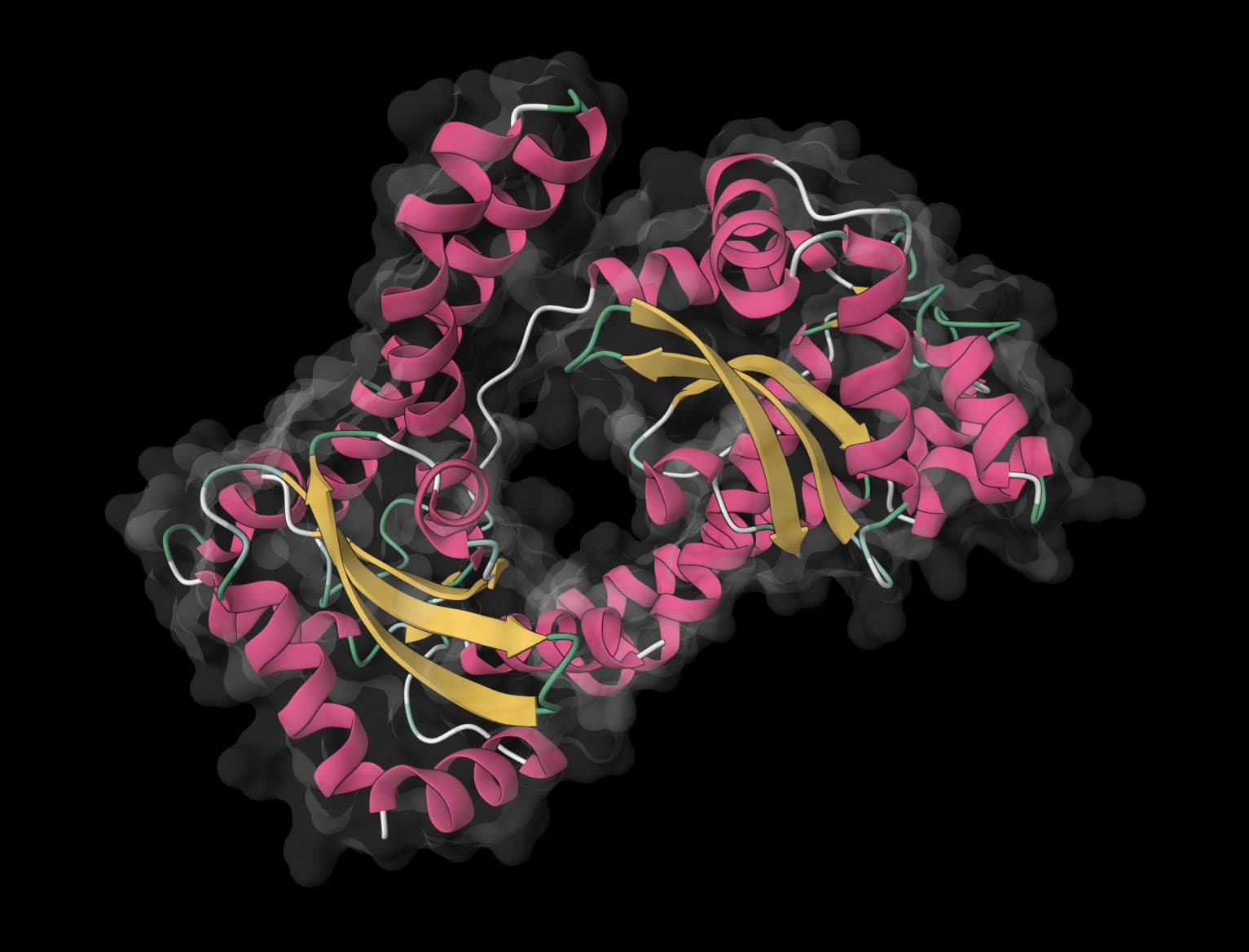
Predict protein structures and multimers directly from sequences without an MSA.
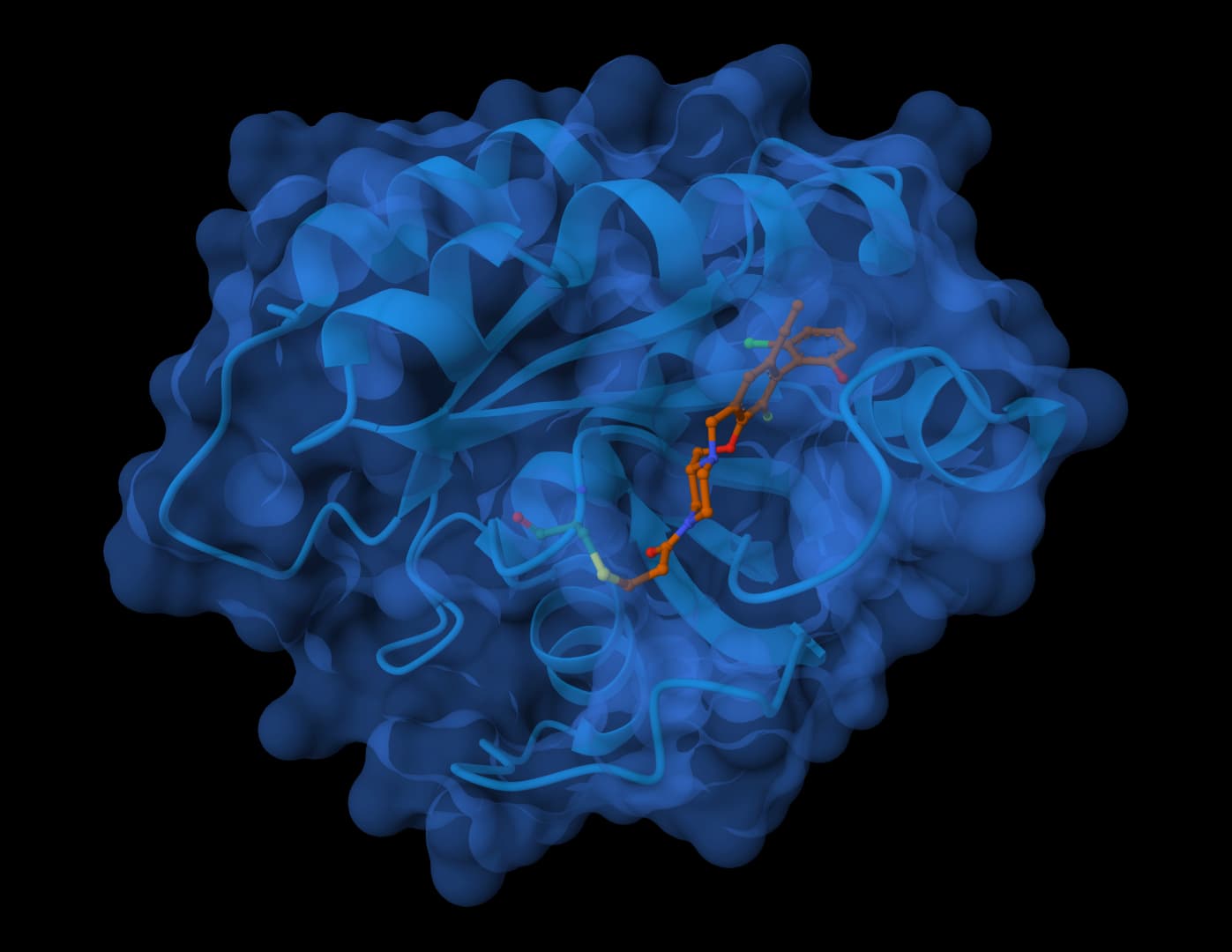
Predict biomolecular complex structures and binding affinities for proteins, ligands, DNA, and RNA.
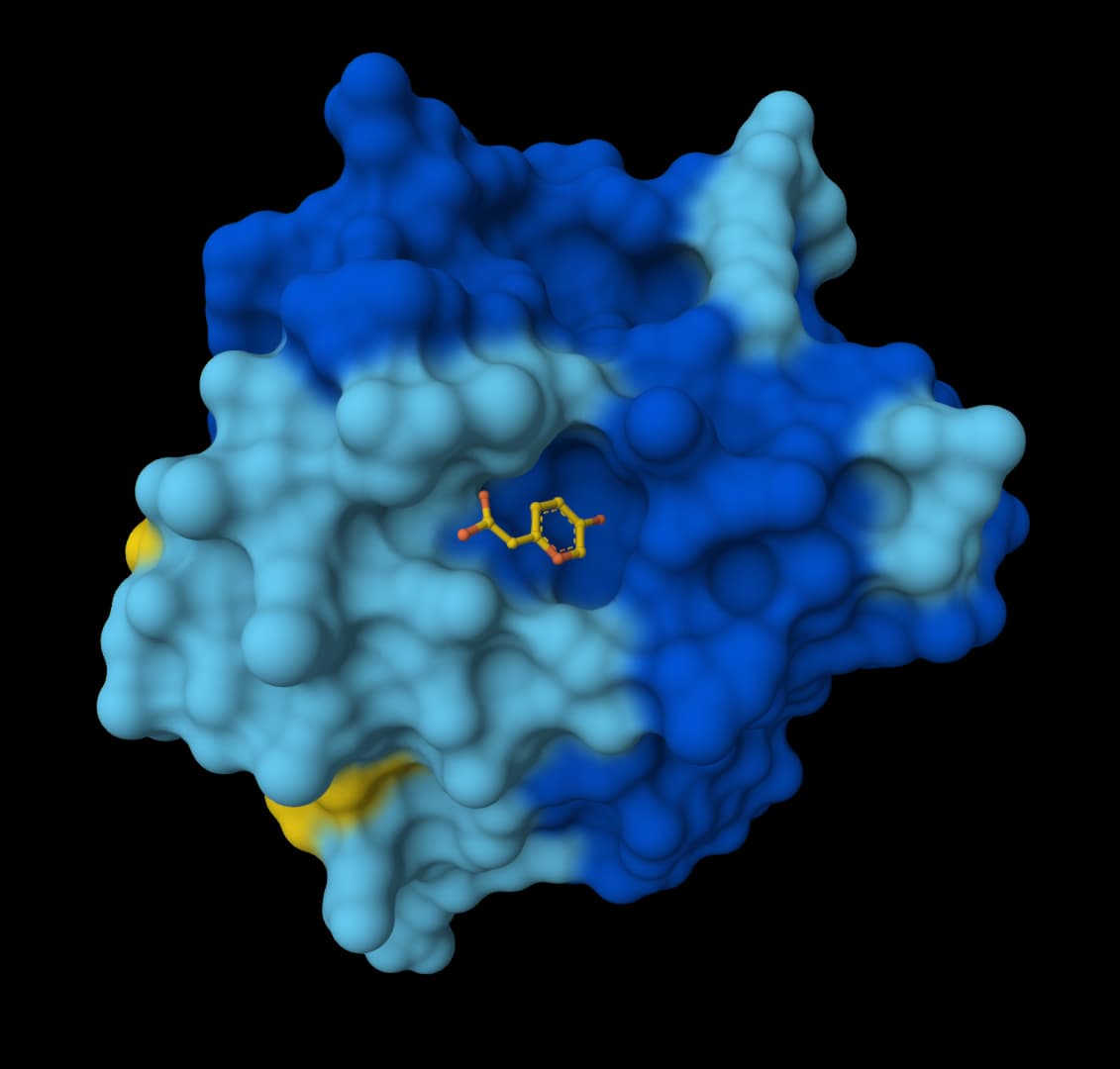
Predict 3D structures for proteins, ligands, DNA, RNA, and multi-component complexes.
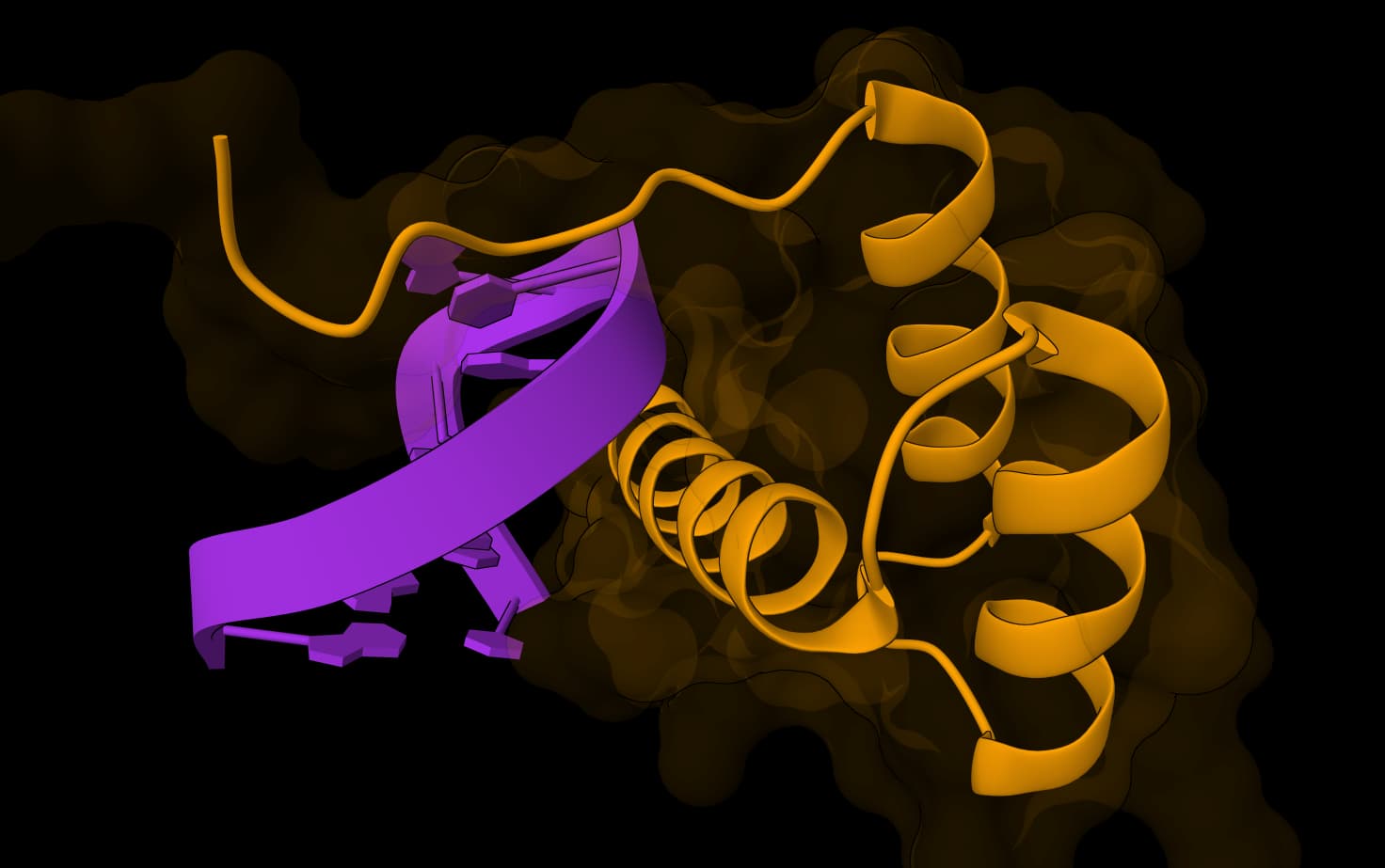
Open-source AlphaFold3-based structure prediction for proteins, ligands, DNA, and RNA
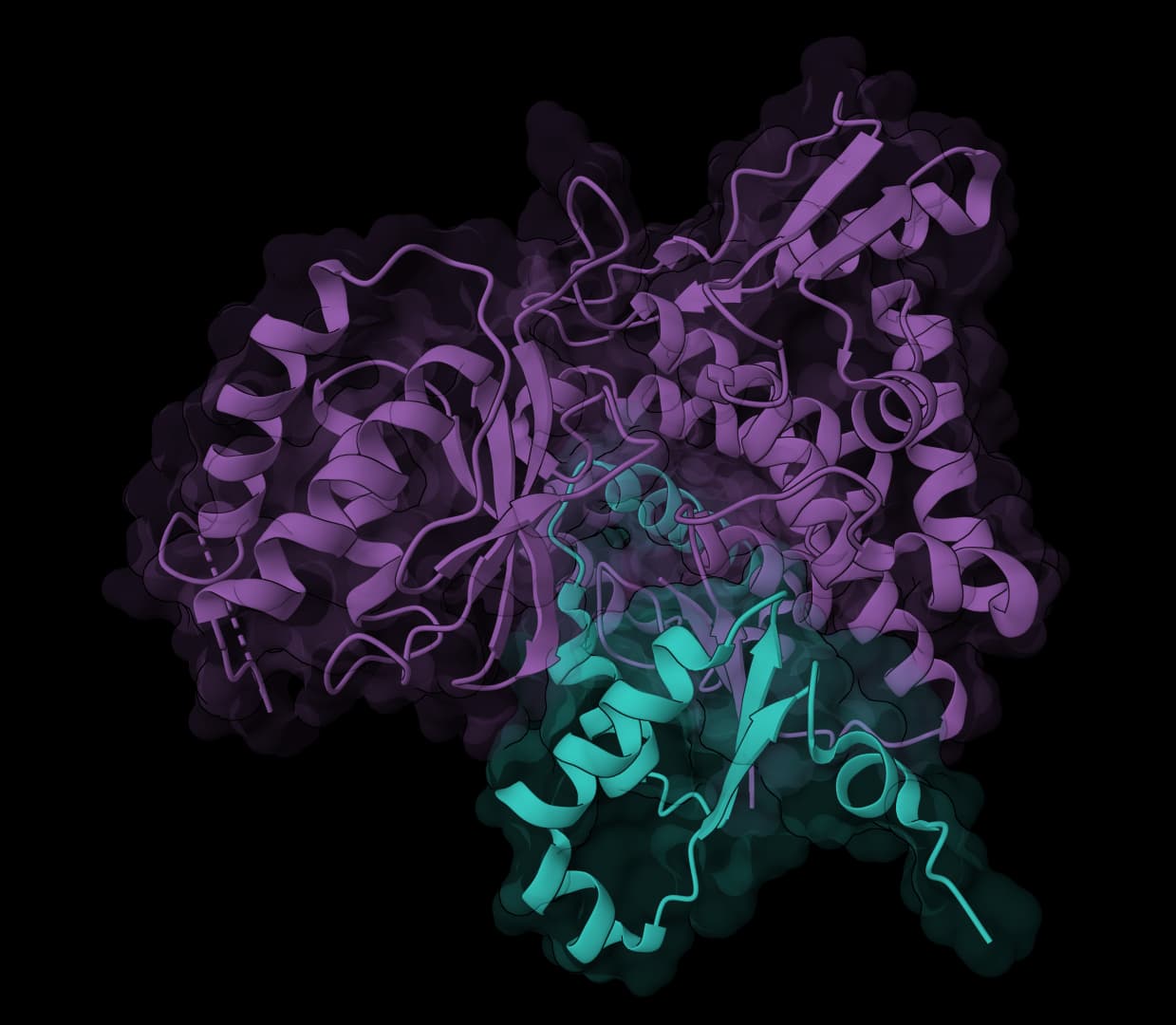
Open-source structure prediction for proteins, nucleic acids, and ligands
Review thermostability, sequence stability, solubility, aggregation, and surface exposure before selecting designs.
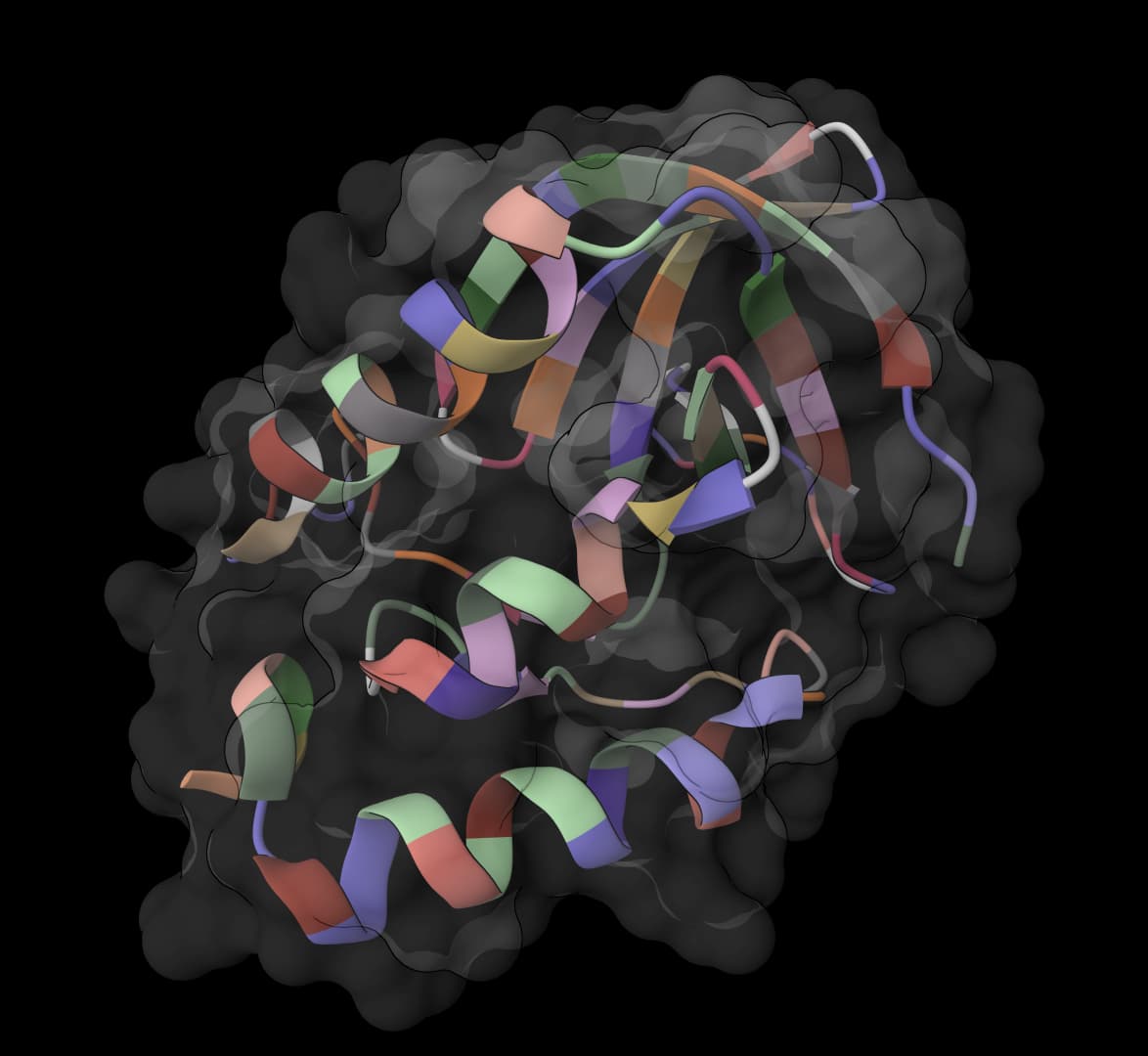
Predict mutation ΔΔG values and identify stabilizing substitutions for protein engineering.
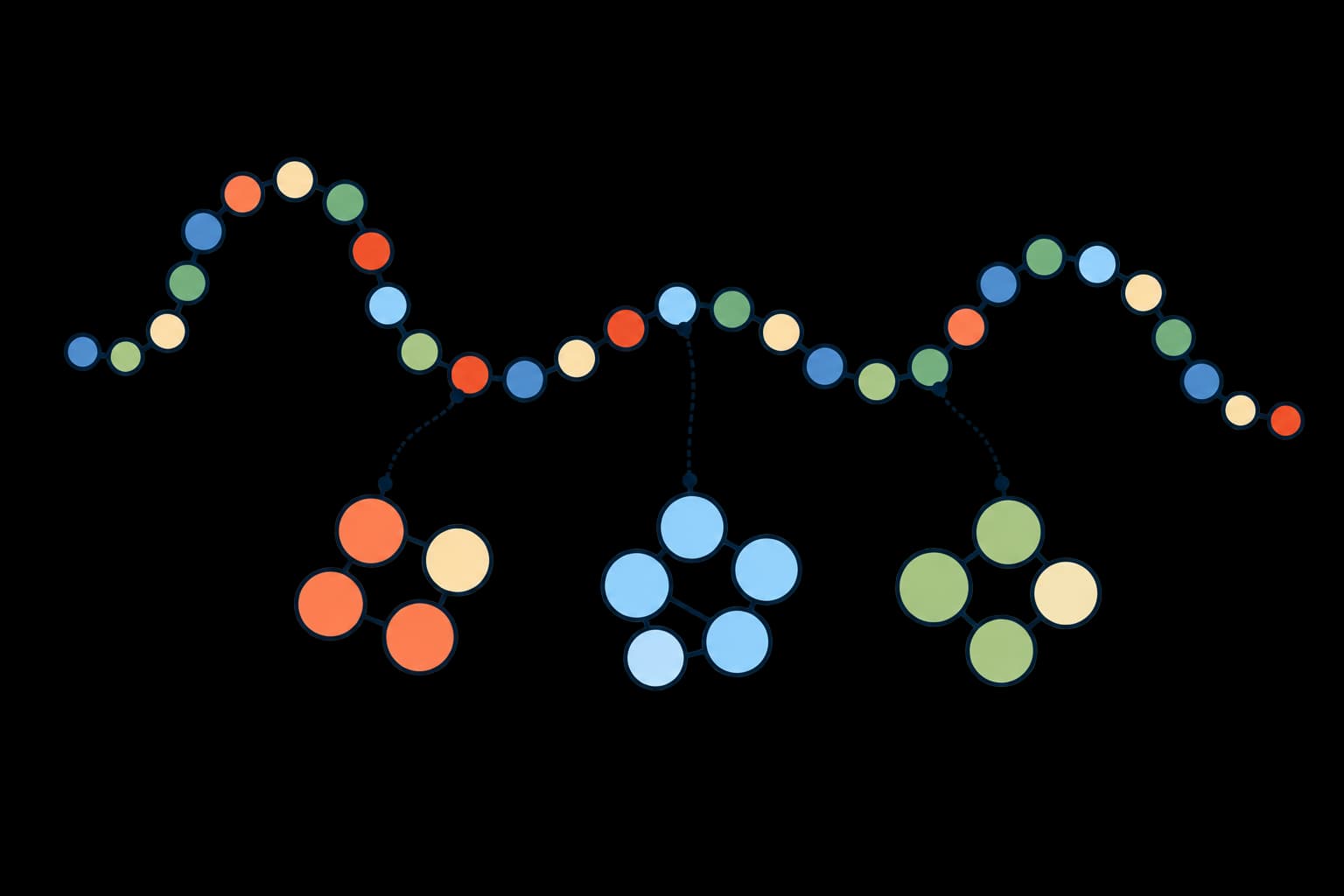
Compare independently interpretable sequence properties related to protein stability.
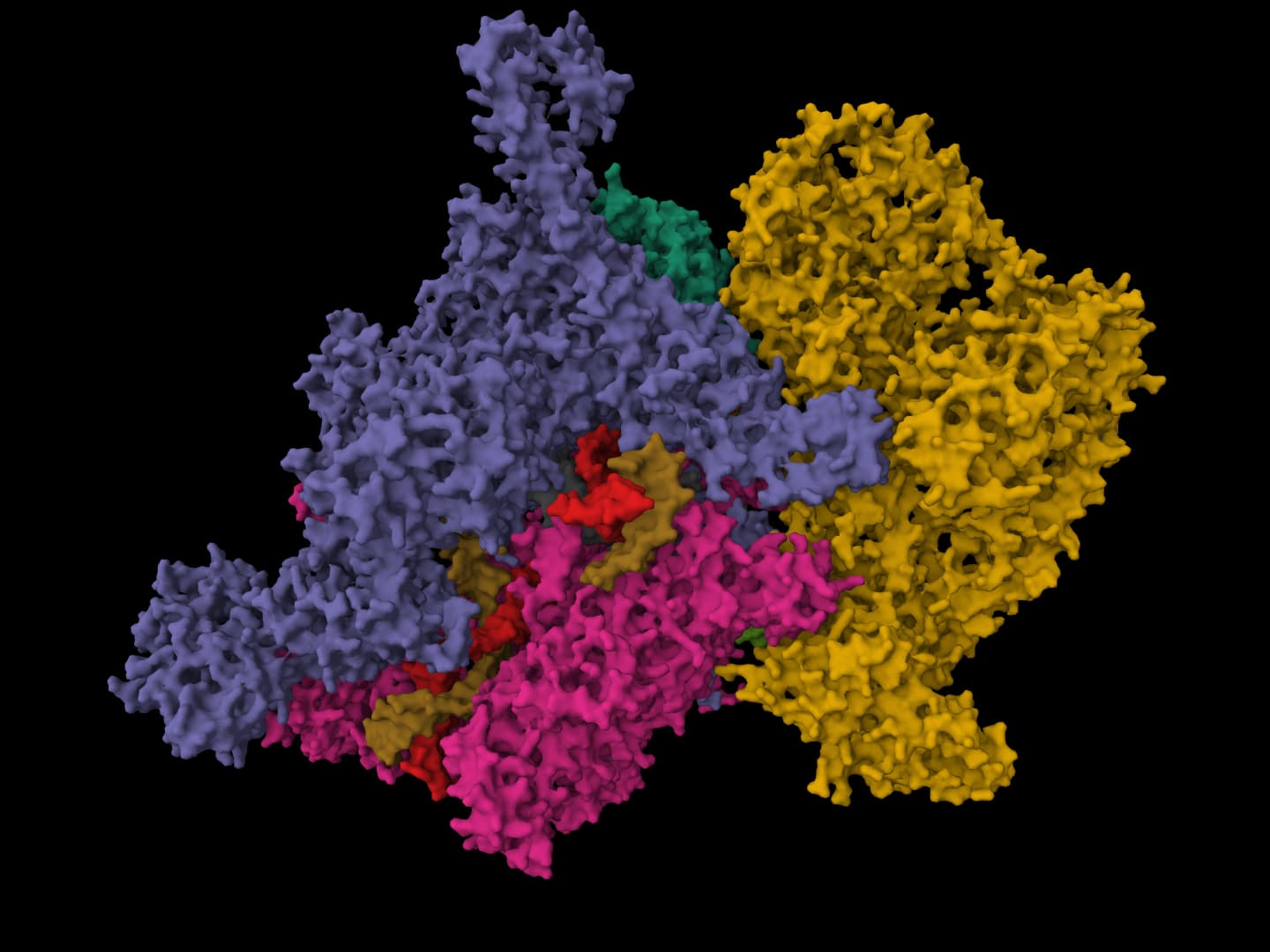
Predict protein solubility and purification usability for E. coli expression systems
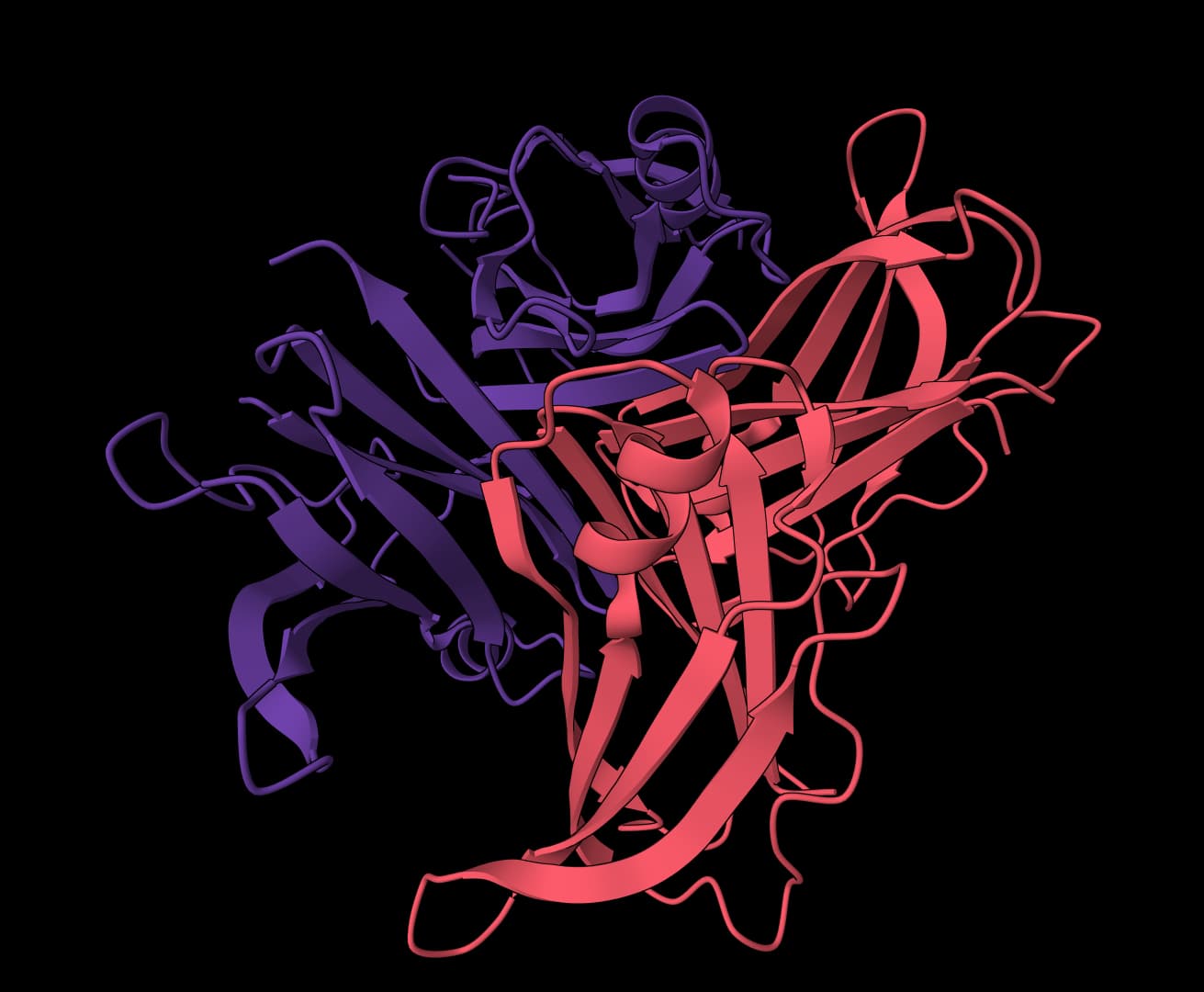
Analyze aggregation-prone regions in a protein structure.
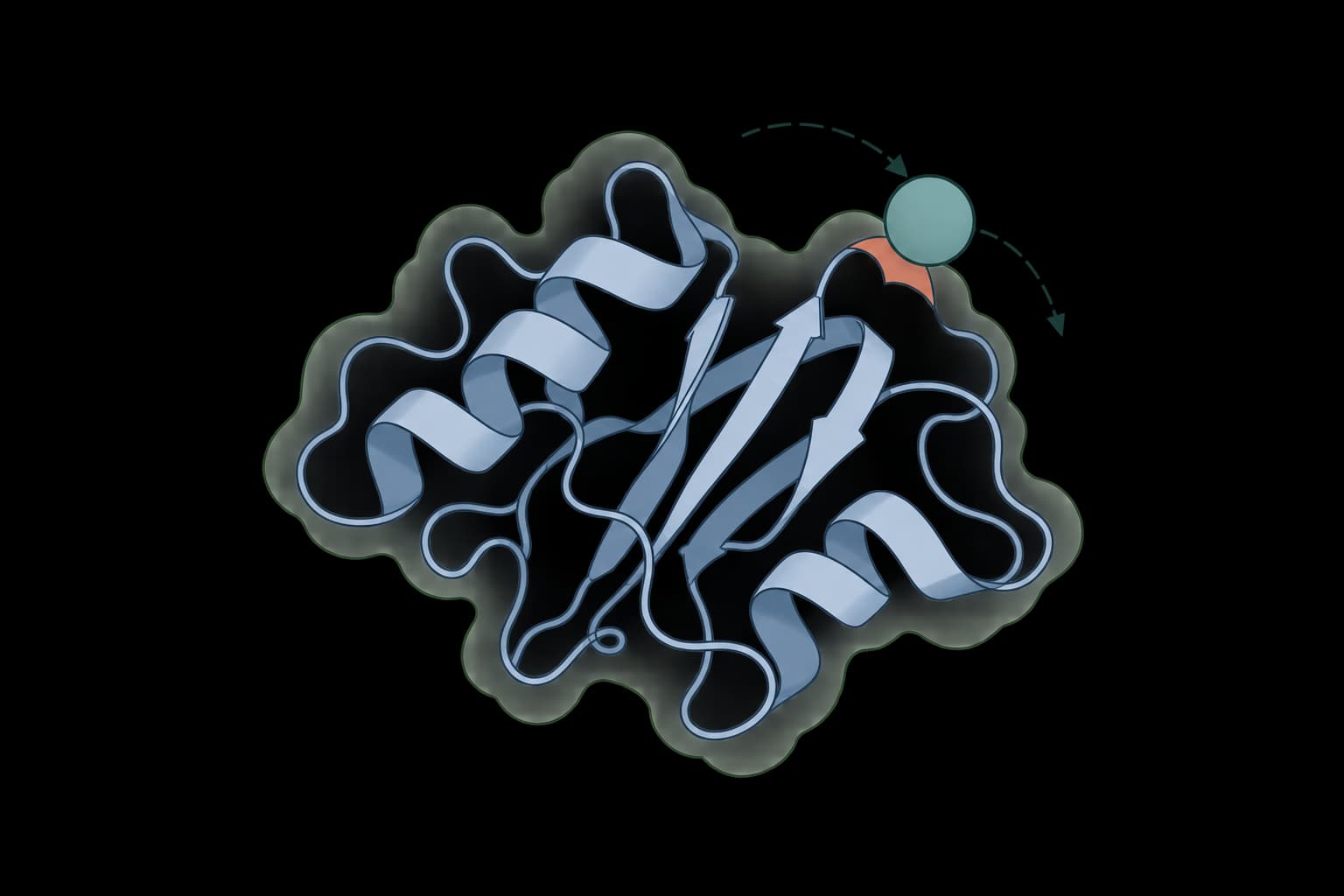
Calculate solvent accessible surface area for protein structures
Repair models, validate geometry, score predicted interfaces, and compare folds and family context before experimental review.
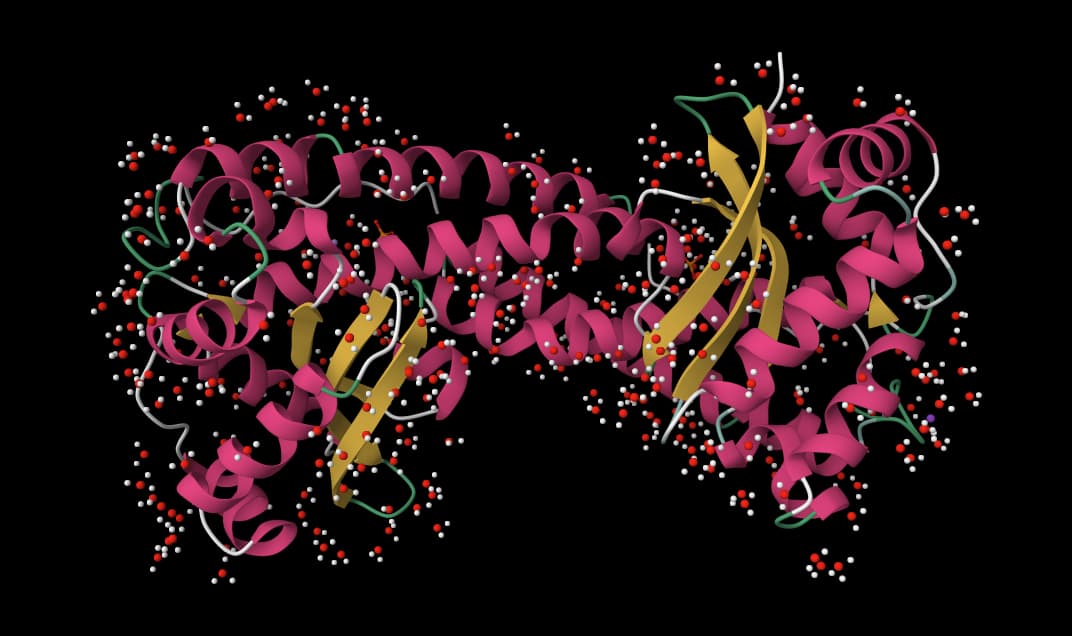
Fix PDB and mmCIF structures by adding missing atoms, residues, hydrogens, and solvent.
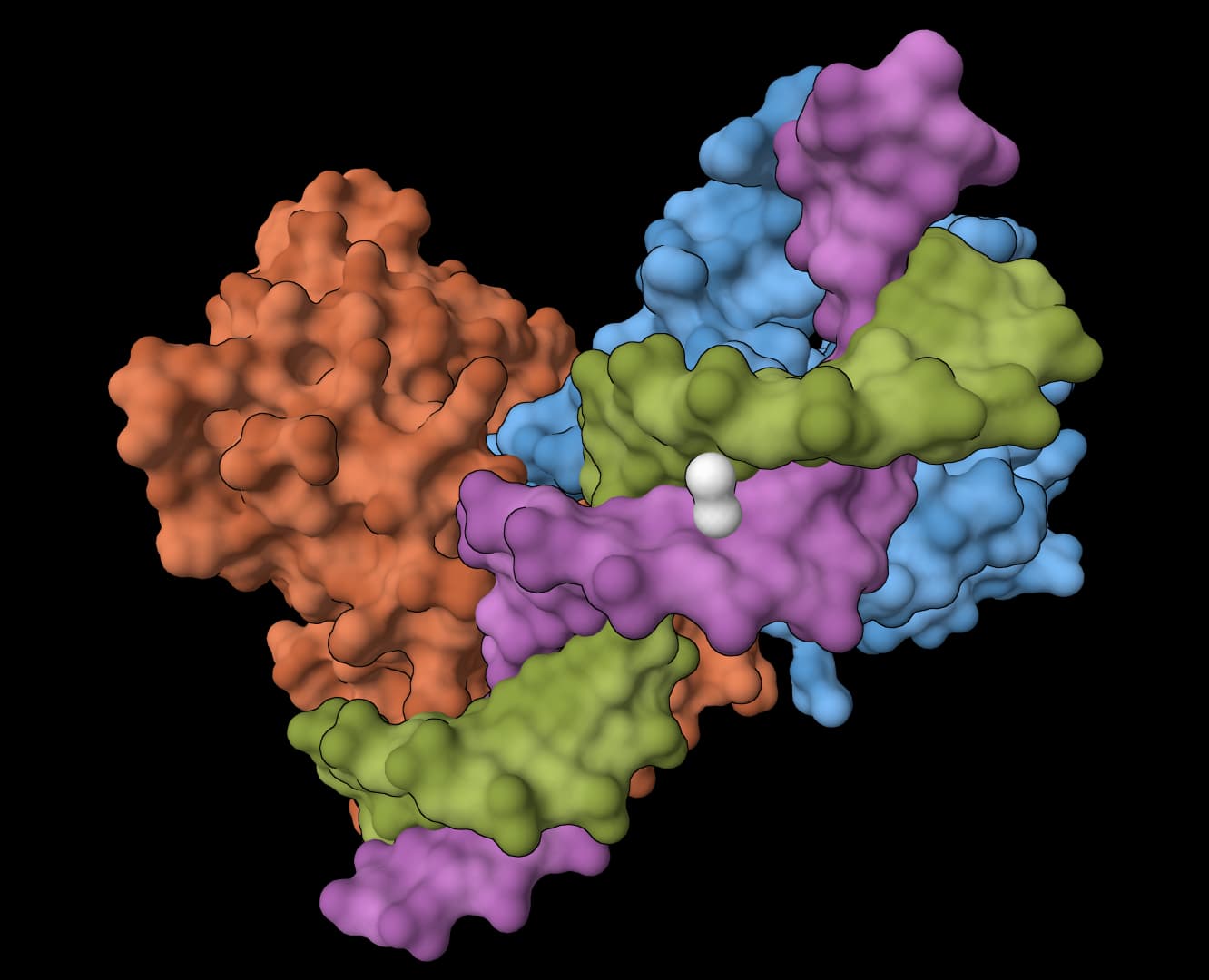
Validate protein structures with clashscore, Ramachandran, rotamer, and geometry checks.
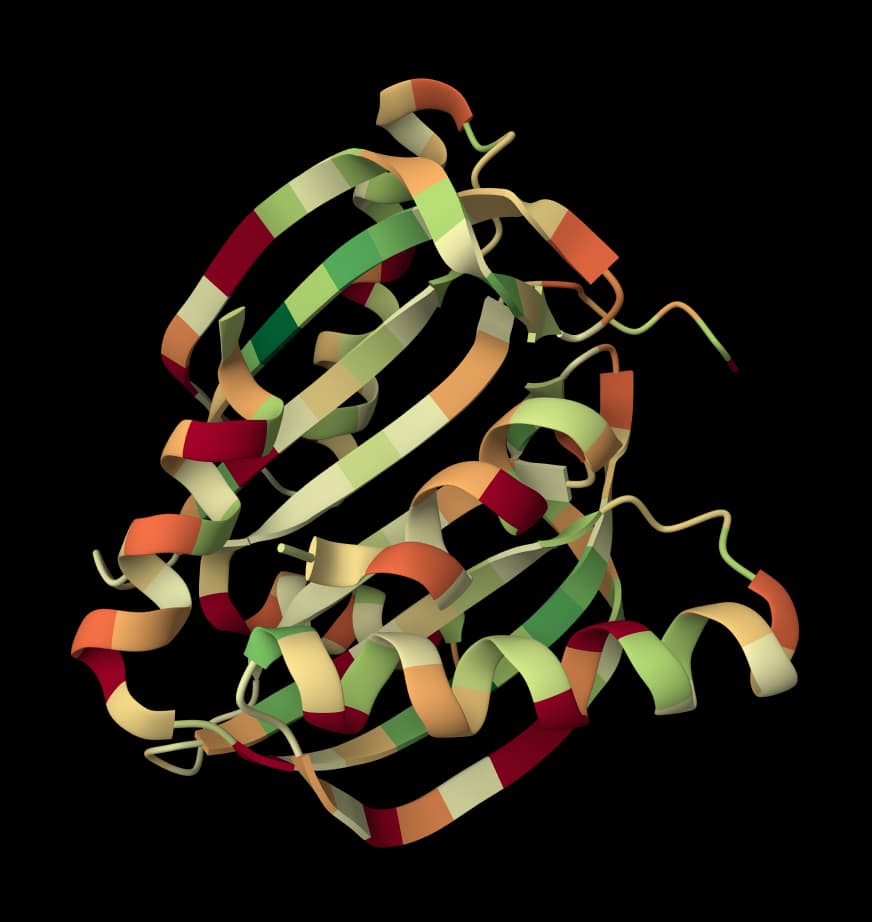
Score interprotein interactions in AlphaFold and Boltz predictions
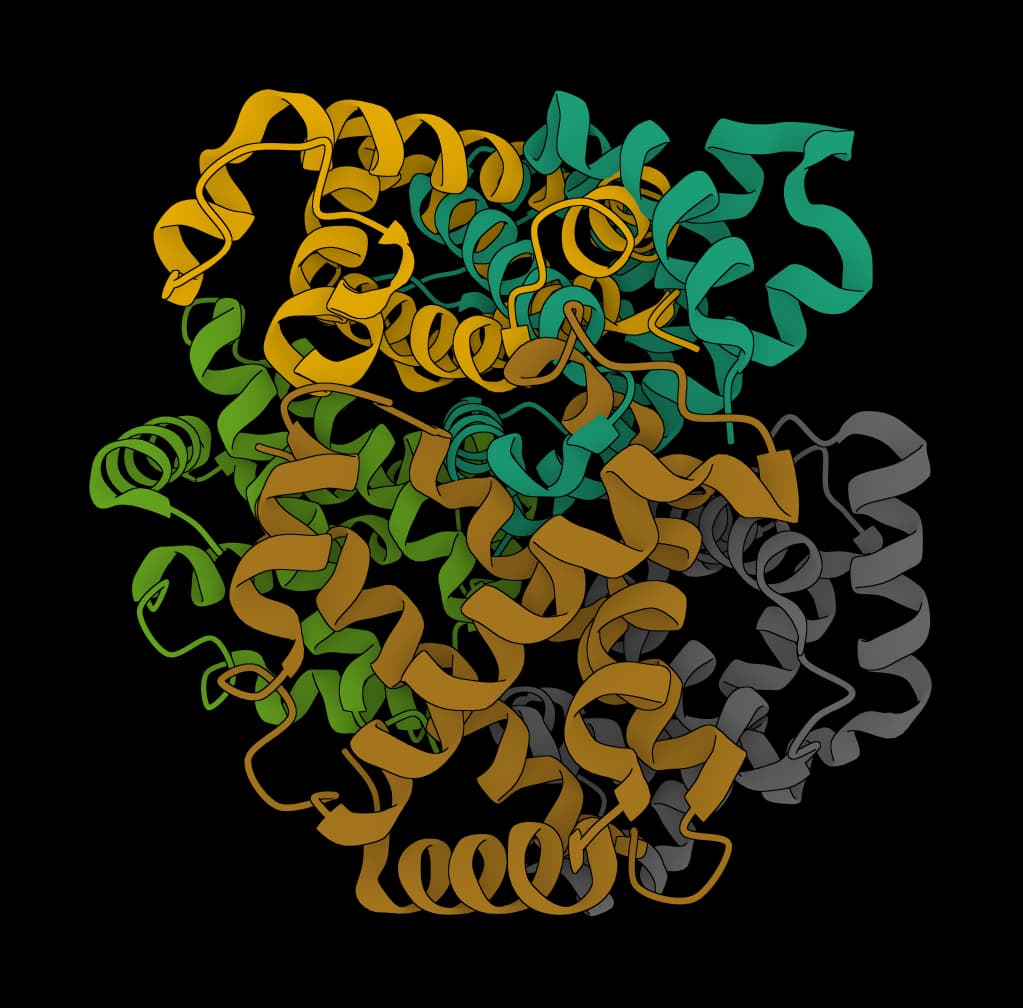
Search AlphaFold DB, compare structures, or cluster by 3D similarity
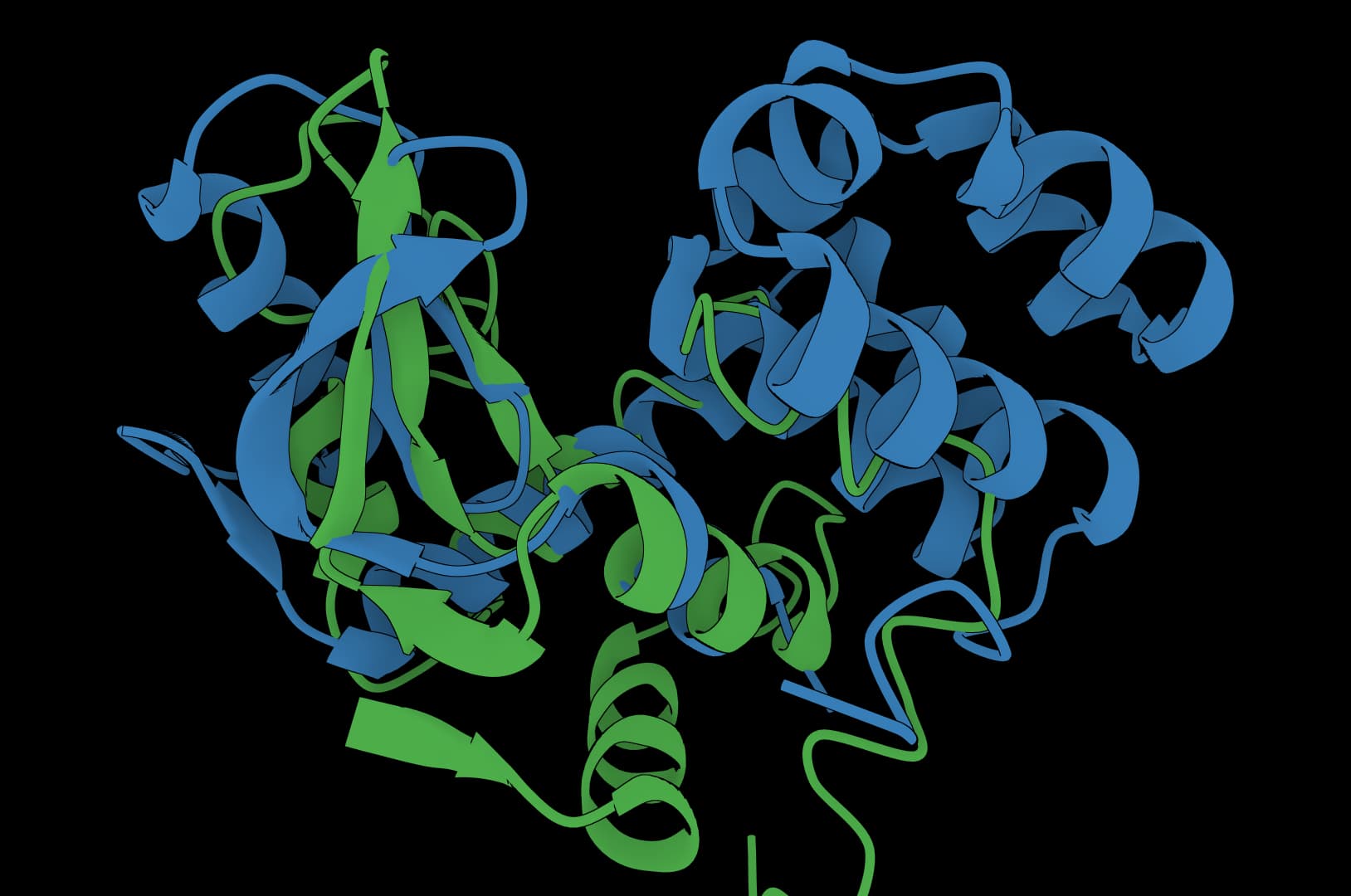
Universal structure alignment for proteins, RNA, and DNA molecules
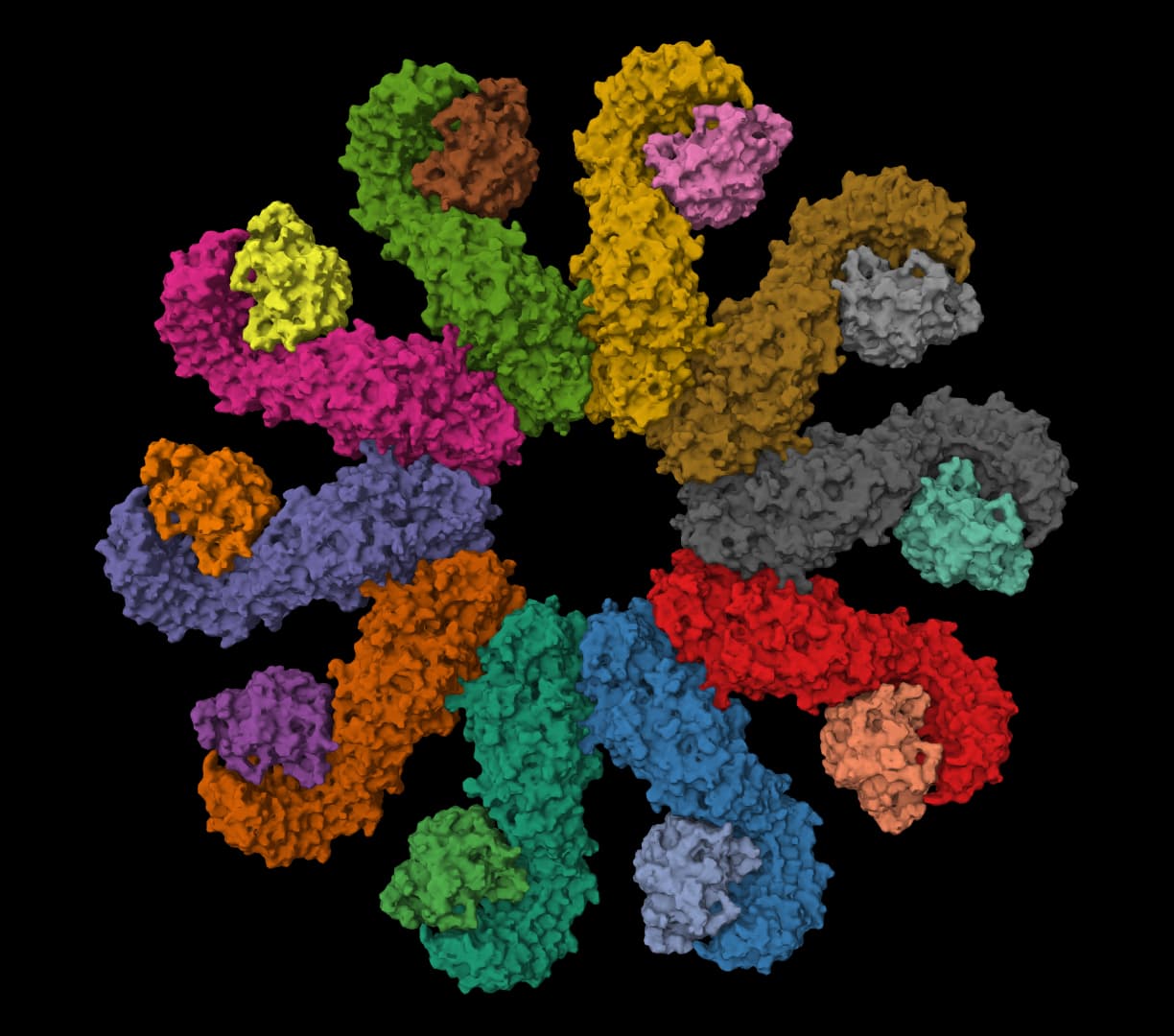
Search and cluster protein or nucleotide sequences for homology discovery at large scale.
ProteinIQ brings these computational checks together around each protein candidate. You can design or score sequences, predict folds, assess stability and solubility, inspect structures, and retain the output files and confidence data that explain a ranking. Start with a sequence, structure, or variant set and run a focused tool or connected workflow. ProteinIQ keeps the generated candidates, structures, tables, scores, and logs available for comparison and for planning experimental validation.
ProteinIQ supports protein engineering workflows for folding, structure prediction, protein design, variant scoring, stability review, solubility analysis, binder design, structure validation, and downstream candidate comparison. The platform keeps the upstream files, scores, confidence values, and logs available for review.
ProteinIQ protein tools can accept FASTA sequences, PDB or CIF structures, protein complexes, mutation lists, reference models, and design constraints depending on the upstream method. Each workflow preserves the relationship between the input sequence or structure and the outputs it generates.
Yes. ProteinIQ can run protein design tools that generate or redesign sequences from structural context, then route candidates into folding, stability, solubility, and validation checks. The generated variants are computational candidates for review and testing, not automatically validated proteins.
Yes. ProteinIQ can run protein structure prediction and folding tools when the sequence or structure inputs match the upstream model requirements. Outputs can include PDB or CIF files, confidence metrics, model artifacts, and logs so predicted structures can be inspected and exported.
Yes. ProteinIQ can connect protein candidates to stability, solubility, aggregation, mutation, and sequence-property tools depending on the workflow. These computational scores help prioritize variants, and ProteinIQ keeps the score tables tied to the sequence or structure being evaluated.
Yes. ProteinIQ can support binder design and protein interaction workflows when the required target structures, scaffold inputs, or design constraints are available. The platform helps keep designed sequences, predicted structures, confidence values, and downstream validation outputs together for review.
No. ProteinIQ helps prioritize protein engineering candidates computationally. Expression, binding, stability, activity, specificity, and functional assays remain essential before treating a designed or modified protein as experimentally validated.
Yes. ProteinIQ exports candidate evidence such as FASTA files, generated sequences, PDB or CIF structures, score tables, validation reports, confidence metrics, logs, and upstream result artifacts depending on the tool. This makes it easier to review or share the evidence outside ProteinIQ.
Start in ProteinIQ with a protein sequence, structure, or candidate variant set, then choose a workflow template or an individual tool for design, folding, stability, or validation. A small first run helps confirm formatting and output expectations before scaling to larger protein design campaigns.
AI answers from our docs. No sign-in needed.
The perfect starting place for your first project.
Everything an academic lab needs to scale.
Everything in Free
More compute and a commercial license for industry.
Everything in Plus
Custom credits, seats, and security review.
Everything in Pro