Free
$0
The perfect starting place for your first project.
- All tools
- 200 credits, then 100/mo
- 3 jobs per day
- Up to 1,000 residues per job
- Academic license
Map conserved positions, predict kinetics, and score mutations so only the most promising variants reach the bench.
Search homologs, align related enzymes, and identify conserved or coevolving positions before selecting residues to engineer.
Search and cluster protein or nucleotide sequences for homology discovery at large scale.
Sensitive sequence homology search using profile hidden Markov models
Align protein or nucleotide sequences with selectable accuracy and speed trade-offs.
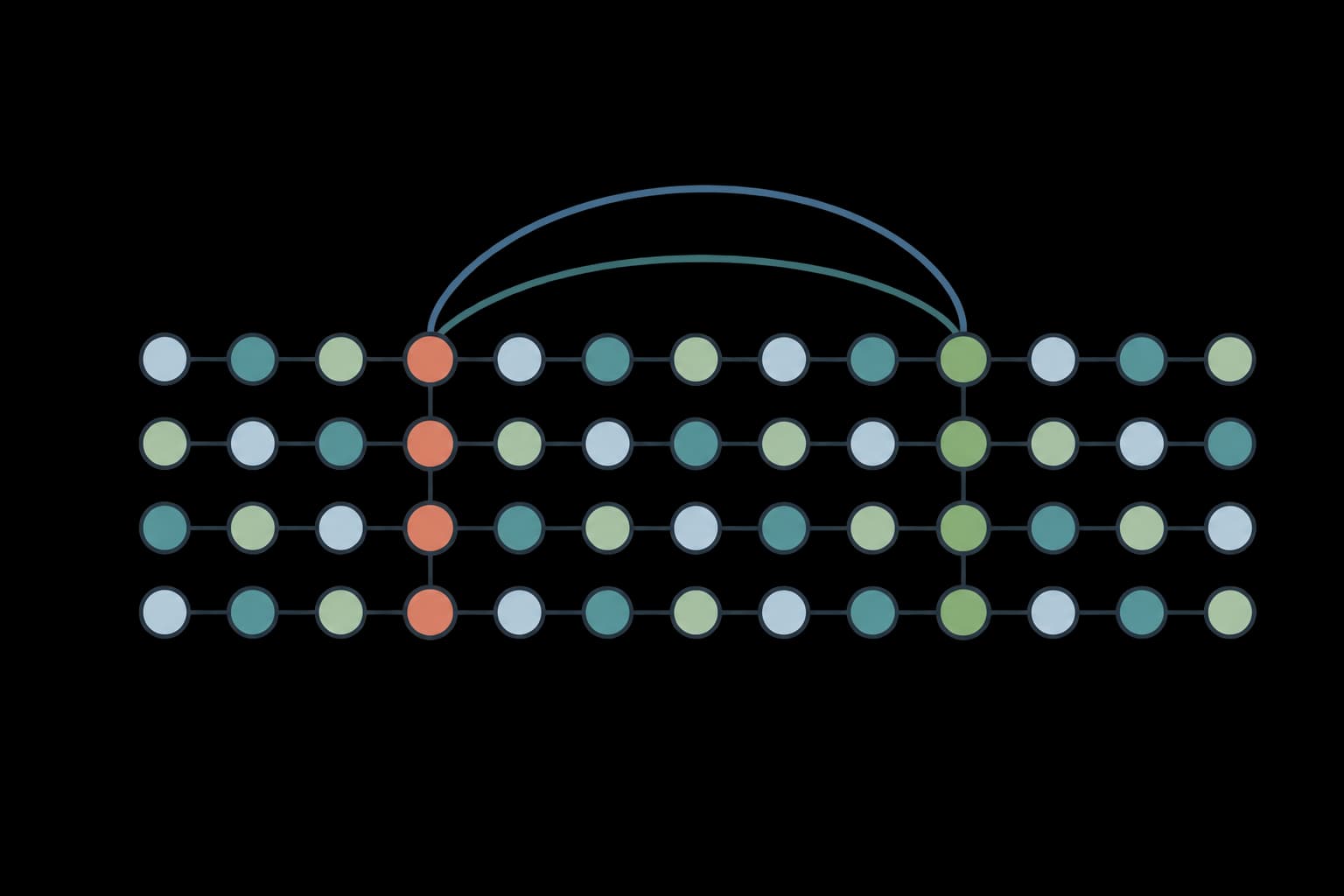
Identify co-evolving residue sectors in protein families using Statistical Coupling Analysis.
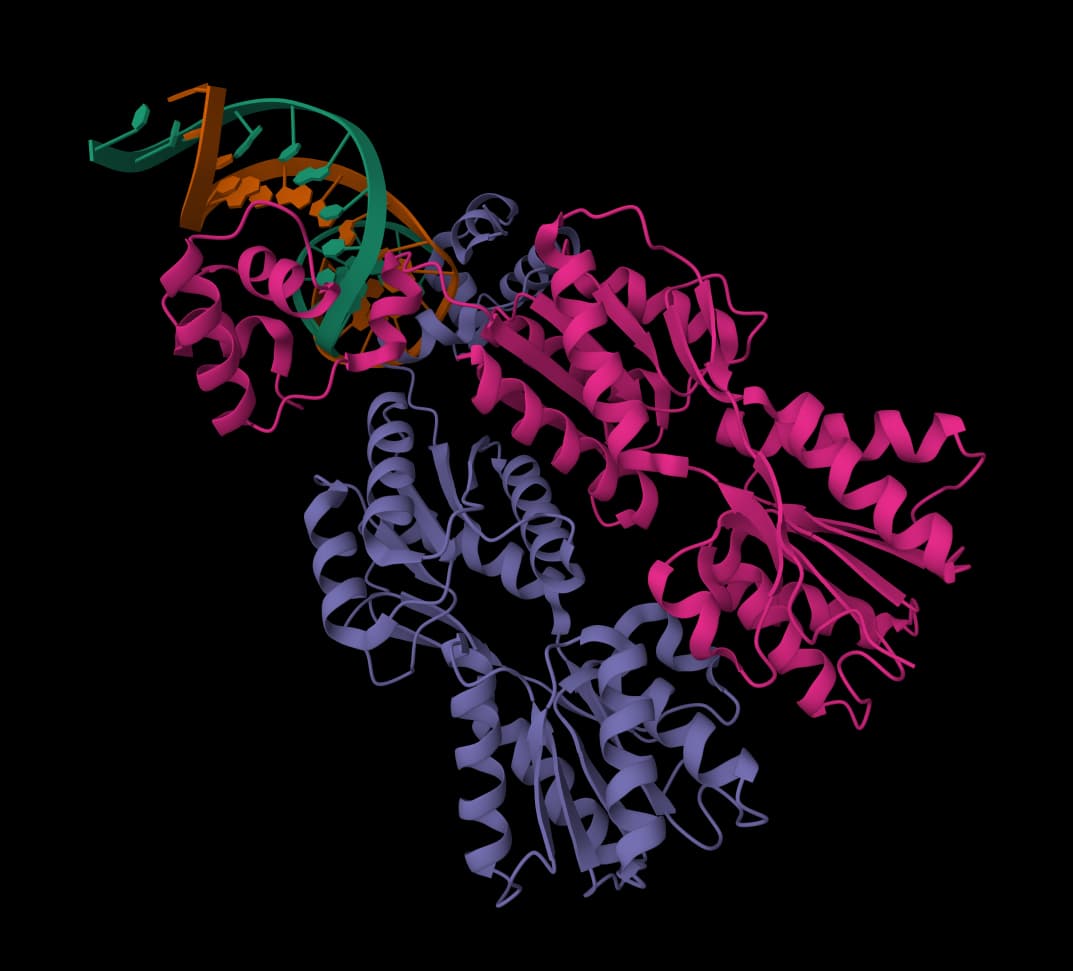
Calculate molecular weight, pI, extinction coefficients, composition, and sequence indices.
Predict or repair the enzyme structure and inspect pockets, protonation, and likely binding-site context.
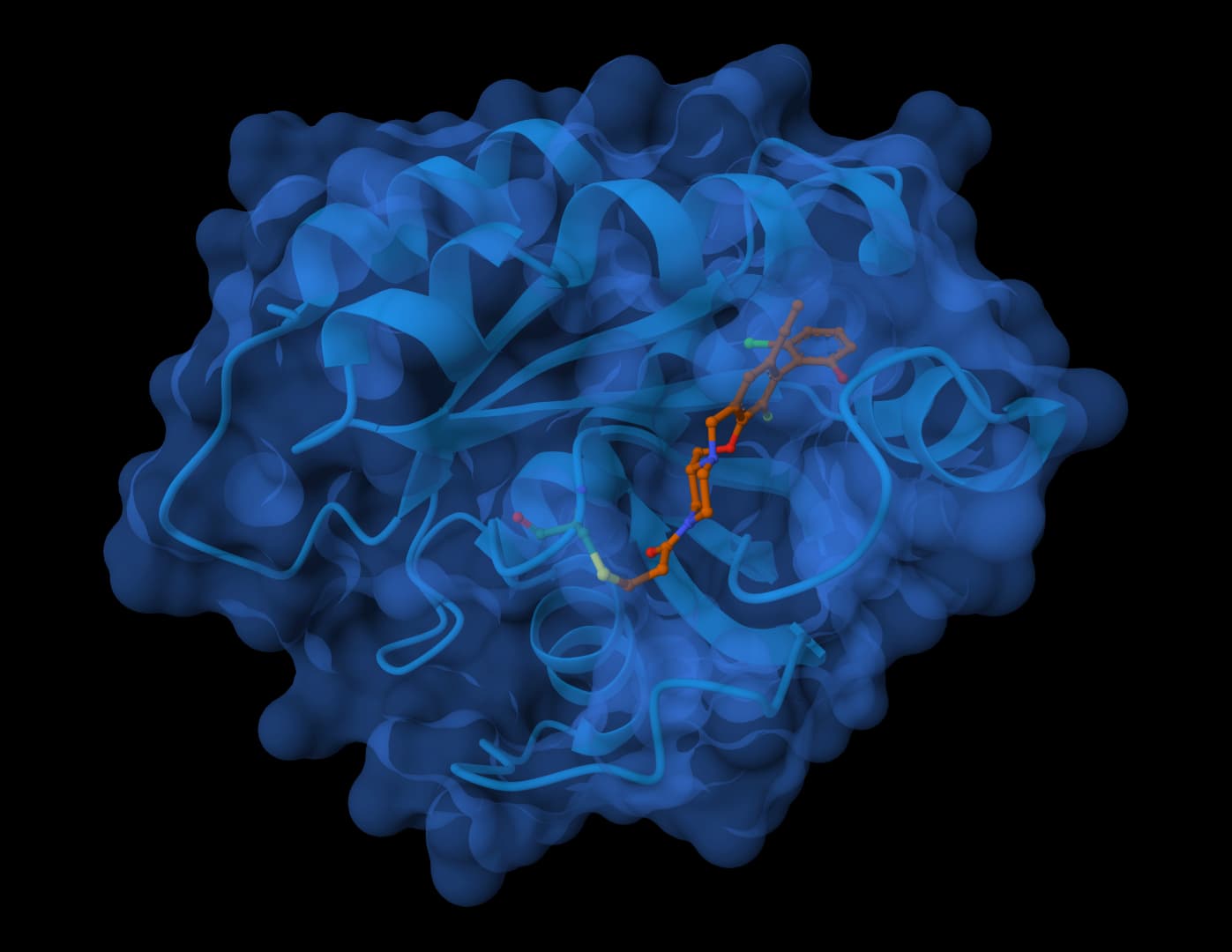
Predict biomolecular complex structures and binding affinities for proteins, ligands, DNA, and RNA.
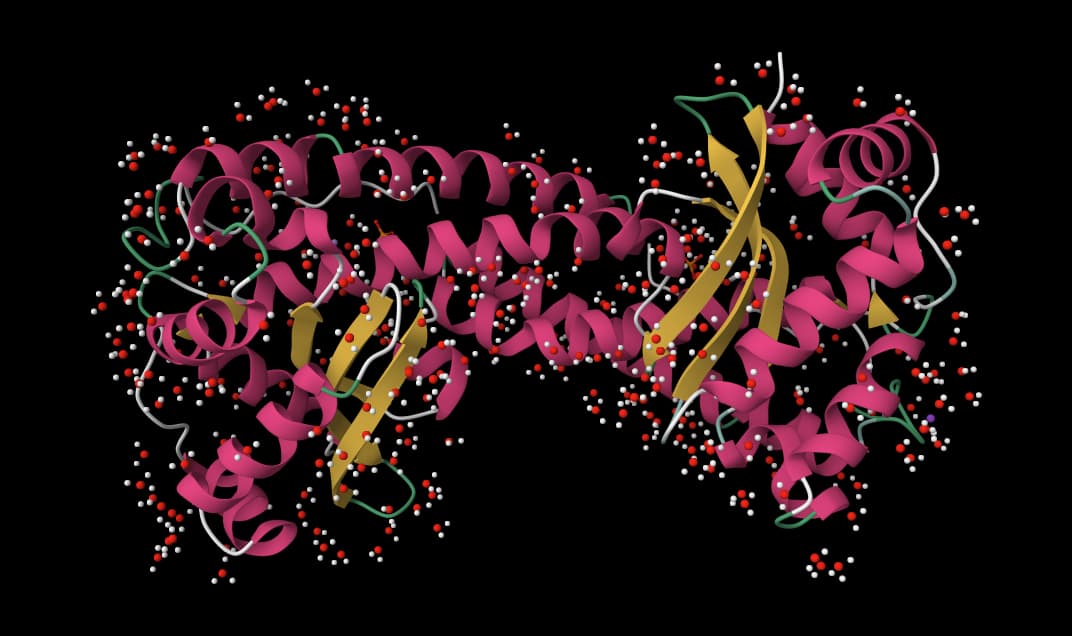
Fix PDB and mmCIF structures by adding missing atoms, residues, hydrogens, and solvent.
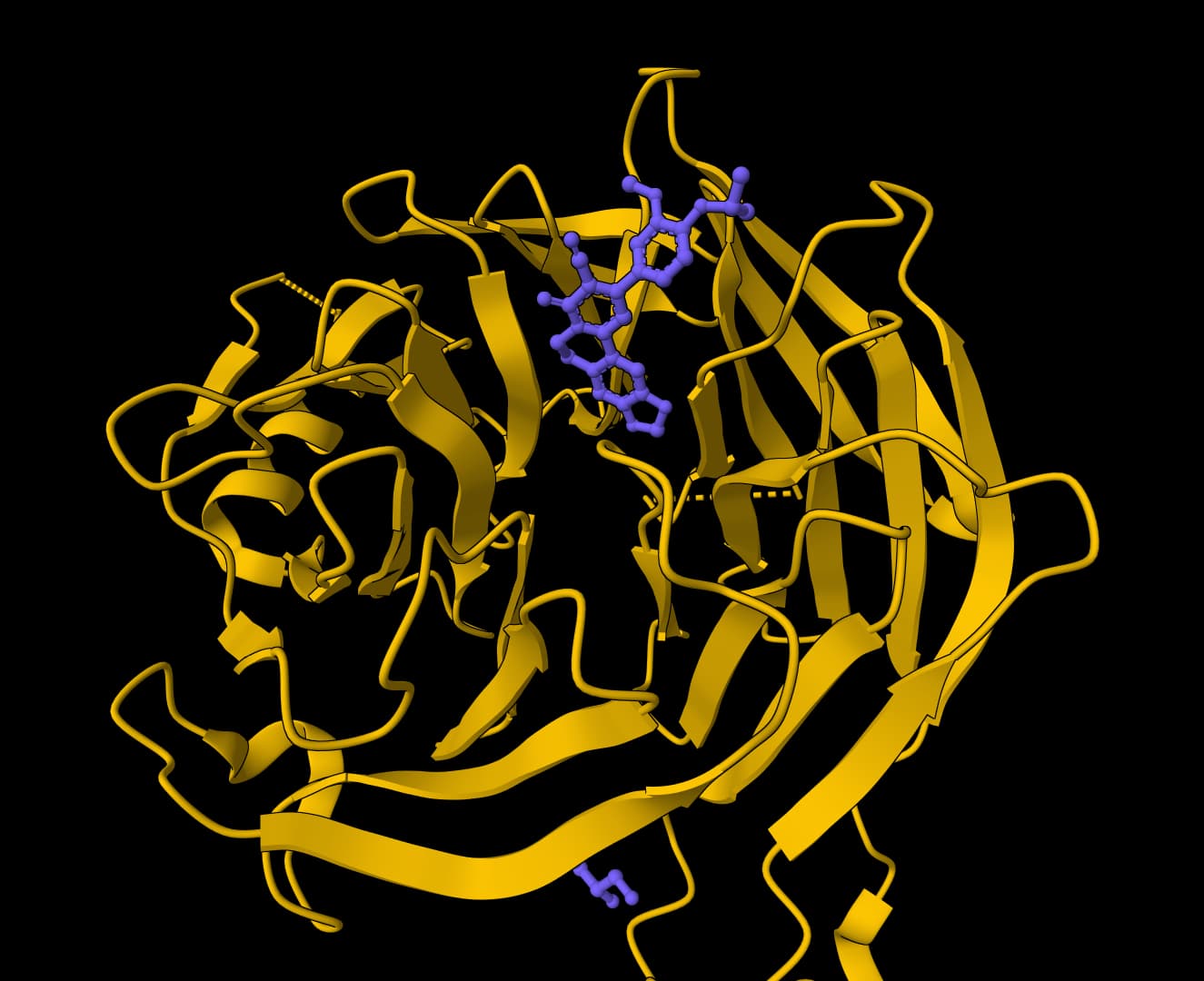
Identify protein pockets and ligand binding sites with druggability scores.
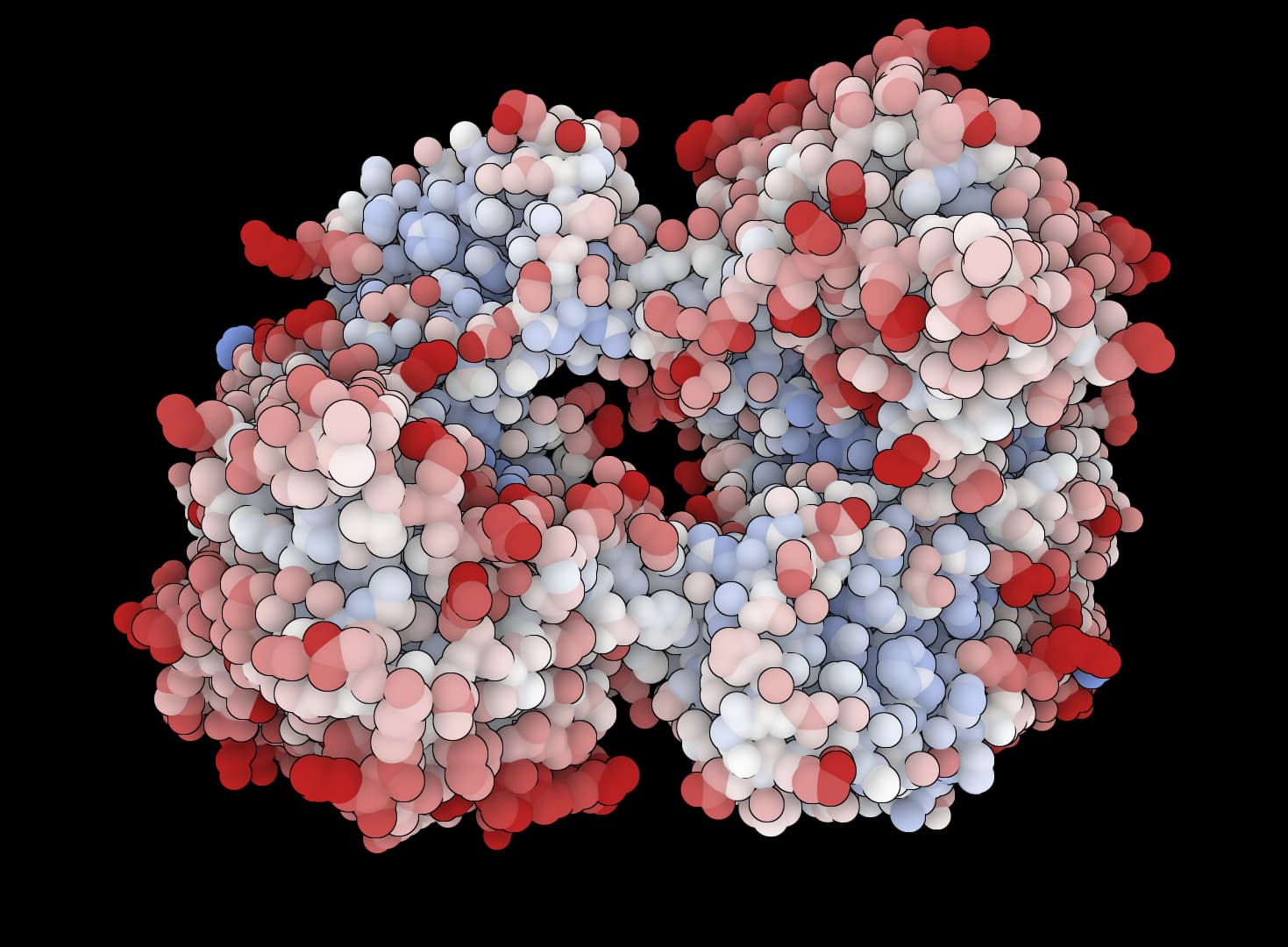
Predict pKa values of ionizable groups in proteins based on 3D structure.
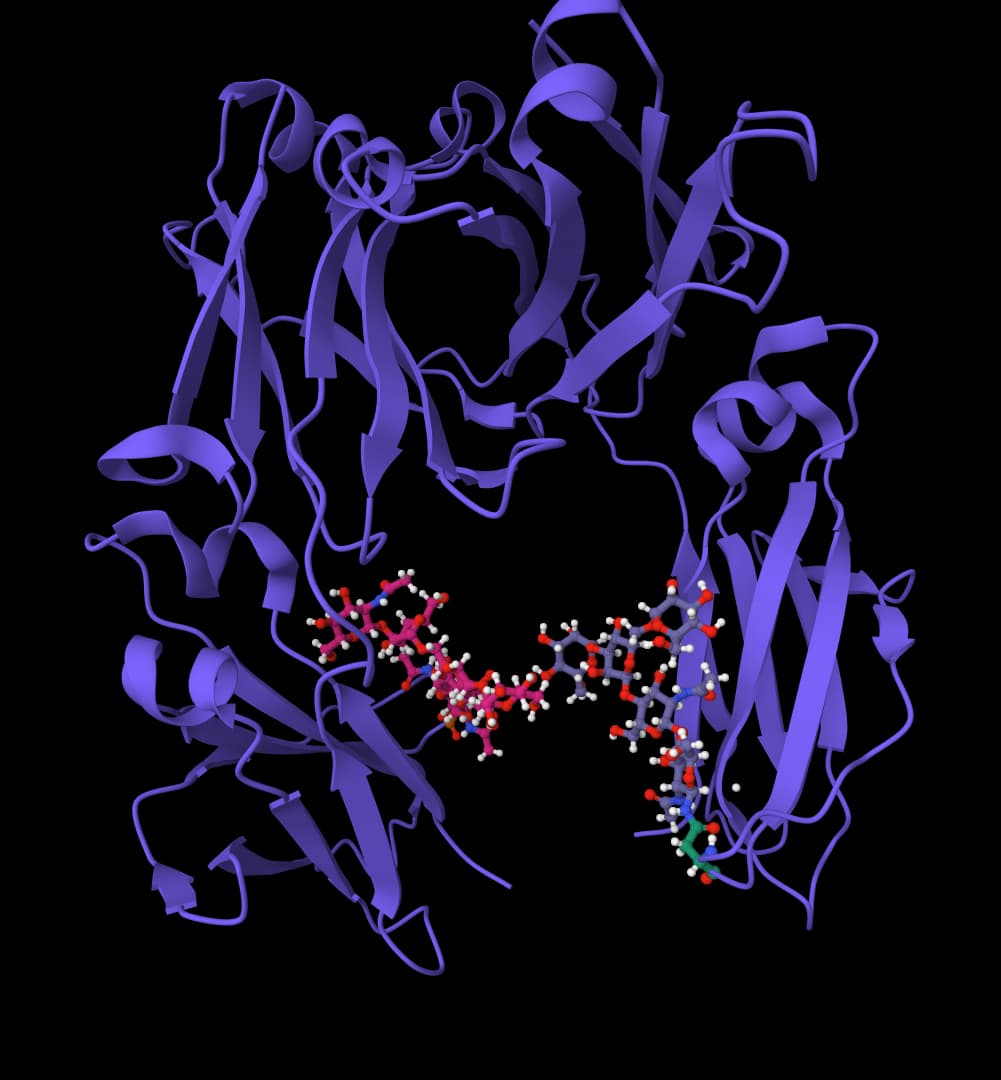
Predict protein binding sites using geometric deep learning on 3D structures.
Estimate kinetic parameters or cleavage context and examine compatible substrate or inhibitor poses before redesign.
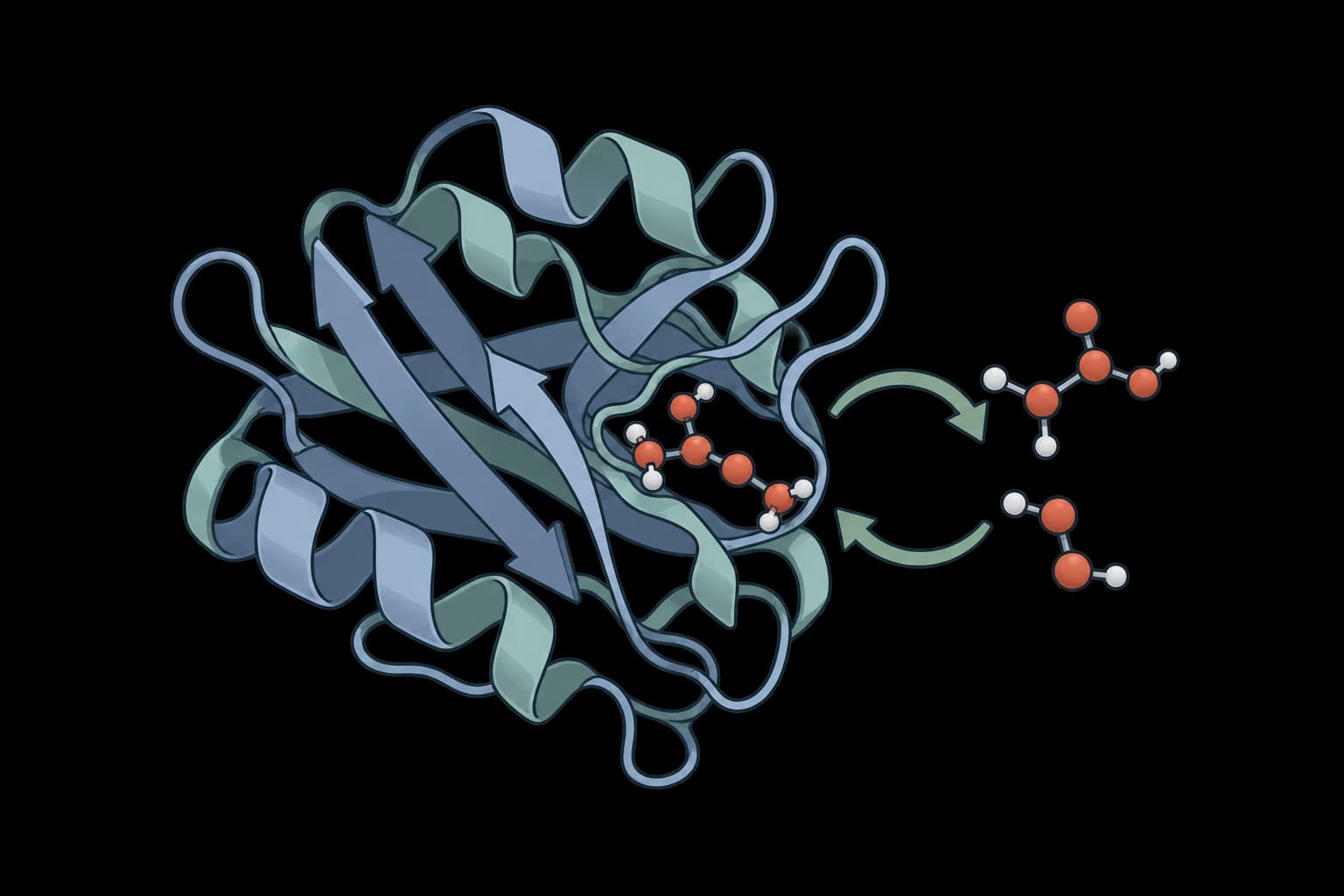
Predict enzyme kcat, Km and Ki from sequences and SMILES, with uncertainty.
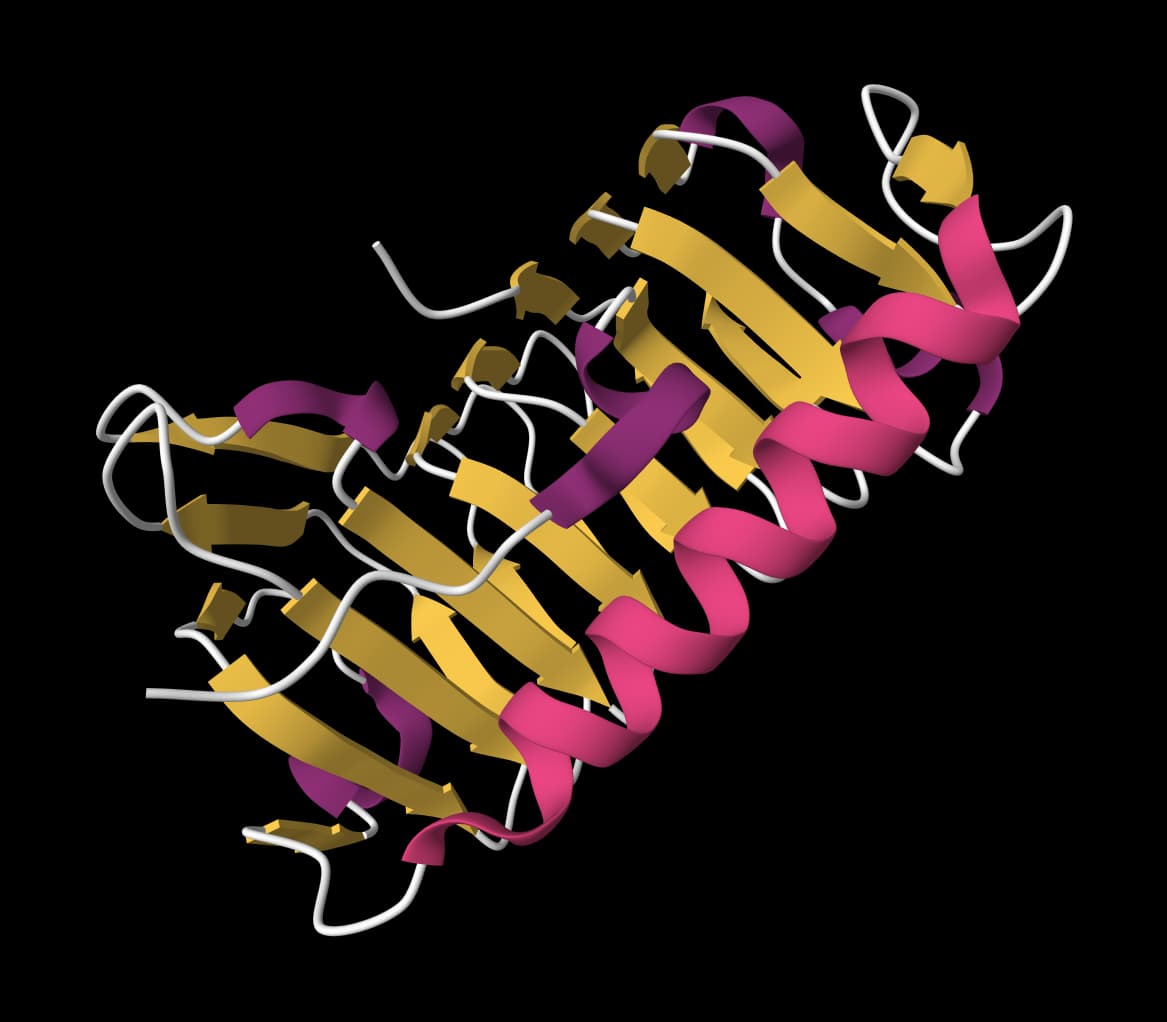
Predict enzyme kcat values from protein sequences and substrate structures or names.
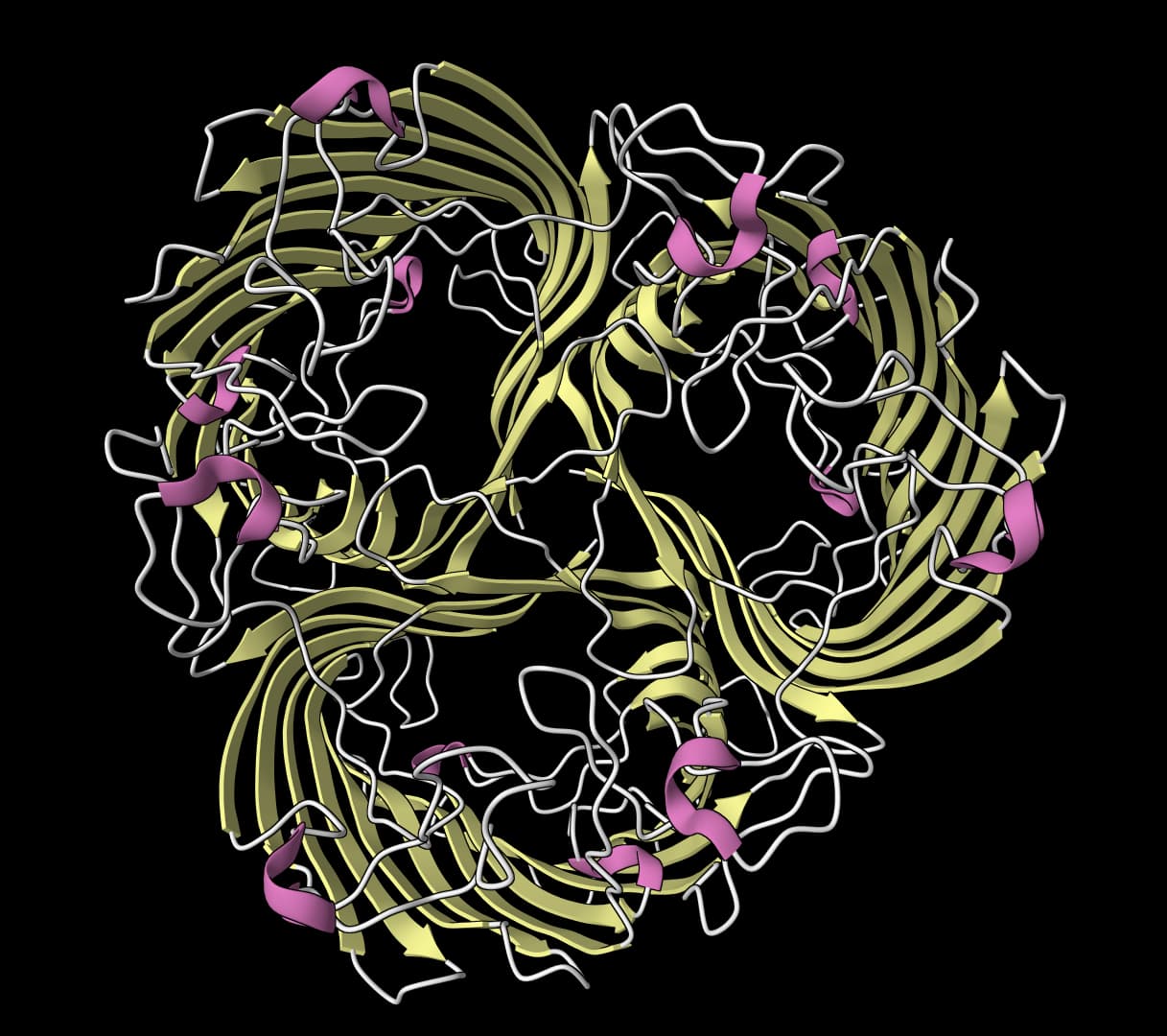
Predict MMP cleavage z-scores, evaluate substrates, and generate conditional peptides.
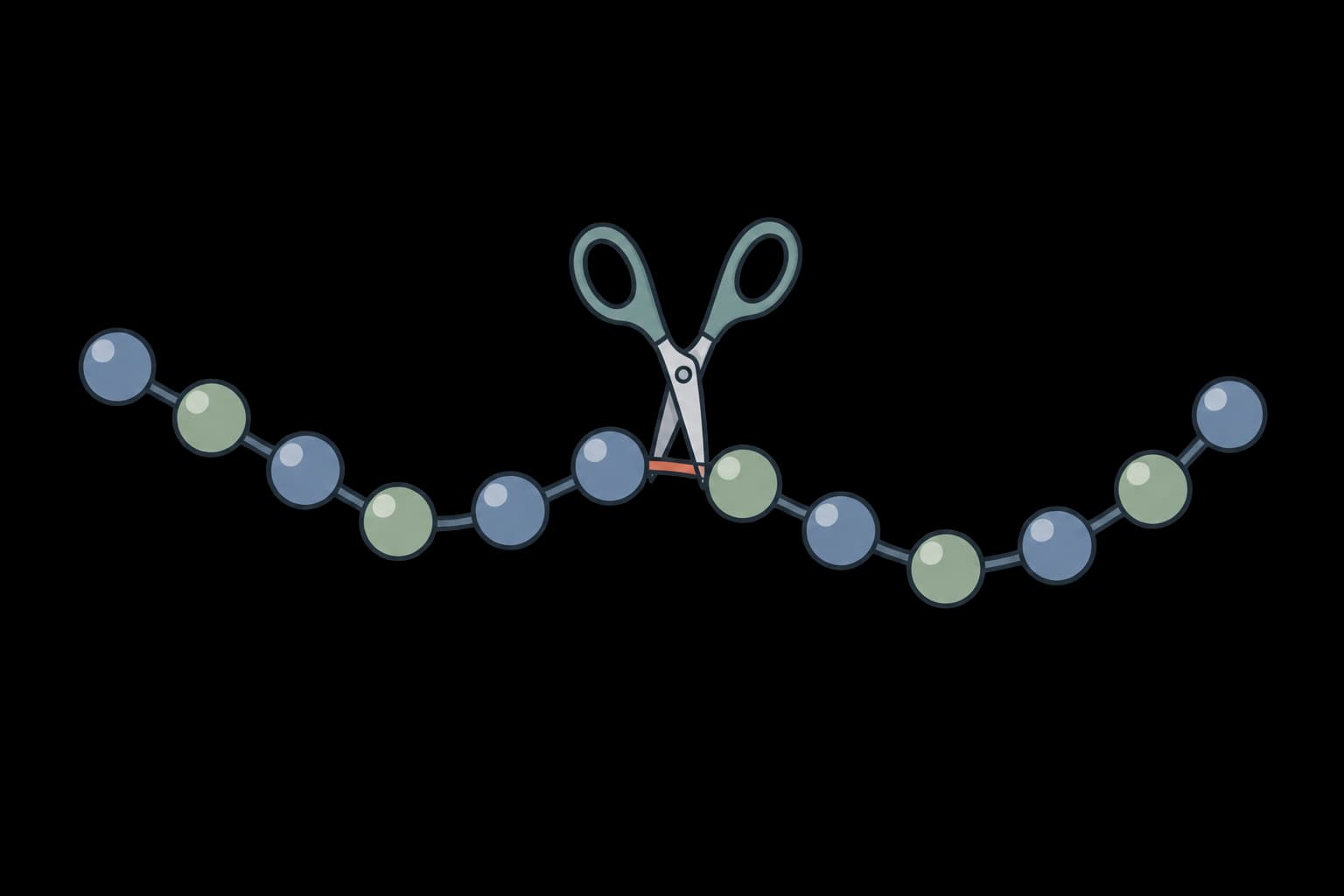
Map protease and chemical cleavage sites across protein sequences for proteomics experiment planning.
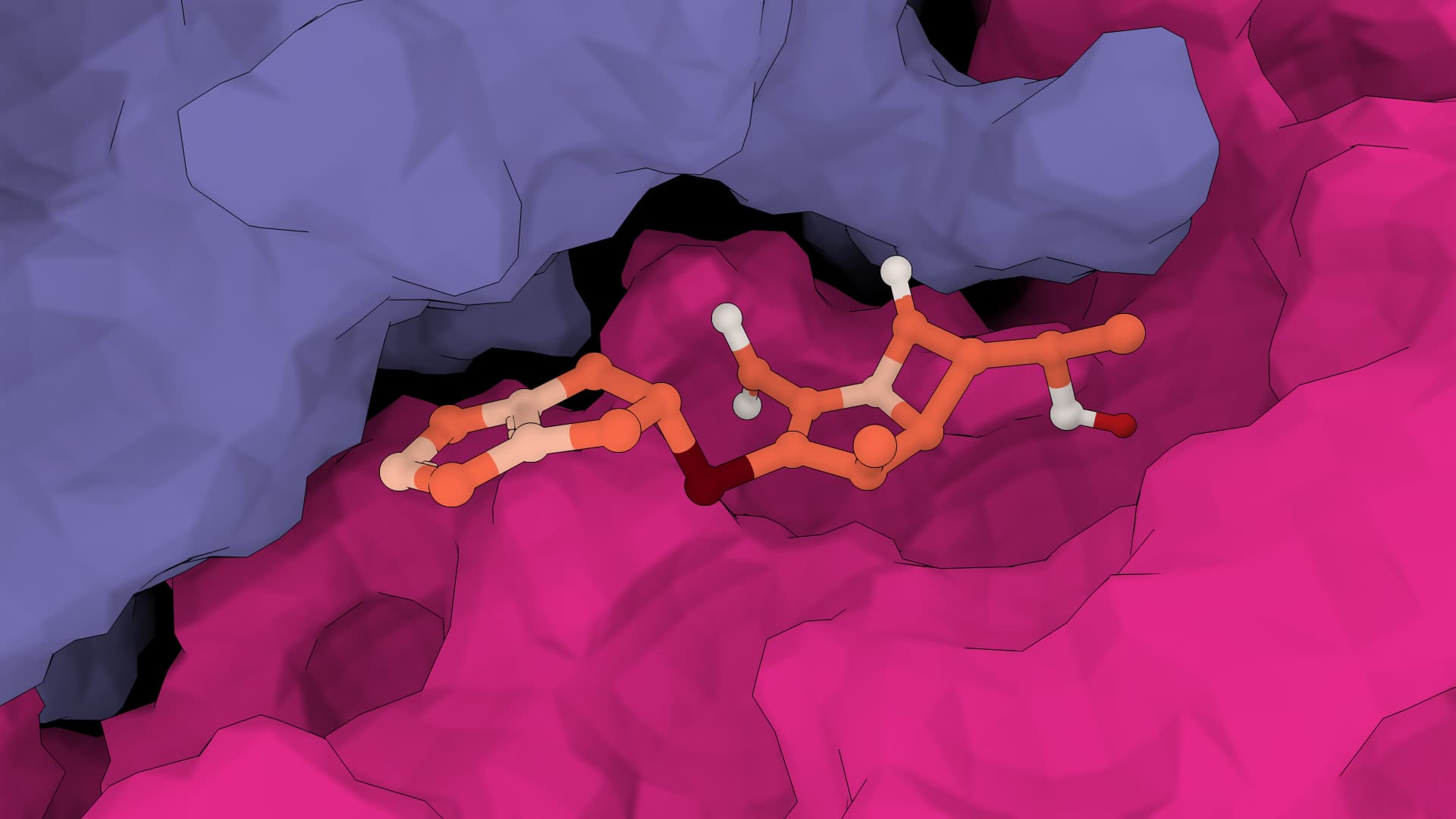
Dock small molecules into proteins using CNN scoring and physics-based pose optimization.
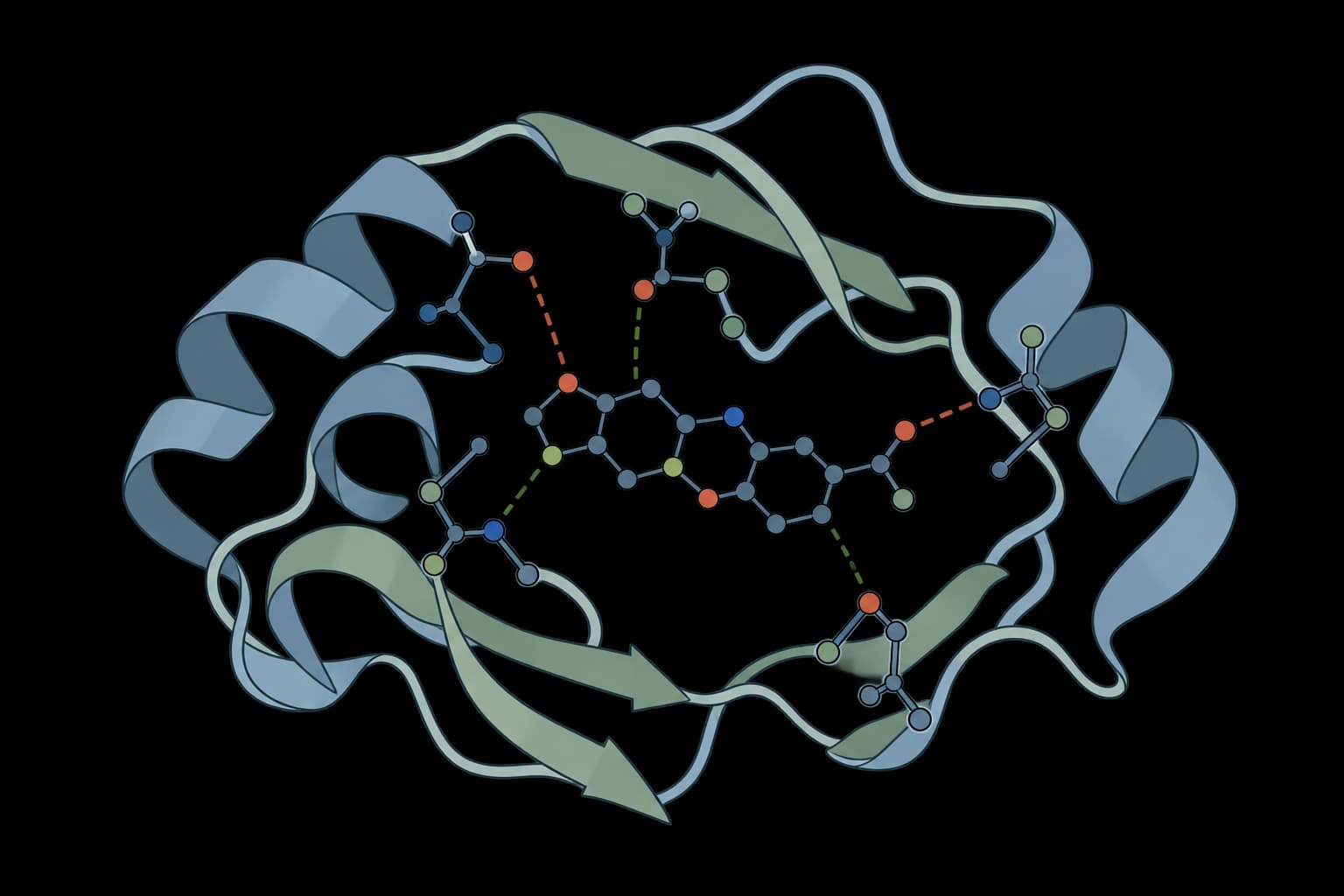
Profile protein-ligand interactions from a PDB complex structure.
Generate new scaffolds, redesign sequences around structural and ligand-aware constraints, and prioritize variants from mutation scores or measured fitness.
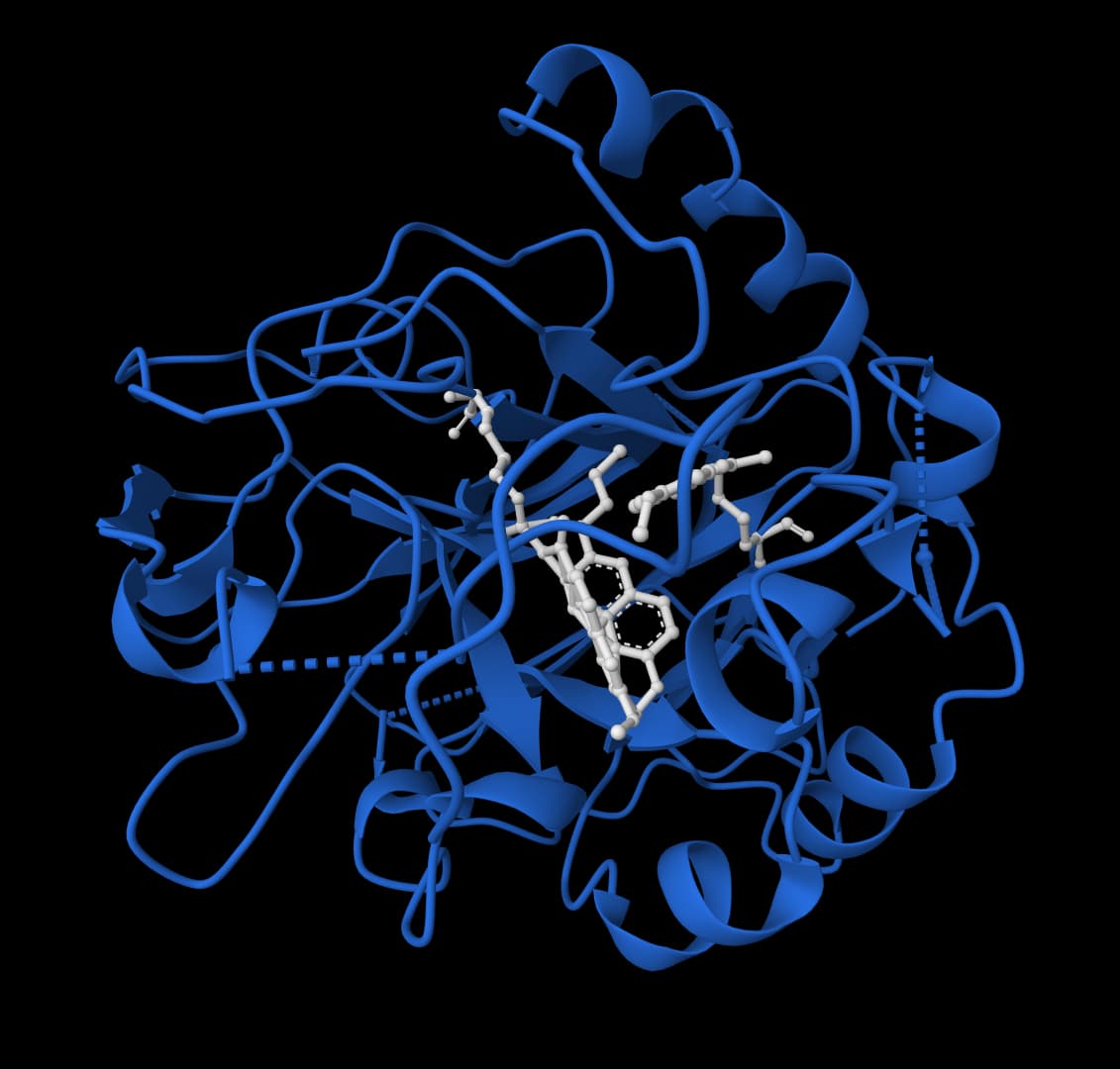
Scaffold enzyme active sites with atom-level control and ligand-aware protein design.
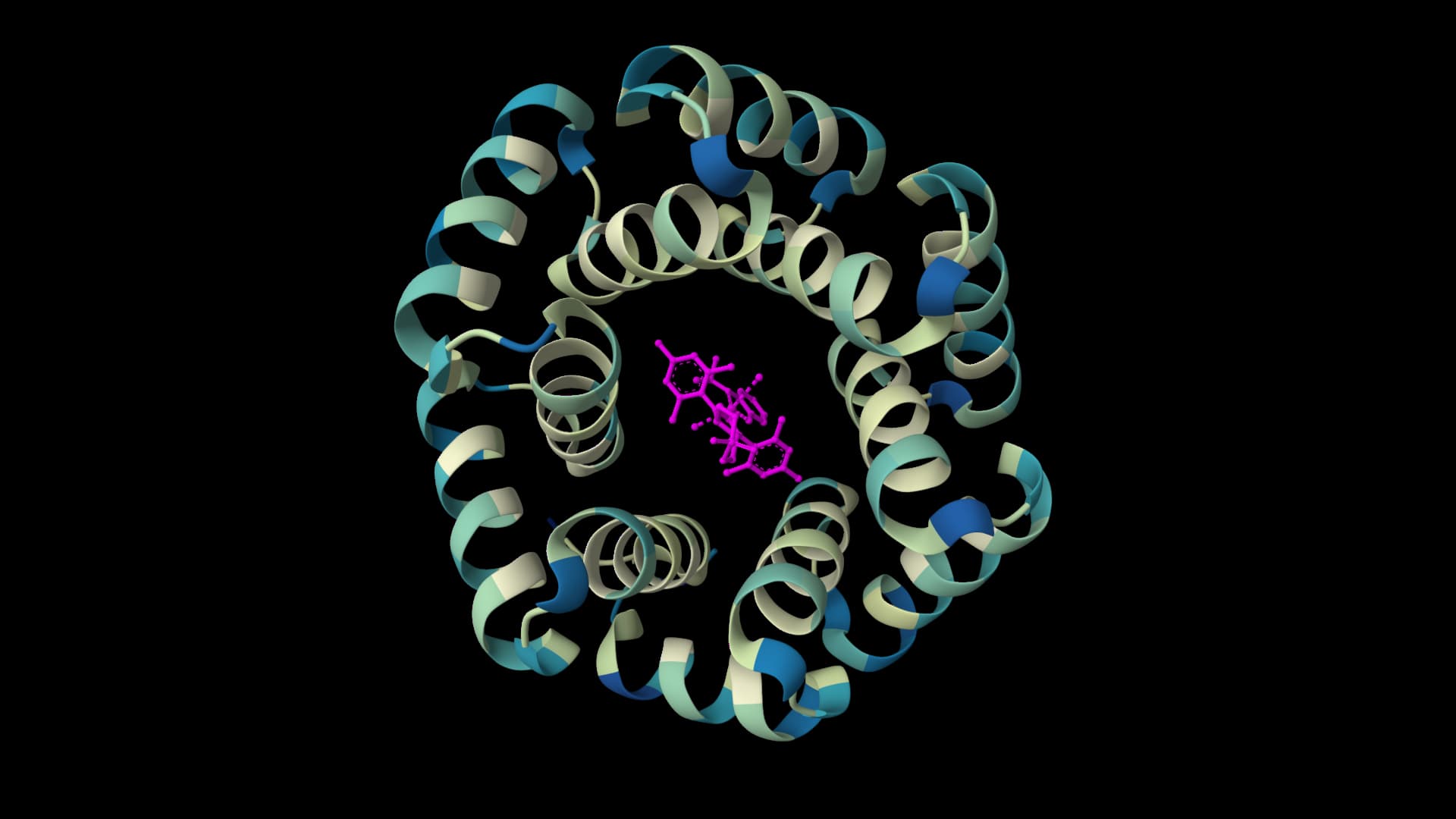
Design protein sequences around ligands, metals, and nucleotides for enzyme engineering and binding-site optimization.
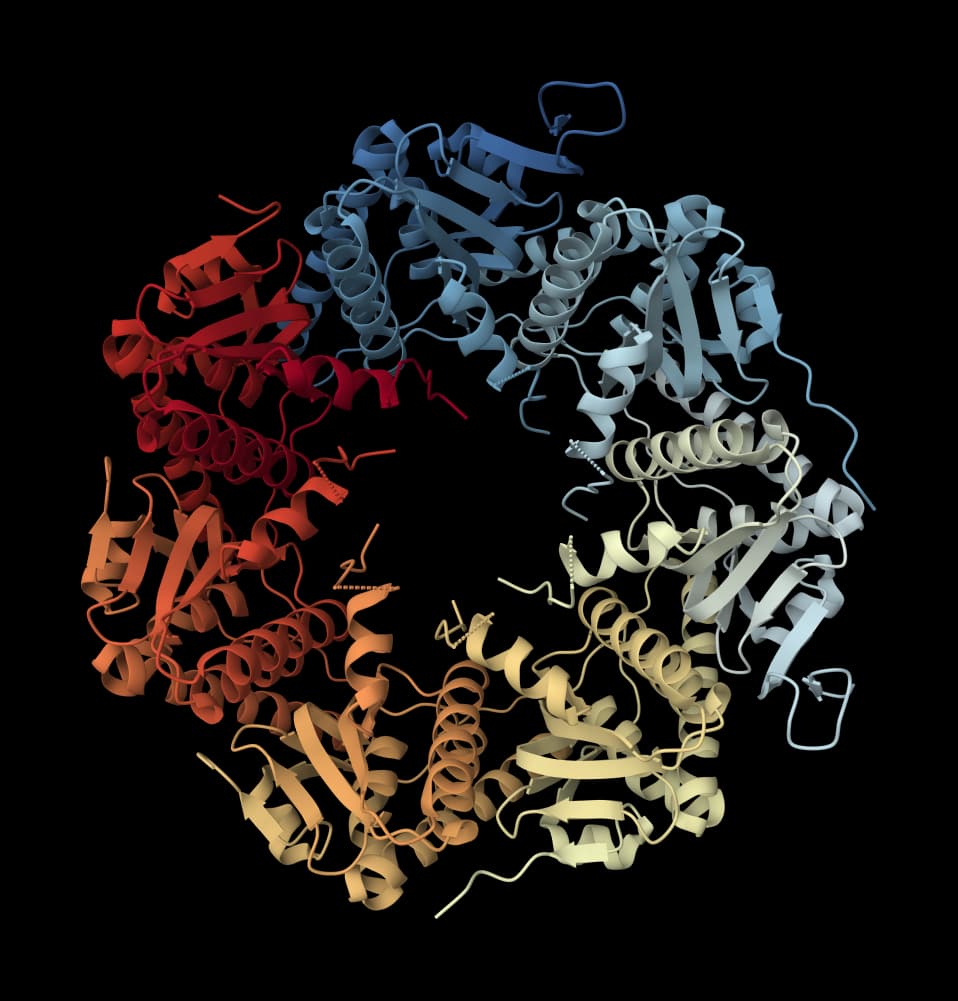
Design amino acid sequences for protein backbones with fixed positions, amino acid biases, and sequence diversity controls.
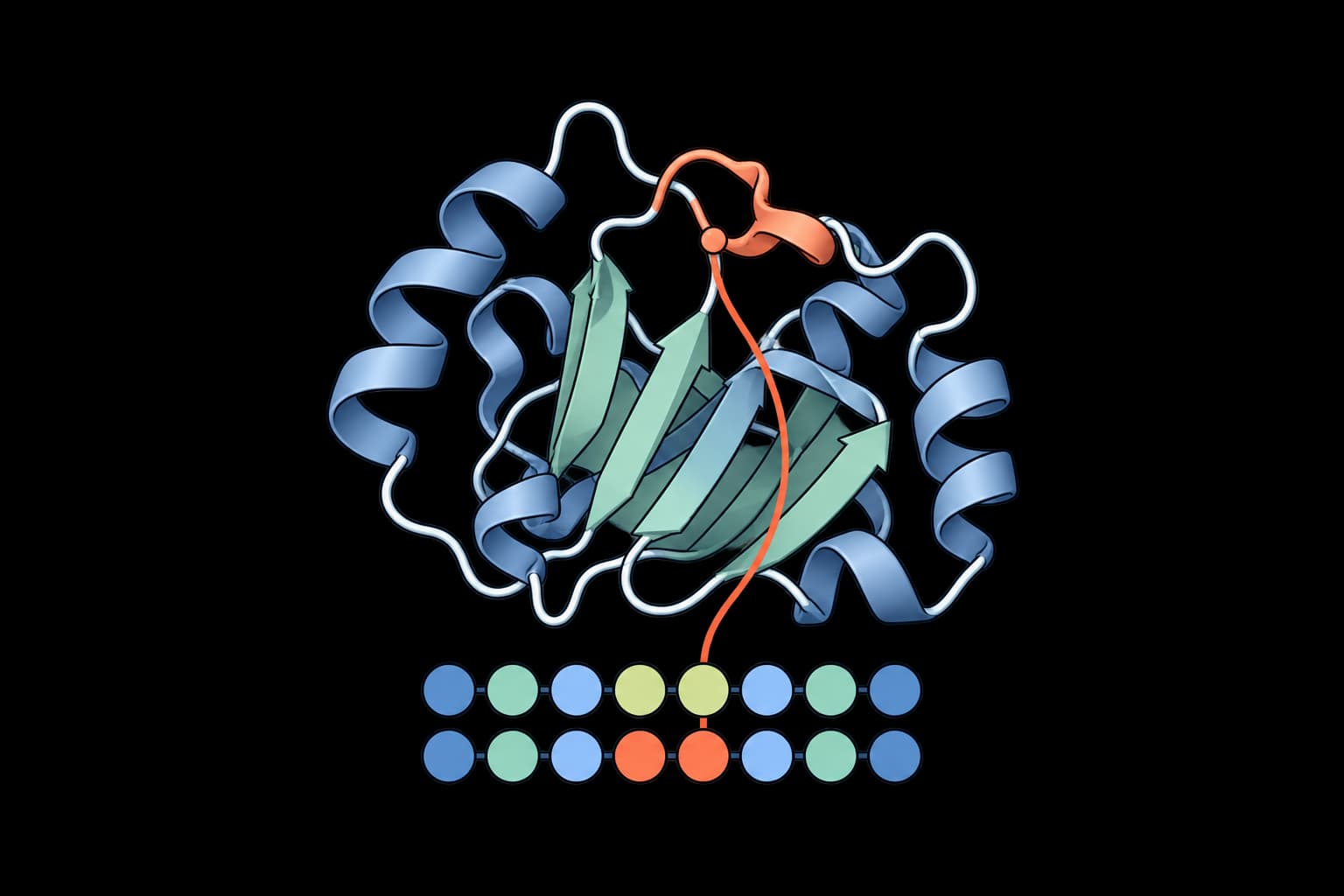
Redesign chosen residues on a fixed protein structure.
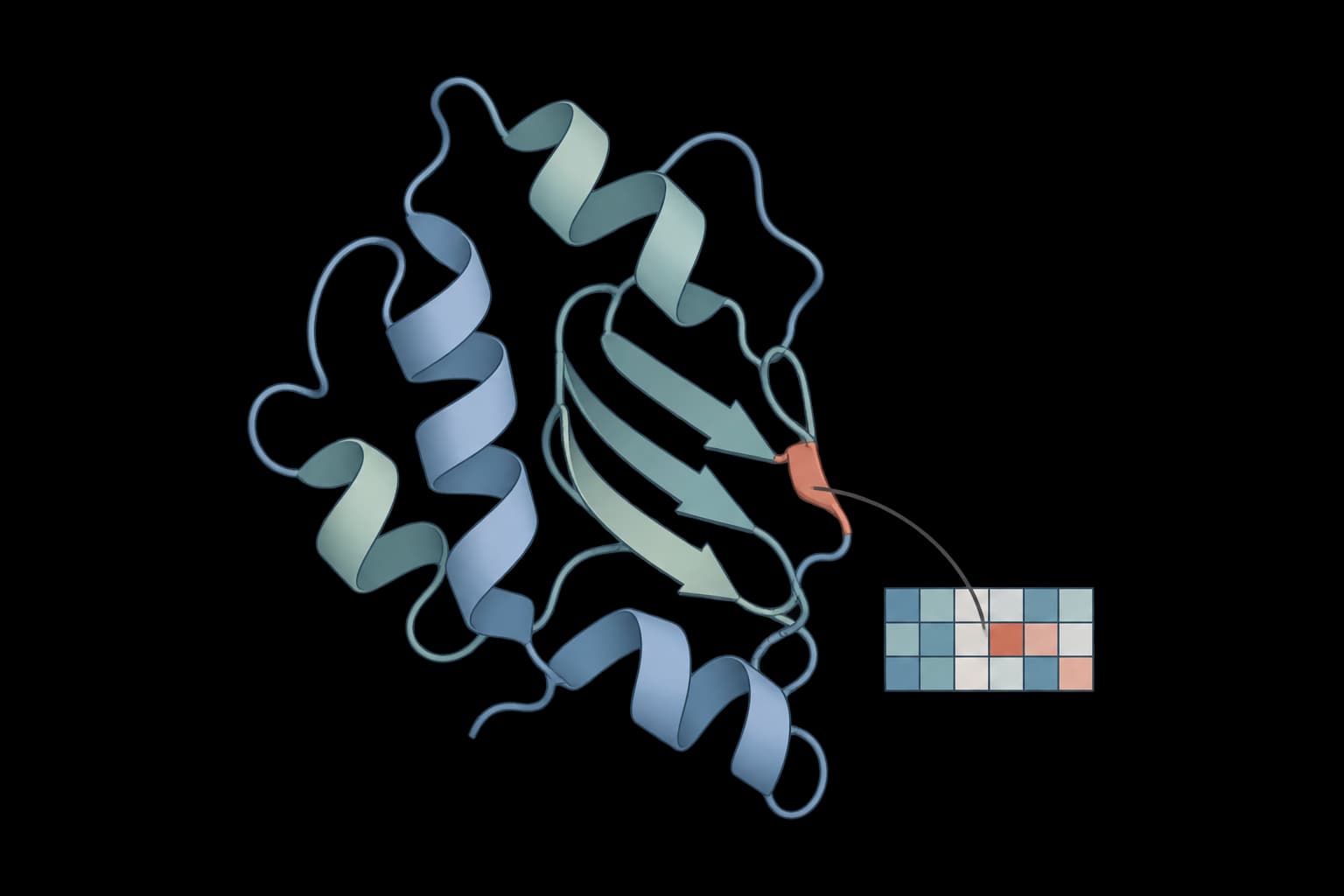
Score amino acid substitutions with masked protein language models.
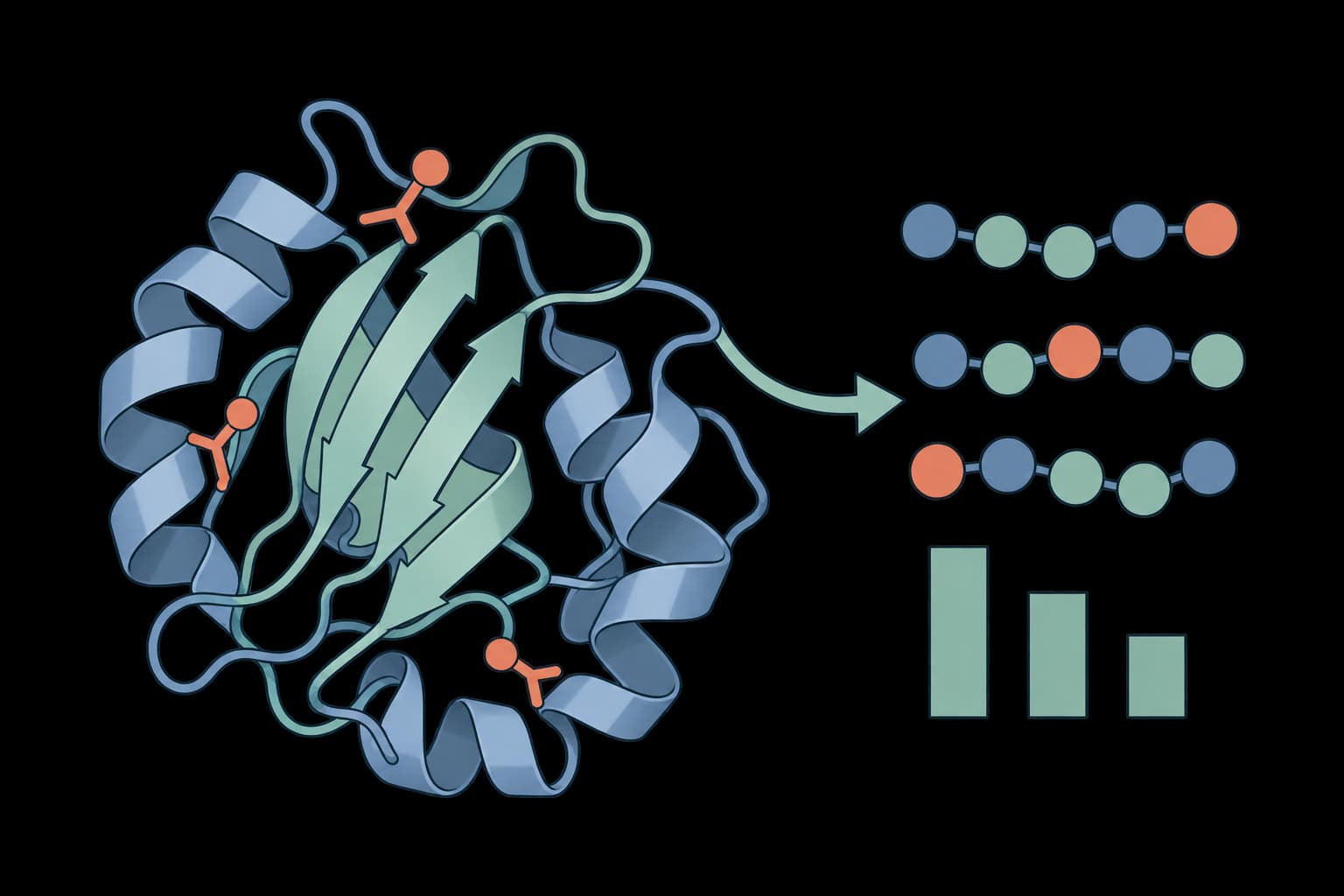
Learn from measured fitness and prioritize protein variants.
Compare thermostability, sequence stability, solubility, and structural geometry before choosing variants for assays.
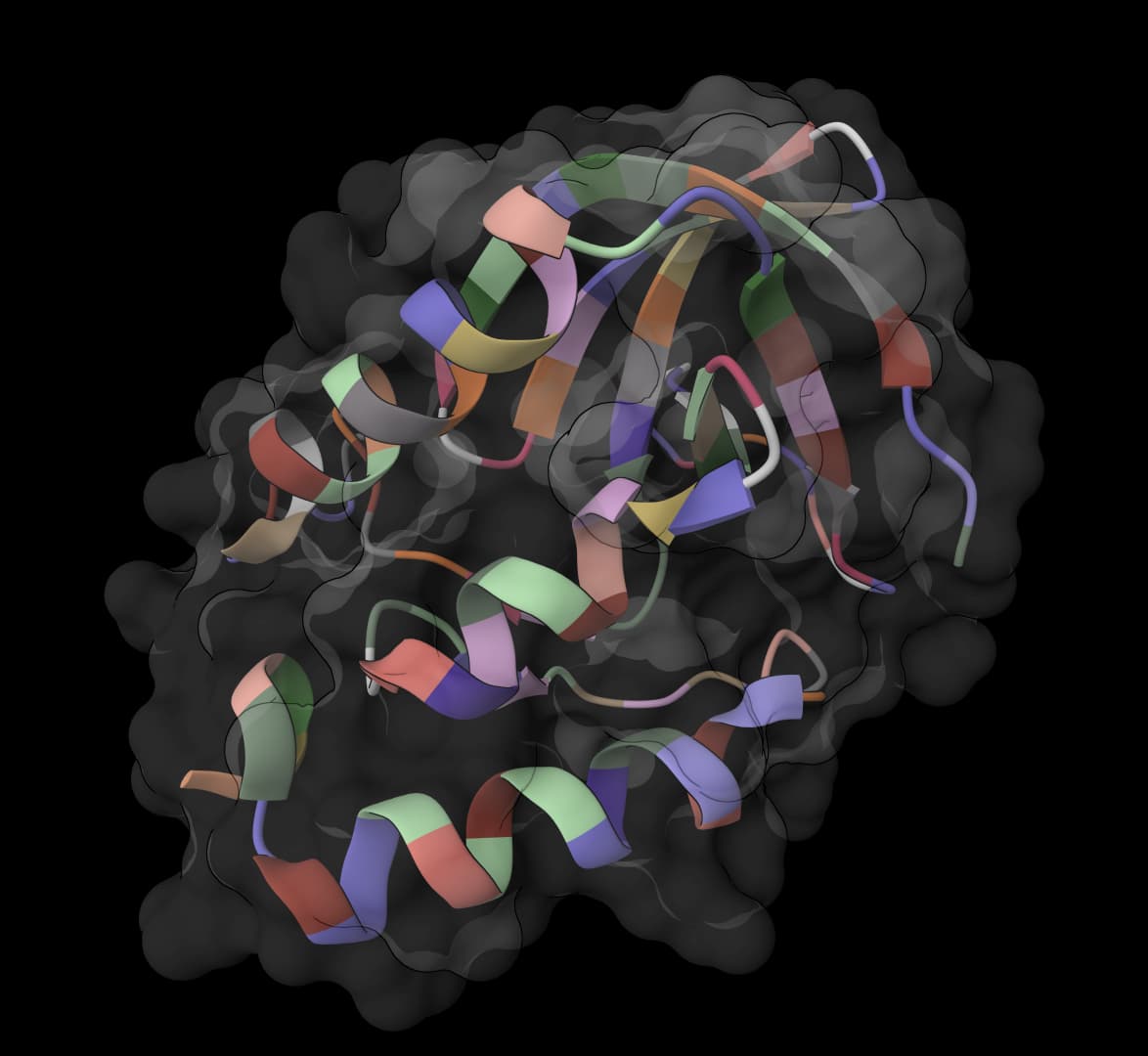
Predict mutation ΔΔG values and identify stabilizing substitutions for protein engineering.
Compare independently interpretable sequence properties related to protein stability.
Predict protein solubility and purification usability for E. coli expression systems
Validate protein structures with clashscore, Ramachandran, rotamer, and geometry checks.
ProteinIQ supports the computational stages of enzyme engineering in one connected workspace. Researchers can annotate sequences, inspect substrate context, predict turnover or stability, model structures, and score variants while keeping every output tied to the enzyme candidate it describes. Begin with an enzyme sequence or structure and select a workflow for activity, stability, mutation, or substrate analysis. ProteinIQ returns the source tables, structures, scores, and files needed to compare candidates before experimental enzyme assays.
ProteinIQ supports enzyme engineering workflows for enzyme annotation, substrate context review, activity prediction, kcat-style scoring, mutation and stability screening, structure modeling, and inhibitor or substrate triage. The platform keeps upstream tool outputs available so enzyme decisions can be reviewed rather than treated as black-box results.
ProteinIQ enzyme tools commonly accept enzyme FASTA sequences, PDB structures, substrate SMILES, inhibitor libraries, mutation lists, and tabular inputs depending on the upstream method. Each workflow keeps the accepted input type tied to the tool that generates the activity, stability, or structure output.
Yes. ProteinIQ can compare enzyme variants with mutation, stability, solubility, structure, and activity-related outputs depending on the selected tools. The results are preserved as tables, structure files, logs, and other artifacts so candidate variants can be compared side by side.
ProteinIQ can run enzyme activity and kcat-oriented prediction tools when the required sequence, structure, or substrate inputs are available. These outputs are computational prioritization signals, so ProteinIQ presents the scores and input context for review rather than treating them as measured kinetic constants.
Yes. ProteinIQ can connect enzyme sequences or structures to design, mutation scoring, and stability prediction tools that help prioritize variants for testing. The platform keeps the redesigned sequences, mutation tables, stability scores, and structure evidence tied to the original enzyme context.
Yes. When an enzyme workflow includes compound context, ProteinIQ can help review substrate or inhibitor candidates with structure, docking, property, and ADMET-style evidence depending on the tools selected. These results support triage and experimental planning rather than replacing biochemical validation.
No. ProteinIQ provides computational enzyme engineering and prioritization evidence. Enzyme kinetics, activity, specificity, stability, expression, and substrate-scope claims still require experimental enzyme assays before they should be treated as validated results.
Yes. ProteinIQ enzyme workflows can export CSV score tables, sequence files, predicted or prepared structures, mutation outputs, docking or compound tables, logs, and upstream result artifacts depending on the tool. Exported files preserve the evidence needed for review outside ProteinIQ.
Start in ProteinIQ with an enzyme sequence or structure and choose either a workflow template or a specific tool for activity prediction, stability review, structure modeling, or compound triage. Running a small test input first is the best way to confirm formatting before scaling to larger variant sets.
AI answers from our docs. No sign-in needed.
The perfect starting place for your first project.
Everything an academic lab needs to scale.
Everything in Free
More compute and a commercial license for industry.
Everything in Plus
Custom credits, seats, and security review.
Everything in Pro