Free
$0
The perfect starting place for your first project.
- All tools
- 200 credits, then 100/mo
- 3 jobs per day
- Up to 1,000 residues per job
- Academic license
Prepare the target, screen your library, dock with several methods, and flag ADMET risk before you order compounds.
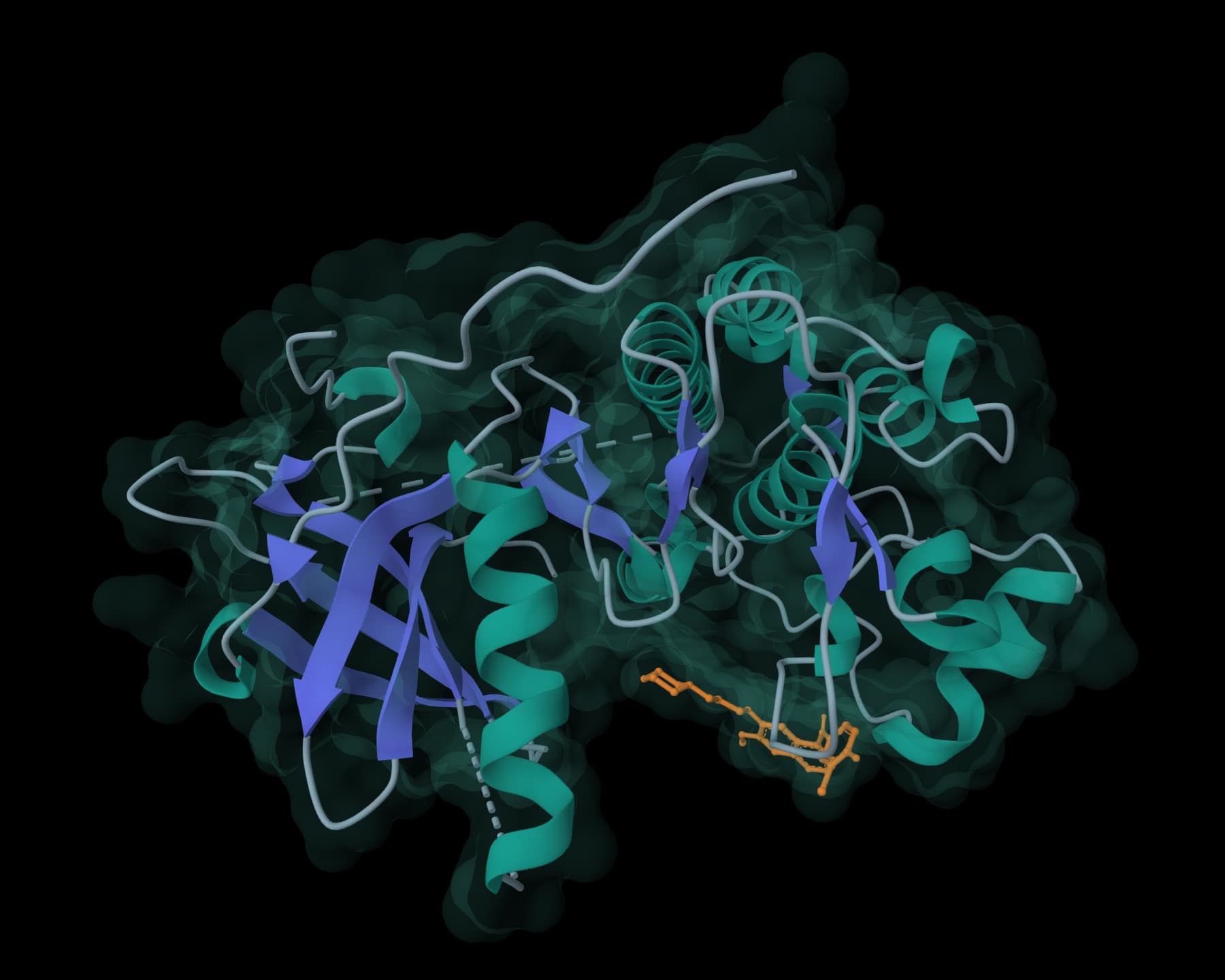
Repair the target, identify plausible pockets, review protonation, and standardize ligand structures before screening.

Fix PDB and mmCIF structures by adding missing atoms, residues, hydrogens, and solvent.

Identify protein pockets and ligand binding sites with druggability scores.

Predict pKa values of ionizable groups in proteins based on 3D structure.

Repair SDF, MOL, and MOL2 ligands for RDKit, Meeko, and docking preparation workflows.

Generate 3D SDF files from SMILES strings with batch conversion and downloadable combined outputs.
Generate candidates from the pocket or purchasable chemical space, rank a library against the target, and remove compounds with unsuitable properties or structural liabilities.

Generate novel drug-like molecules using NVIDIA's discrete diffusion AI model.

Small-molecule design against a protein target from purchasable chemical space.

Rank your SMILES library against a protein target.

Screen compounds for oral bioavailability using molecular weight, LogP, hydrogen bond donor, and acceptor limits.

Screen compounds for Pan-Assay Interference patterns using PAINS_A, PAINS_B, and PAINS_C filters.

Screen for lead-like compounds using stricter molecular descriptor criteria for early optimization.
Use complementary docking methods, preserve their native scores, profile the contacts each pose makes, and check whether proposed complexes are physically plausible.

Dock small molecules into proteins using CNN scoring and physics-based pose optimization.

Dock ligands into protein structures and estimate binding modes, poses, and affinity scores.

Enhanced molecular docking with custom scoring functions and fast minimization

Predict protein-ligand binding poses and confidence scores without a predefined binding site.

Profile protein-ligand interactions from a PDB complex structure.

Validate generated and docked ligand poses with structure, chemistry, and reference-pose checks.
Review pharmacokinetic and toxicity risk, then apply simulation or free-energy methods to the smaller set that survives triage.

Predict absorption, distribution, metabolism, excretion, and toxicity properties for compound libraries.

LogD, permeability and solubility predictions for small molecules.

Screen compounds for structural toxicity alerts using PAINS filters, BRENK filters, and NIH filters for safer drug discovery.

Molecular dynamics, minimization, and energy calculations with classical or ML potentials

Calculate binding free energies with MM/PBSA and MM/GBSA
Pick the method that fits your question and evidence. Each one comes with a workflow you can open and edit.
Rank a compound library against your target online with docking and similarity tools, check the poses and ADMET predictions, and export a shortlist for testing.
See workflowPrepare and partition a large compound library, apply staged filters, run reproducible batches, and aggregate ranked results without losing failures or method settings.
See workflowPrepare a target structure, review a compound library, generate ranked poses with GNINA, and inspect pose-quality and ADMET results in one editable workflow.
See workflowCompare a compound library with known active ligands using molecular descriptors, fingerprints, pharmacophores, or learned features, then review and export a traceable shortlist.
See workflowDefine a three-dimensional interaction-feature model, prepare candidate conformers, rank feature matches, and review a chemically diverse shortlist.
See workflowDock a ligand into a protein online with AutoDock Vina, GNINA or DiffDock-L, or dock two proteins with LightDock, then check every pose before you trust its score.
See workflowSearch broadly across a prepared protein when the ligand-binding site is unknown or poorly characterized.
See workflowUse AI docking models to generate protein–ligand poses, compare their confidence, and check whether the predicted structures are chemically plausible.
See workflowBackground guides on the methods, scores, and numbers behind these workflows.
Docking ·
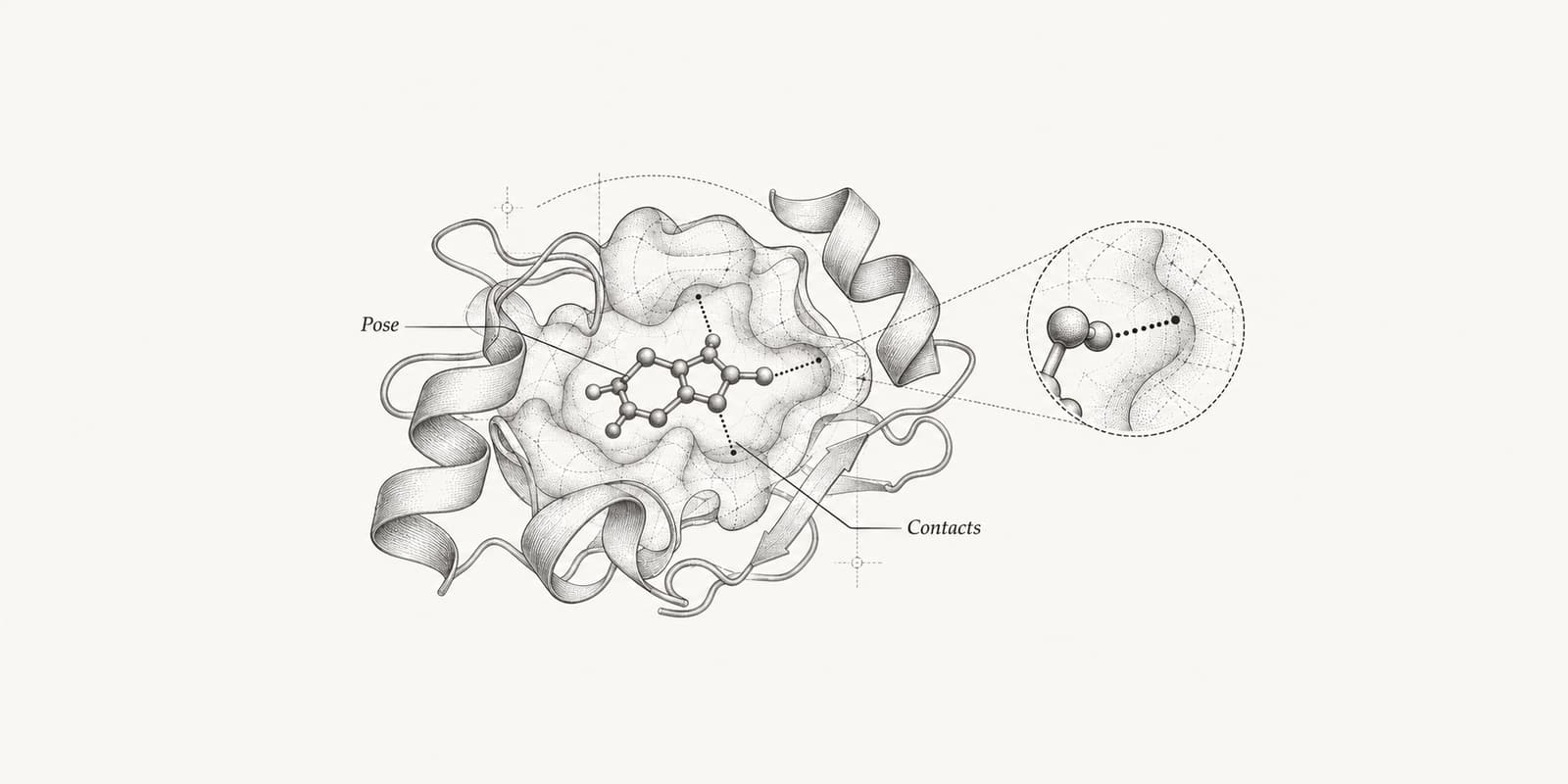
The AutoDock Vina score is a docking score in kcal/mol, not a measured binding energy. Learn what the output columns mean, why there is no universal good score, and how far Vina tracks experimental affinity.
Structures ·
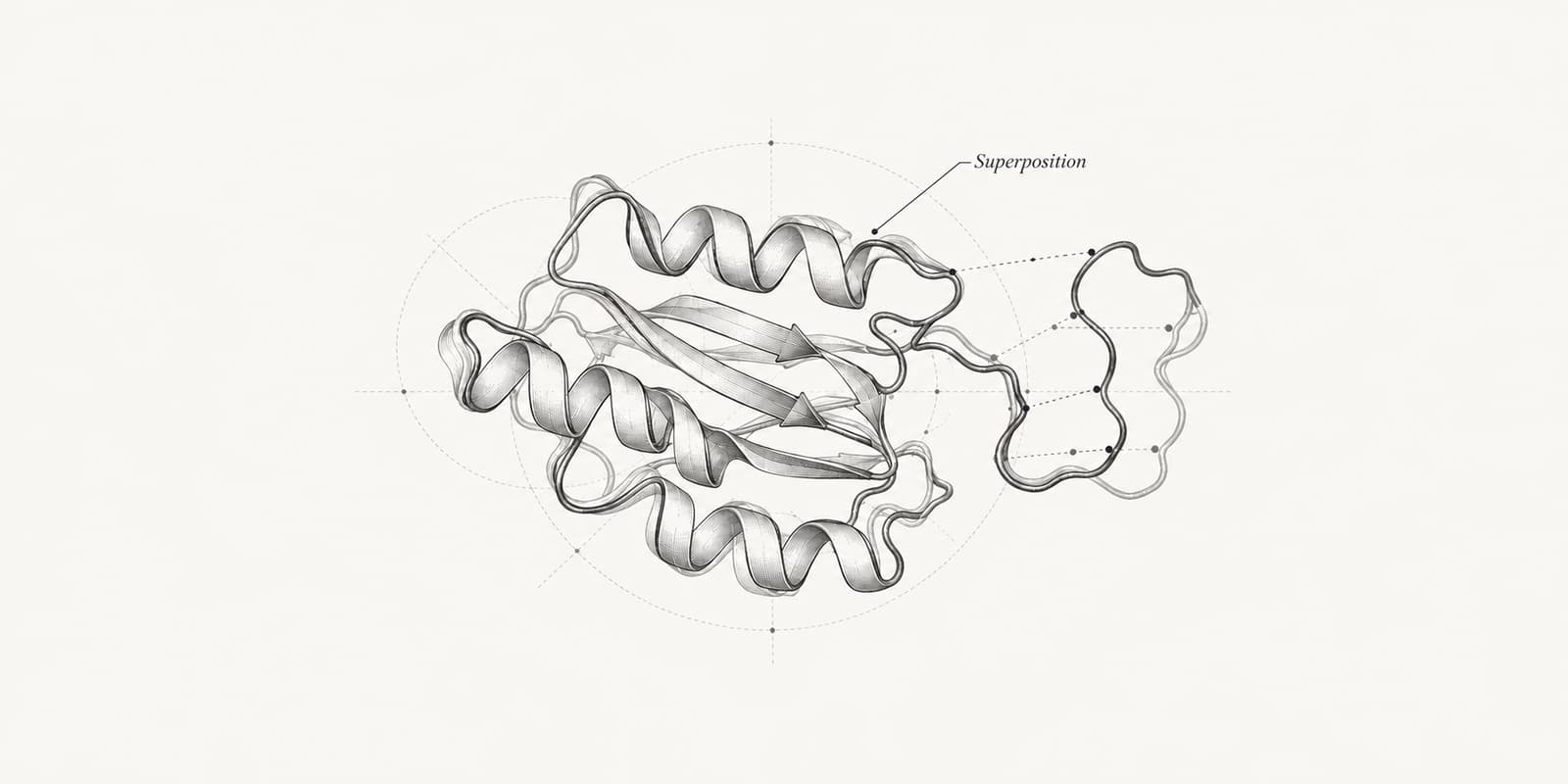
RMSD is the average distance between matched atoms of two structures, in ångströms. Learn the formula, when to superimpose, and what values count as good for proteins, docked poses and molecular dynamics.
Drugs ·
Current drug discovery statistics on FDA novel drug approvals, clinical success rates, development cost, biosimilars, cell and gene therapies, AAV products, and CRISPR trials.
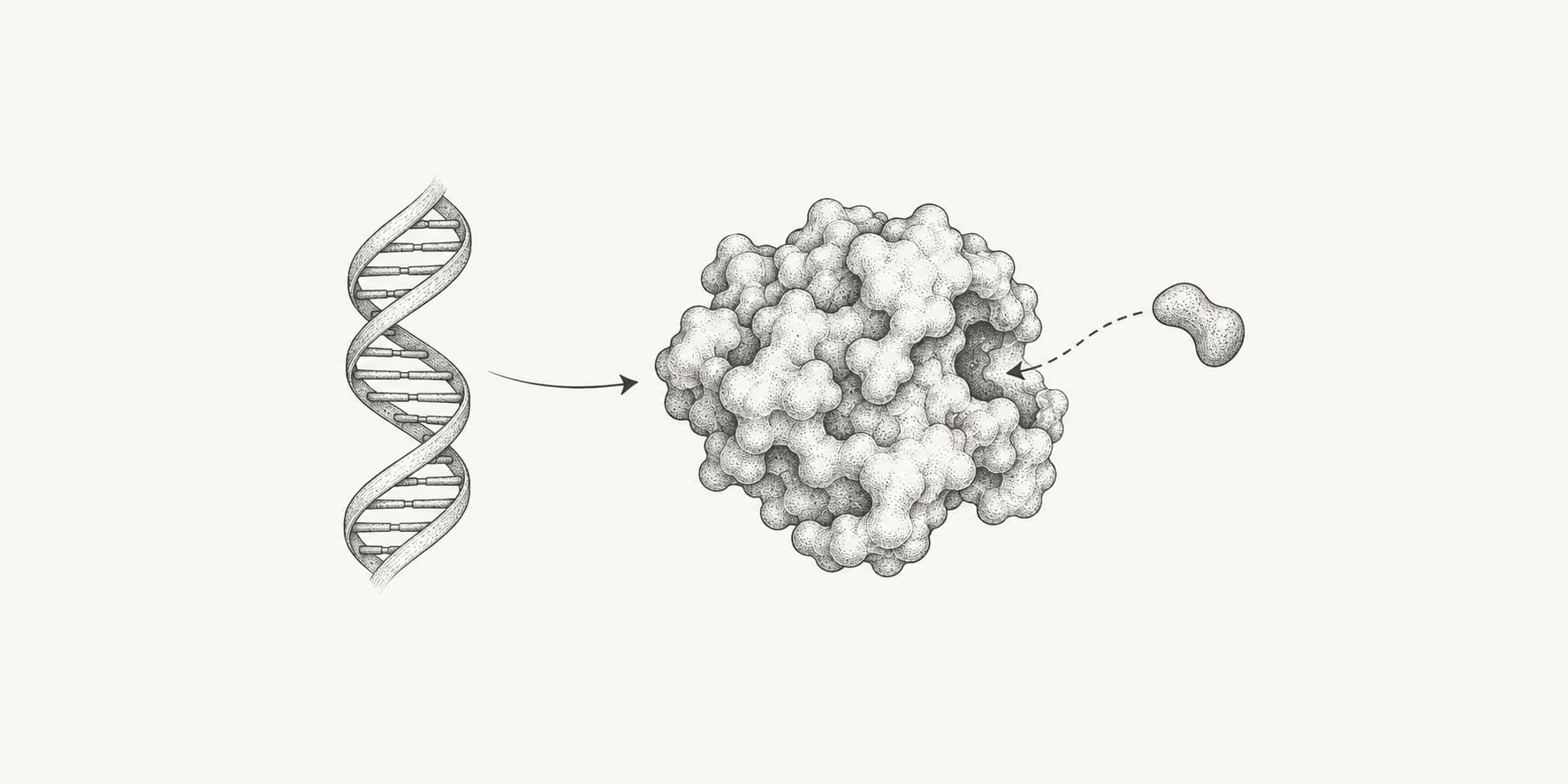
Drugs ·
About 4,500 human genes are considered part of the druggable genome. A major analysis counted 4,479 drugged or druggable genes, equal to 22% of protein-coding genes.
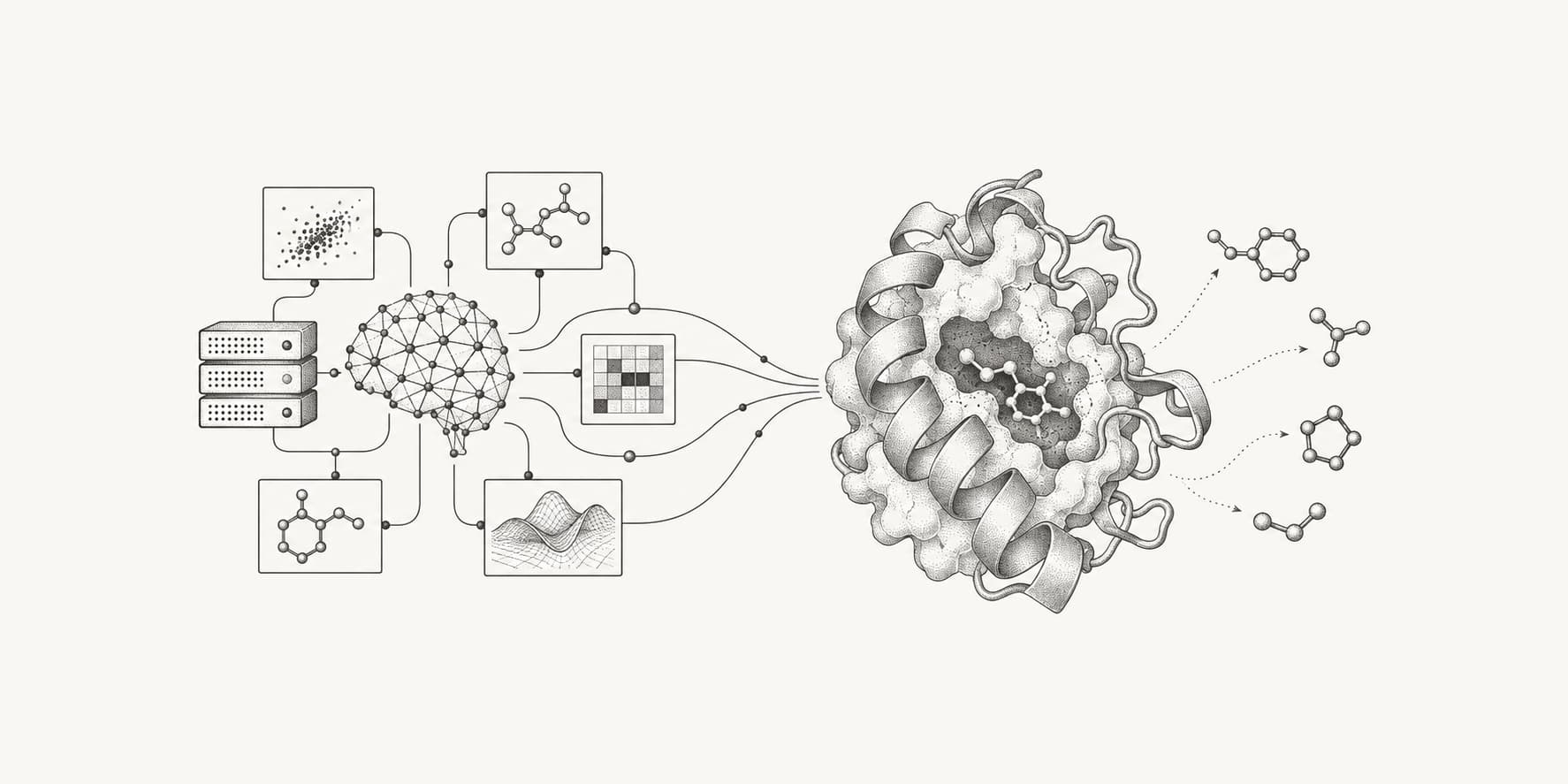
Drugs ·
AI drug discovery statistics for 2026: 117 AI-enabled drugs had entered clinical trials by mid-2025, three computationally designed drugs are in Phase 3 or under FDA review, and none is approved yet. Plus FDA submissions, funding, and the data models train on.
The perfect starting place for your first project.
Everything an academic lab needs to scale.
Everything in Free
More compute and a commercial license for industry.
Everything in Plus
Custom credits, seats, and security review.
Everything in Pro
ProteinIQ brings the computational parts of that process into one place. You can prepare targets and ligands, screen or generate compounds, inspect docking poses, and compare ADMET signals while retaining the structures, scores, settings, and files behind each result. Start with a target structure and a compound or library, then choose the workflow that fits the question. ProteinIQ runs the selected methods and keeps their native outputs available for review, export, and the next decision in the discovery loop.
ProteinIQ supports small molecule drug discovery workflows for target preparation, ligand preparation, property filtering, docking, ADMET review, toxicity screening, and follow-up structure analysis. You can run the steps as a connected workflow or open the individual upstream tools when you only need one analysis.
ProteinIQ virtual screening tools commonly start from a target structure or model plus ligands in formats such as SMILES, SDF, MOL2, PDB, or tabular compound files. The exact input requirements stay tied to the upstream tool, so docking, filtering, and property prediction steps preserve their native constraints.
Yes. ProteinIQ can help prepare targets and ligands, run filters, dock selected compounds, compare ranked poses, and export a shortlist for review. The platform is designed for computational virtual screening and prioritization, not for silently changing upstream docking scores or replacing experimental follow-up.
ADMET and toxicity prediction in ProteinIQ can be used before docking to reduce a large compound library, after docking to compare top-ranked molecules, or both. These outputs are computational prioritization signals, so ProteinIQ keeps the prediction tables inspectable rather than treating them as experimental validation.
ProteinIQ displays molecular docking results as the upstream tool produces them, including ranked poses, score tables, structure files, logs, and downloadable artifacts where available. The goal is to make docking results easier to compare without changing scoring conventions or hiding the original output files.
Yes. ProteinIQ workflows are useful when you want connected target preparation, ligand filtering, docking, and triage steps, but individual small molecule tools remain available when you only need one analysis. This lets you use ProteinIQ as a workflow layer or as a code-free launcher for a specific upstream tool.
ProteinIQ exports the outputs produced by each small molecule tool, which can include prepared structures, ranked pose files, docking score tables, CSV screening results, logs, and upstream result files. Export support depends on the selected tool, but the platform is built to keep downloadable evidence attached to the compound or target it came from.
No. ProteinIQ helps organize computational screening, molecular docking, ADMET prediction, and toxicity prioritization before experimental follow-up. Experimental binding, ADMET, toxicity, selectivity, and developability assays are still required before making biological or development claims.
You can start in ProteinIQ by choosing a workflow template for docking or screening, or by opening a specific tool such as docking, pocket detection, ADMET prediction, or pose validation. The practical first step is to prepare a target structure and a small ligand set, then expand into larger screening runs after the inputs look correct.
AI answers from our docs. No sign-in needed.
The same workspace, set up for other kinds of discovery.