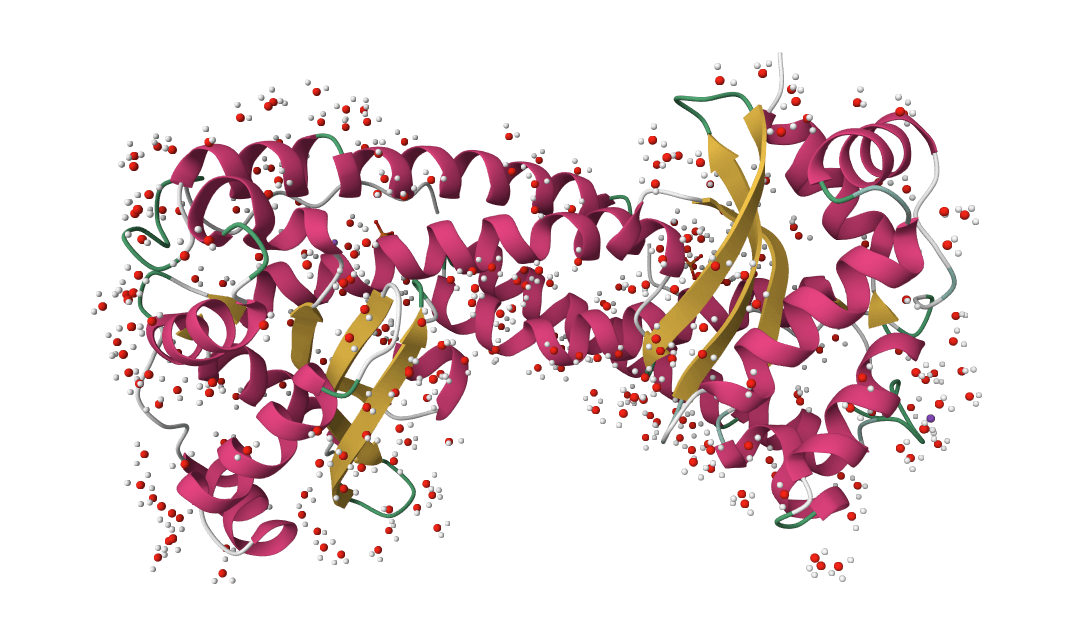
Fix PDB and mmCIF structures by adding missing atoms, residues, hydrogens, and solvent. Learn more
Input
What is PDB Fixer?
PDBFixer repairs PDB and mmCIF structure files in preparation for molecular dynamics simulations. Part of the OpenMM toolkit, it adds missing heavy atoms, hydrogens, and entire loops; converts modified residues to standard amino acids; selects single conformations from alternate locations; deletes unwanted chains; and builds explicit solvent boxes or lipid membranes around the system.
Experimental structures from X-ray crystallography and cryo-EM rarely arrive simulation-ready. They lack hydrogens, contain incomplete side chains from regions of poor electron density, include crystallization artifacts like buffers and duplicate chains, and frequently carry modified residues (selenomethionine, phosphoserine) that standard force fields cannot parameterize. GROMACS, AMBER, and OpenMM all reject the raw files. PDBFixer addresses these issues through eight correction passes:
- Missing hydrogens: Adds all hydrogens absent from X-ray structures, with pH-dependent protonation
- Missing heavy atoms: Completes side chain atoms truncated by poor electron density
- Missing terminal atoms: Caps chain ends with the appropriate terminal atoms
- Missing residues: Builds complete loops in disordered regions using SEQRES records
- Nonstandard residues: Converts modified amino acids to their standard equivalents
- Heterogens: Selectively removes or preserves ligands, ions, and water
- Alternate locations: Picks a single conformation when multiple are recorded
- Solvent/membrane: Wraps the structure in a water box or lipid bilayer for explicit solvent simulations
ProteinIQ accepts one structure per job and returns the fixed structure with a run summary and applied-settings JSON file.
How to use PDB Fixer online
Upload a PDB or mmCIF file (or enter an RCSB PDB ID) to repair missing atoms and hydrogens. Rebuilding missing residues is optional and off by default. PDBFixer runs on cloud hardware with no local Python or OpenMM installation. Each job repairs one structure and returns its fixed file with a run summary.
Step 1: Load the structure
Upload one structure file or enter one RCSB PDB ID (1HSG for HIV-1 protease is a common test case). PDB (.pdb, .ent) and mmCIF/PDBx (.cif, .mmcif, .pdbx) formats are accepted, subject to the upload and atom limits shown for your account.
Step 2: Configure core processing
Under "Core processing," enable Prepare for molecular dynamics to standardize modified residues and use 0.15 M ionic strength when adding solvent. Leave it off when you want to control those settings individually. Keep Heterogens set to Keep all to preserve ligands, ions, and water. To extract a single chain from a multi-chain complex, list the unwanted chain IDs in Remove chains (e.g., B, C).
Step 3: Select what to add
Under "Add options," Add missing heavy atoms and Add missing hydrogens are enabled by default. Both are required for MD simulations. Enable Add missing residues only when complete chains are needed; this step is slow for structures with large gaps.
Step 4: Add solvent or membrane (optional)
For explicit solvent MD, enable Add solvent box; the default adds counterions needed for neutralization without extra salt. Set ionic strength to 0.15 M for physiological salt. For membrane proteins, enable Add lipid membrane instead; solvent and membrane are mutually exclusive.
Step 5: Run and download
Click Submit job to start processing. Once complete, the repaired structure can be downloaded directly or opened in the integrated PDB Viewer. A summary CSV and provenance JSON file record the requested and resolved settings.
Inputs and settings
Input requirements
| Input | Description |
|---|---|
PDB | One protein, DNA, RNA, or mixed structure in PDB or mmCIF format (.pdb, .ent, .cif, .mmcif, .pdbx). PDB IDs fetch from RCSB. |
Core processing
pH value: Sets protonation states for titratable groups when adding hydrogens. Default7.0. The field only applies when "Add missing hydrogens" is enabled.Output format: Writes either identifier-preserving PDB or PDBx/mmCIF, matching the two save formats in PDBFixer's desktop interface. DefaultPDB.Prepare for molecular dynamics: Enables nonstandard residue replacement and sets ionic strength to0.15M when adding solvent. DefaultOff.Heterogens:Keep allpreserves ligands, ions, and water from the original structure.Keep only waterremoves ligands and ions but preserves crystallographic waters.Remove allstrips all heterogens and keeps the polymer chains.Remove chains: Comma-separated chain IDs to exclude (e.g.,B, C, D).Apply mutations: Point mutations introduced during processing. FormatCHAIN:ORIGINAL-POSITION-NEW(e.g.,A:ALA-57-GLY, B:VAL-123-ILE).
Add options
These settings control which structural elements PDBFixer adds to the input.
Add missing residues: Builds entire missing loops from SEQRES records. Off by default. Slow for structures with large gaps (10+ residue loops).Missing residue regions: Optional comma-separatedCHAIN:START-ENDselectors (for exampleA:45-52). Leave empty to add every region PDBFixer detects; a submitted selector that is not present in the structure is rejected with the available regions.Add missing heavy atoms: Completes truncated side chains. On by default. Required for most MD force fields.Add missing hydrogens: Adds hydrogens at the specified pH. On by default. Required for explicit hydrogen MD; can be disabled for rigid-body docking or implicit hydrogen force fields.Replace nonstandard residues: Converts modified amino acids (selenomethionine, phosphoserine) to their standard equivalents. Off by default to preserve deposited chemistry; enable it when standard force-field preparation requires standard residues.Selected residue replacements: Optional comma-separatedCHAIN:RESIDUE_ID:NEWselectors (for exampleA:57:MET). Leave empty to apply every replacement PDBFixer suggests. Exact chain IDs and insertion codes are preserved.
Solvent box options
Adding explicit water creates a simulation-ready system. The protein is surrounded by a rectangular or truncated box of water molecules with counterions for charge neutralization.
Add solvent box: Enables water box construction. Significantly increases processing time and output file size.Cation/Anion: Ion types for charge neutralization.Na+/Cl-is standard for most simulations.K+is appropriate where potassium is physiologically relevant.Ionic strength: Molar concentration of added salt beyond the counterions needed to neutralize the system. Default0.0M matches PDBFixer;0.15M is common for physiological salt.Box geometry: Shape of the periodic boundary box when automatic padding is used.Cubicis standard and compatible with all software.DodecahedronandOctahedronreduce water count by approximately 30% while maintaining minimum distance from protein to box edge, producing faster simulations with equivalent accuracy.Box sizing: Automatic padding (distance from protein to box edges) or explicit X/Y/Z dimensions in nanometers.Water model:TIP3Pis the standard choice for most force fields.TIP4P-Ewprovides improved density and diffusion properties.SPC/Eis popular for GROMACS workflows.
Membrane options
Membrane systems embed the protein in a lipid bilayer for studying GPCRs, ion channels, and transporters.
Add lipid membrane: Constructs a membrane system. Cannot be combined withAdd solvent box; the membrane system includes water and ions automatically.Lipid type: Composition of the bilayer.POPC(palmitoyl-oleoyl-phosphatidylcholine) is the standard choice for general membrane protein studies.POPEis preferred for bacterial membranes.Membrane center Z: Position of the bilayer center along the Z-axis in nanometers. The default places the center at Z = 0; orient and position the input protein to span that plane. PDBFixer does not determine its membrane orientation automatically.Minimum padding: Distance from the protein to the box edges in nanometers.
Advanced options
Solvent force field: Molecular mechanics force field used when constructing an explicit solvent box.PDBFixer defaultuses PDBFixer's standard force-field selection and can build definitions for retained nonstandard residues. FixedAMBER14,AMBER99SB, andCHARMM36choices require every retained residue to have compatible parameters; unsupported residues are rejected before solvation. Hydrogen placement, missing-heavy-atom repair, and membrane construction do not use this setting.Random seed: Seed passed to PDBFixer's missing-atom and missing-residue placement step.0lets PDBFixer choose its normal random state. This setting does not control hydrogen or solvent placement.Use custom box vectors: Manual triclinic box vectors (A, B, C as comma-separated X,Y,Z components in nanometers) instead of standard box shapes. Useful for non-orthogonal simulation setups.Download templates: Comma-separated residue codes to fetch from the PDB Chemical Component Dictionary (e.g.,ATP, GTP, HEM). Use for non-standard residues not included in the default template library.
How does PDB Fixer work?
PDBFixer applies a stepwise workflow that compares each residue against template records and uses OpenMM's force fields to place missing atoms in chemically reasonable positions. It packages the most common preparation steps behind a single streamlined path.
Template-based correction
For each residue, PDBFixer consults the PDB Chemical Component Dictionary to determine which atoms should exist. Missing atoms are placed at ideal bond lengths, angles, and dihedrals defined in the template library. The deposited coordinates of resolved atoms are preserved exactly; only missing pieces are reconstructed.
Energy minimization
After placement, OpenMM minimizes the added heavy atoms while holding existing atoms fixed. This repair does not equilibrate the structure; simulation setup and equilibration remain separate steps.
Protonation states
When "Add missing hydrogens" is enabled, the pH value setting determines protonation. PDBFixer's source hydrogen-placement path preserves valid ligands and covalent modifications without requiring the whole structure to match the explicit-solvent force field. At pH 7.0, histidine residues are added neutral, aspartate and glutamate deprotonated, lysine and arginine protonated. Disulfide bonds are detected automatically and the bonded cysteines are kept neutral. For atypical pH (lysosomal pH 4.5, endosomal pH 5.5), adjust the setting accordingly; PROPKA can be run first to identify residues with shifted pKa values that warrant special attention.
Loop modeling
Missing residues are placed from residue templates along an initial connecting path and then minimized. These are approximate coordinates, not a prediction of the experimentally missing loop conformation. Inspect rebuilt regions before using them in further calculations.
Understanding the results
Every batch includes a downloadable run.log with the validated preparation settings, submitted/completed/failed structure counts, and bounded atom, residue, and chain summaries for successful results. Individual failure details and internal process diagnostics are kept out of this curated log.
Each job produces one fixed PDB or PDBx/mmCIF file in the selected format. The summary CSV records the source name, success status, output filename, atom and residue counts, processing steps applied, and any error message. The pdbfixer_settings_provenance.json file records tool versions plus the requested and resolved settings.
| Metric | Description |
|---|---|
Source | Original file name or RCSB identifier |
Atoms | Total atom count in the fixed structure |
Residues | Residue count (increases when loops are added) |
Chains | Total chains in the output topology, including any solvent and ion chains |
Processing applied | List of fixes performed, e.g., "Added 2,847 hydrogens, replaced 3 nonstandard residues" |
The 3D viewer labels each repaired model by its source name and shows one structure at a time, since PDBFixer does not generate alternative poses. Ligand-specific grouping controls are hidden for the same reason.
Validating the output
Visual inspection before long simulations catches problems that propagate into MD trajectories:
- Check that added loops adopt reasonable conformations with no severe clashes
- Verify that important ligands were not accidentally removed
- For membrane systems, confirm the protein spans the bilayer correctly
If added loops look unrealistic, extended energy minimization or brief MD equilibration refines the structure. The PDB Viewer provides in-browser inspection, and MolProbity delivers detailed geometry validation.
PDB Fixer vs manual preparation
Routine structure preparation involves several steps: identify missing atoms, fetch templates, add hydrogens, build solvent, and neutralize charges. PDBFixer automates these steps with selectable settings.
| Aspect | PDB Fixer | Manual preparation |
|---|---|---|
| Input formats | PDB and mmCIF/PDBx | Varies by software |
| Missing atoms | Automatic detection and placement | Requires scripting or plugins |
| Hydrogens | pH-dependent protonation states | Often uniform or default states |
| Loop building | Automated with minimization | Requires homology modeling tools |
| Large structures | Cloud CPU processing with tiered atom limits | CPU-only in most tools |
| Reproducibility | Seed controls the heavy-atom repair integrator; other placement steps are unseeded | Depends on operator and software |
| Processing time | Minutes for typical structures; large repairs can take longer | Hours for complex cases |
| Learning curve | Minimal | Requires software expertise |
PDBFixer is well suited to routine structure processing and simulation setup. For complex cases requiring manual intervention (unusual ligands, specific protonation states, asymmetric membrane positioning), it serves as a strong starting point that can be refined in dedicated tools.
When to use PDB Fixer vs alternatives
Several tools overlap with PDBFixer on specific preparation tasks.
- PDB2PQR prepares structures for Poisson-Boltzmann electrostatics calculations and outputs PQR files with partial charges and atomic radii. The two tools address different downstream needs: PDBFixer for MD simulations, PDB2PQR for continuum electrostatics.
- OpenMM's
Modelleris a lower-level API used by this workflow. It provides more granular control (custom residue templates, hybrid solvent setups) but requires Python scripting. Use it when the standard PDBFixer settings do not capture a required preparation step. - CHARMM-GUI offers extensive options for membrane proteins, multicomponent systems, and NMR restraints through a web interface. It is heavier to use but produces CHARMM-native outputs and handles complex membrane insertion workflows that PDBFixer does not.
- AmberTools
tleapis the standard preparation tool for AMBER force fields. It integrates directly with AMBER-specific parameter sets; the trade-off is less automation than PDBFixer. - PDBe Motif, WHAT IF, and PDBSWS are web servers offering structure validation and repair. They are useful for one-off analysis but are not pipeline-friendly.
- PDBsum summarizes prepared structure features and interactions after coordinate repair.
For protonation state prediction at a specific pH, PROPKA provides pKa values that can guide the pH setting passed to PDBFixer. For binding site analysis on the fixed structure, fpocket identifies druggable pockets; for protein-ligand docking on the cleaned structure, AutoDock Vina and DiffDock are the standard starting points.
Common workflows
MD simulation preparation
Enable Prepare for molecular dynamics, then add a solvent box with 1.0 nm padding when explicit solvent is needed. With the default atom-repair controls enabled, this standardizes modified residues, adds missing heavy atoms and hydrogens, and uses 0.15 M ionic strength. The output PDB includes box vectors and counterions, ready for equilibration in OpenMM, GROMACS, or AMBER.
Docking preparation
Fix the structure with default settings, then use AutoDock Vina or DiffDock for molecular docking. Remove all deletes water, ions, and ligands. Keep all heterogens when the deposited ligand must remain as a reference pose, then remove only the molecules your docking workflow does not need.
Predicted structure cleanup
Structures from ESMFold, Boltz-2, AlphaFold 2, or OpenFold 3 often need protonation or format adjustments before downstream analysis. PDBFixer adds hydrogens and standardizes the structure.
Structure repair in workflows
In a workflow, each incoming structure is submitted as its own PDBFixer job. This keeps the source, settings provenance, fixed structure, and summary unambiguous for every result.
Best practices
- Start with default settings.
Add missing heavy atomsandAdd missing hydrogenshandle most preparation needs without aggressive modification. - Disable
Add missing residuesunless complete chains are required. Long gap fills produce approximate conformations needing extensive equilibration. If the missing region is not relevant to the study, leave it missing. - Keep crystallographic waters at binding sites. These waters often mediate protein-ligand contacts and should be preserved when running docking or binding affinity calculations.
- Match ionic strength to the biological system. Keep
0M for neutralization-only preparation, use0.15M for physiological salt, and consider0.5to1.0M for halophiles or aggregation studies. - Use dodecahedral or octahedral boxes to save compute. They hold roughly 30% fewer waters than cubic boxes at the same minimum padding distance.
- Match water model to force field.
TIP3Pworks with AMBER14 and CHARMM36;SPC/Eis common in GROMACS workflows. Mixing incompatible water models with force fields produces incorrect thermodynamic properties. - Choose lipid type by membrane origin.
POPCfor general eukaryotic membranes,POPEfor bacterial inner membranes. - Validate fixed structures before long simulations. Visual inspection with PDB Viewer catches missing ligands, broken loops, and protonation errors that propagate into MD trajectories.
Frequently asked questions
Is PDB Fixer free?
PDBFixer is open-source software licensed under MIT/LGPL. ProteinIQ provides a web interface with a free account tier and paid tiers for larger structures.
How long does PDB Fixer take to process a structure?
Small proteins (under 5,000 atoms) with default settings often finish quickly. Larger structures, missing-residue rebuilding, and solvent or membrane construction take longer on CPU, and structures with extensive loop building or large solvent boxes can take several minutes or more.
Why are my missing loops in the wrong conformation?
PDBFixer builds loops with idealized geometry followed by brief energy minimization. Long loops (10+ residues) often need additional refinement, such as extended minimization or short MD equilibration, to relax into reasonable conformations.
What is the difference between PDB Fixer and PROPKA?
PDBFixer adds missing atoms and prepares structures for simulation. PROPKA predicts pKa values for titratable residues without modifying the structure. The two are complementary: running PROPKA first identifies residues with shifted pKa values, and the pH setting passed to PDBFixer is then adjusted accordingly.
Can PDB Fixer output be used directly for MD simulations?
The output supplies prepared coordinates and, when solvent or membrane is added, periodic box information. You still need a compatible simulation force field, parameters for retained ligands, a simulation topology, and an equilibration protocol.
Why was a ligand removed?
The Heterogens setting controls this. Remove all strips all non-protein molecules, including ligands. Keep all preserves them along with crystallographic waters.
How are nonstandard amino acids handled?
Replace nonstandard residues converts modified residues to their standard equivalents when enabled. It is off by default to preserve modifications, but standard force fields may not parameterize them. Download templates can fetch specific residue definitions from the PDB Chemical Component Dictionary for custom ligands.
What force field should be used?
Use PDBFixer default for the broadest source-compatible solvent preparation, especially when retaining ligands or modified residues. Choose AMBER14, AMBER99SB, or CHARMM36 only when the entire retained structure is parameterized by that force field. The selection applies only to explicit solvent setup; hydrogen placement, missing-heavy-atom repair, and membrane construction follow PDBFixer's own behavior.
Are multiple chains supported?
Yes. PDBFixer processes all chains in the input structure. Remove chains excludes specific chains from the output.
How are membrane proteins prepared?
Enable Add lipid membrane rather than Add solvent box. Select the appropriate lipid type (POPC for general eukaryotic membranes, POPE for bacterial inner membranes) and set the membrane center to position the transmembrane domain correctly.
Related tools
MolProbity
Validate protein structure quality with all-atom contact analysis, Ramachandran plots, rotamer assessment, and geometry checks.
PDBsum
Generate a downloadable PDBsum structural summary report archive for a single protein structure.
AlphaFold Database Download
Download AlphaFold DB predicted structures and confidence files by UniProt accession.
Ligand fixer
Fix ligand files that fail RDKit, Meeko, or docking preparation. Repair SDF, MOL, and MOL2 inputs, apply safe chemistry cleanup, and export docking-ready SDF files.
PDB Download
Download PDB, CIF, and FASTA files from RCSB PDB by 4-character structure ID.
PDB2PQR
PDB2PQR prepares protein and nucleic-acid structures for electrostatics calculations by adding missing atoms, predicting protonation states using PROPKA, and assigning atomic charges and radii from standard or custom force fields.
PDBe Download
Download PDBe structure files as PDB and CIF by PDB ID.
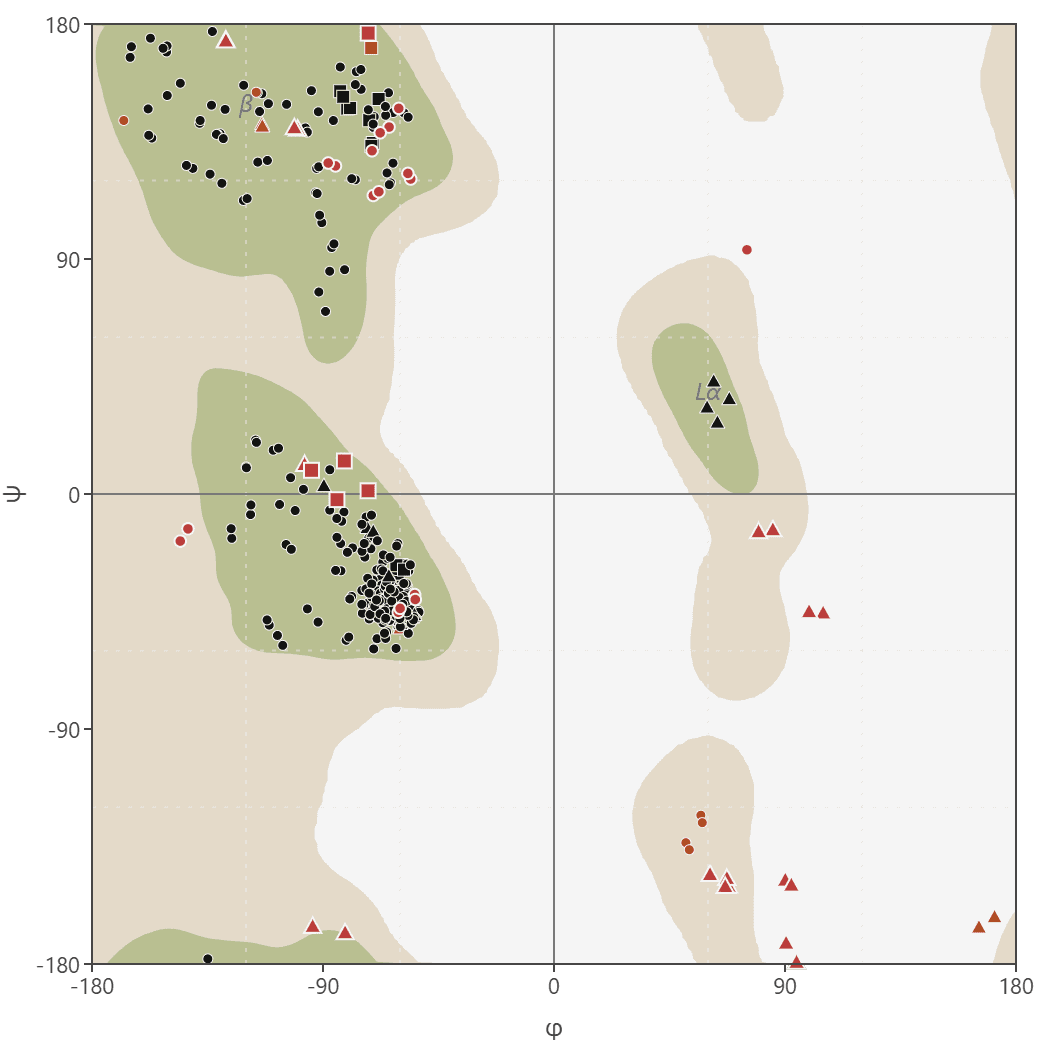
Ramachandran plot
Generate Ramachandran plots from PDB or mmCIF structures to analyze protein backbone dihedral angles (phi/psi). Visualize favored, allowed, and outlier regions.
DockQ
Assess docking model quality by comparing predicted complexes against native references. DockQ v2.1.3 supports protein, nucleic-acid, and supported small-molecule interfaces with native metrics.
Filter DNA
Clean and filter DNA sequences by removing or replacing non-standard nucleotide characters. Supports multiple filter modes including standard 4 bases, IUPAC ambiguity codes, and custom character sets.