Is PyMOL free? Licences, download and install
Open-source, educational and paid builds, and how to install each

Matic Broz, PhD13 min
Is PyMOL free?
Partly. PyMOL's source code is free for anyone to use, copy and modify, under a short BSD-like licence, and Schrödinger publishes it as Open-Source PyMOL.[6][7] The installers on pymol.org are a different product, Incentive PyMOL, which needs a paid subscription and a licence file. The exception is an educational build, free to teachers and students for coursework.[1][3][4]
The split catches people out. A student who downloads the Windows installer the night before a practical is asked for a licence file, not shown a viewer.[3] The same student could have installed the open-source build from conda-forge, or registered for the free educational build. Which route fits depends on who you are and what the pictures are for, which is what Table 1 sorts out.
| Build | Cost | Who may use it | How you get it | The catch |
|---|---|---|---|---|
| Open-Source PyMOL | Free | Anyone; the licence sets no field of use | conda-forge package, or build from source | You install and update it yourself; maintenance and support come with the paid product |
| Educational-use-only PyMOL | Free | Teachers and high school and college students, for classes and homework | Registration form on pymol.org | Not for research or publication; fewer features; no ray tracing |
| Incentive PyMOL, academic or non-profit | $99 (single user) | Academic and non-profit researchers and educators | Order on pymol.org, then download the installer and licence file | Yearly subscription; $500 a year for a lab or department |
| Incentive PyMOL, government | $315 (single user) | Government institutions | As above | Yearly subscription |
| Incentive PyMOL, commercial | $1,050 (single user) | Companies; the single-user licence is for organizations of 25 or fewer employees | As above | Yearly subscription |
Run PyMOL commands in the browser
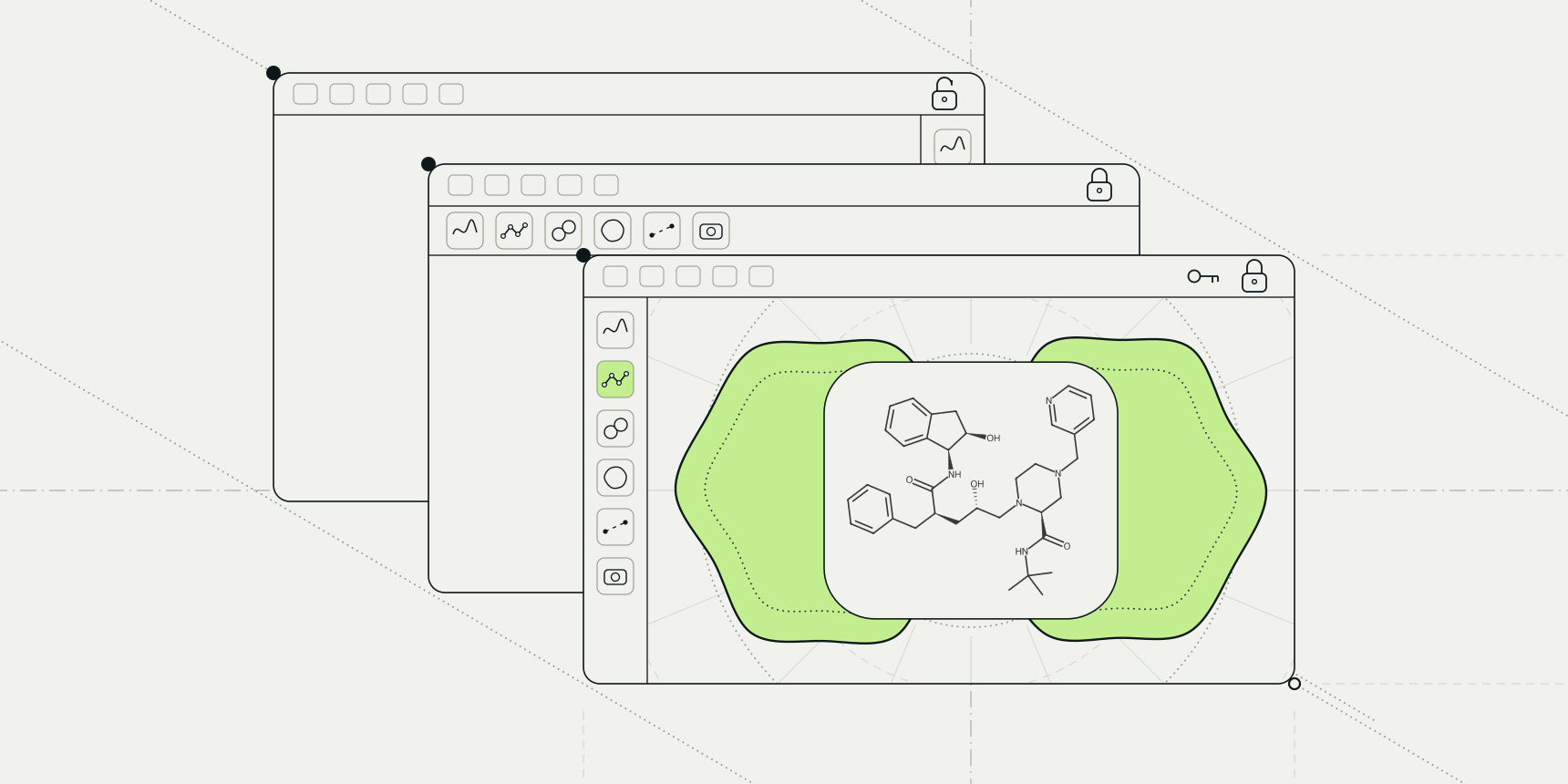
If all you need is to look at a structure and style it, you can skip the installation question. The PDB viewer on ProteinIQ has a command line that takes PyMOL syntax, so the commands you would type at the PyMOL> prompt run in a browser tab, with no licence file and no account.

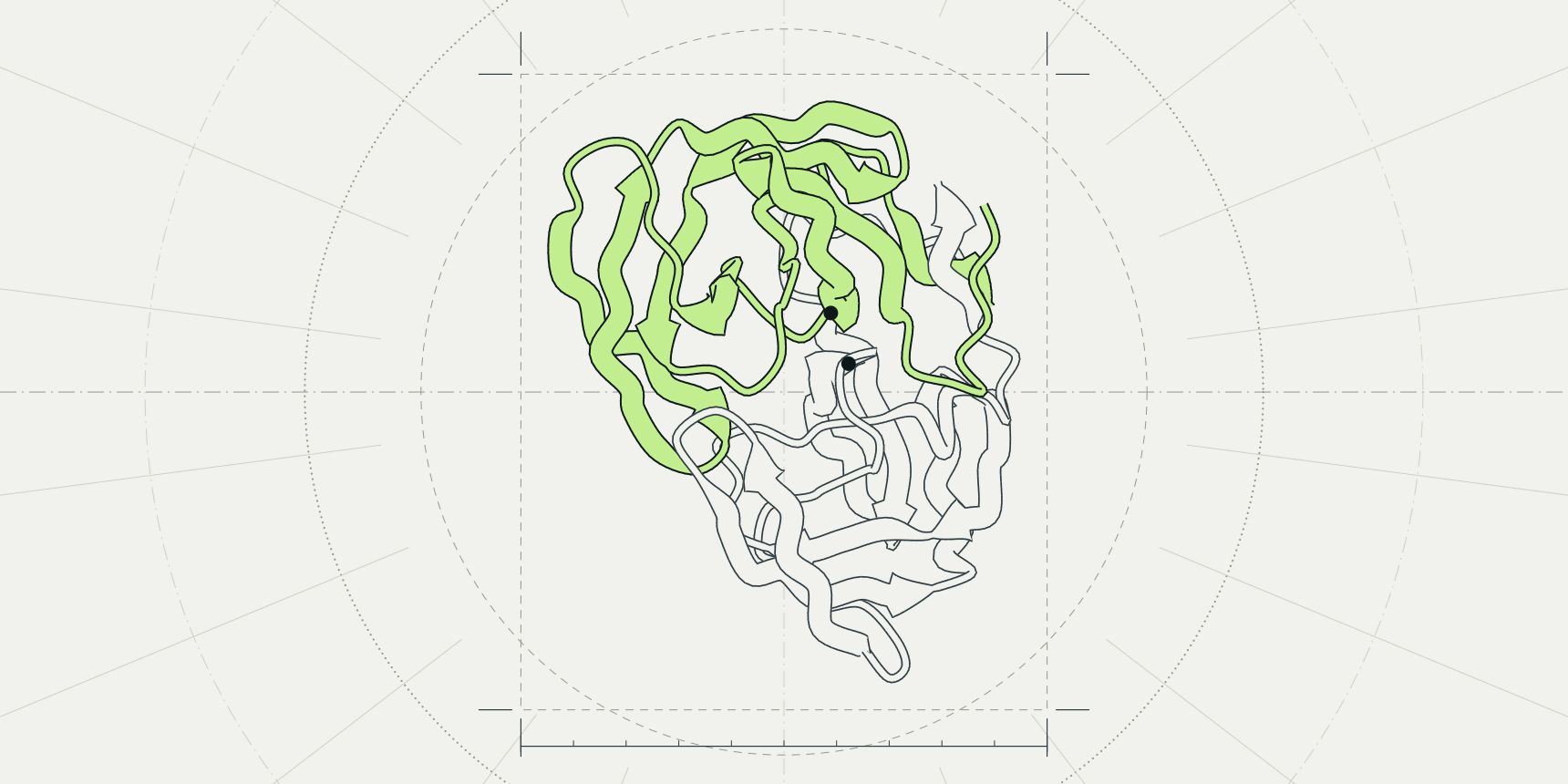
Take 1HSG, the crystal structure of HIV-1 protease with the inhibitor MK1 (L-735,524) bound in its active site.[11] Typing fetch 1hsg downloads it from the RCSB PDB and draws it, as it would in PyMOL.
A few more lines give the usual figure of a ligand site: the protein as grey cartoon, the inhibitor as sticks coloured by element with green carbons, and the camera zoomed onto it. The last line draws the polar contacts between the inhibitor and the protein, which the viewer lists under Measure.
fetch 1hsg
hide everything; show cartoon; color gray80
show sticks, organic; util.cbag organic; zoom organic
distance hb, organic, polymer, 3.6, mode=2
The viewer does not replace PyMOL. It runs a subset of PyMOL's commands, and one with no equivalent, such as wizard, answers "not supported yet". Its ray command switches on ray-traced lighting in the viewer, not PyMOL's own ray tracer, so a figure will not match PyMOL's pixel for pixel. Python written for PyMOL runs in a small interpreter inside the page: loops, functions and cmd calls work, but classes, NumPy and installable plugins do not.
Files on your disk are dropped onto the canvas, because load cannot read a local path from a browser. The guide to opening a PDB file covers that route, PyMOL commands lists the commands that run, and the free PyMOL alternatives cover the jobs a browser tab does not.
Open-source PyMOL licence and installation
The Open-Source PyMOL licence lets you use, copy, modify and distribute the software for any purpose without a fee, provided the copyright notice stays.
It also bars using Schrödinger's name in advertising without written permission and requires derivative software to be plainly distinguished from Schrödinger's PyMOL products.[7] The repository's own project file says "Open Source PyMOL is free to everyone!"[9] Schrödinger calls PyMOL a commercial product and says the open-source project is maintained by the company and funded by everyone who buys a licence.[1]
The easiest way to run it is the conda-forge package, a community-built version of the open-source code. The command is:
conda install conda-forge::pymol-open-sourceconda-forge offers it for Windows, macOS on Intel and Apple Silicon, and Linux on x86-64, ARM and POWER, and lists version 3.1.0, the same as the newest tag on Schrödinger's GitHub repository.[10][6] The installers on pymol.org are at 3.1.9, so the free package is behind them.[1] Schrödinger's support page notes that conda works well with isolated environments, which suits PyMOL's many dependencies.[3]
Building from source is for people who want to change the code. Schrödinger's INSTALL file asks for a C++17 compiler, CMake 3.13 or newer, Python 3.9 or newer and libraries including OpenGL, GLEW, libpng and FreeType, plus PyQt for the graphical interface. It then builds with pip install . and starts PyMOL from the bin/pymol launcher it installs.[8]
The pages we read do not say whether the free build matches the paid one feature for feature. They do say where maintenance and support live: the README sends anyone who wants them to the commercial product.[6]
Licence and price of Schrödinger's PyMOL builds
Incentive PyMOL is the packaged product that pymol.org offers for download: a Windows installer, a macOS disk image and a Linux archive, with a PyMOL 3.1 line and a 2.6 long-term-support line.[1]
It runs only with a licence file generated by Schrödinger's licence manager, which PyMOL asks for when it starts. The log shows the licence's expiry date at launch, and Schrödinger names two reasons a file stops working: it is in the older format, or it has expired.[3]
Subscriptions run for one, two or three years and every term costs the same per year, as Table 2 shows. All of them include upgrades for the term, technical support in English and the official online documentation.[2]
| Licence | 1 year | 2 years | 3 years |
|---|---|---|---|
| Academic or non-profit, single user | $99 | $198 | $297 |
| Academic or non-profit, Tier 1 (lab or department) | $500 | $1,000 | $1,500 |
| Government, single user | $315 | $630 | $945 |
| Government, Tier 1 (lab or department) | $1,575 | $3,150 | $4,725 |
| Commercial, single user (25 or fewer employees) | $1,050 | $2,100 | $3,150 |
| Commercial, Tier 1 (fewer than 1,000 employees) | $5,250 | $10,500 | $15,750 |
The category is set by who pays, not by what the figure is for. Schrödinger's buy page says use by a scientist inside the scope of their employment at a for-profit company needs a commercial purchase by the employer, while a commercial scientist working on a non-profit project outside their employment can fall under the academic price.[2] A lab that wants the academic rate for everyone buys Tier 1 at $500 a year, which is about five single-user seats.
After you order, the buy page promises access within one business day, and the licence file comes from the download page.[2][1] To install it for every user of a computer, put it at $PYMOL_PATH/license.lic, a path that PyMOL's diagnostics command prints.[3]
The PyMOL educational licence
Schrödinger's educational-use-only build costs nothing. Its registration page offers it to teachers and to high school and college students, including online courses and homeschooling, for classroom instruction, homework and making figures.[4]
The buy page words the eligibility slightly differently, as full-time students and educators who teach full-time students, so a part-time student should check both statements.[2] Self-study counts: the FAQ says to register with "self-study" as the institution.[5]
The limits are the reason this is not a free replacement for a research licence. The build is not provided for academic research or publication, and Schrödinger's FAQ treats publishing as a professional task that goes beyond education.[4][5]
It has a reduced feature set against the paid build, and the FAQ says it does not ray trace, so a high-resolution picture comes from the shader renderer with set use_shaders and png image.png, 4000, 3000.[4][5]
It is licensed to individuals, so a university's IT department cannot install it on lab computers; that needs a class or department licence, which is a paid one.[5] The builds are offered as is, with no obligation to fix bugs, update or document them.[4]
Registration asks for a class name, a class number and a "Class Duration (through date)", so the licence is evidently tied to a course. The pages we read do not say how long it lasts, and the licence now comes from the Schrödinger licence manager, which may need a newer download than an older PyMOL provides.[4]
How to download and install PyMOL
PyMOL 3.0 and later runs on 64-bit Windows 11, on macOS 13 or later and on 64-bit Linux with glibc 2.28 or newer, such as Ubuntu 22.04, Rocky Linux 8 or Red Hat Enterprise Linux 8.[3] The installers and the licence file are both on pymol.org; the open-source build comes from conda-forge.[1][10]
Install PyMOL on Windows
Download the Windows EXE installer from pymol.org and follow the setup wizard, or take the ZIP archive, unzip it and run PyMOLWin.exe, which does not create Start menu entries.[1][3] Start PyMOL and point it at the licence file when it asks. For the free build, install conda or Miniforge and run the conda-forge command above, which has a Windows package.[10]
Install PyMOL on a Mac
Download the macOS disk image, double-click it and drag the PyMOL icon into the Applications folder.[3] The 3.1 image on pymol.org is built for Apple Silicon, and pymol.org sends Intel Mac users to a separate list of earlier versions.[1] The conda-forge package has both Intel and Apple Silicon builds, so the free build is the simplest route on an older Intel Mac.[10]
Install PyMOL on Linux
Download the TAR.BZ2 archive, unpack it with tar -jxf followed by the file name, then cd pymol and run ./pymol.[3] Linux also suits the open-source build, with conda-forge packages for x86-64, ARM and POWER or a build from source.[10][8] On a remote desktop where PyMOL stops with a GLX error, Schrödinger suggests launching with __GLX_VENDOR_LIBRARY_NAME=mesa ./pymol, or nvidia on a machine with an NVIDIA graphics card.[3]
Which PyMOL should you use?
| Your situation | Start with | Check |
|---|---|---|
| A course, homework or a class presentation | Educational build | Registered as a student or teacher; no ray tracing; not for a thesis chapter you plan to publish |
| Research figures for a paper or thesis | Academic subscription, or the open-source build | The educational build excludes research and publication |
| Work inside a company | Commercial subscription, or the open-source build | Your employer buys the commercial licence; the open-source licence sets no field of use |
| A scripted pipeline on a server or in a container | conda-forge open-source build | No Schrödinger support; version 3.1.0 against 3.1.9 for the installers |
| Looking at a structure or sharing a view, no install | PDB viewer in the browser | A subset of PyMOL's commands; no plugins; ray tracing is the viewer's own |
The licence question rarely needs a fifth row. If the structures are small and the job is a figure and a measurement, the browser viewer or the open-source build usually settles it in minutes. If a lab depends on PyMOL's plugins and on support, $99 or $500 a year is the cost of getting a licence file.
Structure viewing tools on ProteinIQ
Both tools run in the browser and need no installation.
| Task | Tool |
|---|---|
| Download a structure file from its PDB ID | PDB download |
| View, style and measure a structure with PyMOL commands | PDB viewer |
Frequently asked questions
Is PyMOL free for students?
Yes, for coursework. Schrödinger's educational-use-only build is free to teachers and to high school and college students, but it is not for research or publication.[4] A student writing a thesis for publication needs the open-source build or an academic subscription from $99 a year.[2]
Is PyMOL open source?
The core is. Open-Source PyMOL is published on GitHub under a BSD-like licence, and the commercial Incentive PyMOL is built on it.[6][7] The installers on pymol.org are the commercial product and need a licence file.[3]
How much does PyMOL cost?
An academic or non-profit single-user subscription is $99 a year, a government one $315 and a commercial one for organizations of 25 or fewer employees $1,050. Longer terms cost the same per year.[2]
Can I use PyMOL for free for research?
Yes, with the open-source build, whose licence permits use for any purpose without a fee.[7] The free educational build is not allowed for academic research or publication.[4]
How do I install PyMOL on a Mac?
Download the macOS disk image from pymol.org, double-click it and drag PyMOL into Applications. That build targets Apple Silicon and needs a licence file.[1][3] For an Intel Mac or a free build, install the conda-forge package pymol-open-source.[10]
Where do I download PyMOL?
Installers and licence files are at pymol.org. The free open-source build is on conda-forge, and its source is on GitHub.[1][10][6]