Boltz-2 and BoltzGen have been some of the most popular models on ProteinIQ. Today we are adding eight more Boltz tools, including Boltz's newest models: structure and binding prediction with Boltz-2.1, small-molecule design with BoltzMol-1, protein binder design with BoltzProt-1, and the screening, sequence redesign and ADME models that go with them.
They work like every other ProteinIQ tool. You upload a target, pick settings, see the credit cost before you submit, and get structures, ranked tables and downloadable records in the job's results. There is no Boltz account, API key or GPU to set up.
What launched
| Tool | What it does |
|---|---|
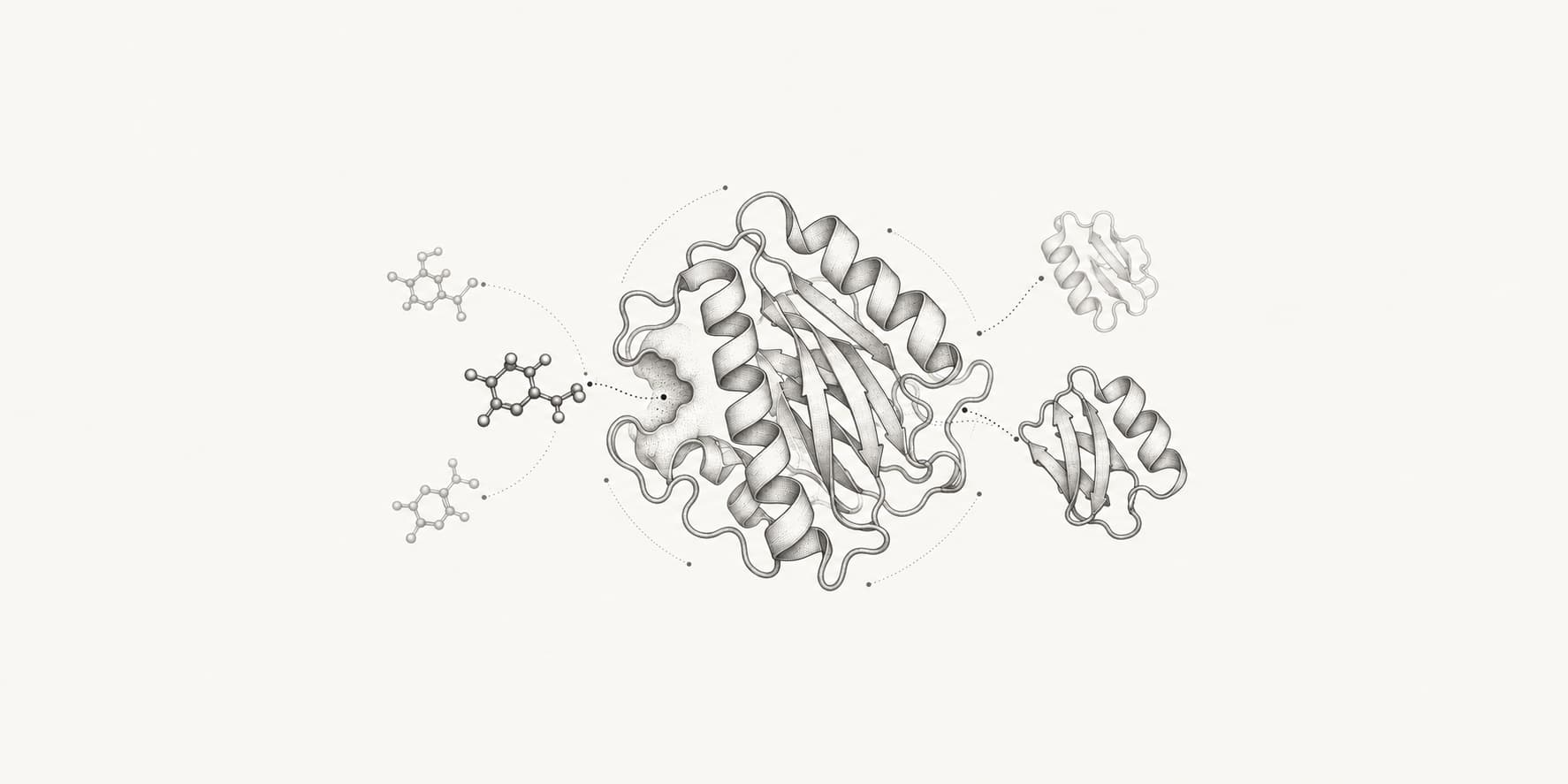
| Boltz-2.1 | Predicts complexes of proteins, DNA, RNA and ligands, with optional ligand-protein or protein-protein binding metrics |
| BoltzMol-1 | Proposes small molecules for a target from make-on-demand catalogs such as Enamine REAL, scored against the target |
| BoltzProt-1 | Designs mini-protein, peptide, nanobody or antibody binders for a target sequence |
| Boltz Small Molecule Screen | Scores and ranks your own list of up to 1,000 SMILES against a target |
| Boltz Small Molecule Explore | Scores a fixed budget of molecules, chosen by Boltz, from a much larger library |
| Boltz Protein Screen | Scores and ranks up to 500 candidate binder sequences against a target |
| Boltz Sequence Redesign | Redesigns chosen residues on a fixed structure, such as a binder chain against its target |
| Boltz ADME | Predicts LogD, permeability and solubility for up to 1,000 molecules per job |
Generate, then screen
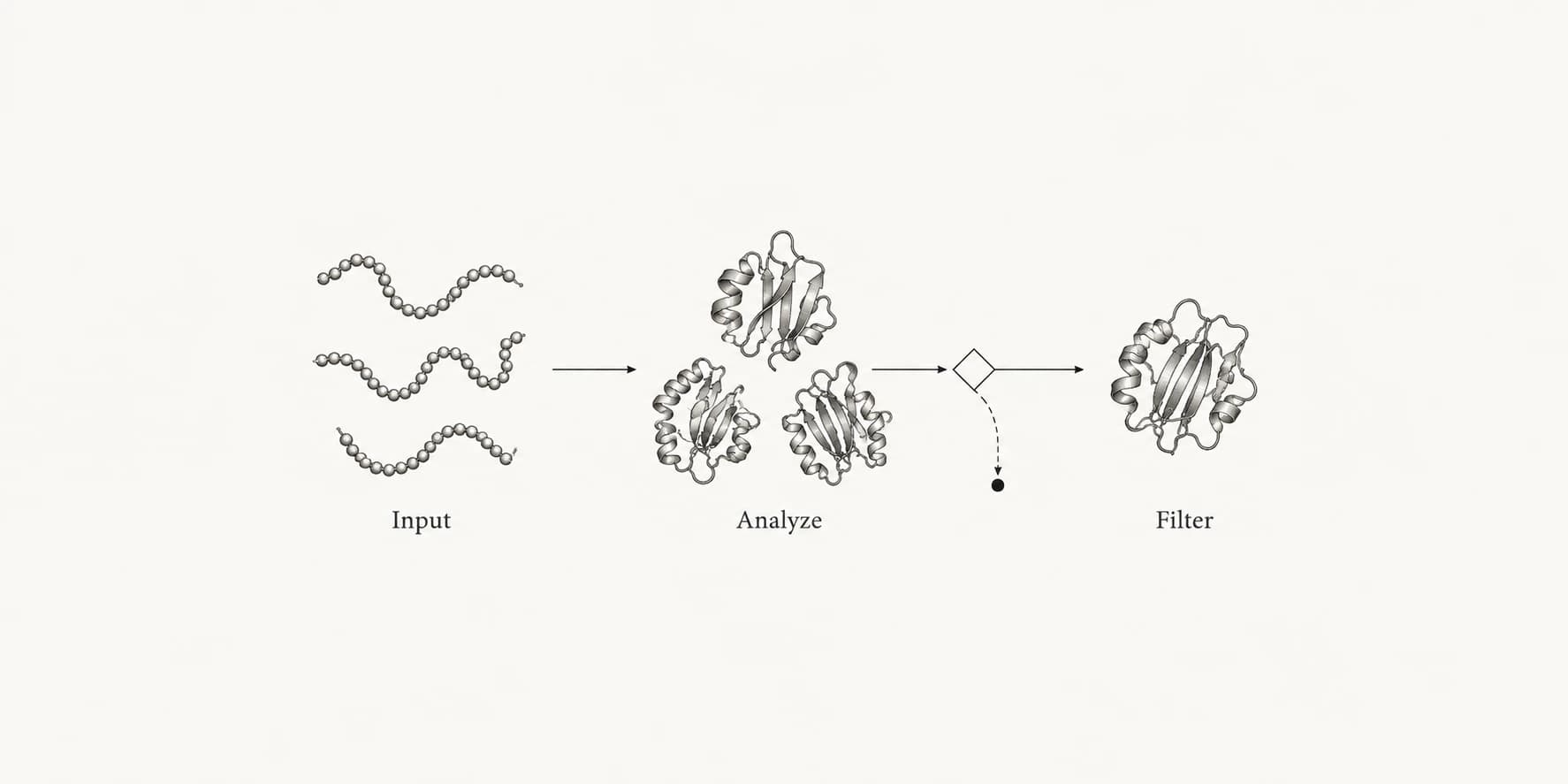
The tools come in pairs on purpose. BoltzMol-1 and BoltzProt-1 generate candidates. The two screens score candidates you already have, whether they came from a vendor library, an earlier campaign or another design tool.
A typical small-molecule run starts with BoltzMol-1 against a pocket you define by residue positions, with structural alert and Lipinski filters switched on. The ranked SMILES can go straight into Boltz ADME for a quick property check, or into docking and pose validation tools you already use on ProteinIQ. If you have a library of hundreds of thousands of compounds, Small Molecule Explore lets you set a budget, say 500 molecules, instead of paying to score every entry.
On the protein side, BoltzProt-1 returns each design's sequence, scores and a predicted complex with the target. Those sequences can be rescored with Boltz Protein Screen, refolded with another structure predictor, or tightened with Boltz Sequence Redesign once you have a structure worth keeping.
Workflows, batches and the API
Because the Boltz tools run on the same job system as the rest of ProteinIQ, they appear in Workflows and batch mode without special handling. You can chain BoltzProt-1 into Boltz Protein Screen on one canvas, or screen the same molecule list against several targets as a batch.
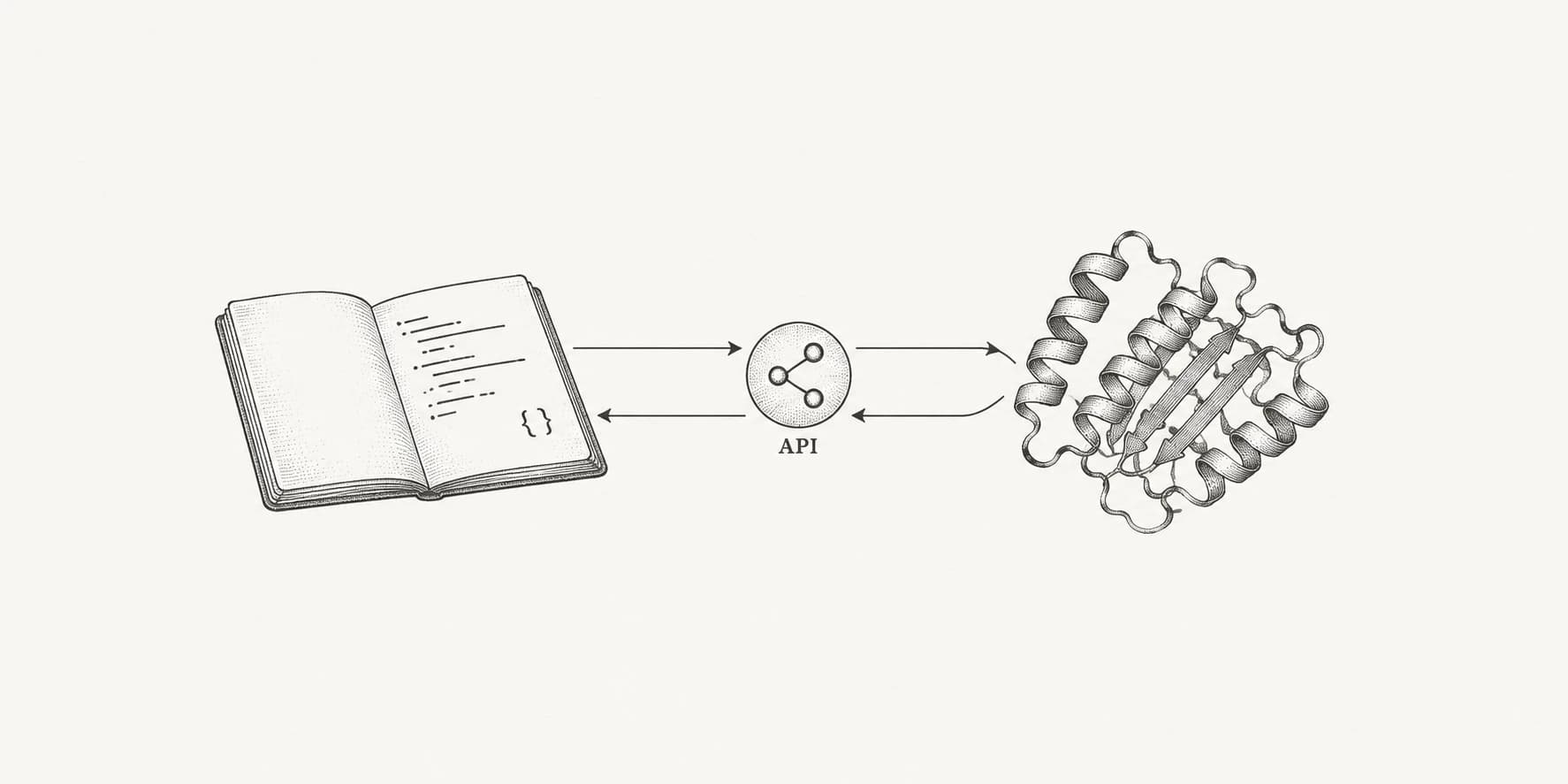
They are also available through the ProteinIQ API and MCP server on paid plans, so scripts and agents can submit Boltz jobs the same way they submit any other tool.
Pricing
Each tool is billed in credits from Boltz's published rates. Design and screening tools charge per molecule or per design. Boltz-2.1, BoltzProt-1, Boltz Protein Screen and Boltz Sequence Redesign also scale with complex size, counted in tokens of roughly one per residue or ligand heavy atom.
For example, one Boltz-2.1 sample of a 300-residue protein with a small ligand costs 102 credits, and a 100-molecule screen costs 5,064 credits. Every tool page has a full pricing table, and the exact quote appears before you submit. If Boltz estimates a noticeably higher cost when the run starts, the job is not started and your credits are refunded.
Boltz-2.1 and our self-hosted Boltz-2
We still host the open-source Boltz-2 on our own GPUs. Use it when you need templates, constraints, MSA control or its affinity options. Use Boltz-2.1 when you want Boltz's current hosted model with no MSA or GPU settings to think about.
Try it
Open any of the tools above from the app, or search for Boltz in the tool catalog. Each tool page has docs covering inputs, settings, limits and how to read the results. If a job size you need is above a tool's limits, contact us and we can talk about larger campaigns.