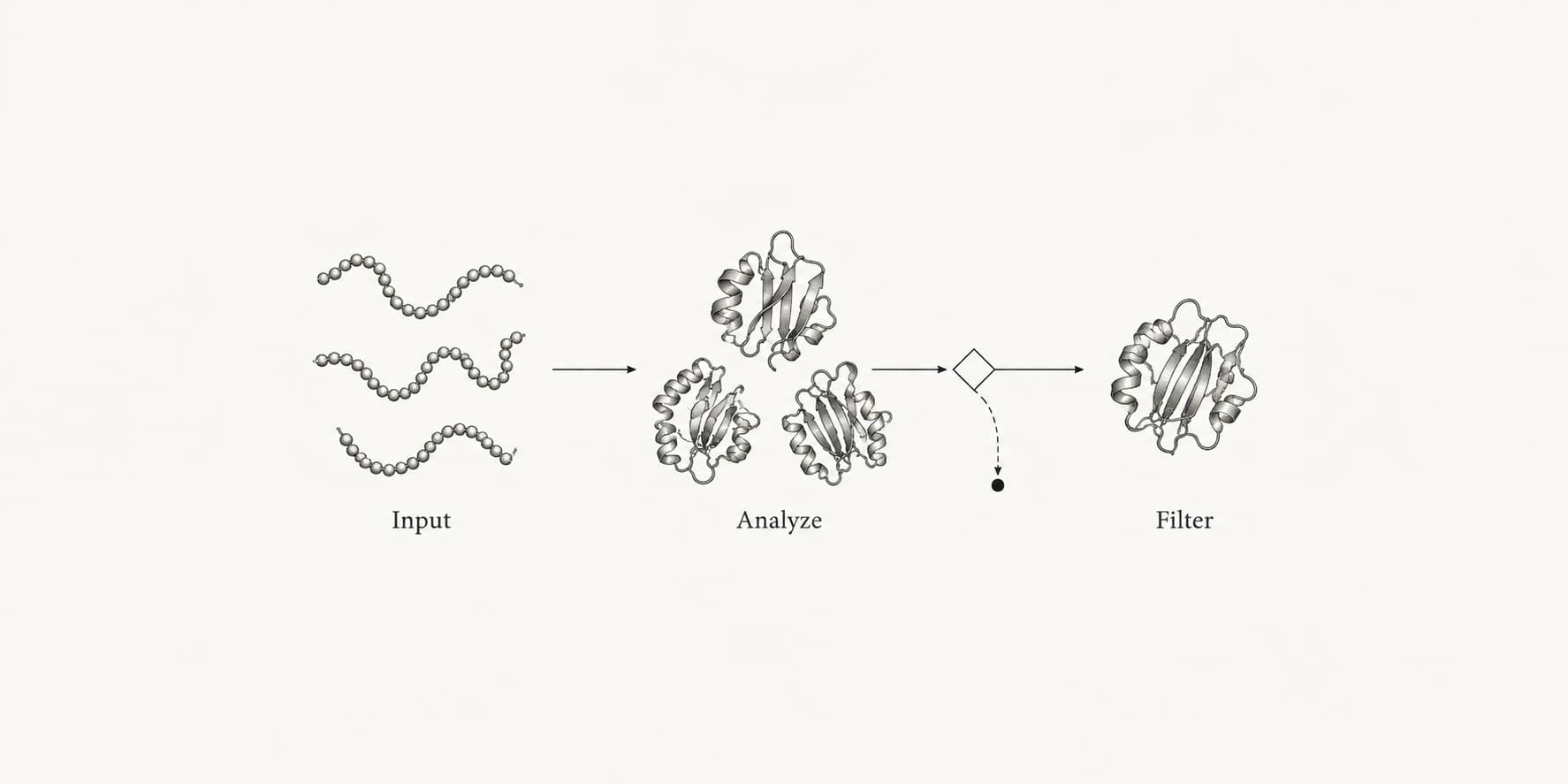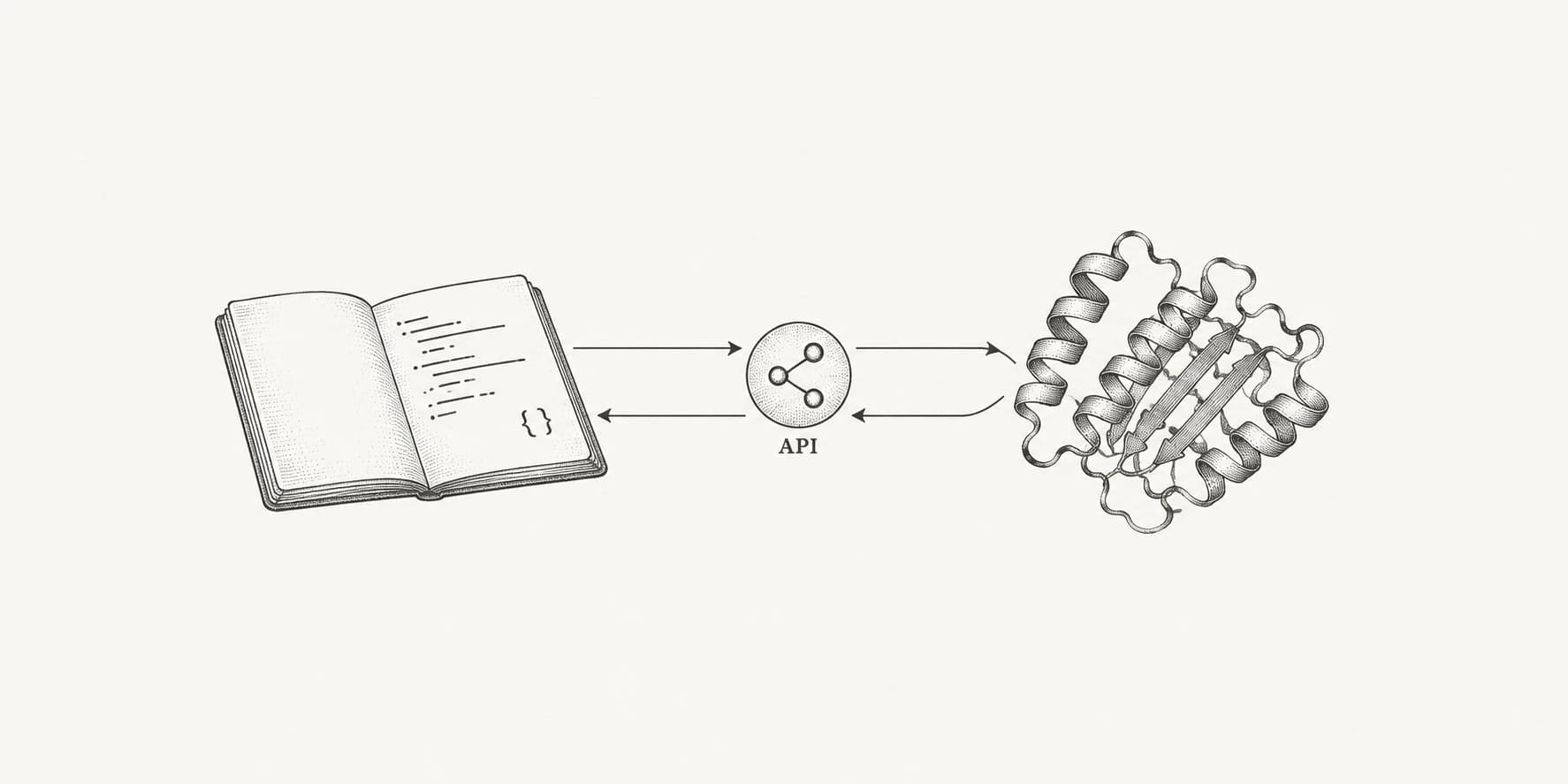
The ProteinIQ API and an official Python SDK are now available. They give scripts, notebooks, services, and lab systems the same tools, jobs, files, and results that power the web app, so you can run analysis from code instead of clicking through the UI.
Most real work is repetitive. You fold a batch of sequences, screen a ligand library, or rerun the same pipeline every time a new target arrives. The API turns that into a few lines: submit a job, wait for it, pull the results. Everything lives under https://proteiniq.io/api/v1 and authenticates with a workspace API key.
Submit a job, wait, and download results
Jobs are asynchronous. Submission returns a job resource immediately, then you poll status or stream events until the job reaches a terminal state, then you fetch the result.
curl -s -X POST \
  -H "Authorization: Bearer $PROTEINIQ_API_KEY" \
  -H "Content-Type: application/json" \
  -H "Idempotency-Key: fold-lysozyme-001" \
  "https://proteiniq.io/api/v1/jobs" \
  -d '{
    "tool": "esmfold",
    "name": "Lysozyme ESMFold run",
    "input": {
      "inputs": [
        {
          "id": "seqs_1",
          "slotId": "protein",
          "kind": "protein",
          "format": "fasta",
          "content": ">lysozyme\nKVFGRCELAAAMKRHGLDNYRGYSLGNWVCAAKFESNFNTQATNRNTDGSTDYGILQINSR",
          "source": { "type": "text" }
        }
      ]
    },
    "settings": {}
  }'
The response carries an id and a PENDING status. Poll GET /api/v1/jobs/{id}/status until the job is COMPLETED, or stream GET /api/v1/jobs/{id}/events for live updates without repeated polling. Once it is result-ready, GET /api/v1/results/{id} returns structured output plus a file manifest with signed download URLs.
Job input always goes inside input.inputs[], with one entry per required slot. Read Tools to inspect a tool's exact input contract, or browse the same catalog in Tools.
The Python SDK
The SDK wraps the same API in a small client built on httpx. It needs Python 3.10 or newer and reads PROTEINIQ_API_KEY from the environment.
pip install proteiniqfrom proteiniq import ProteinIQ
client = ProteinIQ()
job = client.jobs.submit(
tool="esmfold",
name="Lysozyme ESMFold run",
input={
"inputs": [
{
"id": "seqs_1",
"slotId": "protein",
"kind": "protein",
"format": "fasta",
"content": ">lysozyme\nKVFGRCELAAAMKRHGLDNYRGYSLGNWVCAAKFESNFNTQATNRNTDGSTDYGILQINSR",
"source": {"type": "text"},
}
]
},
idempotency_key="fold-lysozyme-001",
)
job = client.jobs.wait(job.id)
paths = client.results.download_files(job.id, "./outputs")
print(paths)client.jobs.wait() handles status polling and respects the Retry-After header, and download_files saves the signed result files to a directory you choose. API error envelopes map to typed exceptions like RateLimitError, ValidationError, and ProteinIQError, so you can branch on exc.code instead of parsing strings.
Quote costs before you run
Paid jobs need enough workspace credits before they start. Use a quote to validate input and estimate credits without creating a job.
quote = client.jobs.quote(tool="esmfold", input=esmfold_input, settings={})
print(quote.estimated_credits, quote.available_credits)
The quote also reports blocking errors and current concurrency limits, which makes it a good preflight check before submitting a large batch.
Reuse files instead of re-uploading
Upload an input once and reference it across jobs by id, so you do not resend the same structure or sequence in every request. Uploads use the same validation as the web app, with a 50 MB limit per file.
uploaded = client.files.upload("./receptor.pdb", tags=["receptor"])

job = client.jobs.submit(
    tool="esmfold",
    name="Fold saved structure",
    input={"inputs": [{
        "id": "protein_1",
        "slotId": "protein",
        "kind": "protein",
        "format": "pdb",
        "source": uploaded.input_reference,
    }]},
)
ProteinIQ resolves the saved file server-side before the job starts, so compute receives normal input content. See Files for origins, scopes, and deletion behavior.
Keys, scopes, and rate limits
API keys are created on the API keys page and require an Enterprise workspace. Active legacy Lite workspaces retain their existing API access. A key is bound to one workspace, uses the bearer format pq_live_<keyId>_<secret>, and is shown in full only once, so store it as a secret and keep it out of browser code and git history.
Keys carry scopes for reading and writing jobs and files: jobs:read, jobs:write, files:read, and files:write. The public API allows 120 requests per 60 seconds per key, and status and result reads are throttled to once every 5 seconds per job. Poll with exponential backoff, starting at 5 seconds and capping at 30, and use the events stream when you need faster updates. When a retry is risky, reuse the same Idempotency-Key to avoid creating duplicate jobs.
Start building
Create a key on the API keys page, then run a full submit, status, result, and download loop with the Quickstart. The API overview covers the full surface, the Python SDK reference covers the client, and GET /api/v1/openapi.json gives a machine-readable contract for generating typed clients. API access is available with Enterprise and retained by active legacy Lite workspaces; see Pricing for the current comparison.