TL;DR
- Primer3 searches one submitted DNA template for forward and reverse PCR primers that satisfy sequence, thermodynamic, positional, and product-size constraints.
- Pair 1 is the lowest-penalty pair under the settings you supplied, not proof of genome-wide specificity or experimental success.
- The ProteinIQ preset starts with 18 / 20 / 27-base primers, 57 / 60 / 63°C Tm, 20% to 80% GC, 100 to 300 bp products, and five returned pairs.
- Use target, included, and excluded regions to control where primers can bind, then validate final candidates with Primer-BLAST or another specificity search.
Primer3 can turn one DNA template into several PCR primer candidates in seconds. Its top pair is only the best match for the constraints you supplied, so region selection and product size matter more than simply accepting Pair 1.[1]
For a first run:
Open Primer3 online
Open the ProteinIQ Primer3 webserver.
Add the DNA template
Paste one DNA sequence in the 5′ to 3′ direction and mark any target, included, or excluded regions.
Choose the product settings
Set the PCR product-size range and keep the standard primer constraints for a first design.
Generate several primer pairs
Submit the design and compare multiple candidates instead of accepting Pair 1 automatically.[2]
Validate the candidates
Compare melting temperatures, penalties, and 3′ complementarity, then check genome-level specificity before ordering.
What is Primer3?
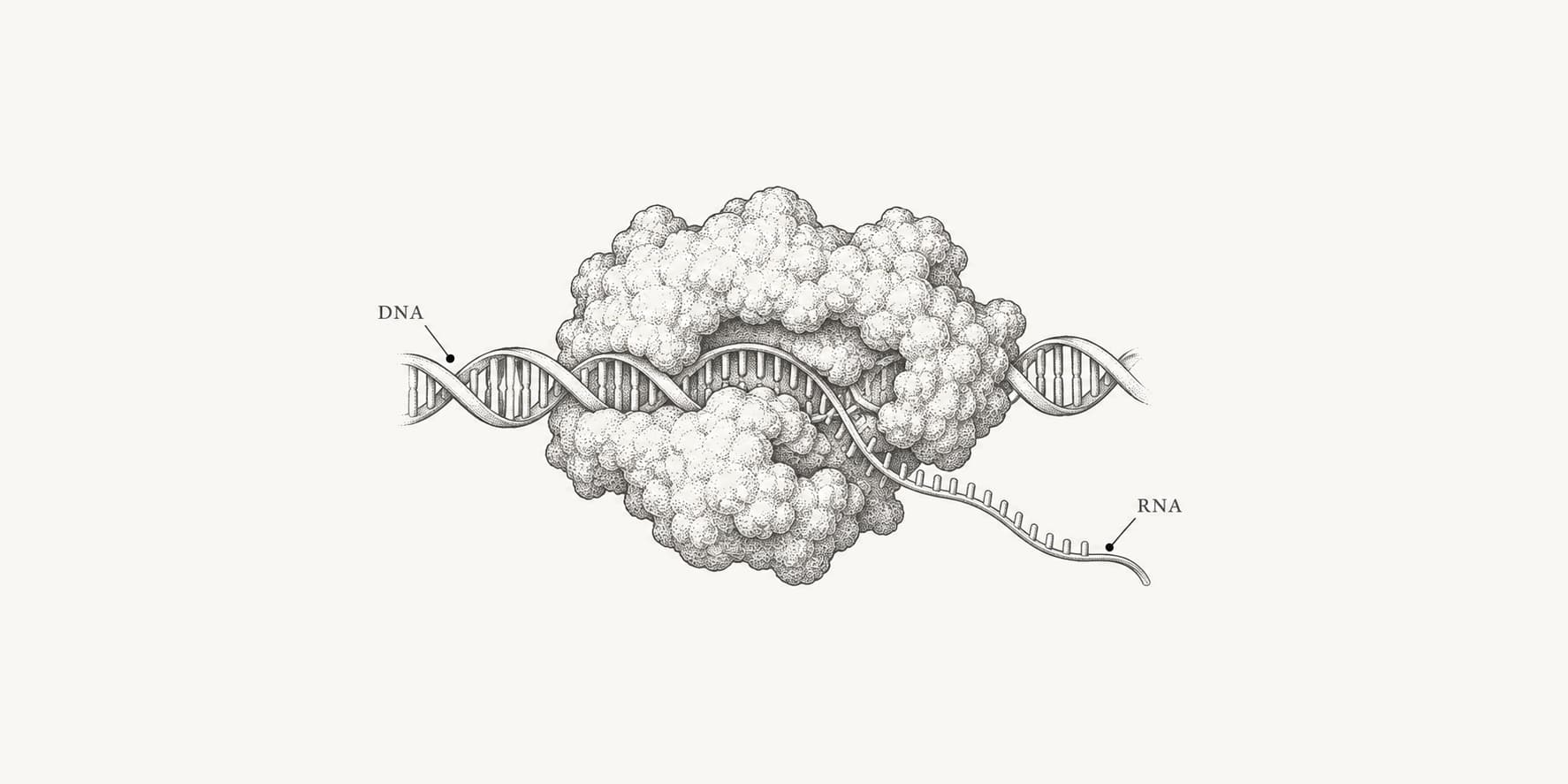
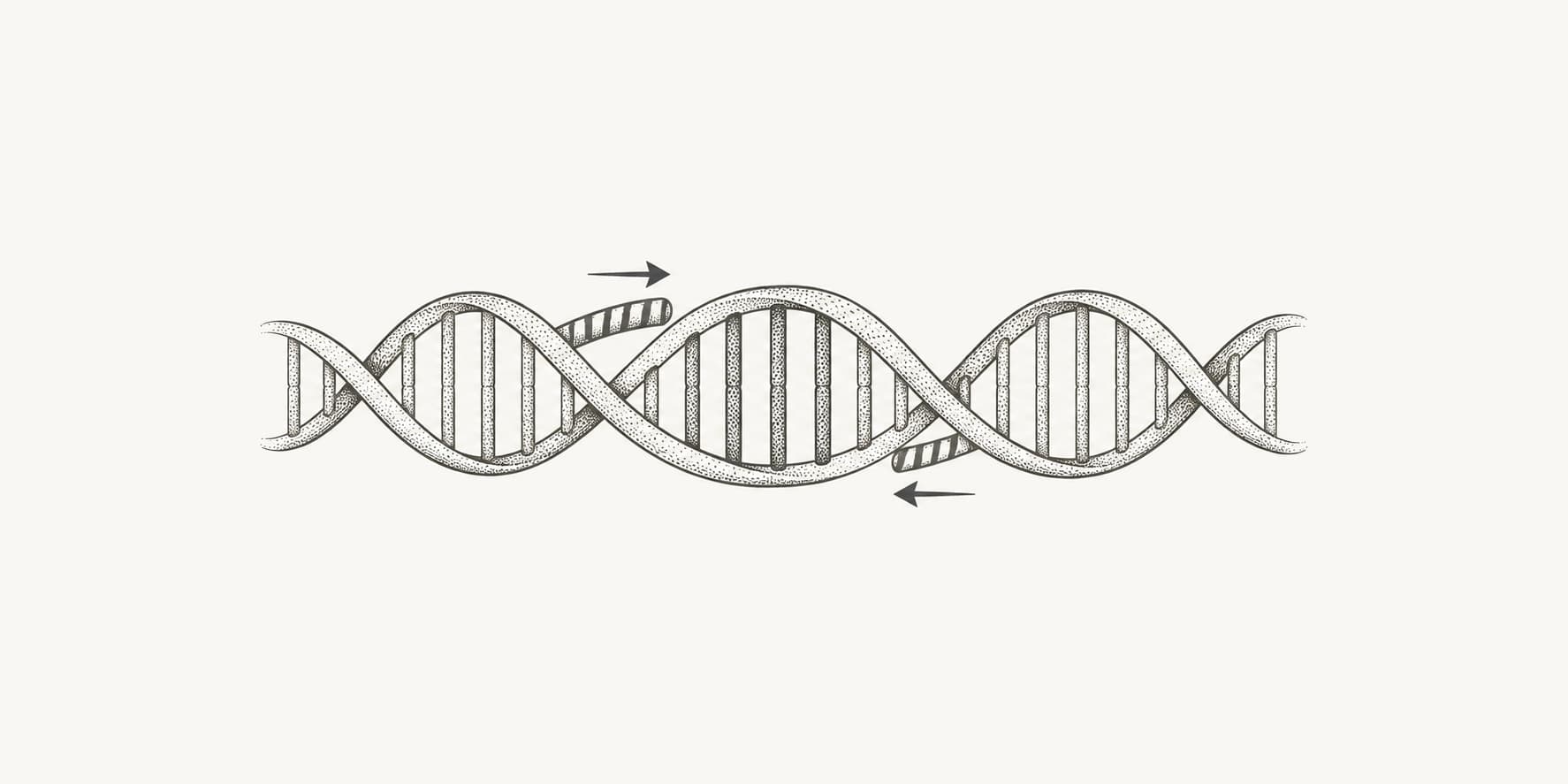
Primer3 is an open-source engine for designing PCR primers. It searches a submitted DNA template for forward and reverse primers that meet limits for length, melting temperature, GC content, complementarity, position, and product size. It then ranks the legal pairs using a configurable penalty function.[1]
Many primer-design websites use Primer3 behind their own interfaces. The command-line program is primer3_core; webservers make the same engine easier to use by translating form fields into Primer3 input tags. The Primer3 webserver currently runs Primer3 2.6.1 and supports the generic PCR-primer workflow, including region constraints, reaction chemistry, secondary-structure limits, diagnostics, and optional 5′ overhangs.[2]
Primer3 scores candidates using the template and constraints you submit. It does not search an organism's full genome or transcriptome for alternative products. That specificity step belongs after primer design, usually in Primer-BLAST.[1]
How does Primer3 work?
Primer3 separates primer design into two kinds of decisions: hard constraints and ranking. A candidate that breaks a hard limit is rejected. Candidates that remain are combined into legal pairs and scored, with lower penalties ranked first.[1]
It searches the permitted parts of the template
Primer3 examines possible left and right oligos within the available sequence. Region settings narrow that search:
- A target region must be enclosed by the final amplicon.
- An included region is the only part of the template in which primers may be selected.
- An excluded region may not overlap a primer.
These settings solve different problems. Use a target when a SNP, exon, repeat, or other feature must sit inside the product. Use an included region when only part of a longer sequence is trustworthy or relevant. Use an excluded region to block low-quality bases, repeats, vector sequence, or known variants from becoming primer-binding sites.[3]
It filters candidates using sequence and thermodynamic rules
For each possible oligo, Primer3 checks hard limits such as primer length, Tm, GC content, ambiguous bases, homopolymers, and self-complementarity. It also checks whether two acceptable oligos can form a product within the allowed size range.[1]
Primer3 uses nearest-neighbor thermodynamics rather than a simple GC-counting rule for Tm. The calculation accounts for adjacent base stacking and can incorporate monovalent salt, divalent cations, dNTPs, and oligo concentration. Those inputs matter because a primer's predicted Tm changes with the reaction conditions.[1]
It also evaluates three unwanted structures:
| Interaction | What Primer3 is testing | Why it matters |
|---|---|---|
| Self-complementarity | One primer binding to another copy of itself | Can form homodimers |
| Pair complementarity | The forward and reverse primers binding to each other | Can form heterodimers |
| Hairpin | A primer folding back onto itself | Can compete with template binding |
Primer3 distinguishes general complementarity, called ANY, from complementarity anchored at a 3′ end, called END. A stable 3′ interaction deserves more attention because DNA polymerase may extend it and produce primer-dimer products.[1]
It ranks legal pairs by penalty
A primer can pass every hard limit and still be less desirable than another candidate. Primer3 assigns penalties for deviations from active optima, then combines individual-primer and pair terms into an objective score. It uses a branch-and-bound search to reduce unnecessary pair evaluations without losing the best pair under the selected settings.[1]
Lower penalty is better within the same run. There is no universal “good Primer3 penalty” because the value depends on the settings and weights used to calculate it. Pair 1 is therefore the best fit to your current instructions, not proof that it is uniquely specific or guaranteed to work in the lab.
How to use Primer3 online
Here is the full workflow in Primer3 online.
1. Paste one DNA template
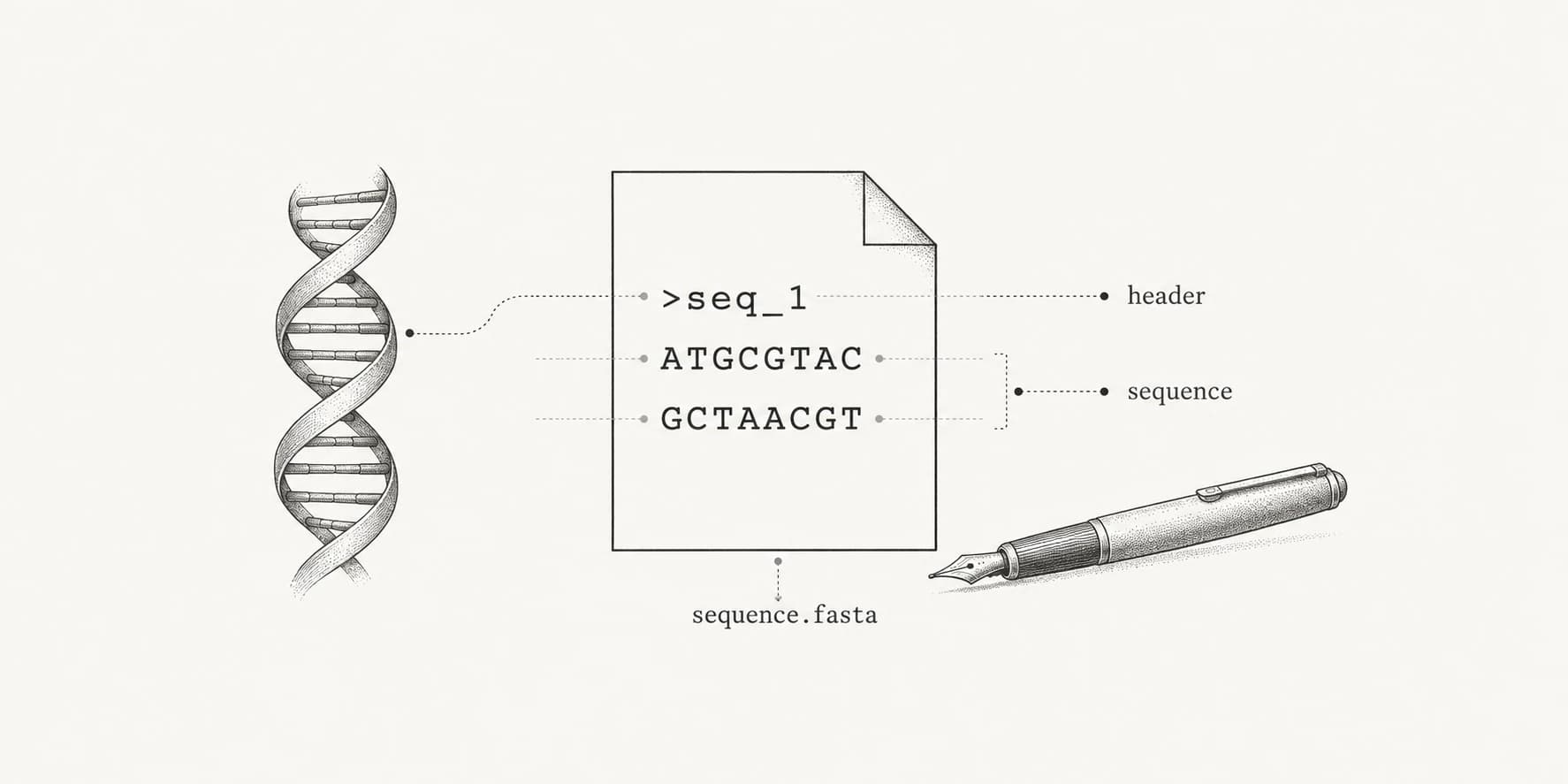
Enter a raw DNA sequence or upload a single-record FASTA file. The sequence should be written 5′ to 3′. The webserver accepts one record per job and rejects multi-record FASTA rather than silently choosing the first entry.[2]
Include enough sequence on both sides of the region you want to amplify. Primer3 cannot place a forward primer upstream or a reverse primer downstream if those flanking bases are missing. As a practical starting point, include at least the full desired product plus extra flanking sequence on each side.
Check the input before tightening primer constraints. Long stretches of N, sequencing errors, repeats, or vector sequence reduce the number of legal sites. You can inspect unusual composition with the GC content calculator before designing.
2. Choose the correct region control
ProteinIQ uses 1-based start positions in the form. Position 1 is the first base in the submitted sequence. The backend converts those coordinates to Primer3's native indexing.[2]
| Region control | What it does | Use it when |
|---|---|---|
| Auto | Searches the whole submitted template | Any suitable product within the sequence is acceptable |
| Target region | Requires the primer pair to flank the stated region | A SNP, exon, repeat, or locus must be inside the amplicon |
| Included region | Allows primer selection only inside the stated region | You want to ignore outer vector, adapter, or low-quality sequence |
| Excluded region | Prevents primers from overlapping the stated region | A repeat, variant, low-quality stretch, or unwanted motif must not become a binding site |
Target and included regions are selectable modes. An excluded region is an additional interval that blocks primer placement; it is not a replacement for either mode.[3]
For a single SNP at position 350, for example, set a target start of 350 and target length of 1. Primer3 may place primers at many positions, but the resulting product must contain that base.
Do not use an included region as a substitute for a target. Included means “pick primers only here.” Target means “make sure the amplicon surrounds this.”
3. Set the product-size range first
The current generic preset allows products from 100 to 300 bp. Change that range to match the experiment before adjusting primer length or Tm. Product size is a hard constraint, and the minimum must fit inside the submitted template or included region.[2]
Common starting points differ by application:
| Application | Practical starting range |
|---|---|
| Standard endpoint PCR | Often 200 to 1,000 bp, depending on the assay |
| qPCR | Usually about 70 to 200 bp |
| SNP or small-variant confirmation | Keep the variant inside a product that is convenient for the planned readout |
| Cloning | Match the insert or fragment boundaries required by the construct |
These are starting ranges, not Primer3 rules. Polymerase choice, template quality, detection method, and cycling protocol still control what is practical. Longer amplicons also need longer extension steps, one of the factors that determines PCR duration. qPCR guidance commonly favors short amplicons because they amplify more efficiently under short cycle times.[4]
4. Set primer length, Tm, and GC content
The default Primer3 limits are a reasonable first pass:
| Setting | Current preset | Good first adjustment |
|---|---|---|
| Primer length | 18 / 20 / 27 bp, min / opt / max | Leave unchanged unless the template is difficult |
| Tm | 57 / 60 / 63°C | Keep both primers near 60°C |
| GC content | 20% to 80% | Narrow toward 40% to 60% for routine PCR when the template allows it |
| Maximum pair Tm difference | 100°C | Change to 3°C to 5°C for a conventionally matched pair |
| Number of pairs | 5 | Keep 5 or return more when specificity options are limited |
These values match Primer3's generic defaults and the current webserver preset.[2][3]
The default maximum Tm difference of 100°C is Primer3's permissive generic default, not a practical recommendation that mismatched primers are desirable. PCR suppliers commonly recommend keeping paired Tm values within 5°C and favoring roughly 40% to 60% GC for routine primer design.[3][4]
Do not force those narrower GC limits onto every sequence. AT-rich organisms, GC-rich loci, short templates, or fixed cloning boundaries may require broader limits or longer primers. Start with standard values, then relax only the setting that is blocking useful candidates.
An advanced detail matters here: Primer3's optional Optimal GC and Optimal product size values affect ranking only when the corresponding penalty weights are nonzero. Minimum and maximum values remain the dependable hard limits. Since the online form does not include those weights, leave the two optional optimum fields blank unless you have a specific reason to use them.[3]
5. Review quality and complementarity controls
The generic defaults usually work as a first search. The fields most worth understanding are:
Max homopolymer lengthrejects long runs such as AAAAAA.GC clampcan require G or C bases at the 3′ end.Max GC at 3′ endprevents an excessively GC-heavy terminus.Max self-complementaritylimits each primer's ability to bind itself.Max 3′ self-complementarityfocuses on extension-prone self-dimers.Max pair complementaritylimits binding between the two primers.Max 3′ pair complementarityfocuses on extension-prone heterodimers.Max hairpin Tmcan exclude stable intramolecular structures.
Avoid tightening every field at once. That often turns a design problem into a no-result problem without revealing which requirement caused it. Return several pairs, compare their 3′ interactions, then inspect the leading candidates with the oligo analyzer. General primer-design guidance also recommends avoiding 3′ complementarity between the two primers.[5]
6. Match the thermodynamic settings to the reaction
Primer3's Tm is only as relevant as the chemistry used to calculate it. The webserver lets you set:
- monovalent salt concentration
- divalent cation concentration, usually Mg²⁺
- total dNTP concentration
- primer DNA concentration
- annealing temperature
- DMSO and formamide
- the Tm formula and salt-correction method
The current preset uses the SantaLucia 1998 Tm model and salt correction. Unless you have a protocol-specific reason to change the model, the more important task is matching the concentration fields to the intended PCR mix.[2][3]
Set Annealing temperature when you want Primer3 to estimate the percentage of each primer bound at that temperature. Treat the result as a thermodynamic estimate, not a substitute for a gradient PCR or assay validation. Primer3 2.6 added this bound-percentage output together with DMSO, formamide, and 5′ overhang support.[6]
7. Add 5′ overhangs for cloning or assembly
Use the left and right 5′ overhang fields for restriction sites, assembly homology, adapters, promoter sequence, or other non-template tails.
Primer3 calculates Tm and GC percentage from the 3′ template-binding part of the primer. It still includes the 5′ tail when checking hairpins and primer-primer interactions. Primer3 includes overhangs in complementarity and product-size calculations where its native behavior defines them, while Tm and GC% remain tied to the template-binding portion.[2][6]
Check the complete tailed oligos before ordering. A good binding segment can become a poor full-length primer when the added tails create a hairpin or strong heterodimer.
8. Run Primer3 and inspect several pairs
Set Number of primer pairs to at least five, enable Include Primer3 diagnostics when troubleshooting, and click Design Primers. The result is returned as a spreadsheet that can be copied or downloaded. The webserver also preserves native Primer3 fields and presents easier 1-based binding ranges.[2]
Do not order Pair 1 without comparing it with the next few rows. A slightly higher penalty may be preferable if it places the amplicon better, avoids a known variant, has cleaner 3′ interactions, or passes the downstream specificity search more convincingly.
How to read Primer3 results
The result table reports both individual-primer properties and pair-level properties.
| Result | How to interpret it |
|---|---|
| Left and right sequence | The oligos to synthesize, both reported 5′ to 3′ |
| Binding position | Where each primer binds on the submitted template |
| Left and right Tm | Predicted melting temperature under the selected chemistry |
| Left and right GC% | GC percentage of each template-binding segment |
| Product size | Expected amplicon length on the submitted template |
| Pair penalty | Primer3's objective score for the pair; lower ranks better in the same run |
| Left and right penalty | Each primer's contribution to the objective |
| Pair complementarity | General potential for the two primers to bind each other |
| 3′ pair complementarity | Potential interaction involving primer 3′ ends |
| End stability | Stability of the terminal five 3′ bases |
| Bound percentage | Predicted binding at the supplied annealing temperature, when set |
| Explain fields | Counts and reasons for candidates considered, rejected, and accepted |
The right-primer sequence is already reported in the 5′ to 3′ orientation used for ordering. Do not reverse-complement it again. Primer3's native right-primer coordinate is unusual because it identifies the last template base of the right primer plus its length; the ProteinIQ table also shows a derived 1-based range to make this easier to read.[2][3]
Focus first on whether the product covers the intended feature. Then compare Tm, 3′ complementarity, and any known biological constraints. Penalty is useful for ranking, but it cannot see a polymorphism that was absent from the submitted sequence or an off-target locus that was never searched.
How should you choose the final primer pair?
A final pair should pass four separate checks:
- Amplicon design: The product contains the intended target, has the right size, and does not place primers over sequence you meant to exclude.
- Primer behavior: Tm values are compatible, 3′ complementarity is low, and no strong hairpin or dimer is predicted.
- Biological specificity: The primers do not generate plausible unintended products in the relevant genome or transcriptome.
- Experimental fit: The pair matches the polymerase, buffer, annealing conditions, sample type, and detection method you will use.
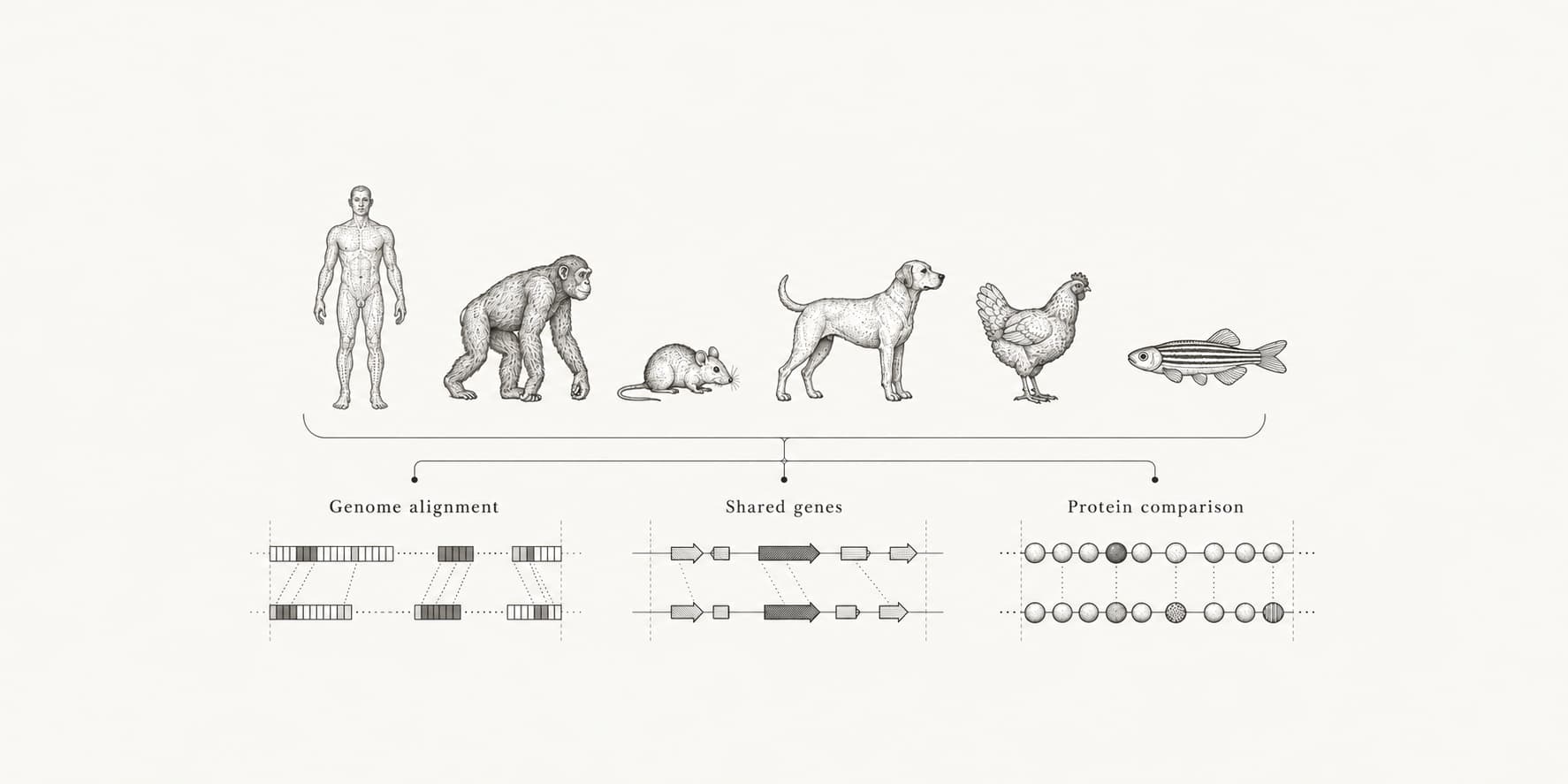
For genomic or transcript-derived templates, run the candidate pair through Primer-BLAST with the database and organism that best represent the DNA population in the reaction. Primer-BLAST uses Primer3 to generate candidates and adds BLAST-based specificity checking against a background database.[7][9]
Also check common variants in primer-binding sites when the samples are genetically diverse. For RT-qPCR, decide whether you need transcript-specific amplification, avoidance of genomic DNA, or coverage of particular splice isoforms. The current ProteinIQ workflow is the generic PCR task; it does not automatically design probes or enforce exon-junction placement.[2]
Why does Primer3 return no primers?
“No primers found” usually means the available sequence and the active constraints cannot produce a legal pair. Turn on diagnostics before guessing. The explain fields show how many candidates were rejected for Tm, GC, size, complementarity, or other limits.[2]
Work through the problem in this order:
- Check that the minimum product size fits inside the template or included region.
- Check 1-based region coordinates and confirm that the target lies inside the sequence.
- Make sure there is enough clean flanking sequence on both sides of the target.
- Widen the product-size range.
- For an AT-rich region, allow longer primers or reduce the minimum Tm slightly.
- Broaden GC limits if template composition makes the current range impossible.
- Relax complementarity or hairpin limits last, and only enough to reveal alternatives.
- Remove or exclude long runs of
N, repeats, low-quality sequence, and unwanted vector sequence.
Do not solve a difficult mammalian-genome design by making primers very short. Shorter oligos create more possible genomic matches, so they can trade a Primer3 result for a specificity problem. The Primer3 documentation likewise recommends increasing maximum primer length or lowering minimum Tm for AT-rich regions before indiscriminately reducing minimum primer length.[3][8]
Primer3 vs. Primer-BLAST
Primer3 and Primer-BLAST are related, but they answer different questions.
| Tool | Main question | Best use |
|---|---|---|
| Primer3 | Which primer pairs best satisfy my constraints on this template? | Fast design with detailed control over regions, Tm, GC, size, chemistry, and complementarity |
| Primer-BLAST | Which primer pairs are likely to be specific within a selected sequence database? | Design or validation when genome, transcriptome, organism, exon, or SNP context matters |
A sensible workflow is to design multiple pairs in Primer3, validate them in Primer-BLAST, inspect the full oligos for dimers and hairpins, and order the best two or three rather than betting the experiment on one computational winner.[7][9]
Related primer-design tools on ProteinIQ
- Primer3 designs and checks PCR primer pairs against a submitted DNA template.
- GC content helps inspect template composition before setting GC limits.
- Oligo Analyzer provides a downstream check for primer hairpins and dimer interactions.
- Reverse complement helps inspect strand orientation when reviewing a primer or target sequence.
Frequently asked questions
What is a good Primer3 penalty score?
There is no universal cutoff. Lower is better among pairs generated with the same settings, but the absolute value changes with active constraints and penalty weights. Use it to rank candidates within a run, not as a cross-project quality score.[1][3]
Does Primer3 check primer specificity?
Primer3 checks the submitted template and the constraints supplied to it. It does not perform a whole-genome or whole-transcriptome search by itself. Use Primer-BLAST or another appropriate short-sequence specificity workflow before ordering primers for a complex biological sample.[1][7]
Is the reverse primer ready to order?
Yes. Primer3 reports the right primer in the 5′ to 3′ orientation on the strand opposite the submitted template. Copy the reported sequence directly.[3]
Can Primer3 accept a multi-FASTA file?
The ProteinIQ webserver accepts one raw sequence or one FASTA record per job. Submit separate jobs for separate templates.[2]
Why is Pair 1 not automatically the final choice?
Pair 1 has the lowest objective score under the settings you entered. Primer3 cannot account for off-target databases, unsubmitted variants, missing annotations, or laboratory behavior it was not asked to model.
Generate several low-penalty pairs, verify specificity against the correct biological background, then test the best two or three under the actual reaction conditions.