Molecular dynamics, minimization, and energy calculations with classical or ML potentials
Input
What is OpenMM?
OpenMM is a molecular simulation toolkit for calculating energies and forces and following atomic motion over time. It supports classical force fields, polarizable models, and machine-learning potentials. Molecular dynamics trajectories help characterize protein flexibility, conformational changes, and the behavior of positioned ligand complexes.
ProteinIQ runs OpenMM 8.5.1. Jobs can prepare a structure, construct a system from native parameter files, or continue a saved simulation. The calculation uses the selected model and installed OpenMM features; uploaded Python scripts and additional plugins are not installed during a run. GPU hardware is requested, and performance depends on the system and effective platform.
How to use OpenMM online
OpenMM runs online on ProteinIQ from a protein structure, a complete molecular system, or matching simulation files. The starting point determines whether atoms are prepared or retained. Molecular dynamics returns trajectories and restart files; minimization and single-point calculations return structures, energies, and forces. Preparation, integration, restraints, and sampling settings configure the calculation.
Starting points and inputs
Starting point | Required inputs and behavior |
|---|---|
Prepare a structure | One protein PDB or mmCIF, with an optional positioned SDF/MOL2 ligand. Structure repair, hydrogen addition, and the selected solvent preparation run before the calculation. |
Prepare with a custom ligand force field | A protein, one positioned SDF/MOL2 ligand, and a complete SMIRNOFF .offxml. The submitted ligand parameters replace the default OpenFF Sage parameters. |
Start from AMBER files | A new-style .prmtop/.parm7 and matching ASCII .inpcrd/.rst/.rst7 or NetCDF .ncrst. Positions, available velocities, and available periodic box vectors are imported. |
Start from GROMACS files | A .top, matching .gro, and up to 64 referenced .itp/.top include files. The native OpenMM reader loads positions and box vectors, but does not import GRO velocities. GROMACS preprocessor definitions supplies named definitions for conditional includes. |
Start from CHARMM files | A .psf, matching .pdb/.crd/.rst coordinates, and up to 64 .rtf/.prm/.str/.par/.inp parameter files. A CHARMM restart can supply velocities. The uploaded PDB cell is preserved by default; coordinate cards and restarts need an explicit box for periodic calculations. |
Use a prepared structure and force-field files | A complete PDB/mmCIF and up to 16 OpenMM force-field XML files containing parameters for every component. All atoms and bonds must already be present. |
Use a complete structure with an ML potential | A complete PDB/mmCIF, including hydrogens. The selected OpenMM-ML model evaluates the full system without classical force-field parameterization, structure repair, or solvent addition. |
Continue from an OpenMM state | A matching complete PDB/mmCIF, system.xml, integrator.xml or the returned Drude SCF configuration, and state.xml. Enhanced-sampling and ML runs also need their corresponding continuation files. |
Continue from an OpenMM checkpoint | The same matching topology, System, and integrator, plus checkpoint.chk. The OpenMM version, platform, and hardware must be compatible with the checkpoint. |
Native file and complete-structure routes retain the supplied components without repair, protonation changes, or added solvent. New classical systems use the selected construction settings, including constraints and hydrogen masses. Native dynamics imports skip automatic minimization and equilibration; Energy minimization only or explicit Stages before production can request those operations separately.
Every referenced force-field XML or GROMACS include must be uploaded with its original, unique plain filename. Folder paths are unsupported, so include references must name those uploaded files directly. OpenMM owns the scientific parsing of AMBER, GROMACS, and CHARMM files; only features supported by its native readers can be imported. These routes do not run the original simulation engines.
Imported AMBER and CHARMM files transfer available coordinates, velocities, and box information, but do not transfer engine-internal thermostat, barostat, random-number, step, or time state. Simulation time starts at 0 ps before any requested stages. When a dynamics input has no velocities, OpenMM initializes them at the requested temperature.
Override CHARMM box vectors enables the CHARMM box vectors (nm) editor. When disabled, retained editor values do not replace the uploaded PDB cell. API requests supplying replacement native_box_vectors_nm must also set override_native_box to true.
Choosing a calculation
Calculation | What runs |
|---|---|
Molecular dynamics | Integrates atomic motion for Simulation duration (ns), default 10 ns. Structure-preparation routes first minimize and equilibrate. Explicit stages replace the default equilibration period. |
Energy minimization only | Relaxes the submitted or prepared coordinates with OpenMM's local minimizer, then reports energies and forces. It creates no production trajectory. |
Single-point energy and forces | Evaluates the submitted or prepared coordinates without minimization or dynamics. It reports total potential energy, force-group energies, and per-particle force vectors. |
Minimization steps defaults to 1000; Minimization force tolerance (kJ/mol/nm) defaults to 10. In minimization-only calculations, 0 iterations uses OpenMM's unlimited-iteration convention. In automatic preparation before dynamics, 0 skips minimization. Minimization finds a nearby local minimum and does not establish an equilibrium ensemble.
Preparing the molecular system
Proteins and positioned ligands
The preparation routes pass the submitted structure to PDBFixer unchanged. PDBFixer replaces nonstandard residues it recognizes at their deposited positions, for example selenomethionine (MSE) with methionine, and adds missing heavy atoms. OpenMM then adds hydrogens according to pH, default 7.0, choosing variants for His, Asp, Glu, Lys, and Cys. Residue protonation states can override individual native choices using chain, residue ID, optional insertion code, and a supported residue variant. Protonation is assigned before simulation; this is not constant-pH dynamics. PROPKA can help assess whether the chosen states fit the molecular environment.
Residues listed in the structure's SEQRES records but absent from its coordinates are not built by default. OpenMM then bonds the residues on either side of each internal gap directly, closing the gap with one stretched backbone bond. Every detected gap is listed in the result warnings and provenance. Build missing residues asks PDBFixer to model them instead. If a gap is a real chain break, split the chain in the input file. PDBFixer records each gap by chain and residue position before heterogens and crystal water are removed, so building is refused when a removed component is stored before a gapped chain in the file. Place HETATM records after all polymer chains, as RCSB files do, or keep those components.
DNA and RNA are passed to OpenMM without renaming or atom removal, so the selected force field's templates must match every nucleotide. The AMBER nucleic-acid templates have no 5'-terminal phosphate: remove those atoms before upload or supply parameters that cover them. Modified nucleotides need their own parameters through custom force-field, AMBER, GROMACS, or CHARMM files.
Crystallographic water is removed by default before new solvent is added, whichever ligand placement is used. Keep crystallographic water retains it.
A ligand file must contain one connected molecule with a valid 3D pose in the protein coordinate frame. Use submitted SDF/MOL2 pose preserves that pose without docking or repositioning. Match ligand embedded in protein instead uses the matching coordinates already present in the protein structure and the ligand file's chemistry.
Automatic Sage preparation supports suitable organic ligands and requires AMBER14-SB or AMBER19 (ff19SB). The CHARMM force fields and OpenFF have incompatible nonbonded scaling. MOL2 ligands are read with RDKit's Tripos reader, because the installed OpenFF toolkit has no MOL2 reader; ProteinIQ checks that every atom and coordinate is kept. A custom OFFXML can accept metal-containing input only when the supplied parameters and installed toolkit support its atoms, bonds, and charges. Native AMBER, GROMACS, CHARMM, custom OpenMM XML, and saved-System routes can carry components with their own complete parameters.
Unparameterized heterogens keeps every non-water heterogen that exactly one template in the selected force field matches as deposited, the same components OpenMM would parameterize if PDBFixer kept them. The AMBER and CHARMM36 explicit water files define common monatomic ions such as Mg2+, Na+, K+, Ca2+, Zn2+, and Cl-, so deposited ions stay in explicit-solvent preparation. Implicit solvent files define no ions, and iron matches both its Fe2+ and Fe3+ templates. By default, any heterogen without a unique template stops the run, including when a separate positioned ligand is supplied. With an embedded ligand, the rule applies to every other heterogen. Remove all non-water heterogens deletes every one of them, including ions with templates, and is appropriate only when those components should be excluded from the modeled system. A verified embedded ligand is retained, and retained heterogens are listed in the result provenance.
Custom OFFXML supports native library charges and the bundled openff-gnn-am1bcc-1.0.0.pt charge model. External charge-model downloads are unsupported. Force-field XML must contain parameters without Python Script or InitializationScript sections; uploaded serialized systems cannot contain PythonForce.
Water, ions, and membranes
Explicit solvent models water as individual molecules. Implicit solvent represents its screening effects as a continuum, reducing the number of particles while omitting individual water interactions. Fewer particles do not guarantee faster execution: native GBn2 calculations can be slower than optimized explicit-solvent GPU calculations.
| Preparation setting | Meaning and defaults |
|---|---|
Force field | AMBER14-SB by default. Alternatives are AMBER19 (ff19SB) with OL21 DNA and lipid21, CHARMM36, CHARMM36 (2024), and CHARMM polarizable (2023). Polarizable CHARMM requires a compatible Drude integrator. |
Water model | The automatic choice is TIP3P-FB for AMBER, CHARMM-modified TIP3P for CHARMM36, and SWM4-NDP for polarizable CHARMM. AMBER force fields also offer TIP3P, OPC3, SPC/E, TIP4P-Ew, TIP4P-FB, and OPC. CHARMM36 force fields also offer TIP3P-PME-B, TIP3P-PME-F, SPC/E, TIP4P-Ew, TIP4P/2005, TIP5P, and TIP5P-Ew. Four- and five-site models are placed from OpenMM's matching preequilibrated water box. |
Solvent box specification | Solvent padding, Box dimensions, Box vectors, or Number of molecules for a requested count of added water and ion molecules. Default padding is 1 nm. |
Box shape | Cube, Rhombic dodecahedron, or Truncated octahedron when building by padding or molecule count. Explicit dimensions and vectors define the box directly. |
Positive ion, Negative ion | Default Na+ and Cl-. Alternatives are Cs+, K+, Li+, Rb+, Br-, F-, and I-, subject to available parameters. |
Ionic strength (M) | Default 0.15 M for added salt using the selected ions. Neutralize system charge adds counterions by default. |
Build a lipid membrane | Uses OpenMM's membrane builder instead of ordinary box solvation. Lipids include POPC, POPE, DLPC, DLPE, DMPC, DOPC, and DPPC. |
Membrane construction expects a protein already positioned and oriented relative to the XY membrane plane. Membrane center Z (nm) defaults to 0, and Membrane water padding (nm) to 1. Membrane building requires compatible lipid parameters and a three-site water model; four-site, five-site, and polarizable water choices are not supported by this preparation route. OpenMM describes its placement and relaxation procedure in the model-building documentation.
Implicit-solvent preparation and AMBER and CHARMM native inputs can use HCT, OBC1, OBC2, GBn, or GBn2. Preparation loads the matching bundled OpenMM implicit-solvent file; native AMBER and CHARMM inputs also have dielectric and surface-area controls. Defaults are GBn2, solute dielectric 1, and solvent dielectric 78.5. AMBER topologies require compatible intrinsic radii. Implicit salt concentration (M) defaults to the native 0 M for both AMBER and CHARMM; explicit salt settings do not change implicit solvent. Custom OpenMM force-field mode adds no implicit-solvent force unless the submitted files define one.
Dynamics and protocol settings
Integration and force controls
The default Langevin middle integrator applies temperature control with Temperature (K) set to 300, collision frequency 1/ps, and timestep 2 fs. Other native choices support different dynamics:
| Integrator choices | Use and controls |
|---|---|
Langevin middle, Langevin, Nosé–Hoover, Brownian | Thermostatted dynamics using the corresponding native method. Temperature and collision-frequency settings apply where supported. |
Verlet | Fixed-step dynamics without a thermostat. Disabling pressure control permits an NVE setup. |
Adaptive Langevin, Adaptive Verlet | Adaptive timesteps controlled by error tolerance, default 0.001, and an optional maximum timestep. The run advances to the requested elapsed time and reports at time intervals. |
Multiple time steps (MTS), MTS Langevin | Multiple time-step integration. Each active force group needs an evaluation count per outer step; force-group assignments come from the constructed system. |
Drude Langevin, Drude Nosé–Hoover, Drude self-consistent field (SCF) | Polarizable systems containing native Drude particles. Dual-thermostat methods have separate Drude temperature, collision-frequency, and maximum-distance controls. |
Bond constraints supports hydrogen bonds, all bonds, hydrogen angles, or no constraints. Constrain water geometry, Constraint tolerance, and Remove center-of-mass motion provide separate controls. For newly constructed classical systems, 4 fs requests native hydrogen mass repartitioning to 4 amu, redistributing mass from bonded heavy atoms. A larger timestep still requires system-specific stability checks; this setting intentionally changes imported classical particle masses.
Nonbonded method supports No cutoff, Nonperiodic cutoff, Periodic cutoff, Ewald, PME, and LJPME, where the selected native force supports them. Periodic methods require valid box vectors. The usual explicit-system default is PME with a 1 nm cutoff; nonperiodic defaults use no cutoff. Switching distance, Ewald tolerance, and long-range dispersion correction can be configured without editing force-field files.
Barostat selects isotropic, anisotropic, membrane, or no pressure control. Isotropic pressure defaults to 1 bar and the interval to 25 steps. Anisotropic control allows per-axis pressures and box-change switches; membrane control adds surface tension and XY/Z scaling modes. Pressure control requires a periodic system. A barostat does not replace a thermostat: NVT and NPT require an integrator that controls temperature.
GROMACS, CHARMM, and complete-structure ML runs use Enable pressure control to enable their selected barostat. Pressure (bar) remains available for periodic GROMACS and ML inputs independently of solvent-preparation settings.
Random seed controls supported native integration, velocity initialization, and barostat sampling for new systems. 0 lets OpenMM choose seeds. Equal seeds alone do not guarantee identical trajectories across hardware or software versions.
Restraints and stages
Position restraints apply harmonic restraints to selected atoms relative to their initial coordinates. Distance restraints apply harmonic restraints between atom pairs at a specified separation. Distances use nm and spring constants use kJ/mol/nm². Atoms can be identified by chain:residue:atom, such as A:42:CA, or by zero-based system particle indices. Indices refer to the complete prepared system, including added particles.
Stages before production runs an ordered heating, cooling, equilibration, or restraint-release protocol. Each stage defines its duration in ps, starting and ending temperatures, optional restraint scales, and control interval. Temperature changes require an integrator with a native temperature setter. The final stage conditions continue into production; stages are excluded from the production trajectory.
Without explicit stages, structure-preparation dynamics uses Equilibration (ns), default 0.5 ns, up to the same 200 ns hosted limit as the simulation duration. Native imports and saved simulations do not receive automatic equilibration. Energy-only and minimization-only tasks do not run stages or enhanced sampling.
Enhanced sampling
Sampling method offers native well-tempered metadynamics and simulated tempering. Sampling starts after preparation stages. OpenMM 8.5.1 requires a fixed-step integrator for these sampling methods; adaptive time-based dynamics remains available separately.
Fresh metadynamics uses the final heating-stage temperature or the restored integrator's temperature when available. For saved custom integrators without native temperature access, Temperature (K) supplies the explicit sampling-temperature fallback. Continued sampling retains the temperature in its matching sampling_state.json.
Metadynamics adds a history-dependent bias along one to three collective variables. Supported coordinates are distance between two atoms, an angle between three, a torsion between four, or RMSD of selected atoms against the initial reference structure. Each variable specifies its range, Gaussian width, grid size, and periodicity. Distance and RMSD use nm; angles and torsions use radians. A multidimensional grid must use consistent periodicity across variables.
Default metadynamics settings are bias factor 10, hill height 1 kJ/mol, hill interval 500 steps, and bias-save interval 5000 steps. The save interval must be a multiple of the hill interval. Grid size grows as the product of the individual dimensions; overly large grids exceed the run's memory allowance. Free-energy arrays retain OpenMM's native metadynamics convention, with dimensions ordered in reverse collective-variable order. metadynamics_grid.json records the corresponding ranges and grid sizes.
Simulated tempering changes temperature along a ladder and adapts sampling weights with OpenMM's native algorithm. Defaults are eight temperatures from 300 K to 500 K, with change attempts every 25 steps. A compatible temperature-controlled integrator is required. Its trajectory spans several temperatures, so pooled frames do not represent a single-temperature equilibrium ensemble.
Biased trajectories and estimated free energies need convergence assessment and method-appropriate analysis. A short run or a smooth free-energy grid does not establish convergence.
Machine-learning potentials
Potential can retain classical forces, evaluate the entire system with an ML potential, or construct a mixed ML/classical system. In mixed mode, the model replaces interactions internal to ML region atoms; interactions with the surrounding system remain classical, following OpenMM-ML's mixed-system definition.
The dedicated complete-structure ML starting point needs all atoms, including hydrogens, already present. Mixed calculations additionally need valid classical parameters for the complete system. The atom selection must contain the intended ML region in full. Remove constraints within the ML region defaults to enabled. Optional interpolation uses ML interpolation weight from 0 for the classical contribution to 1 for the ML contribution.
Model | Scope and model-specific settings |
|---|---|
ANI-2x, ANI-1ccx | Pretrained ANI potentials for supported small, neutral molecular chemistry. They do not provide a general charged-protein potential. ANI model index defaults to -1 for the eight-model ensemble; 0 through 7 selects one member. |
MACE-MPA-0-medium | A MACE materials potential trained on MPTrj and sAlex data. Its element coverage does not establish suitability for proteins, ligands, or biochemical reactions. Model precision starts at the stored double precision (float64), with single precision (float32) also available. |
The ANI model scope and MACE foundation-model table help distinguish the training domains. Model choice requires evidence for the intended chemistry.
MACE energy convention starts at Interaction energy; Total energy includes atomic self-energy contributions, as defined by the native MACE integration. Energies from different conventions or models should not be compared as though they share a common zero. Only the installed, versioned model assets are supported; arbitrary uploaded executable models are not accepted.
Outputs and continuation
| Output | Contents and interpretation |
|---|---|
final_structure.pdb, trajectory.xtc | Structure and aligned trajectory for viewing. Remove water from output removes only water, retaining other components. Trajectories are produced by dynamics. |
final_system.pdb, trajectory_raw.xtc | Complete final system and complete trajectory before viewing transformations. The full-system structure provides the topology for native continuation. |
prepared_system.pdb | Complete coordinates after preparation or native import, before the requested calculation. |
system.xml, state.xml | Native forces and particle parameters, plus the final public simulation state. |
integrator.xml or integrator_config.json | Native integrator XML, except Drude SCF, whose public configuration is returned as JSON because OpenMM 8.5.1 does not serialize that integrator to XML. |
checkpoint.chk | Optional engine-internal restart, enabled by Save a binary checkpoint. |
state_data.csv | Dynamics log with step, time, potential, kinetic and total energies, and temperature when the system has thermal degrees of freedom. |
energy_forces.csv, energy_summary.json | Single-point and minimization results: force vectors in kJ/mol/nm, potential and kinetic energies in kJ/mol, and energies by native force group. A force group can contain several forces. |
sampling_state.json | Continuation data for metadynamics bias or simulated-tempering adaptation, including the configuration needed to restore that method. |
metadynamics_collective_variables.csv, metadynamics_free_energy.npy, metadynamics_grid.json, bias_*.npy | Collective-variable trace, estimated free-energy grid in kJ/mol, grid metadata, and native bias snapshots. |
simulated_tempering.tsv | Native temperature and sampling-weight report. |
ml_state.json | Model identity and settings needed to reconstruct a supported ML system during continuation. |
provenance.json | Runtime, preparation, simulation, and completion details for the calculation. |
Save interval (ps) defaults to 50 ps; shorter intervals preserve more temporal detail and produce larger trajectories. Structures are limited to 100,000 input atoms and prepared ligand files to 300 heavy atoms. Before dynamics, the complete system, duration, and save interval are checked against a 1 GiB trajectory-coordinate budget. Jobs have a 12-hour runtime limit and may return completed partial artifacts when stopped early; completion information distinguishes the time requested from the time produced.
Continuing a saved simulation
The complete final_system.pdb, system.xml, and matching integrator file must stay together. The topology must match the System's particle order and count. The State route restores positions, velocities, box vectors, time, step count, and saved parameters, but does not restore random-number generator internals. The checkpoint route restores engine-internal state only on compatible hardware with the same OpenMM version, platform, and matching system. Incompatible checkpoints fail without silently switching platforms.
New simulations use L40S GPUs at 44 credits per minute. For a binary checkpoint, select the hardware that created it: CUDA, L40S for current runs or CUDA, A100 40 GB for earlier runs. A100 checkpoint continuation retains the earlier rate of 40 credits per minute. Use the portable State XML when moving between GPU types. Automatic recovery retains the GPU and rate recorded when the job was submitted.
Saved simulations retain their supplied forces and integrator settings. Fixed-step integrators need a positive finite timestep; native variable Langevin and variable Verlet integrators are supported through elapsed-time control. Custom integrators that change their own timestep are not supported by fixed-step duration scheduling. The requested duration is additional production time.
Enhanced-sampling continuation also requires the matching sampling_state.json. A System and State alone do not preserve the evolving sampling controller. Restored sampling cannot be combined with new preparation stages. ML continuation requires the matching ml_state.json so that the same trusted model and configuration can be reconstructed. For Drude SCF, the returned integrator_config.json goes in the OpenMM integrator input.
Understanding molecular dynamics results
OpenMM derives forces from the potential-energy function:
The integrator uses these forces to update motion. Classical biomolecular force fields combine bonded and nonbonded terms; polarizable models and ML potentials use different descriptions of the energy. The chosen model determines which interactions and chemistry are represented. A trajectory alone does not demonstrate correct binding, protein function, or chemical reactivity.
Compute trajectory analyses adds protein-focused tables when applicable. RMSD tracks deviation from a reference, RMSF describes atom and residue fluctuations, radius of gyration measures compactness, and secondary-structure tables track conformational assignments. Other available tables describe hydrogen bonds, contacts, torsions, and solvent-accessible surface area. Time-series rows retain the source trajectory's zero-based frame and time_ps when analysis uses sampled frames. Warnings describe skipped analyses or sampling; processing failures do not discard completed native files.
Energy and temperature should be interpreted against the selected ensemble and protocol. Thermostats and barostats exchange energy with the system, and heating, tempering, and metadynamics intentionally alter its behavior. Abrupt unexplained energy spikes, invalid coordinates, or rapidly growing forces can indicate bad contacts, incompatible parameters, or an excessive timestep. A stable short trajectory is a useful setup check, but does not prove adequate conformational sampling.
Before dynamics, PDB Fixer can repair incomplete structures and MolProbity can identify clashes and geometry problems. For ligand studies, a pose from AutoDock Vina, GNINA, or DiffDock can supply starting coordinates after chemistry and parameter compatibility are checked. MD then tests the behavior of that modeled complex under the chosen conditions; pose persistence is not a binding-affinity measurement.
Related tools
OpenFE
Absolute hydration free energy calculations for neutral small molecules
GROMACS
Run protein molecular dynamics or your own prepared GROMACS system.
PandaDock
Physics-based molecular docking with CPU-optimized hierarchical algorithms
SMINA
Enhanced molecular docking with custom scoring functions and fast minimization
AIMNet2
Predict quantum-informed molecular properties from 3D structures.
BioEmu
Sample independent protein equilibrium conformations.
Boltz-2
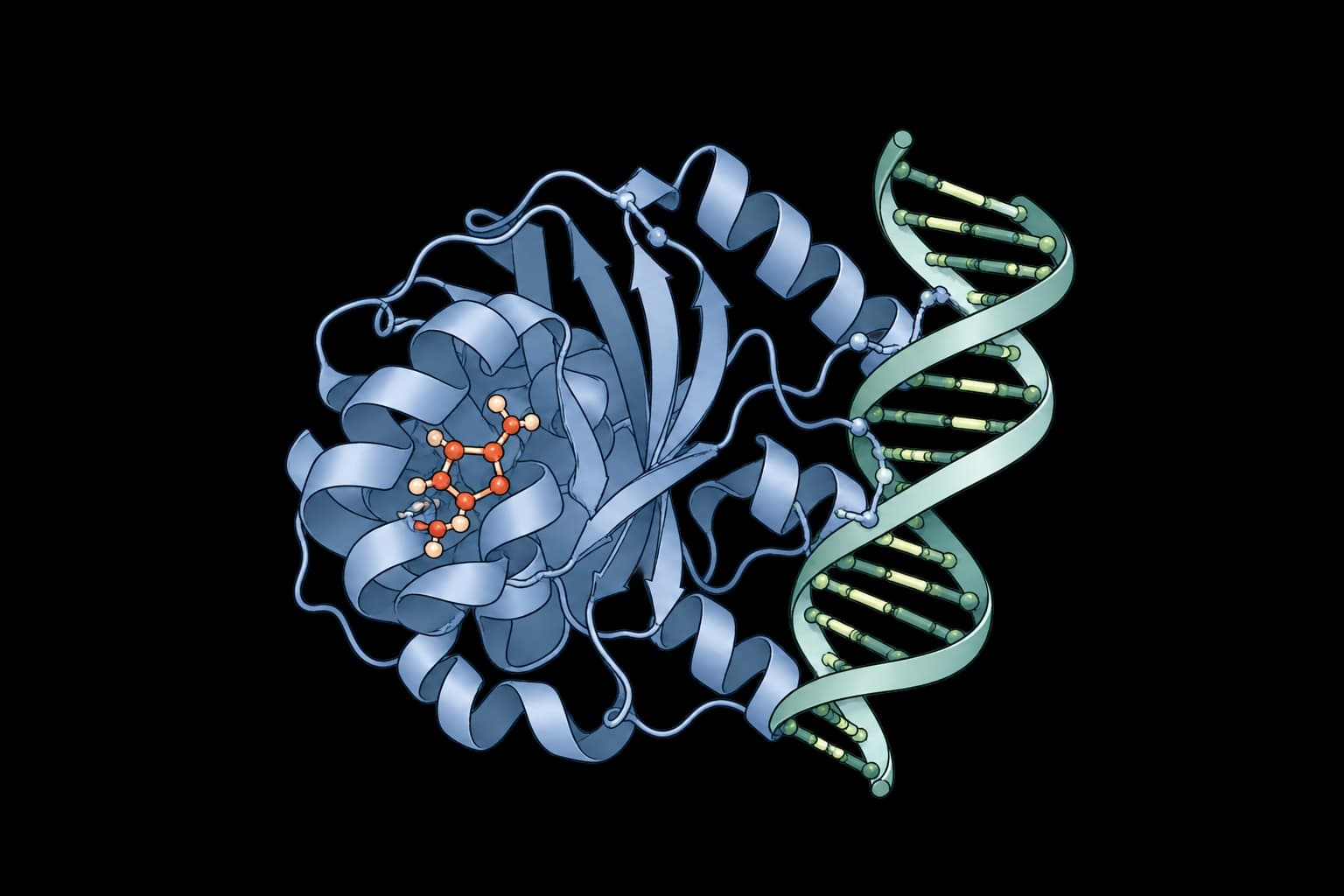
Predict biomolecular complex structures and binding affinities for proteins, ligands, DNA, and RNA.
Boltz-2.1
Structure and binding prediction for proteins, DNA, RNA and ligands.
Boltz Small Molecule Explore
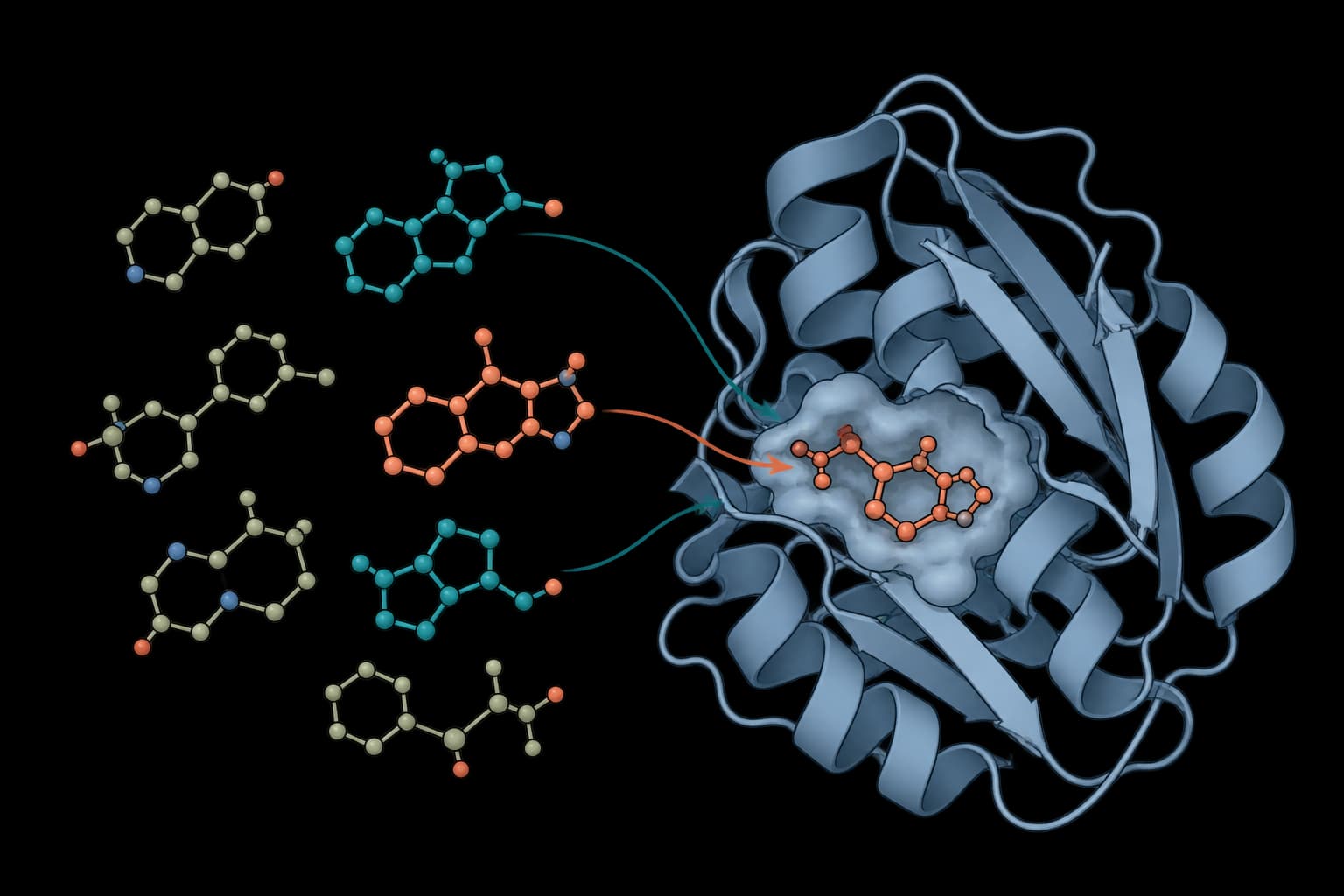
Budgeted search of a large SMILES library against a protein target.
Boltz Small Molecule Screen
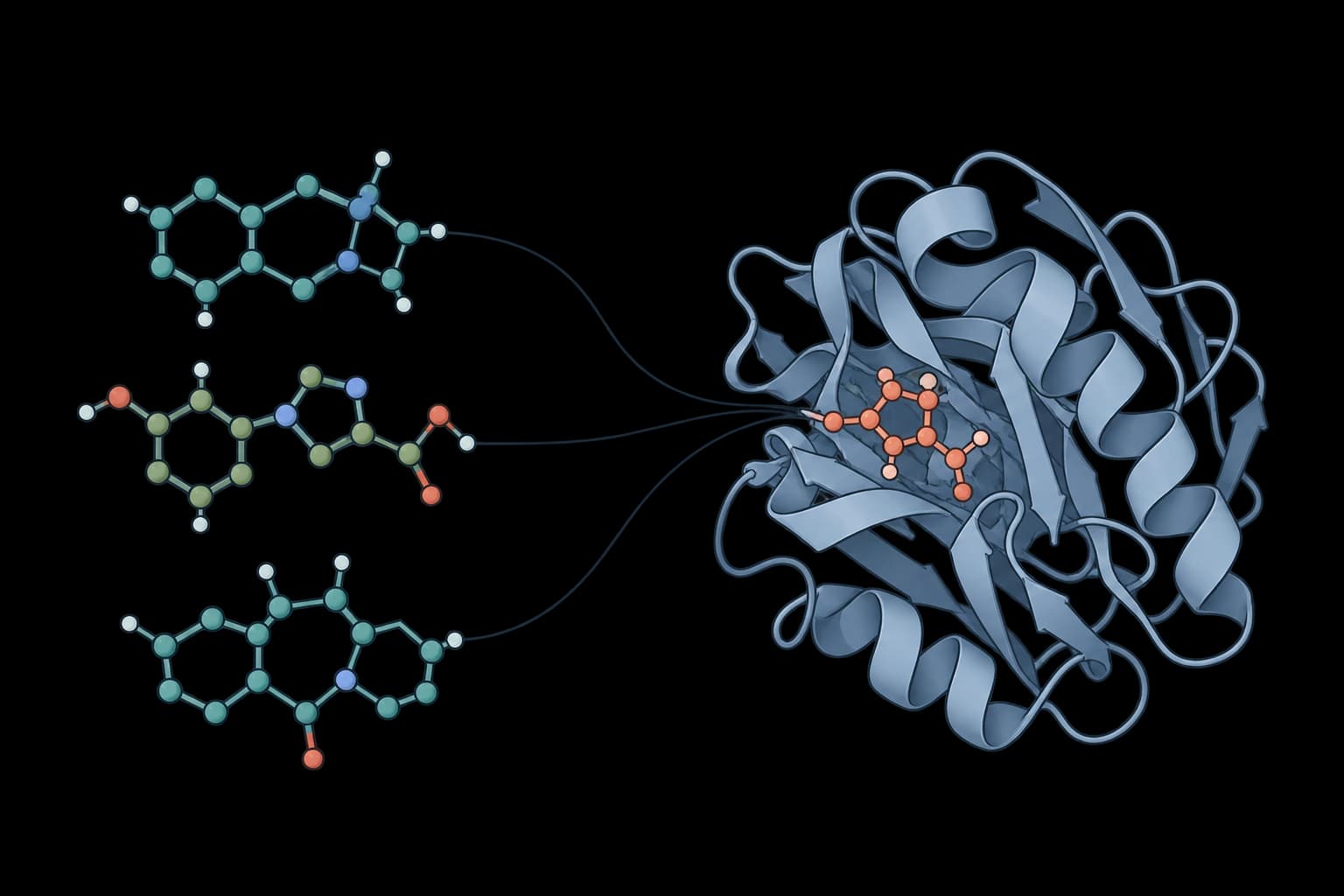
Rank your SMILES library against a protein target.