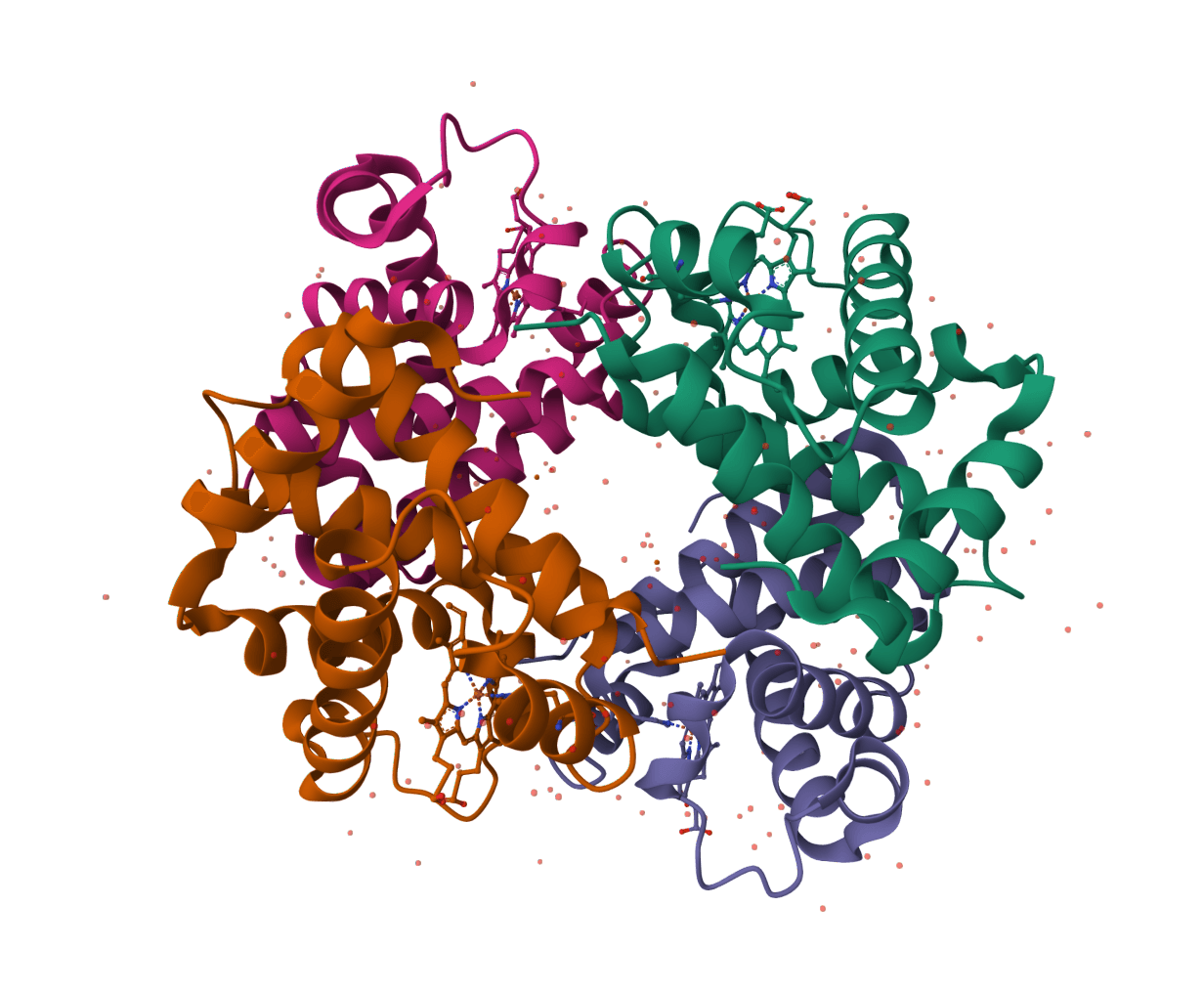
Fetch PDB and mmCIF coordinate files from Protein Data Bank in Europe. Learn more
Input
What is PDBe Download?
PDBe Download is a structure-file retrieval tool for records in Protein Data Bank in Europe, the European partner of the Worldwide Protein Data Bank. Given a PDB entry identifier, it retrieves the deposited atomic coordinates as legacy PDB or PDBx/mmCIF files from PDBe.
The PDB archive is a shared global resource, so the same structure may also be available from other wwPDB partners. PDBe Download is most useful when a workflow uses PDBe entry pages, PDBe APIs, or PDBe-hosted coordinate URLs and needs a direct, reproducible file retrieval step. It retrieves the archive record, not a predicted structure or a model prepared for a particular simulation or docking workflow.
How to use PDBe Download online
ProteinIQ retrieves a PDBe structure record from a four-character PDB ID, such as 1IVO, then returns downloadable PDB and mmCIF coordinate files in the selected format. Each result identifies the archive entry and the PDBe source URL, making it possible to keep the coordinate file connected to its public record.
Input and settings
| Field | Description |
|---|---|
Entry ID | A four-character PDB identifier, such as 1CRN, 4HHB, or 1IVO. Letter case is accepted. This field is intended for an existing PDB archive entry, not a protein name or a UniProt accession. |
| Setting | Description |
|---|---|
Database | Selects the data source. PDBe is the default. Changing it switches to the selected database's download workflow, whose identifier and available formats can differ. |
Output format | All formats returns each PDBe coordinate file available for the entry. Choose PDB or mmCIF to return only that file type. |
An entry that has been removed, is not publicly released, or does not match a current PDBe record returns an entry-not-found message. Direct ID retrieval avoids ambiguity between structures with related titles, chains, or associated UniProt accessions.
Files returned
| Result item | Downloaded extension | Contents | Best fit |
|---|---|---|---|
PDB | .pdb | Atomic coordinates in the legacy PDB text format. | Established programs that explicitly require PDB input. |
CIF | .cif | Atomic coordinates and PDBx/mmCIF data categories. | Modern structural-biology software, large or complex assemblies, and workflows that need richer archive metadata. |
Both formats describe the same deposited entry but are not interchangeable at the syntax level. PDB is a fixed-column legacy format with constraints that can make it unsuitable for some larger or more complex structures. PDBx/mmCIF is the archival format designed to represent the full PDB data model, so it is the safer default when a downstream program accepts it.
Understanding the results
The Files panel contains one downloadable item per selected format. File names are normalized for the download while preserving the PDBe entry ID, for example:
pdbe-1IVO-pdb.pdb
pdbe-1IVO-cif.cif
Each file records its source URL and format. Follow the PDBe entry link to inspect the deposited structure's title, experimental method, resolution where applicable, validation, biological-assembly context, and primary citation.
Resolution should be read together with method, completeness, validation, and the scientific question. A lower value usually means finer experimental detail for diffraction or cryo-EM structures, but it does not by itself establish that every region, ligand placement, or biological assembly is reliable. PDBe's entry page remains the appropriate place to inspect that context before making a high-stakes structural interpretation.
Choosing a format for downstream work
Choose mmCIF when the next program supports it. It preserves a richer representation of the archive and avoids many PDB-format limits. Choose PDB only when a particular viewer, legacy script, or analysis program requires it.
For quick inspection of either coordinate file, open it in the PDB Viewer. To derive polymer sequences from a downloaded structure, use PDB to FASTA. The PDB Download tool is a better fit when the same workflow also needs the structure-associated FASTA file from RCSB PDB.
PDBe Download handles one known archive entry at a time. For a collection of structures, query-based discovery, bulk downloads, biological assemblies, validation reports, or other record types, use PDBe's own download service or API and retain the exact archive release and file selection in the analysis record.
Related tools
AlphaFold Database Download
Download AlphaFold DB predicted structures and confidence files by UniProt accession.
PDB Download
Download PDB, CIF, and FASTA files from RCSB PDB by 4-character structure ID.
BindingDB Download
Download BindingDB binding record files by BindingDB monomer ID.
InterPro Download
Download InterPro protein family and domain records as JSON by InterPro ID.
QuickGO Download
Download QuickGO Gene Ontology term records as JSON by GO ID.
UniProt Download
Download UniProt protein sequence records as FASTA and JSON by accession.
PDBFixer
PDBFixer is an OpenMM-based tool used for fixing problems in protein/DNA/RNA structure files, including adding missing atoms, adding missing residues, and fixing improper formatting.
PDB to CIF Converter
Convert Protein Data Bank files to Crystallographic Information File format
ChEBI Download
Download ChEBI chemical entity records as JSON by ChEBI ID.
ChEMBL Download
Download ChEMBL molecule records as JSON and SDF by ChEMBL compound ID.