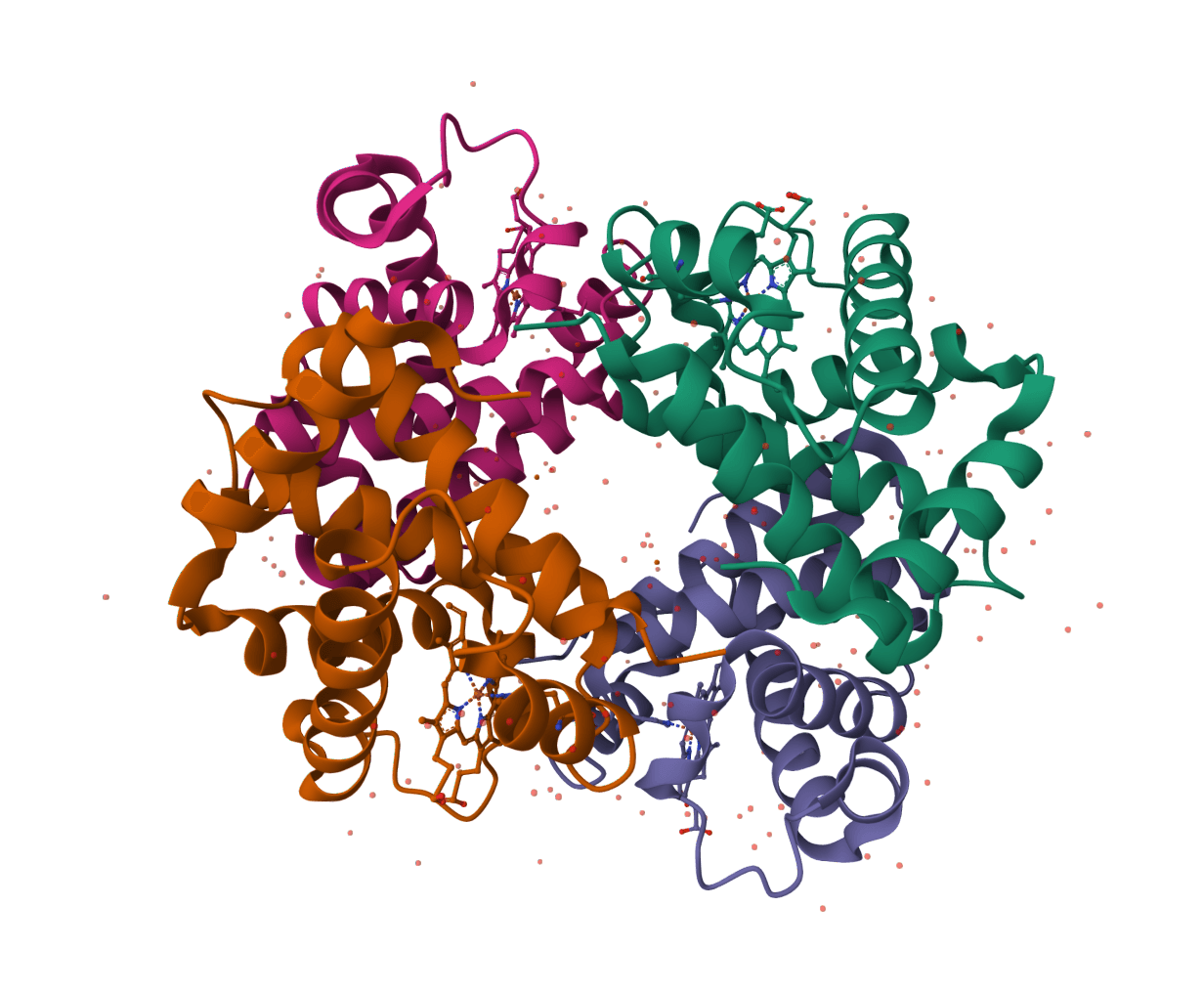
Fetch BindingDB ligand and binding metadata files for protein-ligand records. Learn more
Input
What is BindingDB Download?
BindingDB Download is a record-access tool for BindingDB, a public database of measured protein-ligand binding affinities. It creates a direct record reference from a known BindingDB monomer ID, the identifier BindingDB assigns to a small-molecule compound. The source record can bring together a compound structure and the target and assay measurements recorded for that monomer.
The tool is for looking up a known compound record, not for predicting affinity, finding a target from a sequence, or running a structure search. A monomer can be associated with more than one target and more than one measurement, so an affinity value on the source page must always be read with its assay, target, units, and reported affinity type.
How to use BindingDB Download online
ProteinIQ creates a downloadable BindingDB record reference from a numeric monomer ID, such as 50000007. Enter the ID and run the tool to receive the constructed source-record URL, an identifier-based filename, and result metadata. Opening that source record provides the BindingDB page for the selected compound, where available assay and structure information can be reviewed.
Input
| Input | Description |
|---|---|
Entry ID | A numeric BindingDB monomer ID, for example 50000007, 50361334, or 50127775. Enter the numeric ID, not a target name, PDB ID, UniProt accession, SMILES string, or the display prefix BDBM. |
BindingDB uses the monomer ID for a compound, rather than for a single protein-ligand measurement. When only a protein target, structure, UniProt accession, or chemical structure is known, identify the intended monomer in BindingDB first. Its search and REST services can return multiple candidate compounds or assays for those broader queries.
Settings
| Setting | Description |
|---|---|
Database | Defaults to BindingDB. Selecting a different database switches to that database's retrieval workflow and requires an identifier valid for the selected source. Keep BindingDB selected for a monomer ID. |
Results
| Output | Format | Contents |
|---|---|---|
| BindingDB source-record reference | Labeled JSON (.json) | A remote link to BindingDB's compound record page for the submitted monomer ID. |
| Result metadata | Table and summary | Database, provider, entry ID, record title, file label, filename, format, source type, URL, and file count. |
Files have stable identifier-based names. For example, an entry of 50000007 is named bindingdb-50000007-json.json.
Understanding the returned record reference
The JSON label is the tool's available download label, not a guarantee that the BindingDB source URL returns a JSON document. It points to BindingDB's MolStructure.jsp compound-page endpoint, which normally serves a web page. ProteinIQ may attach the response body when it can retrieve it, but the resulting content can be HTML and should not be parsed as a defined JSON schema.
The record page is the place to inspect details that are not normalized into this tool's result table, including compound names, SMILES or InChI, linked structures, individual targets, publications, assay descriptions, and activity rows. BindingDB can report measurements such as Ki, Kd, IC50, and EC50; these values are different experimental quantities and should not be compared as though they were interchangeable.
The entry is constructed from the supplied ID before the remote source is read. A successful ProteinIQ result therefore confirms that a BindingDB source-record URL was created, not that the remote page exists or that a particular assay field is present. Check the linked BindingDB page when an ID is uncertain, a record is unavailable, or a study requires a specific measurement.
Where BindingDB Download fits in a ligand workflow
This tool is useful after a BindingDB monomer has already been selected for a medicinal-chemistry, screening, or literature-review workflow.
- Preserve the source link beside docking poses or a compound shortlist so the observed bioactivity record can be revisited.
- Confirm the target and assay context before treating a reported affinity as evidence for a proposed binding mode.
- Copy a structure identifier or SMILES from the source record only after confirming it represents the intended compound and stereochemical form.
- Retain the monomer ID with the retrieval date, because BindingDB content and curation can change over time.
For a structured small-molecule record and SDF export from a different bioactivity resource, ChEMBL Download retrieves compounds by CHEMBL identifier. After a confirmed SMILES string has been obtained from BindingDB, SMILES to SDF can create an SDF file for downstream cheminformatics work.
BindingDB record lookup vs binding-affinity analysis
BindingDB Download retrieves a reference to reported experimental data. It does not calculate an affinity, rank ligands, standardize a structure, create three-dimensional coordinates, or combine assay rows into one potency value. The linked record can include several targets and measurements with different conditions, so the most suitable value depends on the experimental question rather than on its position in the page.
For reproducible quantitative analysis, record the exact affinity type, value, units, target construct, assay description, source publication, and curation context from BindingDB. The monomer ID alone identifies the compound record, not a unique protein-ligand experiment.
Related tools
ChEBI Download
Download ChEBI chemical entity records as JSON by ChEBI ID.
ChEMBL Download
Download ChEMBL molecule records as JSON and SDF by ChEMBL compound ID.
PubChem Download
Download PubChem compound records as JSON, SDF, and SMILES by CID, compound name, or InChIKey.
InChI to SMILES
Convert InChI strings into SMILES with batch support and downloadable outputs.
MOL to SMILES
Convert MDL MOL ligand files into canonical SMILES strings for registration, filtering, and downstream analysis.
MOL2 to SMILES
Convert MOL2 ligand files into SMILES strings for registration, filtering, and downstream analysis.

Open Babel
Run Open Babel in the browser to convert chemical and structure files, with coordinate, hydrogen, and pH options where the WASM runtime supports them.
SDF to SMILES
Convert SDF ligand files, including multi-record batches, into SMILES strings.
SMILES to InChI
Convert SMILES strings into InChI strings with batch support and downloadable outputs.
SMILES to MOL2
Convert SMILES strings into 3D MOL2 files for docking and molecular modeling workflows.