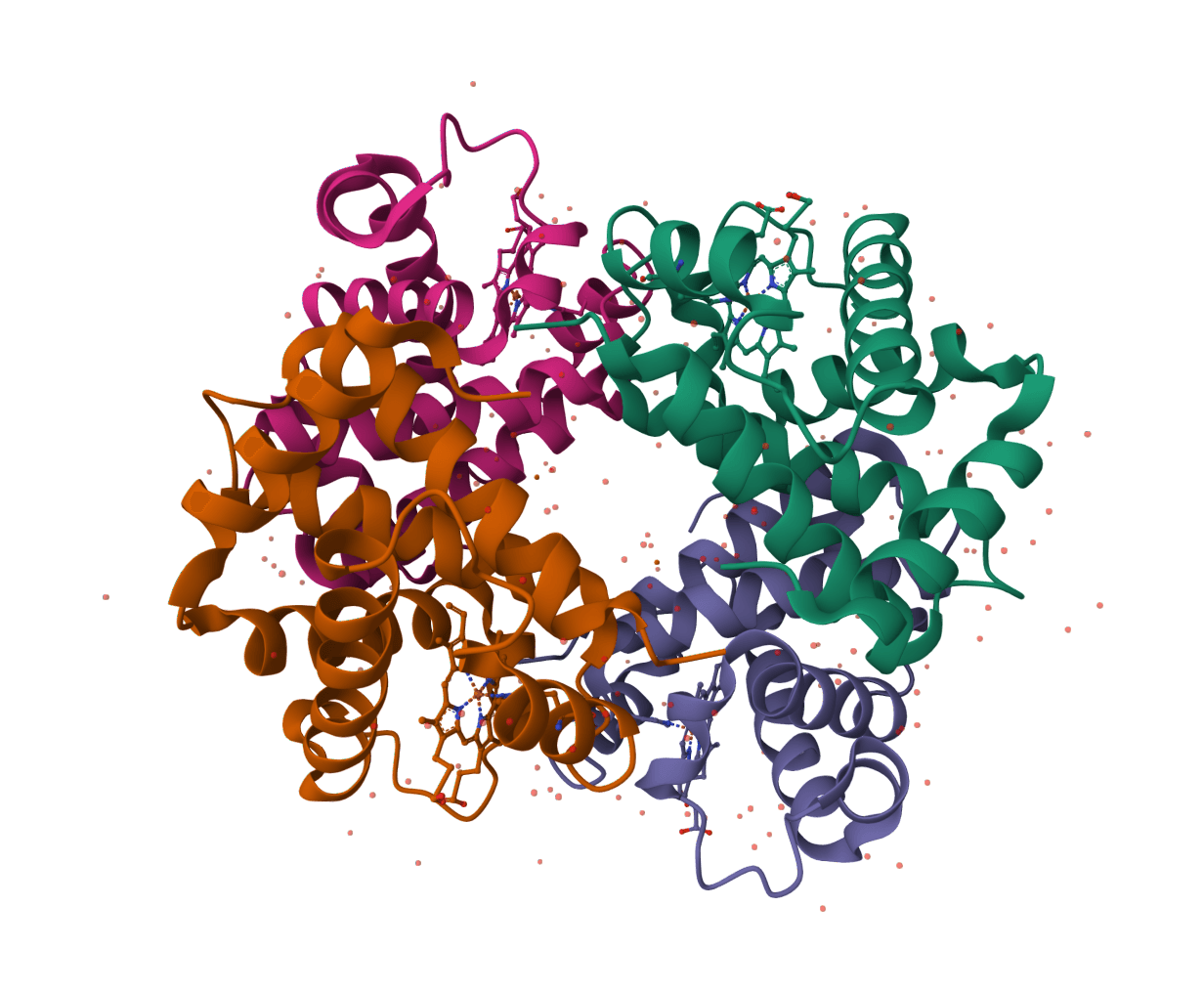
Fetch ChEMBL compound structure and metadata files by ChEMBL molecule ID. Learn more
Input
What is ChEMBL Download?
ChEMBL Download is an identifier-based retrieval tool for ChEMBL, EMBL-EBI's curated database of bioactive, drug-like molecules. It retrieves the molecule record and chemical structure for one known ChEMBL compound, rather than searching an assay collection or predicting a compound property.
ChEMBL combines curated chemistry with calculated molecular properties and links to bioactivity, target, assay, and drug-development information. A CHEMBL molecule identifier is the stable starting point when a compound has already been selected from a ChEMBL report, publication, dataset, or screening list. For example, CHEMBL25 identifies aspirin in the current database.
The downloaded record is useful for preserving an exact structure and its source identifier alongside a compound shortlist. It does not by itself establish experimental potency, target selectivity, or a docking-ready protonation state. Those questions depend on the associated assays and on the preparation required by the next workflow step.
How to use ChEMBL Download online
ProteinIQ retrieves a ChEMBL molecule by its CHEMBL identifier and returns the source JSON record, an SDF structure file, and a result summary. Enter an ID such as CHEMBL25, choose JSON, SDF, or both, then download the selected files for compound registration, cheminformatics, or ligand preparation.
Input
| Input | Description |
|---|---|
Entry ID | A ChEMBL molecule ID in the form CHEMBL followed by digits, such as CHEMBL25, CHEMBL941, or CHEMBL1201585. The lookup is intended for a molecule ID, not a compound name, SMILES string, InChIKey, target ID, assay ID, or publication ID. |
ChEMBL IDs should be retained exactly as returned by the database. A preferred name can change as curation evolves, while the identifier is the practical key for tracing a compound record. When only a name or structure is known, find and confirm the intended molecule in ChEMBL first, especially where salts, stereoisomers, parent compounds, or related analogues are possible matches.
Settings
| Setting | Options | Effect |
|---|---|---|
Database | ChEMBL by default | Keeps the lookup on ChEMBL. Selecting another database changes to that database's retrieval workflow, which requires its own identifier type. |
Output format | All formats, JSON, SDF | All formats returns both available ChEMBL files. Selecting one format limits the result to that file type. |
Returned files
| File | Filename example | Contents and typical use |
|---|---|---|
| JSON | chembl-CHEMBL25-json.json | The ChEMBL molecule endpoint response. Use it to preserve structured source metadata and identifiers in a script, manifest, or analysis record. |
| SDF | chembl-CHEMBL25-sdf.sdf | An MDL Structure Data File for the molecule. Use it as a chemical-structure input for inspection, conversion, or a ligand-preparation workflow. |
| Result metadata | Shown in the results table | Database, provider, entry ID, record title, record type, file label, filename, format, source type, source URL, and file count. |
The tool also displays available molecule properties from the ChEMBL record, including molecule type, molecular formula, molecular weight, calculated AlogP, and canonical SMILES. Fields are shown only when ChEMBL provides them. Missing values do not imply a zero value or an invalid compound.
Reading the ChEMBL molecule record
The JSON file is the most useful archival output. It keeps the source response intact and can include the molecule_chembl_id, preferred name, molecular type, calculated properties, canonical SMILES, and InChIKey. The exact field set varies with the molecule and with ChEMBL curation, so downstream parsers should tolerate absent optional fields.
The SDF file is a structure exchange format, not a complete experimental report. It represents the selected molecule record and can be passed into tools that accept SDF, but it does not encode every ChEMBL assay, target relationship, publication, or clinical annotation. ChEMBL's molecule API offers compound-level information, while activities, assays, mechanisms, targets, and documents are separate resources.
An SDF structure should also not be treated as automatically ready for every modeling task. Protonation, tautomer choice, stereochemistry, conformer generation, partial charges, and atom typing can affect a docking calculation. Inspect the chemical form before using it as a ligand input. SDF to SMILES is useful for checking or extracting a line notation, while Open Babel can convert a confirmed SDF into another supported structure format.
ChEMBL Download in a compound workflow
ChEMBL Download fits after compound identity has been established and before a structure must be moved into a local analysis or modeling workflow.
- Compound provenance: Store the
CHEMBLID, retrieval date, and JSON response alongside a hit list so the source record can be revisited after a ChEMBL release updates its annotations. - Structure transfer: Download the SDF to avoid manually copying a structure from a web page, then inspect its contents before converting or preparing it for a specific application.
- Bioactivity follow-up: Use the compound's ChEMBL report and relevant activity records to assess reported measurements. A compound can have multiple targets, assays, endpoints, units, and experimental conditions.
- Screening and docking: Keep the original ID with generated ligand files and predicted poses. A docking score is a model estimate and should not be substituted for a ChEMBL experimental activity measurement.
For a record keyed by a PubChem CID, name, or InChIKey, PubChem Download is the appropriate retrieval route. BindingDB Download instead starts from a BindingDB monomer ID and is intended for navigating reported protein-ligand affinity records.
What this tool does not retrieve
ChEMBL Download retrieves one molecule record and its available JSON and SDF representations. It does not perform a keyword search, retrieve a batch of compound IDs, download a full ChEMBL release, or return a complete compound-plus-bioactivity SD file. It also does not standardize the structure for a particular force field, generate a three-dimensional conformer, calculate properties, or determine whether a compound is commercially available.
For release-specific or large-scale analysis, use the official ChEMBL database downloads and record the ChEMBL release version. The live API and the molecule data returned here reflect the current database release, so a later retrieval can contain revised properties, identifiers, or annotations.
Related tools
PubChem Download
Download PubChem compound records as JSON, SDF, and SMILES by CID, compound name, or InChIKey.
BindingDB Download
Download BindingDB binding record files by BindingDB monomer ID.
ChEBI Download
Download ChEBI chemical entity records as JSON by ChEBI ID.

Open Babel
Run Open Babel in the browser to convert chemical and structure files, with coordinate, hydrogen, and pH options where the WASM runtime supports them.
SDF to SMILES
Convert SDF ligand files, including multi-record batches, into SMILES strings.
SMILES to SDF
Convert single SMILES strings or small batches into 3D SDF files with downloadable per-entry files and a combined batch output.
InChI to SMILES
Convert InChI strings into SMILES with batch support and downloadable outputs.
MOL to SMILES
Convert MDL MOL ligand files into canonical SMILES strings for registration, filtering, and downstream analysis.
MOL2 to SMILES
Convert MOL2 ligand files into SMILES strings for registration, filtering, and downstream analysis.
SMILES to InChI
Convert SMILES strings into InChI strings with batch support and downloadable outputs.