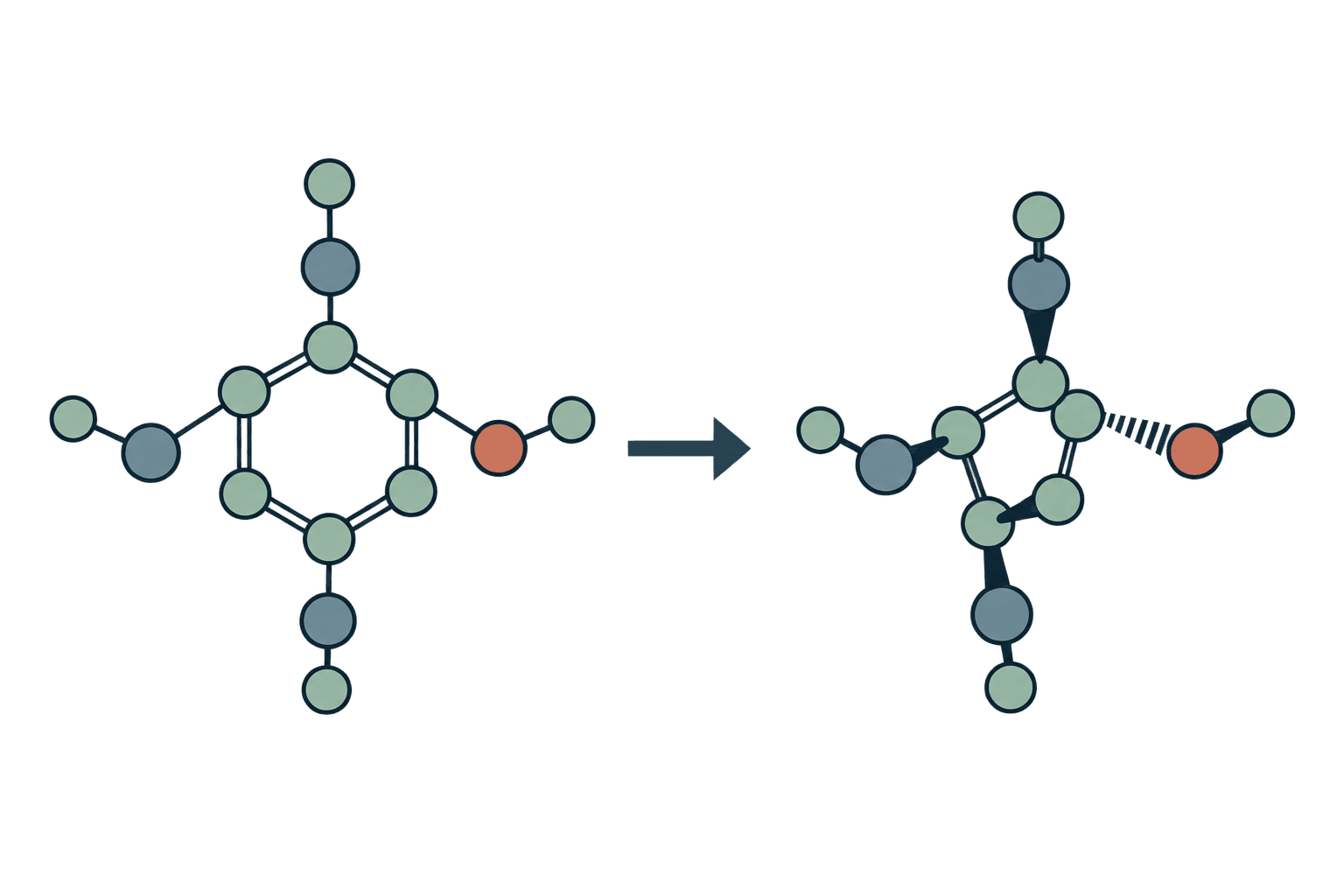
SMILES to PDBQT
Generate 3D ligand coordinates from SMILES and prepare PDBQT files with Meeko.
How to convert SMILES to PDBQT?
Enter a ligand SMILES or upload a SMILES file. The SMILES to PDBQT converter generates a 3D conformer with RDKit ETKDGv3, then uses Meeko to prepare docking atom types, charges and torsion information. Each molecule produces a downloadable PDBQT ligand without needing a coordinate file as input.
- Paste SMILES records or upload
.smi,.smilesor.txt. - Leave the preparation JSON at
{}unless a specific Meeko option is needed. - Run the conversion.
- Download the PDBQT ligands and inspect their chemical state.
Worked example
Input SMILES:
CCO ethanolActual .pdbqt output:
REMARK SMILES CCO
REMARK SMILES IDX 1 1 2 2 3 3
REMARK H PARENT 3 4
ROOT
ATOM      1  C   UNL     1      -0.953   0.048   0.042  1.00  0.00     0.034 C
ATOM      2  C   UNL     1       0.488  -0.322  -0.189  1.00  0.00     0.152 C
ENDROOT
BRANCH   2   3
ATOM      3  O   UNL     1       1.277   0.325   0.738  1.00  0.00    -0.397 OA
ATOM      4  H   UNL     1       1.832   1.048   0.389  1.00  0.00     0.210 HD
ENDBRANCH   2   3
TORSDOF 1
The blocks show the complete input and output for one ethanol molecule. 3D embedding is stochastic, so another run can have different coordinates.
Input
| Input | Accepted format | Requirements |
|---|---|---|
| Molecules | Pasted SMILES or .smiles, .smi, .txt upload | One SMILES followed by an optional name per line. Maximum file size: 50 MiB. |
Put the SMILES first, for example CCO ethanol, rather than a header row or name-first column. Blank lines are ignored. Unnamed molecules receive generated identifiers. Invalid SMILES fail the job instead of being silently dropped.
Settings
| Setting | Default | What it does |
|---|---|---|
Meeko preparation configuration | {} | Advanced Meeko preparation settings as a JSON object. Leave {} for native defaults, including Gasteiger charges and AutoDock atom typing. RDKit first generates a 3D conformer from the SMILES. |
Keep {} for ordinary preparation. Custom configuration must be valid JSON using options supported by Meeko 0.7.1; Meeko warns about unsupported keys and ignores them. The Meeko documentation explains preparation concepts. This field accepts Python preparation configuration, not command-line flags.
Meeko preparation presets
Use Presets, beside the Meeko preparation configuration label, to fill the JSON field:
| Preset | What changes |
|---|---|
| Standard preparation | Uses Meeko defaults, including Gasteiger charges and AutoDock atom typing. |
| Keep all hydrogens | Sets merge_these_atom_types to [], keeping all hydrogens explicit in PDBQT. |
| Rigid macrocycles | Sets rigid_macrocycles to true, keeping large rings in their supplied or generated conformation during docking. |
Selecting a preset replaces the current JSON configuration. You can edit the JSON afterward; configurations that do not match a preset display as Custom. These presets change ligand preparation, not protonation or stereoisomer enumeration.
Results
| Output | Contents |
|---|---|
| Results table | Name, SMILES, Atoms, Output file. |
molecule_1_1.pdbqt | Prepared ligand with atom types, charges, chemical remarks and torsion information. |
results.tsv | Tab-separated table with the same rows and values. |
report.json | Result rows, resolved settings and warnings. |
run.log | Tool, settings, result count and warnings; failures include their error. |
Downloads are available from Files. Inspect both the structure preview and the chemical content of the downloaded file.
From SMILES notation to a docking ligand
SMILES specifies connectivity, charge and optional stereochemistry without coordinates. RDKit adds hydrogens and generates an ETKDGv3 conformer, then Meeko prepares the molecule. PDBQT contains AutoDock atom types, partial charges and a torsion tree.
Embedding is stochastic: the example is an actual run, but another run can have different coordinates. One conformer is not a conformational search or a prediction of the bound pose. Specify known stereo in the input; use stereoisomer generation when it is intentionally unknown.
Charge and protonation come from the SMILES. Use Dimorphite-DL to enumerate pH-dependent states first. This converter does not independently choose the state for an assay.
Choosing a ligand converter
| Starting point | Tool | Purpose |
|---|---|---|
| SMILES | SMILES to PDBQT | Generate coordinates and prepare a ligand. |
| Existing 3D SDF | SDF to PDBQT | Use the supplied coordinates. |
| Prepared ligand or docking poses | PDBQT to SDF | Reconstruct SDF from Meeko metadata. |
FAQ
Can I convert multiple SMILES at once?
Yes. Put one SMILES and optional name per line. Molecules are prepared separately and appear in the table.
Is this an AutoDock docking run?
No. It prepares ligand files. It does not place the ligand in a receptor or calculate affinity.
Why can 3D generation fail?
RDKit can be unable to embed the molecular graph. The job reports that failure rather than substituting a different structure.
Related tools

InChI to SMILES
Generate SMILES strings from InChI identifiers for search, filtering, and modeling workflows.

MOL to SMILES
Extract canonical SMILES strings from MDL MOL ligand files for cheminformatics workflows.

MOL2 to SMILES
Extract canonical SMILES strings from MOL2 ligand files for cheminformatics workflows.

PDB to SDF
Convert ligand and peptide PDB coordinates to SDF with RDKit bond perception.

PDBQT to SDF
Export ligand poses from Meeko-prepared PDBQT to SDF while recovering chemical connectivity.

SDF to PDBQT
Convert SDF ligands to PDBQT with Meeko, preserving supplied coordinates.

SDF to SMILES
Extract canonical SMILES strings from SDF ligand files, one record at a time or in batch.

SMILES to InChI
Generate InChI identifiers from SMILES strings for registration and interoperability workflows.

SMILES to MOL2
Generate MOL2 files from SMILES strings for docking, scoring, and modeling workflows.

SMILES to PDB
Generate 3D PDB files from SMILES strings for visualization and small-molecule workflows.