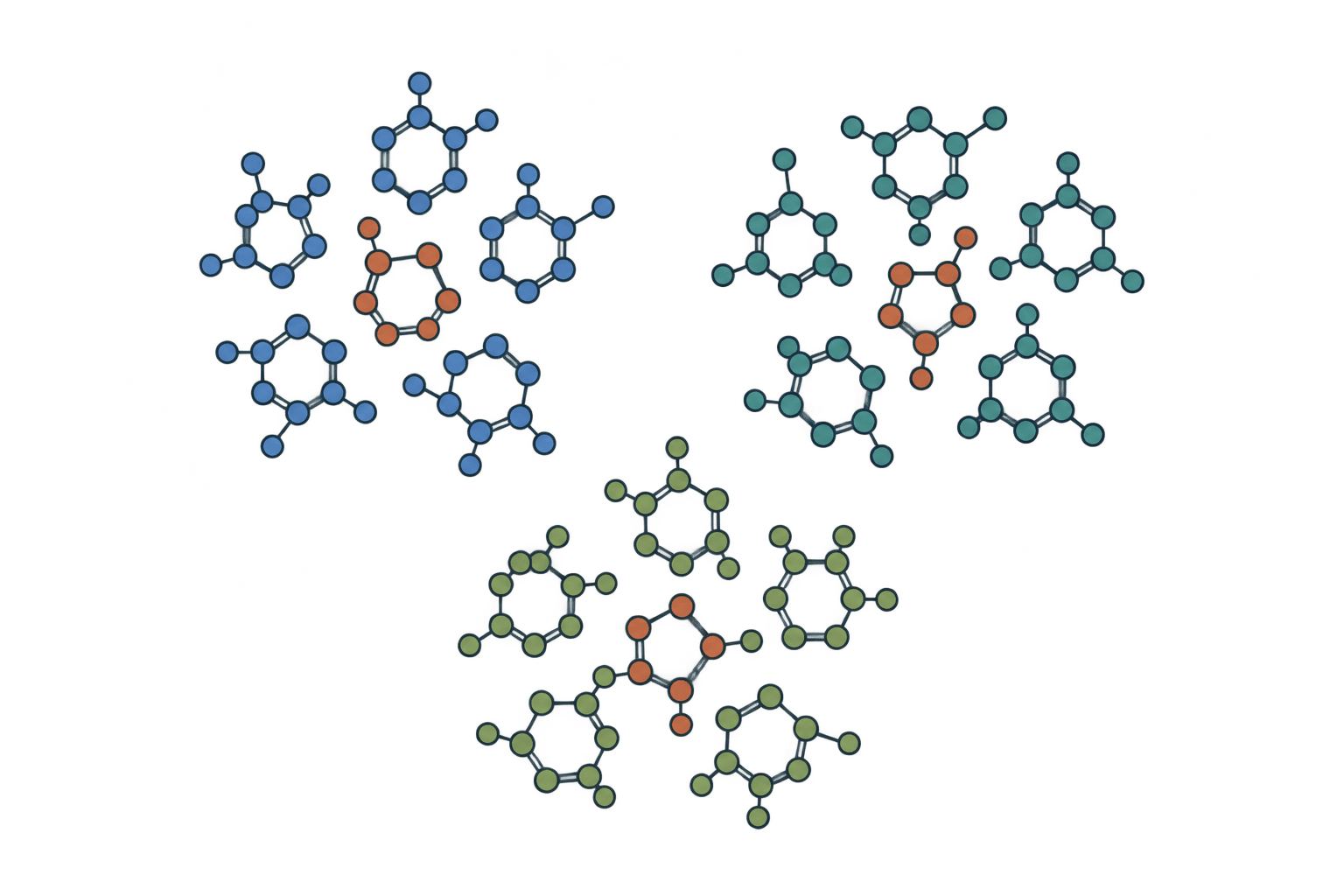
Butina clustering
Group molecules by fingerprint distance using RDKit Butina clustering.
How to cluster molecules with Butina clustering?
Paste a SMILES library and choose a fingerprint and distance threshold. Butina clustering groups molecules around representative compounds using Tanimoto distances. The results show each compound's cluster, cluster size and representative, with downloadable assignments and a representative SDF for building a smaller screening library.
- Paste the molecules to cluster, one SMILES per line.
- Set the distance threshold. Keep
0.2for a tight initial grouping. - Run the tool and compare cluster sizes.
- Download
representatives.sdfwhen one compound per cluster is sufficient.
Worked example
Input SMILES:
CCO ethanol
CCO ethanol_copy
c1ccccc1 benzene
At distance 0.2, the two ethanol records share a cluster and benzene forms another:
Name	SMILES	Cluster	Cluster size	Representative
ethanol	CCO	1	2	ethanol_copy
ethanol_copy	CCO	1	2	ethanol_copy
benzene	c1ccccc1	2	1	benzene
Input
| Input | Accepted format | Requirements |
|---|---|---|
| Molecules | Pasted SMILES or .smiles, .smi, .txt upload | One SMILES followed by an optional name per line. Maximum file size: 50 MiB. |
Put the SMILES first, for example CCO ethanol, rather than a header row or name-first column. Blank lines are ignored. Unnamed molecules receive generated identifiers. Invalid SMILES fail the job instead of being silently dropped.
Settings
| Setting | Default | What it does |
|---|---|---|
Fingerprint | morgan | Choose Morgan circular environments, RDKit bond-path fingerprints, or fixed MACCS structural keys. Similarity values depend on this choice. |
Morgan radius | 3 | Number of bond steps around each atom in a Morgan fingerprint. Used only with Morgan; the default radius is 3. |
Fingerprint size | 2048 | Number of bits for Morgan and RDKit fingerprints. More bits reduce collisions. MACCS always uses its fixed key set. |
Include chirality | Off | Encode stereochemistry in Morgan fingerprints. This setting does not affect RDKit topological fingerprints or MACCS keys. |
Distance threshold | 0.2 | Maximum distance from a cluster representative, where distance is 1 minus Tanimoto similarity. A threshold of 0.2 corresponds to similarity of at least 0.8 to that representative. |
Recalculate neighbors | Off | Recalculate remaining neighbor counts after each cluster is formed. This can change representatives and cluster membership. |
Results
| Output | Contents |
|---|---|
| Results table | Name, SMILES, Cluster, Cluster size, Representative. |
representatives.sdf | One native cluster representative per cluster. |
results.smi | Returned molecules or states as SMILES and identifiers. |
results.sdf | Returned chemical structures with row properties; 3D coordinates are not guaranteed. |
results.tsv | Tab-separated table with the same rows and values. |
report.json | Result rows, resolved settings and warnings. |
run.log | Tool, settings, result count and warnings; failures include their error. |
Downloads are available from Files. The exported records retain returned row order.
Choosing a molecular clustering threshold
Butina uses Tanimoto distance, 1 - similarity. A distance threshold of 0.2 makes compounds with similarity of at least 0.8 neighbors of the representative. A larger distance threshold permits broader clusters; a smaller one restricts the neighborhood.
The threshold applies between the representative and its neighbors. Two members of one cluster need not meet it against each other. The native representative is a cluster center, not necessarily the molecule with the best potency, lowest weight or highest average similarity.
Changing the fingerprint can change the clusters. Keep fingerprint family, radius, size and chirality consistent across runs. Recalculate neighbors updates the remaining neighborhoods after a cluster is removed and can change the next representative.
Selecting representative compounds
representatives.sdf contains one center per cluster. Use it to start a diversity selection, then apply experiment-specific criteria. Cluster IDs belong to this submitted library and are not persistent chemical family names.
For a ranked list around one reference, use molecular similarity search. For a required motif, use chemical substructure search.
FAQ
Is Butina clustering hierarchical clustering?
No. It produces representative-centered clusters without a dendrogram or coordinate embedding.
Does molecular clustering delete duplicates?
No. Duplicate input records remain separate rows. The worked example puts both ethanol records in one cluster.
Why can two members of a cluster be less similar than the threshold suggests?
Each can be close to the center while being less similar to the other. Butina does not impose the threshold on every pair.
Related tools

Chemical substructure search
Find compounds matching a SMARTS query with optional stereochemistry matching.

Molecular similarity search
Rank compounds by molecular fingerprint Tanimoto similarity to a query molecule.

Lipinski's rule of 5
Screen compounds for oral bioavailability using molecular weight, LogP, hydrogen bond donor, and acceptor limits.

ADMET-AI
Predict absorption, distribution, metabolism, excretion, and toxicity properties for compound libraries.

Admetica
Profile small-molecule ADMET properties across 22 Chemprop-based prediction models.

AF2BIND
Predict protein ligand-binding residues from AlphaFold2 pair representations

Brenk filter
Identify toxic and reactive fragments using Brenk structural alert filter.

eToxPred
Estimate toxicity risk and synthetic accessibility scores from SMILES for compound prioritization.

Lead-likeness filter
Screen for lead-like compounds using stricter molecular descriptor criteria for early optimization.

PAINS filter
Screen compounds for Pan-Assay Interference patterns using PAINS_A, PAINS_B, and PAINS_C filters.