Overlapping peptide generator
Design overlapping peptide libraries with adjustable length, overlap and terminal restrictions. Runs in your browser.
Input
How to generate overlapping peptides
Paste a protein sequence or upload a FASTA file to generate an overlapping peptide library. Set Peptide length and Overlap, then select Generate peptides. The result opens on FASTA, with sequences and coordinates in Peptides. Download FASTA or CSV for the library and JSON for the complete design record. Generation runs locally in your browser.
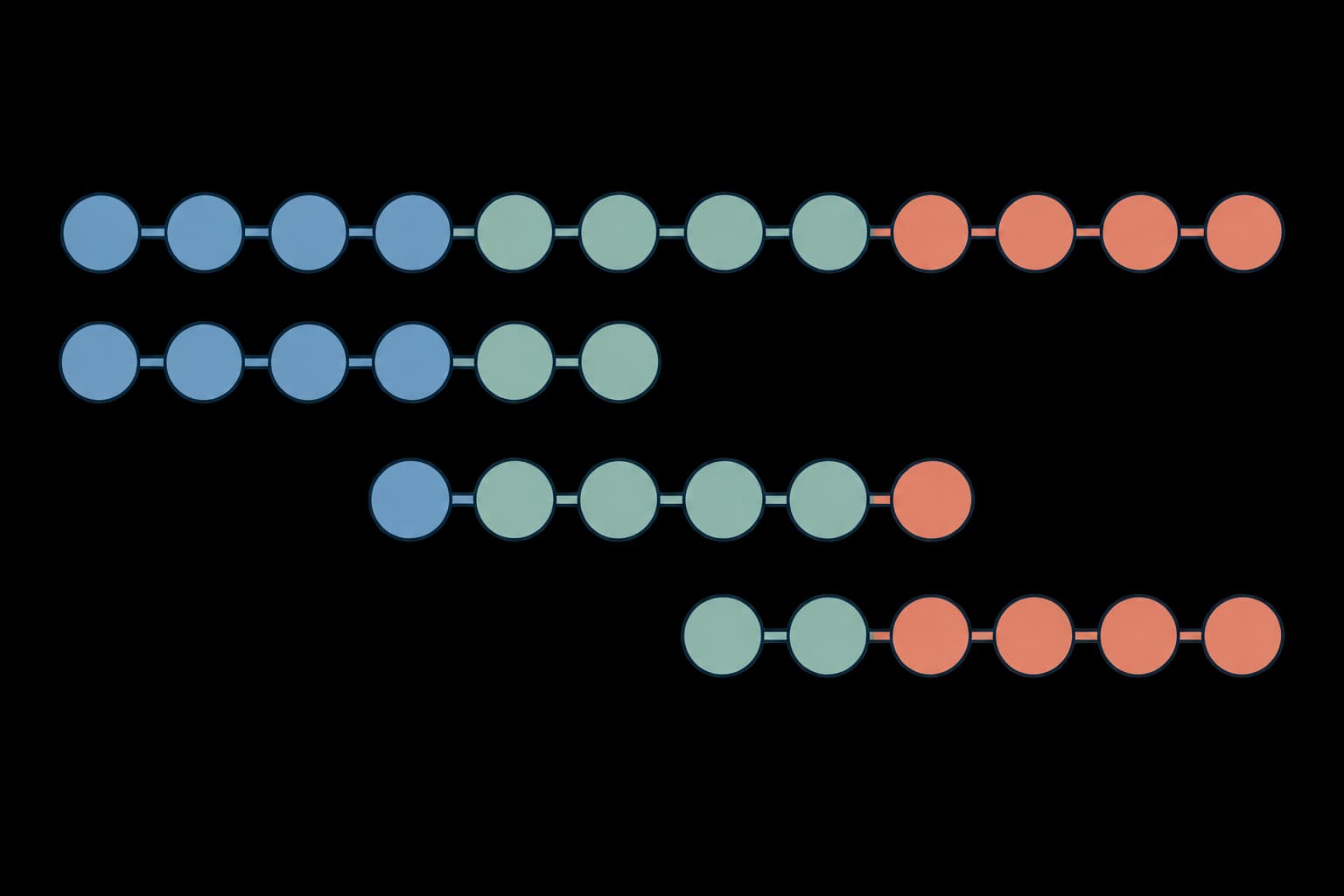
The first 54 residues of the human insulin precursor, UniProt P01308, produce six peptides with the default length of 18 and overlap of 10:
>P01308 insulin precursor residues 1-54
MALWMRLLPLLALLALWGPDPAAAFVNQHLCGSHLVEALYLVCGERGFFYTPKT
The FASTA download contains:
>peptide_1 block=1 reference=1-18 sources=1
MALWMRLLPLLALLALWG
>peptide_2 block=2 reference=9-26 sources=1
PLLALLALWGPDPAAAFV
>peptide_3 block=3 reference=17-34 sources=1
WGPDPAAAFVNQHLCGSH
>peptide_4 block=4 reference=25-42 sources=1
FVNQHLCGSHLVEALYLV
>peptide_5 block=5 reference=33-50 sources=1
SHLVEALYLVCGERGFFY
>peptide_6 block=6 reference=41-54 sources=1
LVCGERGFFYTPKT
The last fragment has 14 residues. All coordinates are one-based and inclusive. sources=1 identifies the first input record; the table and JSON preserve its full name.
Multiple proteins in one FASTA file
Keep Aligned sequences off to tile each record independently. These human insulin B and A chains produce five peptides with the same default settings:
>P01308 insulin B chain
FVNQHLCGSHLVEALYLVCGERGFFYTPKT
>P01308 insulin A chain
GIVEQCCTSICSLYQLENYCN| Peptide ID | Source record | Start | End | Peptide |
|---|---|---|---|---|
peptide_1 | 1, B chain | 1 | 18 | FVNQHLCGSHLVEALYLV |
peptide_2 | 1, B chain | 9 | 26 | SHLVEALYLVCGERGFFY |
peptide_3 | 1, B chain | 17 | 30 | LVCGERGFFYTPKT |
peptide_4 | 2, A chain | 1 | 18 | GIVEQCCTSICSLYQLEN |
peptide_5 | 2, A chain | 9 | 21 | SICSLYQLENYCN |
Coordinates restart at 1 for each submitted record; peptide IDs continue across the run. Use FASTA headers to separate proteins. With alignment mode off, raw lines without headers are joined into one sequence.
Input
| Input | Accepted content |
|---|---|
| Raw protein | One-letter amino acids, optionally wrapped across lines or separated by spaces. Use FASTA headers to name proteins or submit several independent proteins. |
| FASTA | One .fasta, .fa, .faa, .fas or .txt file per run, containing one or more records. Every record needs a nonempty >name line and a sequence on following lines. Names may contain up to 500 characters. |
| Aligned sequences | Equal-width FASTA records, or one aligned sequence per line. Enable Aligned sequences. Dashes and periods represent gaps. |
| Residues | The 20 standard amino acids and B, Z, X, J, U and O. Lowercase becomes uppercase. Nonstandard residues remain in the peptides, but prevent hydropathy calculation for that peptide. |
| Size | Up to 1,000,000 input characters and 1,000,000 bytes per file. A run can generate at most 20,000 candidate peptides and 2,000,000 candidate sequence characters, including preserved gaps. These bounds apply before duplicate removal. |
| Sequence count | Up to 5 input sequences per run for guests and 100 for free accounts. Paid plans have no plan-specific sequence-count cap; the size and candidate limits still apply. |
Whitespace and lowercase letters are normalized. Empty records, records containing only gaps, stop markers, numbering and unsupported punctuation cause an error. Gaps require alignment mode. Convert GenBank, Clustal, Stockholm and other formatted files to FASTA first. The generator does not align sequences; use a protein alignment when needed.
Translate a coding DNA sequence with DNA to protein, or extract a protein chain from a structure with PDB to FASTA. For deliberate removal or replacement of unwanted characters, use Filter protein and review its changes before generating the library.
Settings
Open Terminal restrictions for terminal residues, length adjustments and the proline rule. Output options contains hydropathy, duplicates and gaps. All lengths are whole numbers of amino acids.
| Setting | Default | Behavior |
|---|---|---|
Peptide length | 18 | Target length in amino acids, from 2 to 1000. |
Overlap | 10 | From 0 to 999 residues shared between consecutive peptides before N-terminal adjustments. Must be less than length minus shortening. |
Aligned sequences | Off | Select boundaries from the first sequence and apply the same alignment columns to every record. Otherwise each FASTA record is processed independently. |
C-terminal forbidden residues | Empty | Standard one-letter residues to avoid at peptide ends, for example GPEDQNTSC. Set Shorten by or Lengthen by above 0 to allow end adjustments. Restrictions use only the first sequence in alignment mode. |
N-terminal forbidden residues | Empty | Standard one-letter residues to avoid at peptide starts, for example Q. Move a candidate start left, which can increase overlap. |
Shorten by | 0 | Maximum shortening, from 0 to 999, while seeking an allowed C-terminal residue. Shorter lengths are tried before longer ones. Length minus shortening must exceed overlap. |
Lengthen by | 0 | Maximum extension, from 0 to 1000, while seeking an allowed C-terminal residue. Also sets the final-fragment threshold, even when no terminal residues are forbidden. |
Proline rule | Off | When all C-terminal choices are forbidden and the target ends in P, search the permitted lengths for a non-proline ending. Include P in the forbidden set. An impossible rule is flagged. |
Calculate hydropathy | Off | Calculate the mean Kyte-Doolittle index for every peptide. Gaps are excluded. |
Duplicate peptides | Keep and flag | Available with Aligned sequences on. Keep and flag marks repeats with Duplicate of. Remove within each block merges identical peptides from the same block and retains every source occurrence in the table and JSON. |
Alignment gaps | Remove | Available with Aligned sequences on. Remove strips gaps from output; Preserve keeps them as dashes. Duplicate comparison happens after this choice. Length always counts residues. |
Enter forbidden residues as one-letter codes, either together (GPEDQNTSC) or separated by spaces (G P E D Q N T S C). Lowercase is accepted and repeated letters are ignored. Do not use commas or three-letter residue names. Nonstandard residue codes are allowed in input sequences but rejected in these settings.
Results and downloads
The tabs are FASTA, Peptides, Files and Logs, in that order. FASTA opens first with a copyable preview. The Peptides tab shows up to 5,000 rows; downloaded peptide files contain every row.
| Field | Meaning |
|---|---|
Peptide ID, Block | ID within the run and the boundary block that generated it. |
Peptide, Length (aa) | Output sequence and its amino acid count, excluding gaps. |
Reference start, Reference end | Source protein coordinates, or ungapped first-sequence coordinates for an alignment. |
Alignment start, Alignment end | Alignment columns, including gaps. Shown only in alignment mode. |
Sources, Source positions | Record numbers and names, with ungapped positions for each occurrence. For example, 2:9-21 means residues 9 through 21 in the second submitted record. Identically named records remain distinguishable. |
Occurrences | Number of source occurrences represented by the row. Greater than one when duplicates have been removed. |
Hydropathy (KD) | Mean Kyte-Doolittle value, shown only when requested. Blank means unavailable. |
Duplicate of | Earlier peptide ID with the same sequence in the same block. Blank for the first occurrence. |
Notes | Final fragments, unmet restrictions and other interpretation details. |
The Files tab contains these downloads. The filename prefix comes from the uploaded file, or is peptides for pasted input.
| File | Contents |
|---|---|
*_peptides.fasta | Every generated peptide. Headers identify its block, reference coordinates, source record numbers and any duplicate peptide ID. |
*_peptides.csv | The complete peptide table, including source names, positions, notes and hydropathy when requested. |
*_design.json | Settings, normalized full source sequences and header names, peptide details, all source occurrences, warnings and omitted all-gap slices. Keep this file to preserve the complete design. |
*_report.txt | A readable report of settings, source names, peptides, coordinates and warnings. |
run.log | Run status, sequence counts and lengths, selected settings, peptide counts, omitted slices and terminal or hydropathy warnings. It excludes full sequences, source names and internal diagnostics. |
Read run.log in Logs and download it there or from Files. When the generator rejects input, settings or a design exceeding its limits, the log gives a recovery suggestion and no partial peptide files are returned. Checks that prevent generation from starting do not create output files.
CSV column headers use field names such as peptideId, referenceStart, sourcePositions and duplicateOf; the table displays the readable labels above. JSON represents unavailable hydropathy as null, while CSV leaves the cell empty.
How peptide boundaries are selected
Peptide tiling divides a protein into windows that share part of their sequence. With length 18 and overlap 10, fixed windows start every 8 residues: positions 1, 9, 17 and so on. For an ungapped protein with terminal adjustments off, this covers every contiguous 11-residue stretch, which is useful when planning an epitope-mapping library.
The method follows the boundary-selection procedure described in Los Alamos PeptGen. It tries the requested length, then permitted shorter lengths, then longer ones to avoid forbidden C-terminal residues. If all fail, it retains a flagged peptide, optionally applying the proline fallback. For one-based coordinates, the next start is the previous end minus overlap plus one; an N-terminal restriction can move that start left.
The remaining tail is emitted when it is shorter than length plus maximum extension. It can violate terminal restrictions and is flagged accordingly. Like PeptGen, an exact-length final full peptide can be followed by a fragment containing only the overlap. Review short fragments before ordering a synthesis library.
The final fragment can also be longer than the target. For the 30-residue insulin B chain above, length 18, overlap 10 and Lengthen by set to 5 produce peptides at positions 1-18 and 9-30, with lengths of 18 and 22. The remaining 22 residues are below the final-fragment threshold of 23, so they are retained together even with no terminal restrictions.
If restrictions prevent progress, the run stops with an error rather than skipping a region. Reduce overlap or relax the restrictions.
Alignment behavior and PeptGen differences
The first sequence determines the boundaries. Every other sequence contributes the same alignment columns, so insertions and deletions change variant lengths. Gaps before a reference residue belong to the window containing that residue; this retains insertions between windows even at zero overlap. Leading and trailing insertions are retained as well. Terminal restrictions apply to the reference only.
This independent implementation differs from PeptGen's simple gap-removal output: variants are not extended or split to force the reference length. Entirely gapped slices are omitted from peptide files and recorded in JSON. Duplicate sequences at different blocks remain separate.
For example, this insulin B-chain fragment is aligned to a synthetic variant with one inserted alanine:
>P01308 B-chain fragment
FVNQHL-CGSHLVE
>synthetic insertion
FVNQHLACGSHLVE
Enable Aligned sequences, set Peptide length to 8 and Overlap to 3, and leave the other settings at their defaults. The run produces six peptides. Its first block illustrates the difference between reference positions and alignment columns:
| Peptide ID | Peptide | Length (aa) | Reference positions | Alignment columns | Source positions |
|---|---|---|---|---|---|
peptide_1 | FVNQHLCG | 8 | 1-8 | 1-9 | 1:1-8 |
peptide_2 | FVNQHLACG | 9 | 1-8 | 1-9 | 2:1-9 |
The inserted alanine remains in the variant peptide. The final block contains LVE from both records. Choosing Remove within each block keeps one LVE row with two source occurrences, reducing the output to five peptides.
Interpreting hydropathy
Hydropathy is the arithmetic mean of the standard Kyte-Doolittle residue values. Higher values indicate a more hydrophobic composition. It is dimensionless, and does not predict solubility or antigenicity. CSV and JSON retain numeric precision; the text report displays two decimal places.
For example, ACDEFGHI has a mean of 0.125. A peptide containing X or another nonstandard residue has no reported value. A hydropathy plot shows how this property varies across the parent protein.
Which peptide tool should I use?
| Task | Tool |
|---|---|
| Tile a protein for a peptide library or epitope-mapping experiment | Overlapping peptide generator |
| Predict where a protease cleaves a protein | Peptide cutter |
| Digest a protein and calculate theoretical peptide masses | Peptide mass calculator |
| Calculate molecular weight and isoelectric point from peptide sequences | Protein parameters |
FAQ
How do I generate 15-mers overlapping by 11 residues?
Set Peptide length to 15 and Overlap to 11. Leave terminal restrictions empty and shortening and extension at zero for fixed windows. Starts advance by four residues, followed by a final fragment when needed.
Why is the last peptide shorter than the requested length?
The generator retains the remaining tail. With the default settings, an input of exactly 18 residues produces the full 18-mer and a final 10-residue overlap fragment. Review Length (aa) and Notes to decide whether to include short fragments in the synthesis order.
Why does a peptide still end in a forbidden residue?
Terminal restrictions are preferences within the allowed length range. If no permitted length has an allowed ending, the peptide is retained with a warning; the final fragment is also retained even if it violates the restrictions. Allow shortening or extension and inspect Notes before ordering.
Can I remove all duplicate peptides across the library?
Duplicate removal applies only within each alignment block. Identical sequences from different blocks or independent protein records remain separate so their positions are preserved.
Does this predict epitopes?
No. It creates overlapping peptide sets for experimental planning. It does not predict MHC binding, immunogenicity, or whether a peptide can be synthesized successfully. DeepImmuno scores peptide-HLA immunogenicity for 9- or 10-residue peptides; select peptides of those lengths and specify an HLA allele for that analysis.
Can I use several unrelated proteins?
Yes. Submit multi-record FASTA with Aligned sequences off. Each protein is tiled independently, and every peptide retains its source name and coordinates.
Related tools
Peptide cutter
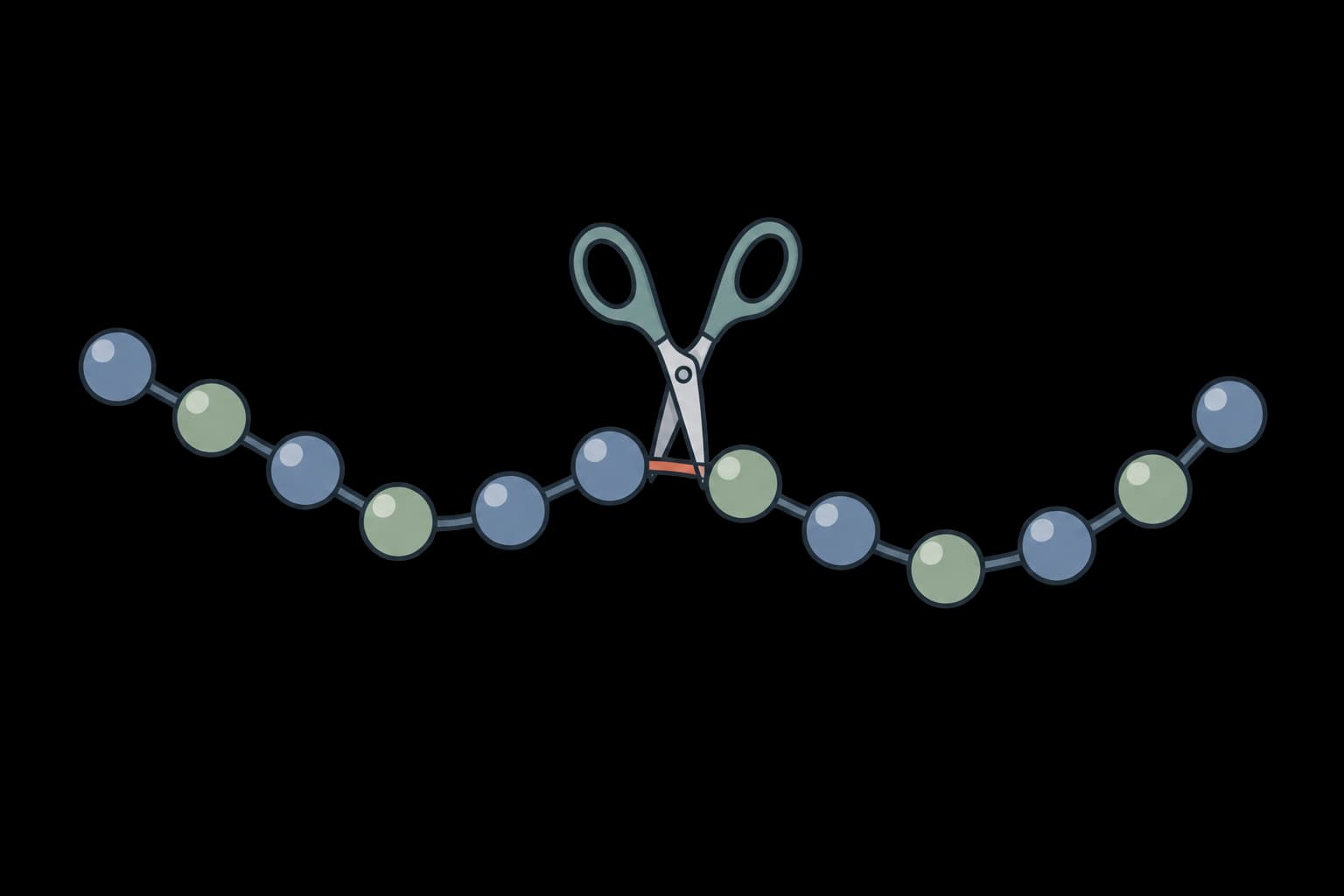
Map protease and chemical cleavage sites across protein sequences for proteomics experiment planning.
Peptide mass calculator
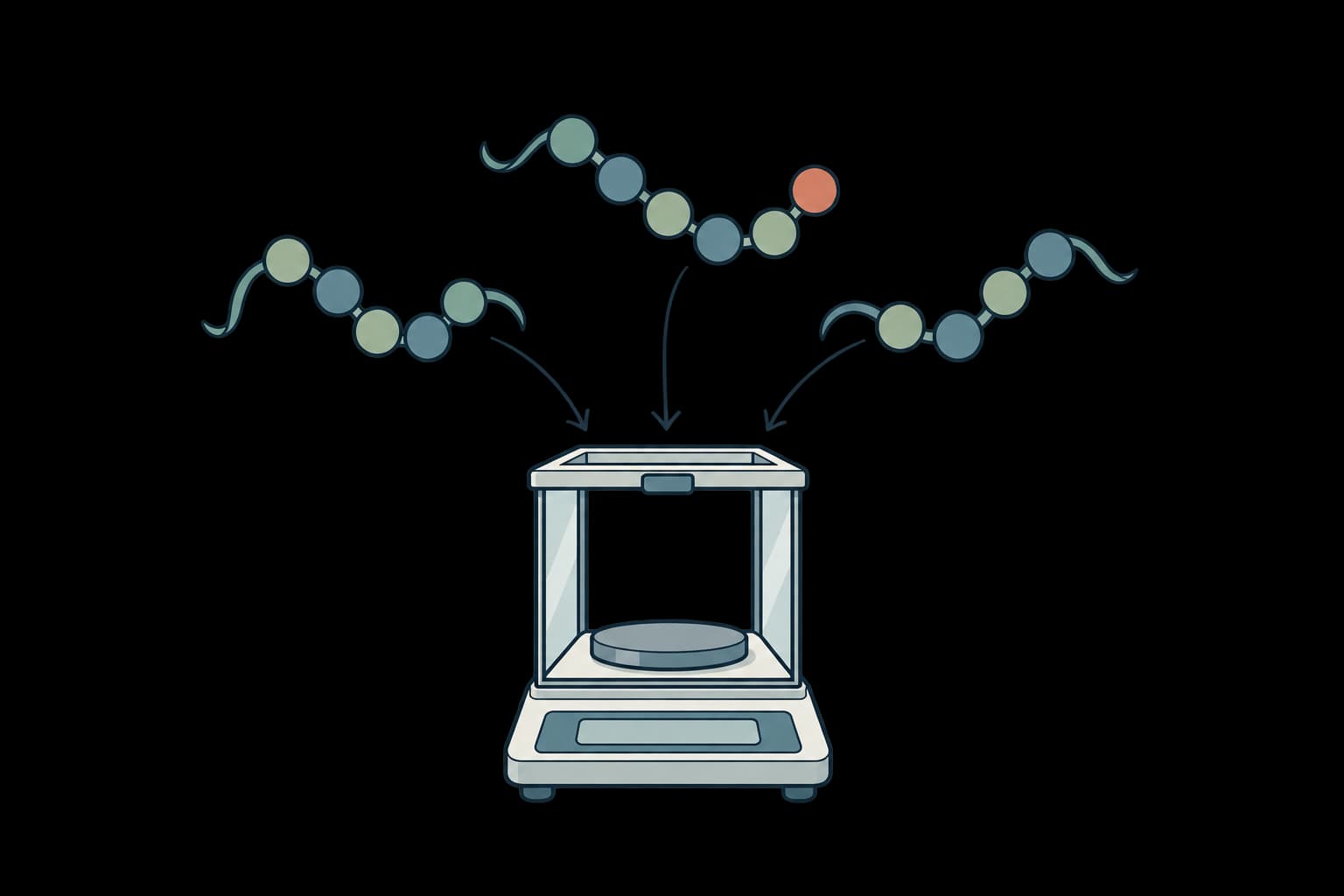
In-silico proteolytic digestion with peptide mass calculation for mass spectrometry experiment planning.
Hydropathy plot
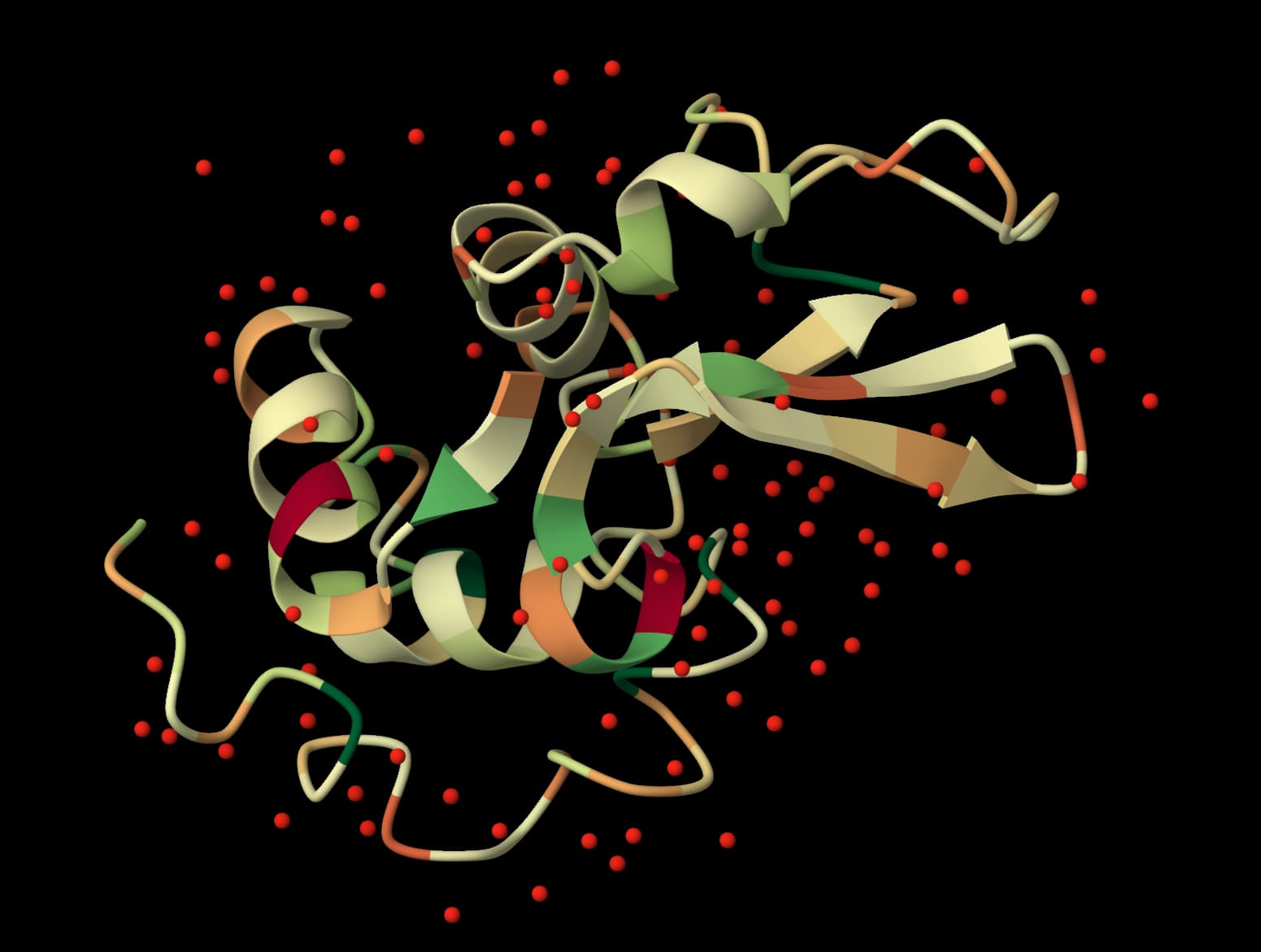
Generate hydropathy plots to visualize hydrophobic/hydrophilic regions along protein sequences using sliding window analysis.
FASTA converter
Paste or upload a sequence file in any common format and download FASTA. The format is detected automatically, and nothing leaves your browser.
Clustal Omega
Align multiple protein or nucleotide sequences and export FASTA, Clustal, or Phylip outputs.